6 Best Contract E-Signature Software for Freelancers for 2026, Vetted and Compared
6 products for the best contract E-Signature software for freelancers, ranked by fit, with starting costs and free tiers. Real limits included. Plain facts.
- Editor's choice
 SignWell
Quick, zero-setup e-signatures
Starts at$10 a monthVisit signwell.comFull review - Great alternative
 Zoho Sign
Companies in the Zoho ecosystem
Starts atSee websiteVisit zoho.comFull review - Also considereversign
No per-envelope fees and API access
Starts at$10 per user per monthVisit eversign.comFull review
Direct answer
SignWell comes first here, mainly for quick, zero-setup e-signatures. Listed starting prices: SignWell from $10 a month, eversign from $10 per user per month and Dropbox Sign from $15 USD / mo. For a different need, Zoho Sign covers firms in the Zoho ecosystem and eversign covers no per-envelope fees and API access. Prices, free plans and limits for all 6 tools follow.
TL;DR:
- The list opens with SignWell, aimed at quick, zero-setup e-signatures.
- A fair warning about Adobe Acrobat Sign: can be expensive for individuals.
- For comprehensive agreement management, DocuSign is worth a look.
- The cheapest monthly starting price in the list is $10 per month, offered by SignWell.
- SignWell, eversign: these are the 2 tools out of 6 that offer a free plan.
Last checked November 2026. Prices and plan details were read from the vendors' own pages in November 2026; vendors change plans often, so confirm the current price on the vendor site before you buy.
Quick comparison
| Tool | Best for | Starts at | Free plan? | |
|---|---|---|---|---|
| SignWell | Quick, zero-setup e-signatures | $10 a month | Yes | Visit |
| Zoho Sign | Companies in the Zoho ecosystem | See website | Not stated | Visit |
| eversign | No per-envelope fees and API access | $10 per user per month | Yes | Visit |
 Adobe Acrobat Sign | Companies using Adobe tools | See website | Not stated | Visit |
 Dropbox Sign | Straightforward and legally binding e-signatures | $15 USD / mo | Free trial | Visit |
 DocuSign | Thorough agreement management | $45 per user a month | Not stated | Visit |
The 6 tools in detail
This LinkVetted guide covers 6 contract E-Signature software for freelancers. Each profile lists a starting price, free plan details, strengths and drawbacks, so you can drop poor fits quickly.
SignWell is built with fast, zero-setup e-signatures in mind. The simplicity means it may not support complicated workflows or integrations. In practice, SignWell concentrates on zero-setup electronic signatures and claims to help users get documents signed quicker.
Honest limits: May lack integrations.
It is built to be simple for everyone involved. As for the details, freelancers who want a trouble-free way to get contracts signed without configuration may like it. What you pay to start with SignWell: $10 per month. SignWell offers a free plan.
Where SignWell stands out: Fast setup.
- Accelerates document signing
- Simple for recipients
- Restricted advanced features
For companies in the Zoho ecosystem, Zoho Sign is a natural candidate. Zoho Sign is a digital signature solution for companies to sign documents online and automate paperwork workflows.
Limits to weigh: A good match for Zoho users.
It securely collects signatures. Check the vendor site for Zoho Sign pricing; none is listed in this comparison. As for free access: Not stated.
- Secure signature collection
- Complete digital signature option
- May have a ramp-up time
eversign
Best for: No per-envelope fees and API access
eversign is a good fit for no per-envelope fees and API access. eversign, now part of Xodo Sign, gives you secure e-signature software with no per-envelope fees and an adaptable API. It lets users to sign, send, edit, and track documents.
Downsides: Branding may be less known.
In daily use, the API and automation features may be too technical for non-developers. Freelancers seeking a more approachable interface might prefer SignWell. eversign cost at the entry level: $10 per user per month. You can start on eversign without paying.
- No per-envelope fees
- Adaptable API for automation
- Advanced features need technical knowledge
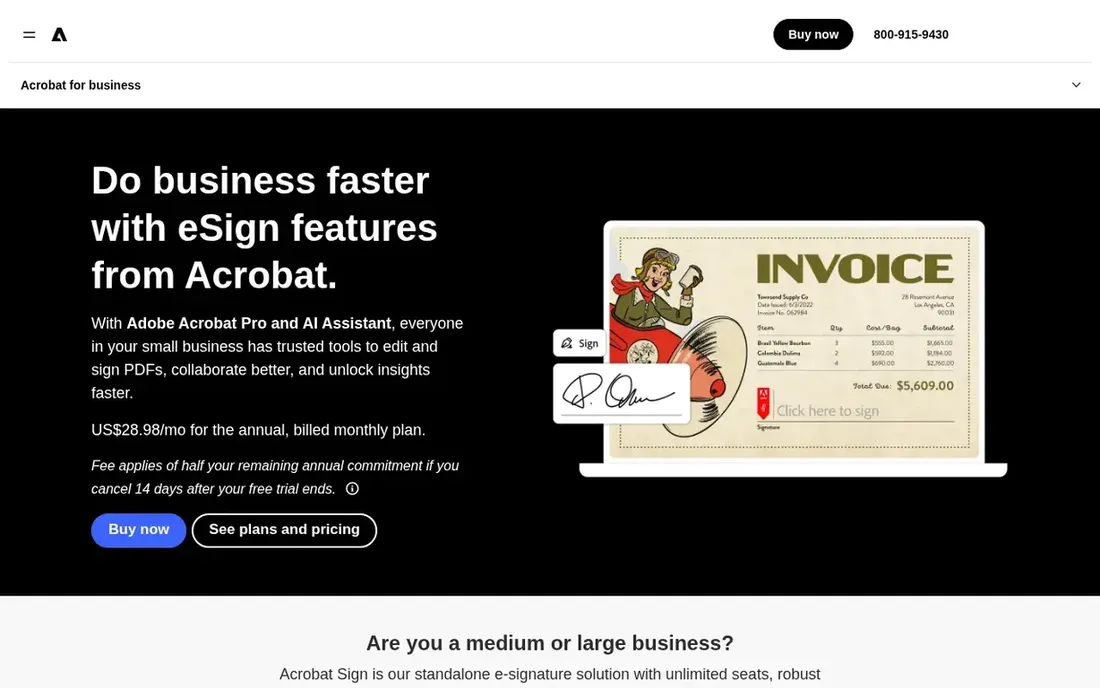
Adobe Acrobat Sign serves firms using Adobe tools. Adobe Acrobat Sign permits users to e-sign documents, collect digital payments, and accept electronic signatures on websites. It is part of the Adobe ecosystem.
Trade-offs to know: May need Adobe subscription.
The tool is geared toward business use and might be overkill for solo freelancers. Those not invested in Adobe products might find better value in dedicated e-signature services like SignWell. Adobe Acrobat Sign shows no starting price here, so confirm the cost on the vendor site. On free options: Not stated.
- Website signature collection
- Supports digital payments
- Can be expensive for individuals
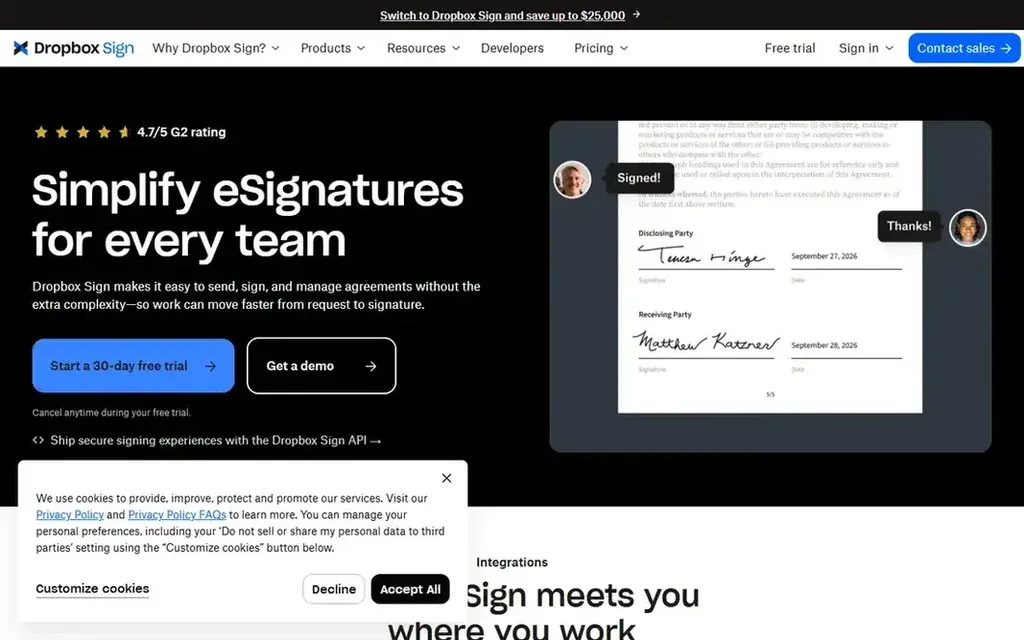
Dropbox Sign works best for straightforward and legally binding e-signatures. Dropbox Sign, formerly HelloSign, is aimed at sending, receiving, and managing legally binding electronic signatures. It is recognised for its simplicity.
Also, while it manages entry-level e-signature needs well, it may lack some advanced automation features found in more full products. Freelancers who want a straightforward way to get contracts signed without complexity may prefer it. Dropbox Sign pricing: $15 USD / mo. Free plan details: Free trial.
Drawbacks to consider: May need Dropbox account for full benefits.
- Simple to send and receive signatures
- Legally binding
- Restricted advanced workflow features
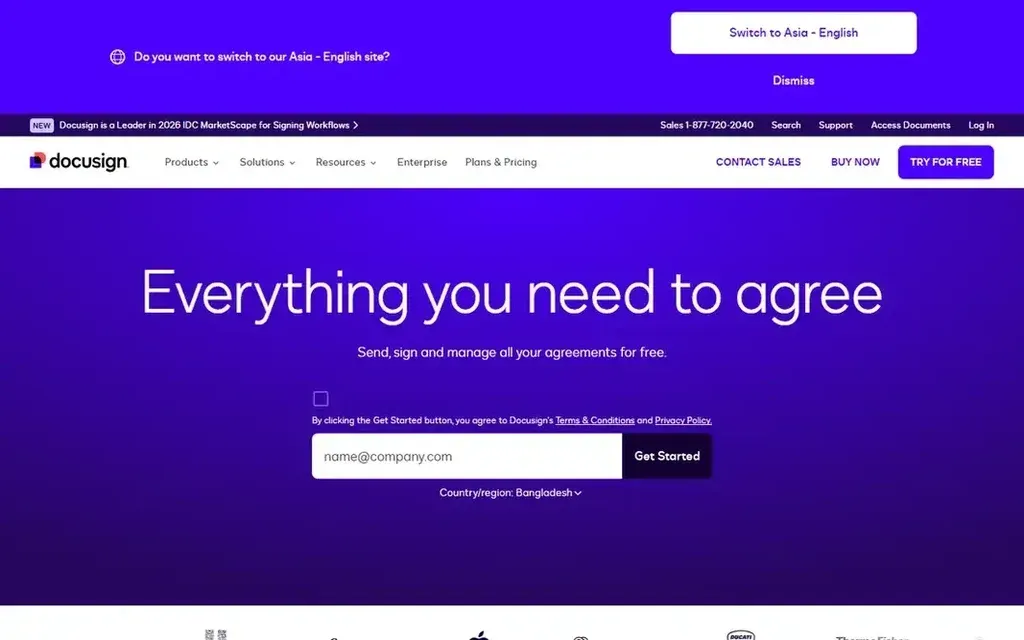
DocuSign targets thorough agreement management. DocuSign is a product for creating, committing to, and managing agreements electronically. It supports electronic signatures and intelligent agreement management.
Worth adding: freelancers seeking a more straightforward, more focused tool might consider alternatives like Dropbox Sign. For everyday use, the product might be more than needed for entry-level signing tasks, and its broad features could overwhelm new users. Starting cost for DocuSign: $45 per user per month. Trial and free access: Not stated.
Honest limits: May be complicated for straightforward contracts. What works well: Intelligent agreement features.
- Full agreement lifecycle management
- Electronic signing available
- Potential ramp-up time
How the list was put together
LinkVetted looked at what each vendor publishes: pricing, plan limits, feature coverage for contract E-Signature software for freelancers and stated drawbacks. No hands-on testing is claimed. Prices and plan limits come from vendor pages and can change, so confirm them on the vendor site before you buy. Order on the page follows fit for the typical buyer first, then price transparency and free access. Your own requirements should decide the final pick.
Questions to settle before buying
- Get a written quote from Zoho Sign and Adobe Acrobat Sign; the list shows no starting price for them.
- Read the fine print on the free plans from SignWell and eversign; seat, project and feature caps differ.
- Take the trial from Dropbox Sign and push a live task through it before you pay.
- Read the limits listed for SignWell first: restricted advanced features.
- Read the plan comparison for Adobe Acrobat Sign carefully; key features often start on a higher tier.
- Look at the help docs and support options for SignWell before you commit.
FAQ
Do these tools publish their prices?
Not all of them. Zoho Sign and Adobe Acrobat Sign publish no starting price, so expect a quote request for those. The rest, SignWell included, show a starting price, though seats and billing terms still change the final cost.
Which options for contract E-Signature software for freelancers have a free plan?
SignWell and eversign offer a free plan in this list. Free plans usually cap users, projects or features, so check the limits on the vendor page. One other tool offers a trial instead.
Can I try these tools before paying?
Often, yes. SignWell and eversign have a free plan and Dropbox Sign offers a free trial. Use your own data and a real task during the test, and check what the free tier or trial limits before you rely on it.
What should freelancers look for in e-signature software?
Freelancers should prioritize simplicity, legally binding signatures, and affordability. Features like templates, reminders, and mobile access can also simplify contract signing.
How do e-signature tools deal with contract storage and access?
Tools generally store signed contracts in the cloud, allowing you to access and handle them. Look for features like audit trails and secure storage to protect sensitive information.
Can I use these tools for international clients?
Most e-signature tools support international signing, but check that they comply with regional laws for example GDPR in Europe. Some tools may offer specific features for cross-border agreements.
Sources
- https://www.signwell.com
- https://www.zoho.com/sign
- https://eversign.com
- https://www.adobe.com/sign.html
- https://sign.dropbox.com
- https://www.docusign.com