7 E Signature Software for Real Estate Options Ranked for 2026
Best e signature software for real estate: 7 contenders ranked by fit, with entry costs and free tiers. The weak spots sit next to the strengths. Choose faster.
- Editor's choice
 Dropbox Sign
Straightforward signing in the Dropbox ecosystem
Starts atSee websiteVisit dropbox.comFull review - Great alternative
 SignNow
Budget-friendly volume signing
Starts atSee websiteVisit signnow.comFull review - Also consider
 dotloop
Real estate transaction workflows
Starts atSee websiteVisit dotloop.comFull review
Direct answer
Dropbox Sign leads the list, best for simple signing in the Dropbox ecosystem. For a different need, SignNow covers budget-friendly volume signing and dotloop covers real estate transaction workflows. The full list of 7 tools follows, with prices and free plan facts.
TL;DR:
- Dropbox Sign is the opening pick, best for straightforward signing in the Dropbox ecosystem.
- Check the limits for SignNow before you commit: brand recognition trails DocuSign.
- No starting price is shown for any of the 7 tools, Dropbox Sign and SkySlope included, so plan time for sales calls.
- SkySlope suits signing inside transaction management.
- PandaDoc is the only tool of the 7 with a free plan.
Quick comparison
| Tool | Best for | Starts at | Free plan? | |
|---|---|---|---|---|
| Dropbox Sign | Straightforward signing in the Dropbox ecosystem | See website | No | Visit |
| SignNow | Budget-friendly volume signing | See website | No | Visit |
| dotloop | Real estate transaction workflows | See website | No | Visit |
 Lone Wolf Transactions | Forms library plus e-signature | See website | No | Visit |
 PandaDoc | Proposals plus e-signature | See website | Yes | Visit |
 DocuSign | Universal recognition and trust | See website | No | Visit |
 SkySlope | Signing inside transaction management | See website | No | Visit |
E Signature Software for Real Estate profiles
Short on time? The summary and table above give the quick view of 7 tools for e signature software for real estate, and the profiles that follow give the detail behind each entry.
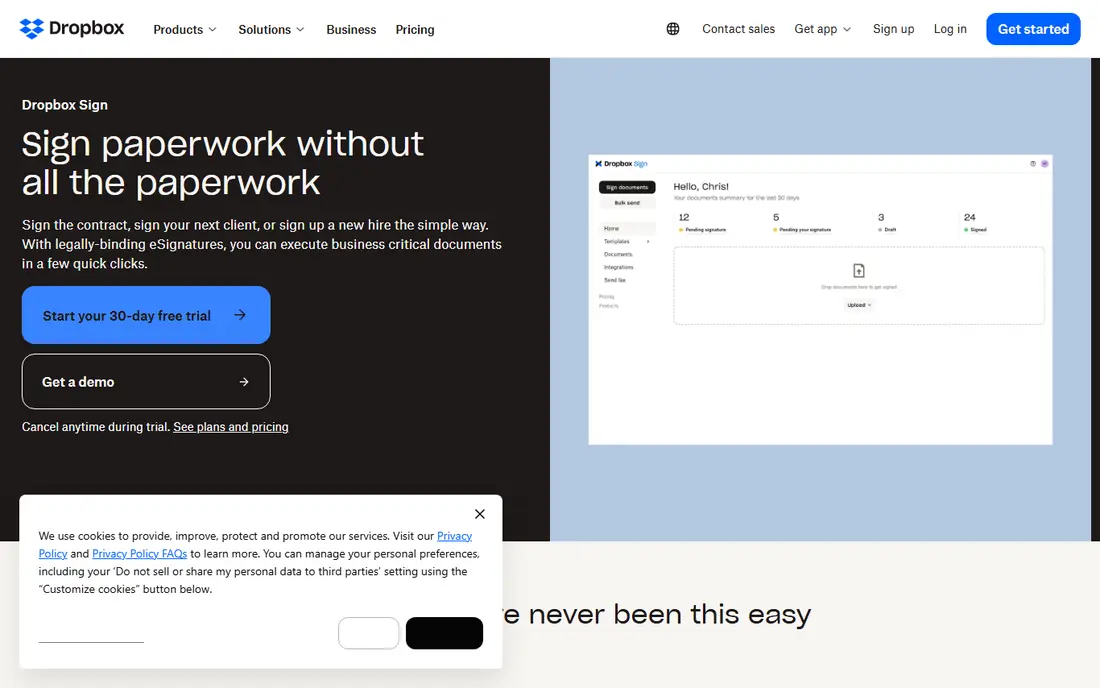
Dropbox Sign serves straightforward signing in the Dropbox ecosystem. Dropbox Sign (formerly HelloSign) does one thing well: get a document signed with minimal friction. Templates and reminders handle entry-level workflows.
Points against: No real estate forms library.
Real estate structure is absent: no forms libraries, no transaction loops, no broker review. Worth adding: Dropbox Sign suits simplicity-first users already living in Dropbox. No starting price is listed for Dropbox Sign here; confirm pricing on the vendor site. Dropbox Sign has no permanent free option.
Reasons to shortlist it: Natural fit for Dropbox users.
- Formerly HelloSign, with the same simplicity
- Developer-friendly API
- Transaction management features are minimal
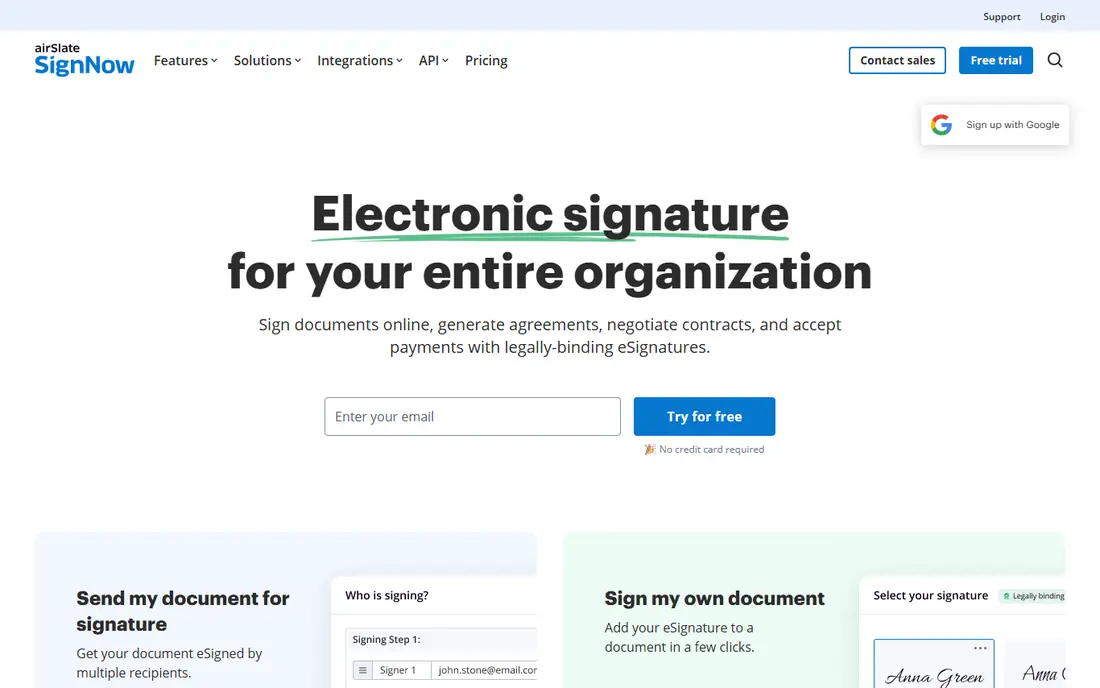
SignNow is built with low-cost volume signing in mind. SignNow positions as the value alternative to DocuSign: full e-signature workflows, templates, in-person signing and API access at lower per-user pricing.
Drawbacks to consider: Brand recognition trails DocuSign.
Real estate-specific features are thin. High-volume teams feel the savings. No starting price is listed for SignNow here; confirm pricing on the vendor site. SignNow does not include a free plan.
- Lower pricing than DocuSign for comparable signing
- Solid mobile apps for in-person signing
- Fewer real estate-specific integrations

Think of dotloop for real estate transaction workflows. dotloop thinks in transactions, not documents.
Each deal gets a "loop" containing every form, disclosure and signed document, with e-signature built into the workflow instead of bolted on. Pricing for dotloop is not stated here, so ask the vendor for current figures. There is no free plan with dotloop.
Trade-offs to know: Real estate only.
- Made for real estate from the ground up
- Forms
- No use outside the industry
Lone Wolf Transactions is aimed squarely at forms library plus e-signature. The ecosystem tie-in cuts both ways: deep integration for Lone Wolf brokerages, less adaptability outside it.
More specifically, Lone Wolf Transactions suits agents who want the authoritative forms library with signing attached, particularly where it comes as a member benefit. This comparison lists no price for Lone Wolf Transactions; ask the vendor. Lone Wolf Transactions has no free plan.
What to check first: The interface reflects its long history.
- Near-total North American real estate forms coverage
- E-signature included
- Tied to the Lone Wolf ecosystem
PandaDoc was built for proposals plus e-signature. PandaDoc blends document building with signing: produce refined proposals, listing presentations or buyer packets, then collect signatures in the same flow.
Where it falls short: No transaction or compliance workflows.
Engagement analytics display when clients open and read documents. Also, the real estate gap is structural: no forms libraries, no deal checklists, no broker oversight. This comparison lists no price for PandaDoc; ask the vendor. You can start on PandaDoc without paying.
- Analytics on document engagement
- Free e-sign level for light use
- Sales-document oriented
DocuSign is aimed squarely at universal recognition and trust. That familiarity matters at the kitchen table: no explaining the tool, no trust friction.
The main drawbacks: The interface carries enterprise complexity.
For everyday use, the cost model needs attention: per-user pricing plus envelope limits means high-volume teams should model the annual total. Beyond that, DocuSign Rooms layers on transaction structure for real estate teams, and the audit trails satisfy broker compliance. No starting price is listed for DocuSign here; confirm pricing on the vendor site. There is no free plan with DocuSign.
- Deep integrations and solid audit trails
- Clients seldom question it
- Pricing climbs with envelopes and users
SkySlope targets signing inside transaction management. Agents move from paperwork to signed documents without switching systems, and brokers get audit-ready files.
In daily use, the value compounds for teams and brokerages standardizing compliance. SkySlope does not show a starting price in this comparison, so check the vendor site for current pricing. No free plan comes with SkySlope.
What to check first: The suite approach means buying more than just signing.
- DigiSign e-signature built into the transaction system
- File review and commission workflows included
- Best value presents at brokerage scale
What went into this list
LinkVetted used vendor pricing pages and product documentation as the base, then compared plans, free access and documented limits for 7 tools. Where a price is missing, the vendor does not list one publicly or ties it to a quote. Always confirm before budgeting. The order reflects how well each tool fits the most common buying scenario for e signature software for real estate, then price clarity, then free plan access. It is a starting point, not a verdict.
Questions to settle before buying
- Ask each vendor, from Dropbox Sign to SkySlope, for a written quote; none of them publishes a starting price.
- Test the free plan from PandaDoc against your real workload before relying on it.
- Before choosing Dropbox Sign, weigh its main limit: no real estate forms library.
- Ask the daily users to test dotloop on a live task before you roll it out to everyone.
- Confirm that Lone Wolf Transactions connects to the apps your team already uses, on the plan you would actually buy.
FAQ
Are electronic signatures legally valid for real estate?
Yes, in the US under the ESIGN Act and state laws, electronic signatures are usually valid for real estate contracts. Some documents (like certain notarized instruments) have exceptions, so confirm with your broker for edge cases.
Which options for e signature software for real estate have a free plan?
PandaDoc is the only tool in this list with a free plan. Free plans usually cap users, projects or features, so check the limits on the vendor page.
What is the difference between dotloop and DocuSign?
DocuSign is a general e-signature product with real estate features; dotloop is a real estate transaction product with e-signature inside. Choose DocuSign for universal recognition, dotloop for deal-centric workflow.
Do I need real estate-specific e-signature software?
Not strictly, but it helps. General tools sign documents fine; real estate systems add forms libraries, transaction checklists and broker compliance review.
Do these tools publish their prices?
No. None of the tools, from Dropbox Sign to SkySlope, shows a fixed starting price here, so budget time for quotes.
Is Dropbox Sign the right pick for everyone comparing e signature software for real estate?
No single tool suits every team. Dropbox Sign comes first because it fits simple signing in the Dropbox ecosystem, while SignNow suits affordable volume signing and dotloop suits real estate transaction workflows. Match the tool to your own size, budget and workflow before deciding.