The 5 Best E-Signature Software for Real Estate Transactions in 2026, Ranked
5 best e-signature software for real estate transactions, compared on pricing, free plans and best-fit use. Plain-spoken summaries throughout. Clear verdicts.
- Editor's choice
 SignNow
Configurable signing workflows
Starts atSee websiteVisit signnow.comFull review - Great alternativeeversign
API-driven automatic signing
Starts at$10 per user per monthVisit eversign.comFull review - Also consider
 DocuSign
End-to-end agreement management
Starts at$45 per user per monthVisit docusign.comFull review
Direct answer
SignNow is the first pick on this list for configurable signing workflows. Listed starting prices: eversign from $10 per user per month and DocuSign from $45 per user per month. For a different need, eversign covers API-driven automated signing and DocuSign covers end-to-end agreement management. The remaining 2 options are covered below with prices and limits.
TL;DR:
- Top of the list is SignNow, which targets configurable signing workflows.
- Just one of the 5 tools, eversign, has a free plan.
- Adobe Acrobat Sign fits teams already using Adobe PDF tools.
- For the cheapest start, look at eversign: $10 per user per month.
- The main caution on Dropbox Sign: tied closely to the Dropbox ecosystem.
Last checked November 2026. Prices and plan details were read from the vendors' own pages in November 2026; vendors change plans often, so confirm the current price on the vendor site before you buy.
Quick comparison
| Tool | Best for | Starts at | Free plan? | |
|---|---|---|---|---|
| SignNow | Configurable signing workflows | See website | Not stated | Visit |
| eversign | API-driven automatic signing | $10 per user per month | Yes | Visit |
| DocuSign | End-to-end agreement management | $45 per user per month | Not stated | Visit |
 Dropbox Sign | Teams storing files in Dropbox | See website | Not stated | Visit |
 Adobe Acrobat Sign | Teams already using Adobe PDF tools | See website | Not stated | Visit |
The full e-signature software for real estate transactions list
Short on time? The summary and table above give the quick view of 5 e-signature software for real estate transactions, and the profiles that follow give the detail behind each entry.
Where SignNow fits: configurable signing workflows. It suits offices that want more control over the signing sequence than an entry-level send-and-sign tool offers.
SignNow does not show a starting price in this comparison, so check the vendor site for current pricing. As for free access: Not stated.
Where it is weaker: Workflow setup can take effort.
- Custom eSignature workflows
- Legally binding signatures
- Branding and naming can confuse new buyers
eversign
Best for: API-driven automatic signing
eversign is a good fit for API-driven automatic signing. eversign, now presented as Xodo Sign, lets teams sign, send, edit and track documents with legally binding eSignatures.
Limits to weigh: Brand transition to Xodo Sign may confuse buyers.
Its homepage flags no per-envelope fees and an adaptable API for automating workflows, which fits real estate businesses building signing into their own portals or transaction systems. The dual eversign and Xodo Sign naming can cause confusion when evaluating or rolling it out. The starting price for eversign: $10 per user per month. A free plan is available with eversign.
- Sign, send
- No per-envelope fees stated
- Fewer real estate-specific features
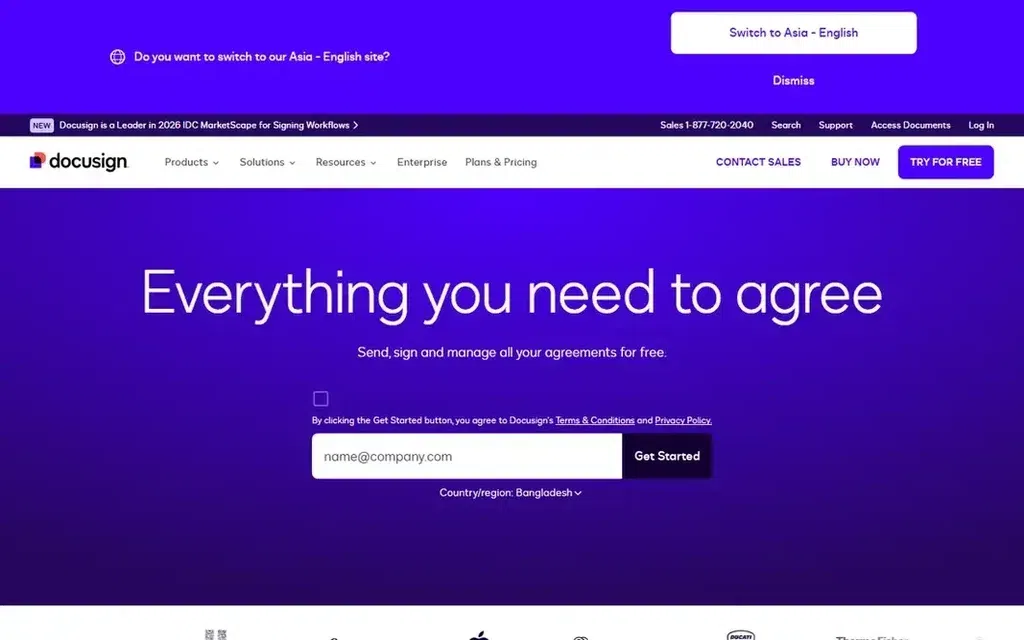
For end-to-end agreement management, DocuSign is a natural candidate. For real estate, that means listing paperwork, disclosures and closing documents can move through a consistent signing flow instead of scattered tools.
Drawbacks to consider: Feature depth can overwhelm small teams.
For everyday use, if your workflow is largely entry-level PDF signing, a lighter tool may be simpler to adopt. As for the details, smaller offices should weigh whether they need full agreement management or just straightforward signing. Price to start with DocuSign: $45 per user per month. Free plan details: Not stated.
- Widely recognized by clients
- Wide document workflow coverage
- Advanced automation may need setup time
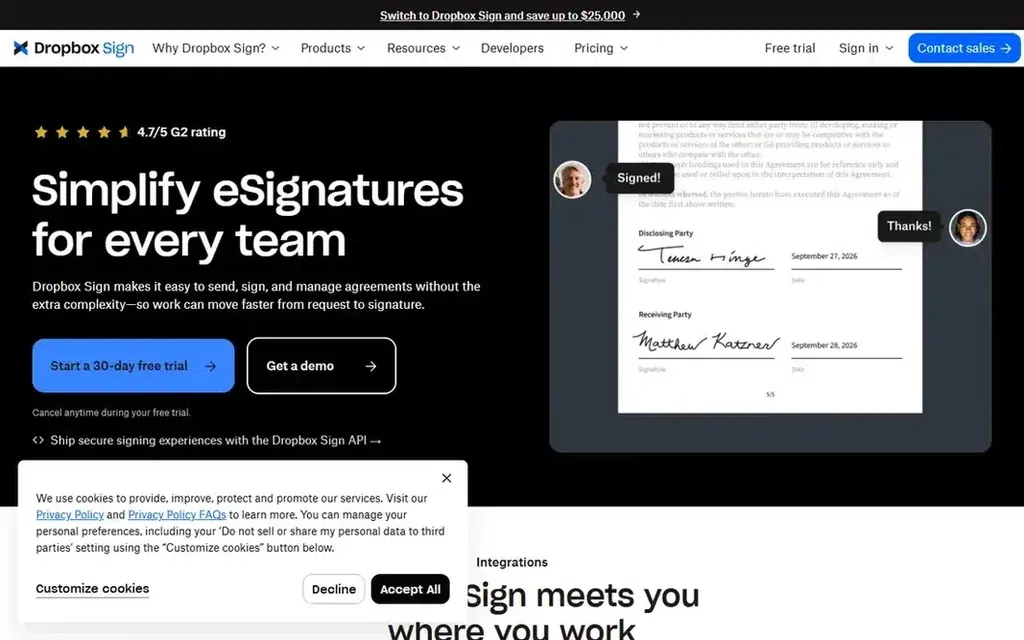
Dropbox Sign targets teams storing files in Dropbox. Dropbox Sign helps teams prepare, send, sign and track agreements with legally binding eSignatures, and it links naturally to Dropbox storage. Its appeal drops if your office does not use Dropbox, since much of the value comes from that connection.
Where it shines: Natural fit for Dropbox file storage.
Teams needing deep automation or identity verification features should look at more specialized products. It works best as a straightforward, storage-linked signing layer. Dropbox Sign shows no starting price here, so confirm the cost on the vendor site. Free options: Not stated. The main drawbacks: Fewer real estate-specific workflow extras.
- Signs and tracks agreements
- Prepares, sends
- Tied closely to the Dropbox ecosystem
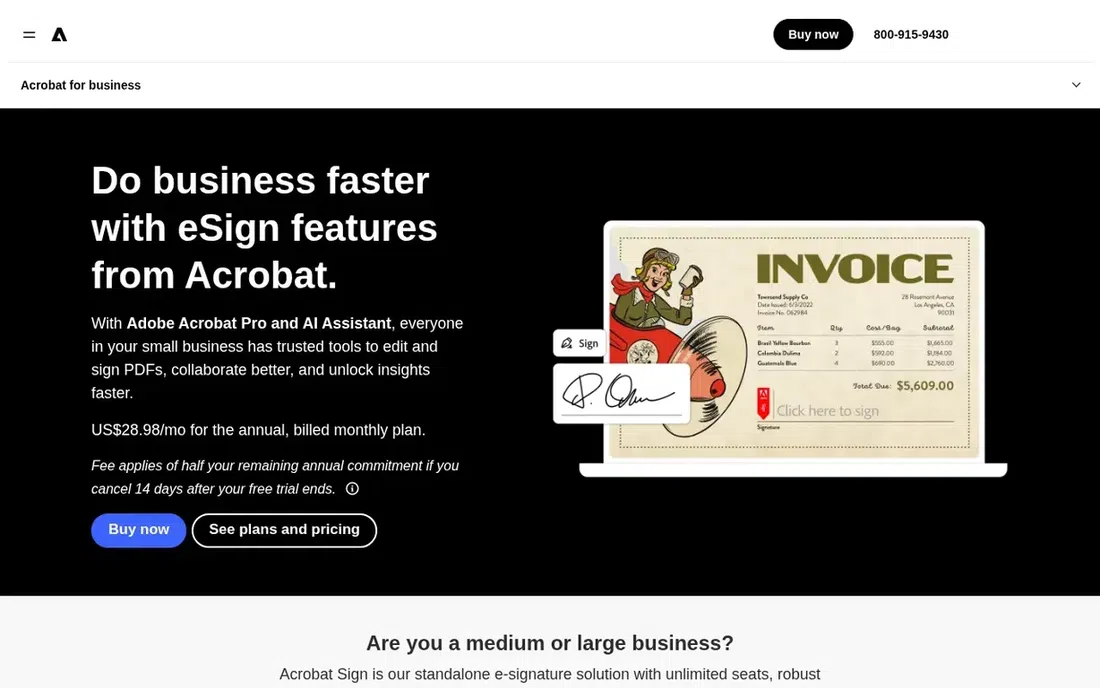
Adobe Acrobat Sign is a good fit for teams already using Adobe PDF tools. It fits brokerages and property managers who want signatures to sit alongside their existing document preparation work instead of in a separate system.
This comparison lists no price for Adobe Acrobat Sign; ask the vendor. Free access: Not stated.
Where it falls short: Best value assumes Adobe ecosystem use.
- Supports website and payment e-signature collection
- Familiar interface for Acrobat users
- Less appealing outside Adobe-centric offices
How we compared the tools
Questions to settle before buying
- Confirm the entry price on the vendor page. For SignNow, Dropbox Sign and Adobe Acrobat Sign that means a quote rather than a fixed price.
- Look at the free plan from eversign closely: its caps decide whether it is usable for real work.
- Read the limits listed for SignNow first: workflow setup can take effort.
- Test how quickly eversign answers a pre-sales question; it hints at how support will feel later.
- Get the contract term, renewal terms and any onboarding fees from Adobe Acrobat Sign in writing.
FAQ
Which e-signature software for real estate transactions have a free plan?
eversign is the only tool in this list with a free plan. Free plans usually cap users, projects or features, so check the limits on the vendor page.
What is the cheapest option for e-signature software for real estate transactions in this list?
On published monthly entry prices, eversign is the lowest here at $10 per user per month. Entry price is only part of the cost, because seats, add-ons and billing terms can change the total. For the full picture, the cards above cover all 5 entries of this E-Signature software for real estate transactions list, including price, free plan and limits.
Do agents and clients need separate accounts?
It relies on the product. Some tools let external signers sign without an account, whereas others contain them in a workspace. Check how each vendor takes care of external signers before standardizing on a system across your office.
How are the e-signature software for real estate transactions ordered?
The order follows typical fit for e-signature software for real estate transactions, with SignNow first and Adobe Acrobat Sign last, then price clarity and free access. It is editorial judgement, not a score, so another team could rank the tools differently.
Can I try these tools before paying?
Often, yes. eversign has a free plan. Use your own data and a real task during the test, and check what the free tier or trial limits before you rely on it.
Sources
- https://www.signnow.com
- https://eversign.com
- https://www.docusign.com
- https://www.dropbox.com/sign
- https://www.adobe.com/sign.html