Best E Signature Software for Small Business in 2026: 8 Tools Compared
We compare 8 tools for best e signature software for small business, with starting prices, free plans, templates, and audit trails for teams. in 2026.
- Editor's choice
 DocuSign
Most widely recognized signing
Starts at$10 per monthVisit docusign.comFull review - Great alternative
 Dropbox Sign
Simple signing for Dropbox users
Starts at$15 per monthVisit dropbox.comFull review - Also consider
 PandaDoc
Proposals and quotes plus signing
Starts at$19 per seat per monthVisit pandadoc.comFull review
TL;DR:
- SignNow and Zoho Sign offer the lowest starting prices for teams that send documents every week, while DocuSign remains the most widely recognized name.
- A free plan is useful for occasional signing, but paid plans matter when you need templates, reminders, and bulk sending.
- Check envelope or document limits before you buy, because a low monthly price can still cap how much you send.
- Mobile signing, audit trails, and templates for repeat contracts save more time than a small price difference for most small firms.
Quick comparison
| Tool | Best for | Starts at | Free plan? | |
|---|---|---|---|---|
| DocuSign | Most widely recognized signing | $10 per month | No | Visit |
| Dropbox Sign | Simple signing for Dropbox users | $15 per month | No | Visit |
| PandaDoc | Proposals and quotes plus signing | $19 per seat per month | Yes | Visit |
 signNow | Lowest cost per seat for regular senders | $8 per user per month | No | Visit |
 Zoho Sign | Teams already using Zoho apps | $10 per user per month | Yes | Visit |
 SignWell | Solo senders who want unlimited documents | $10 per month | Yes | Visit |
 BoldSign | Low cost API and unlimited envelopes on higher tiers | $10 per user per month | Yes | Visit |
 Signeasy | Mobile first signing on the go | $10 per month | No | Visit |
The best e signature software for small business
Small firms need signing that is fast for clients, clear on price, and safe to rely on for contracts. The tools below all produce legally binding signatures with audit trails in the United States, but they differ on limits, templates, and how they handle repeat documents.
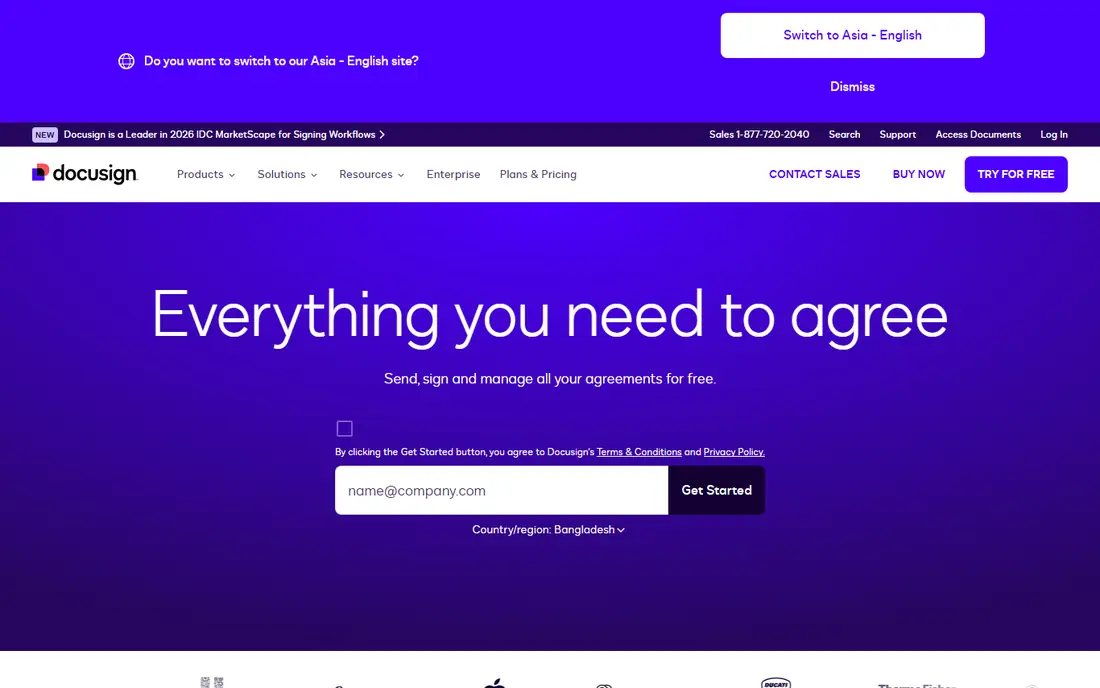
DocuSign is our pick for most small firms when client confidence matters. Many clients have signed with DocuSign before, so they rarely need help to complete a document. Templates, automatic reminders, and a detailed audit trail cover the daily work of contracts, NDAs, and hiring forms without extra setup.
The catch is limits. The Personal plan covers a small number of envelopes per month, and team plans cap envelopes per user per year on annual billing. If you send a high volume, check those caps before you commit, and compare the next tier. For steady, moderate volume, the familiarity and integration range justify the price.
- Clients already trust and recognize the brand
- Strong templates, reminders, and audit trails
- Wide integration catalog with CRM and storage tools
- Envelope limits apply on lower plans
- No free plan, only a trial period
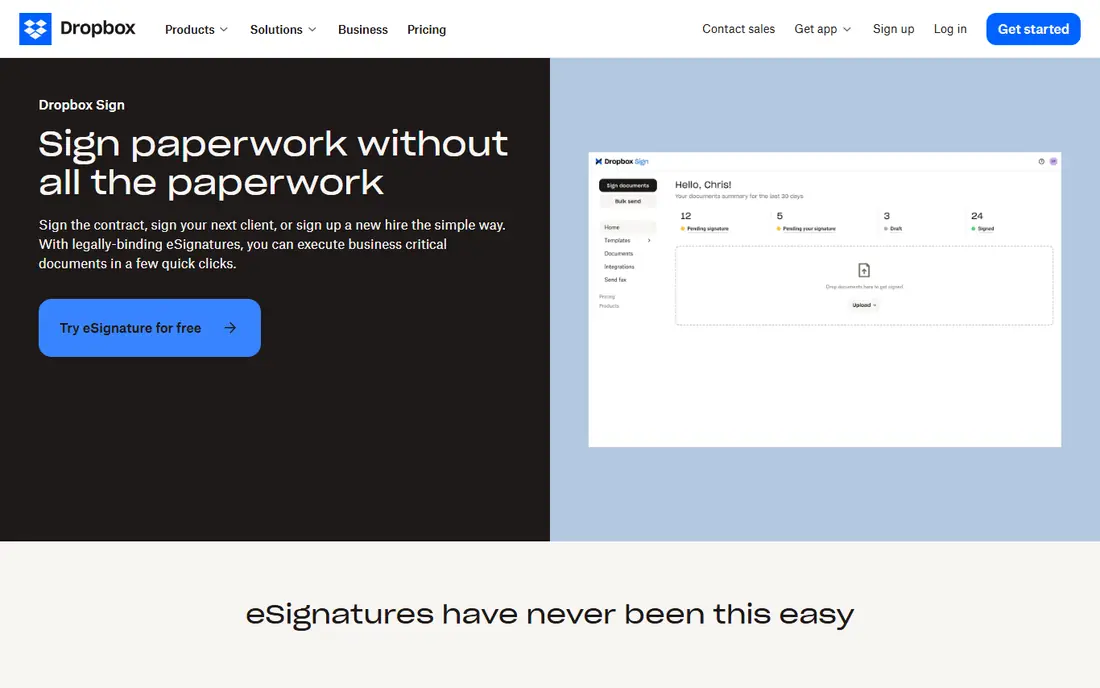
Dropbox Sign, formerly HelloSign, keeps the signing step short. Upload a PDF, place signature fields, send, and track completion from a simple dashboard. Paid plans offer unlimited signature requests, which removes the envelope counting that frustrates teams on other tools. That clarity helps small firms budget with confidence.
The trade off is depth. If you also need quotes, pricing tables, and proposal analytics, a sales focused tool will serve you better. If your main need is contracts, NDAs, and forms that already sit in Dropbox, Dropbox Sign is fast to learn and easy for clients to complete on a phone.
- Simple setup and clean signing flow
- Unlimited signature requests on paid plans
- Good fit when files already live in Dropbox
- Fewer sales document features than PandaDoc
- No free plan for regular sending
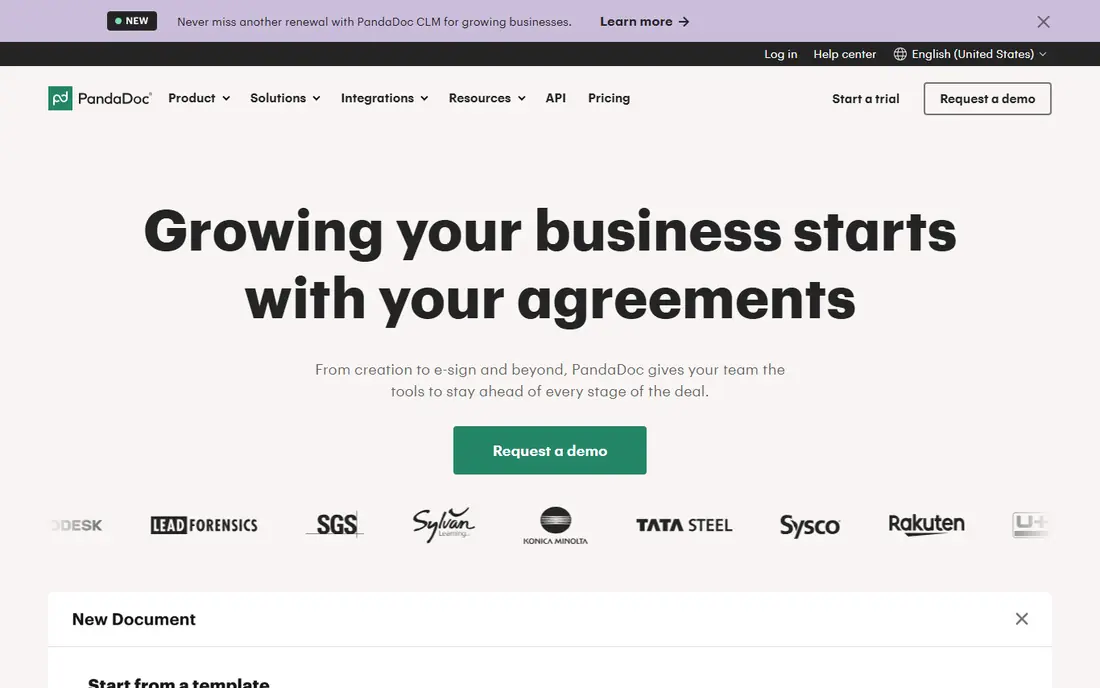
PandaDoc suits firms that sell before they sign. You can build a proposal with pricing tables, add a contract section, and collect a signature in the same document, rather than moving a deal between three tools. Templates, a content library, and approval steps help small sales teams send polished documents without starting from scratch each time.
The free plan covers basic signing, which is useful for testing the flow. Paid seats add more documents, analytics, and CRM links. Watch per seat cost as you add staff, because a tool that feels cheap for two people can grow quickly at ten. For proposal heavy firms, the time saved on document creation often outweighs that cost.
- Strong proposal, quote, and contract templates
- Content library and approval workflows
- Free plan for basic signing
- Price rises per seat as teams grow
- Some advanced features sit on higher tiers
SignNow is the value pick for teams that send often. At $8 per user per month on annual billing, it undercuts most rivals, and higher tiers add bulk sending, conditional fields, and more advanced workflows. Templates and reminders cover repeat contracts, and mobile signing works well for field teams and clients on the go.
The downside is polish. The interface is practical rather than beautiful, and there is no free plan to lean on for occasional use. If you send documents weekly and care more about price and volume than design flair, signNow is hard to beat. If you send only a few documents a year, a free plan elsewhere may cost less overall.
- Lowest starting per seat price in this list
- Unlimited users on some team structures with bulk sending
- Strong mobile signing and templates
- No free plan, only a trial
- Interface feels more functional than polished
Zoho Sign is a natural fit when Zoho CRM, Books, or Forms already run your business. Documents can flow from a CRM record to a signature request without retyping client details, and completed documents return to the right record. The free plan gives a small monthly allowance, which suits very light use.
For teams outside Zoho, the appeal is weaker, because the strongest links are to Zoho products. Still, the price is fair, the audit trail is clear, and templates cover repeat work. If you already pay for Zoho, adding Zoho Sign keeps signing close to your customer and accounting data, which cuts manual steps.
- Free plan with a small monthly allowance
- Good links to Zoho CRM, Books, and Forms
- Certificate based signing on higher tiers
- Best value appears inside the Zoho suite
- Standalone users may find other tools simpler
SignWell is a strong pick for a solo operator. The Light plan gives one sender unlimited documents for $10 per month, which removes the worry about hitting a monthly cap mid month. Templates, reminders, and a clear audit trail cover most small business contracts without a complex setup.
The free plan covers only a few documents per month, so treat it as a trial rather than a long term plan. Teams that need several senders will pay more, and sales teams that need quotes and analytics should look at PandaDoc. For a consultant, freelancer, or small firm with one main sender, SignWell is simple and fairly priced.
- Unlimited documents on the Light plan for one sender
- Simple templates and reminders
- Free plan for occasional use
- Business plan pricing rises with extra senders
- Fewer advanced sales features than PandaDoc
BoldSign, from the team behind Syncfusion, offers a practical balance of price and developer features. The free plan suits occasional signing, while paid plans add templates, bulk send, and API access for teams that want signing inside their own app or workflow. Unlimited envelopes on higher tiers help firms with uneven volume.
The main drawback is recognition. Clients may not know the name as well as DocuSign, though the signing flow itself is straightforward. If your team needs API access without a large bill, or you send in bursts rather than a steady stream, BoldSign deserves a shortlist spot.
- Free plan for light use
- API access for developers on paid tiers
- Unlimited envelopes on Business plans and above
- Brand recognition is lower than DocuSign
- Some advanced branding sits on higher tiers
Signeasy is built around signing from a phone. Field staff, agents, and owners who meet clients in person can prepare a document, collect a signature on site, and store the completed file without returning to a desk. Templates and reminders cover repeat forms, and the mobile experience feels more polished than many rivals.
The catch is that there is no free plan, only a trial, so light users should compare free options first. Pricing also varies by plan and billing term, so confirm the current page before you buy. For mobile heavy work, Signeasy is a comfortable, focused choice.
- Strong mobile apps for iOS and Android
- Simple setup for individuals and small teams
- Templates and in person signing support
- No free plan, only a trial
- Pricing details vary by plan, so check the current page
How we picked these
We compared official pricing pages, free plan limits, template and reminder features, mobile apps, and audit trail details for e signature tools in wide use in October 2026. We favored tools with clear published prices, a simple client signing flow, and support for templates and reminders, because those features matter most to small firms. We mixed well known leaders with lower cost options, so firms with different volumes and budgets can compare fairly.
How to choose the right signing tool for a small firm
Start by counting how many documents you send in a typical month, and who sends them. A solo sender with steady volume needs unlimited documents more than a large template library. A sales team needs proposals and quotes in the same flow. A field team needs strong mobile signing and offline friendly steps.
Check limits, templates, and legal basics
Read the envelope or document limit on the plan you would actually buy, not just the headline price. Check whether templates, bulk send, reminders, and custom branding are included or locked behind a higher tier. Confirm that the tool provides a tamper evident audit trail with timestamps, IP details, and a completion certificate, and that it supports ESIGN and UETA compliance for United States contracts. For regulated work, ask about identity verification and retention controls before you sign up.
Test the client experience before you pay
Send a test document to yourself and to a colleague, and complete it on a phone. Note how many taps it takes, whether the signer can save progress, and whether reminders are polite and clear. A signing tool that confuses clients will cost you follow up time, even if the monthly price looks low. Pick the tool that clients complete without help, then confirm that completed documents flow back to your storage or CRM without manual downloads.
FAQ
Are electronic signatures legally binding for small businesses?
Yes, in the United States, electronic signatures are generally binding under the ESIGN Act and state UETA laws when both parties agree to sign electronically and the tool keeps a clear audit trail. Keep the completed document and its certificate together, and use identity checks for high value or regulated agreements.
What is the cheapest e signature software for small business?
SignNow starts at $8 per user per month on annual billing, which is the lowest starting seat price in this list. Zoho Sign and SignWell offer free plans for very light use, and Dropbox Sign offers unlimited requests on paid plans. Compare document limits, not just price, because a cap can force an upgrade.
Do clients need an account to sign?
No, clients usually sign through a link sent by email, without creating an account. They open the document, place or draw a signature, and submit. The sender keeps the audit trail and completed copy. Some tools offer in person signing on a shared device for field work.
How many documents can I send on a free plan?
Free allowances vary widely. Zoho Sign offers a small monthly allowance, PandaDoc offers a limited free tier, SignWell offers a few documents per month, and BoldSign offers a limited free plan. Treat free plans as a way to test the flow, and move to a paid plan when you send documents every week.
Can I use templates for repeat contracts?
Yes, all the tools in this list support templates for repeat documents such as NDAs, service agreements, and hiring forms. Templates save time, reduce errors, and keep clauses consistent. Check whether templates, bulk send, and reminders are included on the plan you choose, because some tools reserve them for higher tiers.