Best E Signature Software for PDF for 2026: Our 5 Vetted Picks
Best e signature software for pdf in 2026: 5 contenders with entry costs and free tiers. Foxit eSign leads the list for PDF-centric e-signing. Choose faster.
- Editor's choice
 Foxit eSign
PDF-centric e-signing
Starts atSee websiteVisit foxit.comFull review - Great alternative
 Adobe Acrobat Sign
Adobe PDF ecosystem integration
Starts atSee websiteVisit adobe.comFull review - Also consider
 Dropbox Sign
Straightforward and straightforward e-signing
Starts at$15 USD / moVisit sign.dropbox.comFull review
Direct answer
Start with Foxit eSign if you need PDF-centric e-signing. Listed starting prices: Dropbox Sign from $15 USD / mo. If your case is different, Adobe Acrobat Sign suits Adobe PDF ecosystem integration and Dropbox Sign suits straightforward and straightforward e-signing. All 5 tools are compared below on price, free plan and limits.
TL;DR:
- The list opens with Foxit eSign, aimed at PDF-centric e-signing.
- Check the limits for Dropbox Sign before you commit: limited advanced workflow features.
- For firms in the Zoho ecosystem, Zoho Sign is worth a look.
- A permanent free plan is missing from all 5 tools, Foxit eSign and Zoho Sign included; plan for a trial or a premium start.
Last checked November 2026. Prices and plan details were read from the vendors' own pages in November 2026; vendors change plans often, so confirm the current price on the vendor site before you buy.
Quick comparison
| Tool | Best for | Starts at | Free plan? | |
|---|---|---|---|---|
| Foxit eSign | PDF-centric e-signing | See website | Not stated | Visit |
| Adobe Acrobat Sign | Adobe PDF ecosystem integration | See website | Not stated | Visit |
| Dropbox Sign | Straightforward and straightforward e-signing | $15 USD / mo | Free trial | Visit |
| DocuSign eSignature | Full e-signature workflows | See website | Not stated | Visit |
 Zoho Sign | Companies in the Zoho ecosystem | See website | Not stated | Visit |
E Signature Software for PDF compared in detail
Choosing e signature software for pdf usually comes down to price, fit and limits. This LinkVetted guide sets 5 tools side by side on those three points, with the facts kept short and checkable.
In short, Foxit eSign is for PDF-centric e-signing. Foxit eSign is tailored for e-signing PDFs and Word documents, with an emphasis on security.
In practice, the product permits sending and receiving signatures from several locations. No starting price is listed for Foxit eSign here; confirm pricing on the vendor site. Free options: Not stated.
Drawbacks to consider: Less known than some competitors.
- Send and receive signatures easily
- Secure signing process
- Pricing information not provided
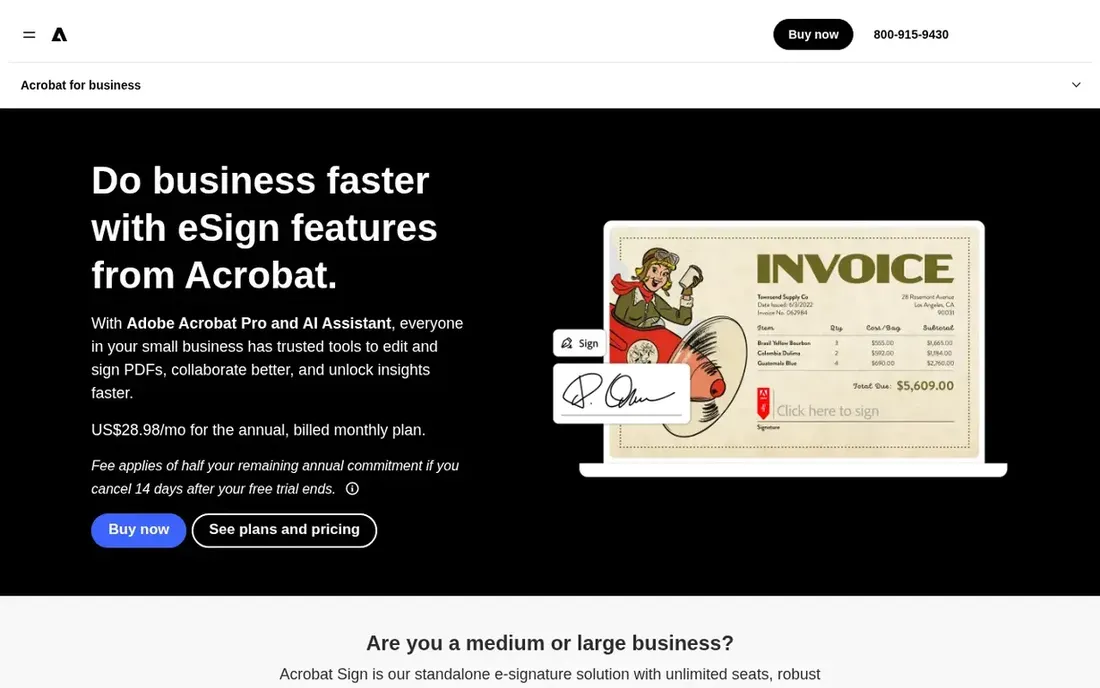
Adobe Acrobat Sign is built with Adobe PDF ecosystem integration in mind. It is a strong match for users already familiar with Adobe Acrobat and looking to add e-signature capabilities to their PDF workflows. Beyond that, other tools might offer a more standalone approach to PDF e-signing without tying into a broader ecosystem.
Watch-outs: May need Adobe subscription for full features.
On top of that, the product also supports collecting digital payments and accepting signatures on websites. On top of that, if you are not using Adobe products, the integration benefits may be less relevant. Pricing for Adobe Acrobat Sign is not stated here, so ask the vendor for current figures. Free options: Not stated.
- Lets signatures on websites
- Supports e-signing and digital payments
- Pricing details not covered here
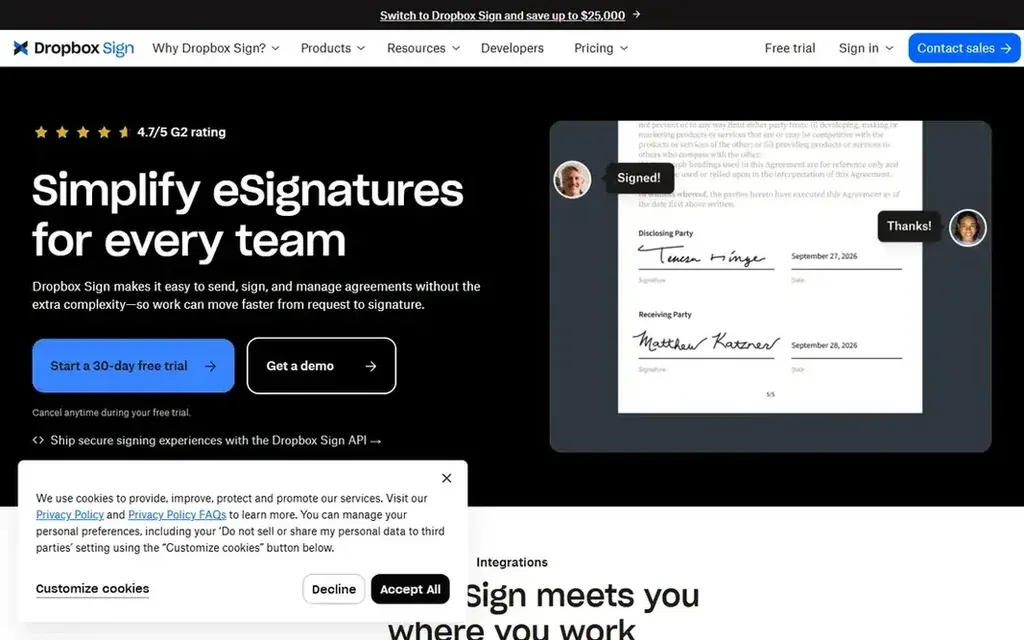
For straightforward and straightforward e-signing, Dropbox Sign is a natural candidate. It is well-suited for individuals and small teams who require a trouble-free way to sign PDFs. The product emphasizes simplicity, making it accessible for those new to e-signatures.
Consider more feature-rich choices if you need intricate routing or conditional logic. For everyday use, for complicated signing workflows or deep automation, Dropbox Sign may lack some advanced capabilities. Entry price for Dropbox Sign: $15 USD / mo. Trial and free access: Free trial.
What Dropbox Sign does well: manage signatures.
Where it is weaker: Restricted advanced workflow features.
- Easy to send, receive
- Approachable interface
- Pricing not shown here
DocuSign eSignature
Best for: Full e-signature workflows
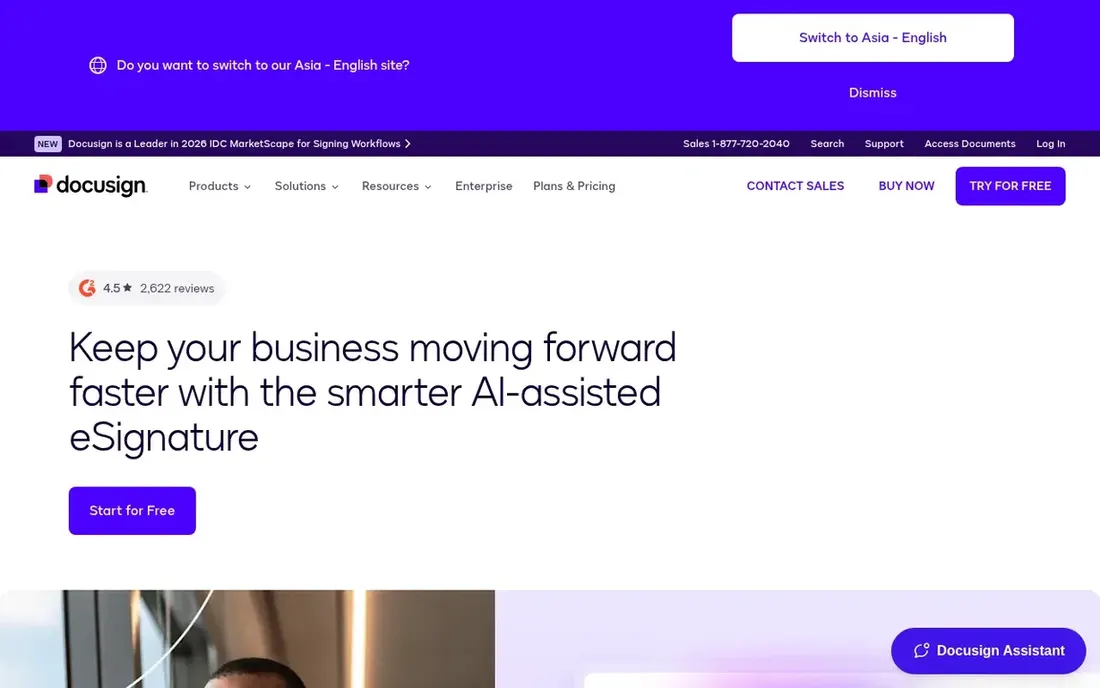
Pick DocuSign eSignature if this describes you: comprehensive e-signature workflows. DocuSign eSignature is a leading electronic signature option for sending and signing agreements. It is made for firms of several sizes that require a steady way to manage PDF signatures.
Limits to weigh: Pricing not in-depth here.
The system supports a mix of document workflows, making it right for organizations looking for a solid e-signature tool. Whereas DocuSign gives you broad features, it might be more than needed for occasional PDF signing. Check the vendor site for DocuSign eSignature pricing; none is listed in this comparison. Free options: Not stated.
- Supports sending and signing agreements
- Works with PDF and other document types
- May be complicated for straightforward signing needs
Where Zoho Sign fits: firms in the Zoho ecosystem. It is well-suited for businesses already using Zoho products, offering a smooth way to collect signatures and automate document workflows.
What to check first: Best value if using other Zoho products.
Beyond that, the system concentrates on security and efficiency. No starting price is listed for Zoho Sign here; confirm pricing on the vendor site. Free plan details: Not stated.
- Secure signature collection
- Complete digital signature option
- Pricing not in-depth here
Our selection method
We compared the tools on published pricing, free plan or trial availability, feature coverage for e signature software for pdf, and the limits each vendor documents. Treat prices as a snapshot: vendors change plans often, so check the vendor site for the figure that applies today. Position on the page reflects fit for a typical buyer first, with price clarity and free access breaking ties. Treat it as a guide, not a ruling.
What to check before you buy
- Get a written quote from Foxit eSign, Adobe Acrobat Sign, DocuSign eSignature and Zoho Sign; the list shows no starting price for them.
- Run a trial of Dropbox Sign with real work before paying for a year; your own workflow is the best test.
- Read the limits listed for Foxit eSign first: less known than some competitors.
- Confirm the exact Dropbox Sign plan that includes your must-have features.
- Ask whether Foxit eSign integrates with your current software, and whether that comes standard or as an add-on.
FAQ
Are electronic signatures legally binding?
Yes, electronic signatures are legally binding in plenty of countries under laws like the ESIGN Act and eIDAS. Ensure the tool you choose complies with relevant regulations for your jurisdiction.
Do these tools publish their prices?
Not all of them. Foxit eSign, Adobe Acrobat Sign, DocuSign eSignature and Zoho Sign publish no starting price, so expect a quote request for those. The rest, Dropbox Sign included, show a starting price, though seats and billing terms still change the final cost.
How are the tools for e signature software for pdf ordered?
Foxit eSign sits first and Zoho Sign last because the order follows typical fit for e signature software for pdf, then price clarity and free access. It is a judgement call, so read each profile for fit and limits.
Is Foxit eSign the right pick for everyone comparing e signature software for pdf?
No single tool suits every team. Foxit eSign comes first because it fits PDF-centric e-signing, while Adobe Acrobat Sign suits Adobe PDF ecosystem integration and Dropbox Sign suits simple and straightforward e-signing. Match the tool to your own size, budget and workflow before deciding.
Does any tool for e signature software for pdf here have a free plan?
No tool in this list, Foxit eSign and Zoho Sign included, has a permanent free plan. Dropbox Sign offer a trial. Trials and quotes are the usual route, so plan a short evaluation period.
Sources
- https://www.foxit.com/esign
- https://www.adobe.com/sign.html
- https://sign.dropbox.com
- https://www.docusign.com/products/electronic-signature
- https://www.zoho.com/sign