Choosing AI E-Signature Software in 2026: 5 Options Compared
5 products for the best AI E-Signature software, ranked by fit, with starting costs and free tiers. Strengths and weak spots are spelled out. No hype.
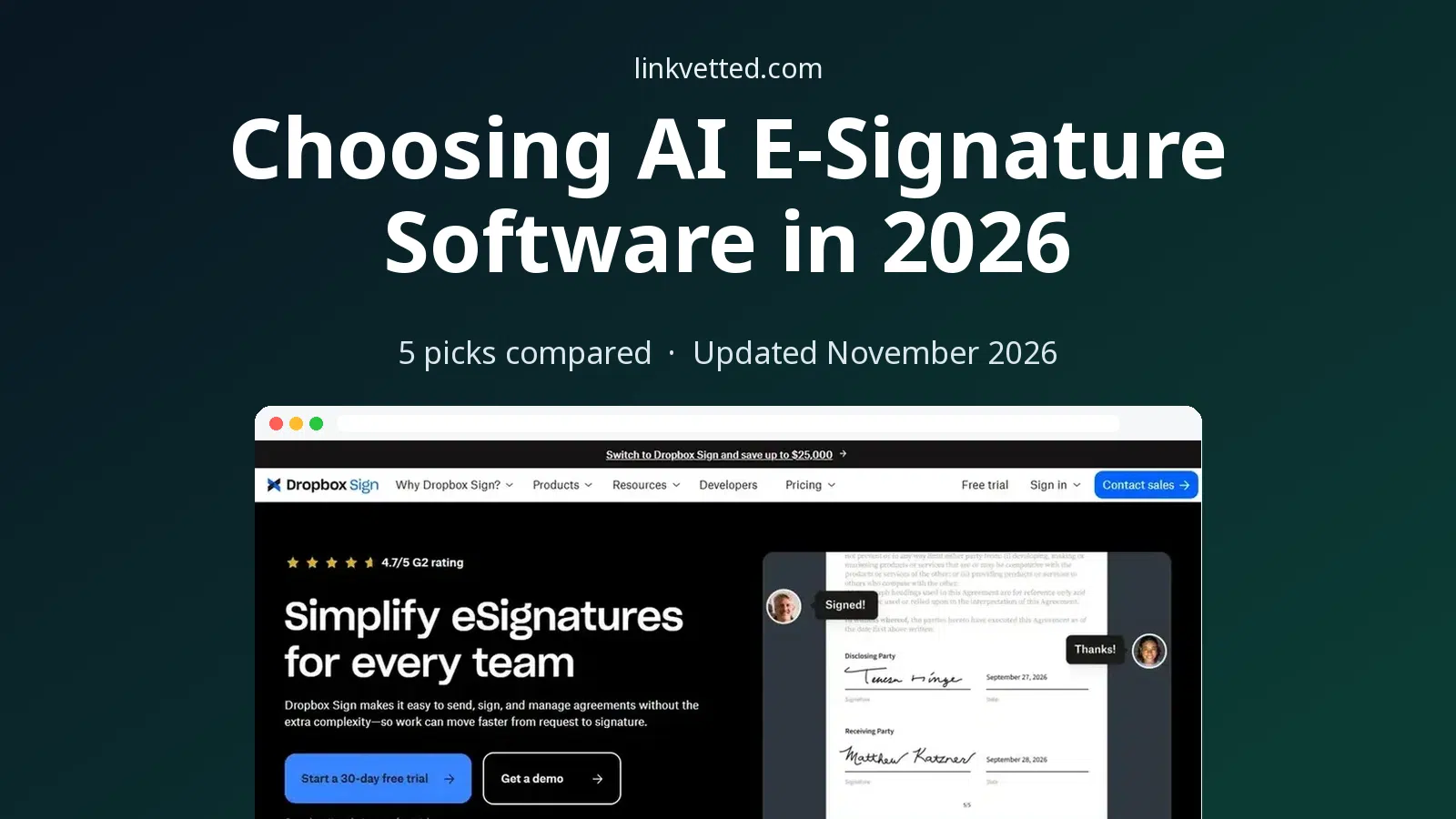
- Editor's choice
 Dropbox Sign
Straightforward, legally binding e-signatures
Starts at$15 USD / moVisit sign.dropbox.comFull review - Great alternative
 SignNow
Custom e-signature workflows
Starts atSee websiteVisit signnow.comFull review - Also consider
 Concord
Contract management without hassle
Starts at$499 per monthVisit concord.appFull review
Direct answer
Dropbox Sign leads the list, best for straightforward, legally binding e-signatures. Listed starting prices: Dropbox Sign from $15 USD / mo, Concord from $499 per month and DocuSign from $45 per user a month. SignNow fits custom e-signature workflows; Concord fits contract management without hassle. Prices, free plans and limits for all 5 tools follow.
TL;DR:
- Top of the list is Dropbox Sign, which targets straightforward, legally binding e-signatures.
- DocuSign comes with a trade-off: can be complicated for straightforward signing.
- DocuSign is the lowest-priced starter here at $45 per user per month.
- A permanent free plan is missing from all 5 tools, Dropbox Sign and OneSpan Sign included; plan for a trial or a premium start.
- OneSpan Sign is the one to check for secure, identity-assured e-signatures.
Last checked November 2026. Prices and plan details were read from the vendors' own pages in November 2026; vendors change plans often, so confirm the current price on the vendor site before you buy.
Quick comparison
| Tool | Best for | Starts at | Free plan? | |
|---|---|---|---|---|
| Dropbox Sign | Straightforward, legally binding e-signatures | $15 USD / mo | Free trial | Visit |
| SignNow | Custom e-signature workflows | See website | Not stated | Visit |
| Concord | Contract management without hassle | $499 per month | No | Visit |
 DocuSign | Intelligent agreement management | $45 per user a month | Not stated | Visit |
 OneSpan Sign | Secure, identity-assured e-signatures | See website | Not stated | Visit |
The best AI E-Signature software
Short on time? The summary and table above give the quick view of 5 tools for AI E-Signature software, and the profiles that follow give the detail behind each entry.
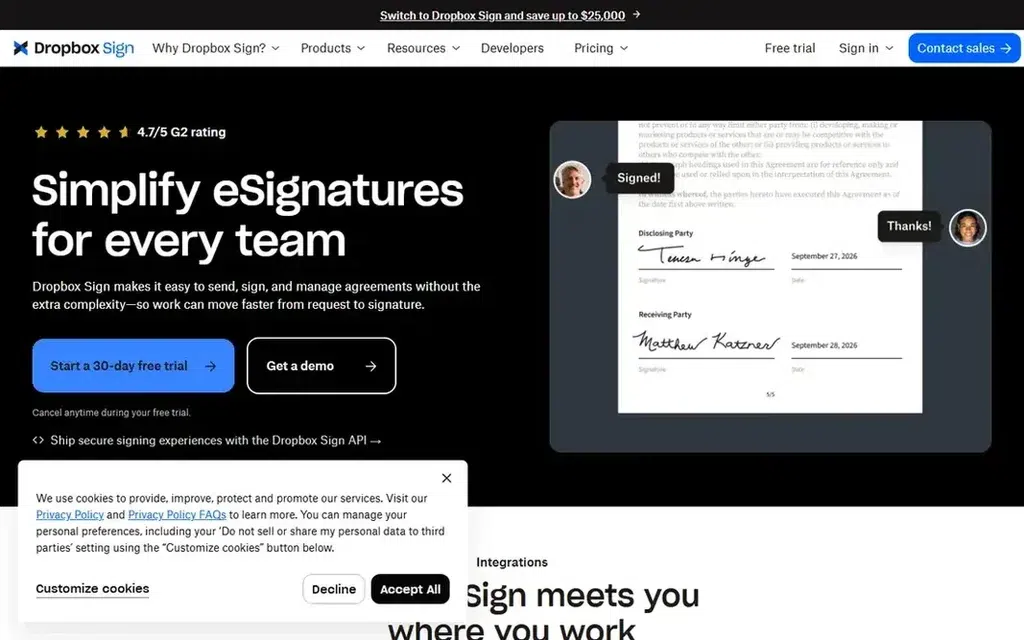
Dropbox Sign makes the most sense for straightforward, legally binding e-signatures. For more thorough contract management, consider Concord or OneSpan Sign.
Drawbacks to consider: Restricted advanced AI features.
As for the details, whereas straightforward and effective, Dropbox Sign may not offer the advanced AI or agreement management features of DocuSign. Dropbox Sign cost at the entry level: $15 USD / mo. As for free access: Free trial.
- Fast setup for sending documents
- Approachable interface
- May lack deep contract management
SignNow is aimed squarely at custom e-signature workflows. Whereas feature-rich, SignNow's customization choices might be overwhelming for users needing entry-level e-signatures. It may also need time to learn.
As for the details, for straightforward signing, consider Dropbox Sign. From a buyer's view, SignNow by airSlate is an electronic signature tool that permits users to sign documents and build custom eSignature workflows. It is trusted for legally binding signatures and gives you a smooth experience across devices, fitting firms that require adaptability and automation. No starting price is listed for SignNow here; confirm pricing on the vendor site. Free access: Not stated.
The main drawbacks: Can be less easy-to-learn for beginners.
- Integration with business apps
- Mobile-friendly signing
- Advanced features may need training
For contract management without hassle, Concord is a natural candidate. It emphasizes collaboration and organization, making it fit teams that manage plenty of contracts and need a centralized system beyond entry-level e-signatures.
What to check first: May need setup for full benefits.
Concord's strength in contract management means it may be overkill for users seeking only e-signature functionality. Concord cost at the entry level: $499 per month. No free plan comes with Concord.
- Focus on contract lifecycle
- Collaboration features
- Less emphasis on e-signature alone
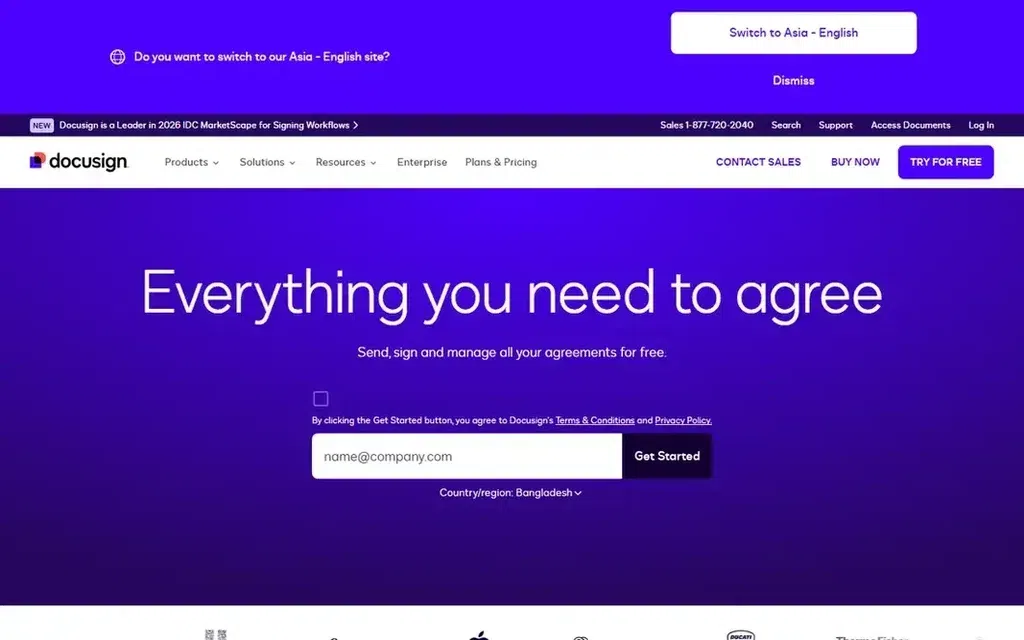
Choose DocuSign for intelligent agreement management. DocuSign is a leading electronic signature and intelligent agreement management product. It lets users to build, commit to, and run agreements in one place, with AI enhancing workflows.
Limits to weigh: May need training for full features.
Reasons to shortlist it: Thorough agreement product. That said, DocuSign's deep feature set might overwhelm small teams or those needing only entry-level e-signatures. Its advanced capabilities commonly need a ramp-up time. What you pay to start with DocuSign: $45 per user per month. As for free access: Not stated.
- AI-driven insights and automation
- Solid integration ecosystem
- Can be complicated for straightforward signing
OneSpan Sign is built with secure, identity-assured e-signatures in mind. OneSpan Sign is an e-signature system focused on secure digital agreement workflows. It gives you identity assurance, automation, smart forms, and integrations, making it right for organizations with high-security requirements and complicated signing processes.
The main drawbacks: Complicated feature set may overwhelm.
In daily use, the system's advanced security and features may be more than small firms need. It can also be complicated to configure. OneSpan Sign shows no starting price here, so confirm the cost on the vendor site. As for free access: Not stated.
- Deep integration choices
- Smart forms and automation
- Geared toward bigger organizations
How we compared the tools
Pricing pages, product documentation and feature lists were the main sources, and every entry carries at least one honest drawback. Where a price is missing, the vendor does not list one publicly or ties it to a quote. Always confirm before budgeting. The order reflects how well each tool fits the most common buying scenario for AI E-Signature software, then price clarity, then free plan access. It is a starting point, not a verdict.
What to check before you buy
- Get a written quote from SignNow and OneSpan Sign; the list shows no starting price for them.
- Run a trial of Dropbox Sign with real work before paying for a year; your own workflow is the best test.
- Read the limits listed for Dropbox Sign first: restricted advanced AI features.
- Pick one real project and run it in SignNow first; a small pilot shows fit faster than a checklist.
- Read the plan comparison for Dropbox Sign carefully; key features often start on a higher tier.
FAQ
What is AI e-signature software?
AI e-signature software merges electronic signing with artificial intelligence to automate agreement workflows, extract insights, and boost contract management. It goes beyond entry-level e-signatures by adding smart features like data extraction and risk analysis.
Can I try these options before paying?
Often, yes. Dropbox Sign offers a free trial. Use your own data and a real task during the test, and check what the free tier or trial limits before you rely on it. All 5 picks in this AI E-Signature software comparison list a starting price, free plan details and the main limits on their cards above.
Do these tools publish their prices?
Not all of them. SignNow and OneSpan Sign publish no starting price, so expect a quote request for those. The rest, Dropbox Sign included, show a starting price, though seats and billing terms still change the final cost.
Is Dropbox Sign the right pick for everyone comparing AI E-Signature software?
No single tool suits every team. Dropbox Sign comes first because it fits simple, legally binding e-signatures, while SignNow suits custom e-signature workflows and Concord suits contract management without hassle. Match the tool to your own size, budget and workflow before deciding.
How are the tools for AI E-Signature software ordered?
Dropbox Sign sits first and OneSpan Sign last because the order follows typical fit for AI E-Signature software, then price clarity and free access. It is a judgement call, so read each profile for fit and limits.
Sources
- https://sign.dropbox.com
- https://www.signnow.com
- https://www.concord.app
- https://www.docusign.com
- https://www.onespan.com/products/esignature