Business Phone Software for Legal Practices in 2026: The 6 Best Options Side by Side
6 best business phone software for legal practices, compared on pricing, free plans and best-fit use. Caveats come with every verdict. Costs up front.
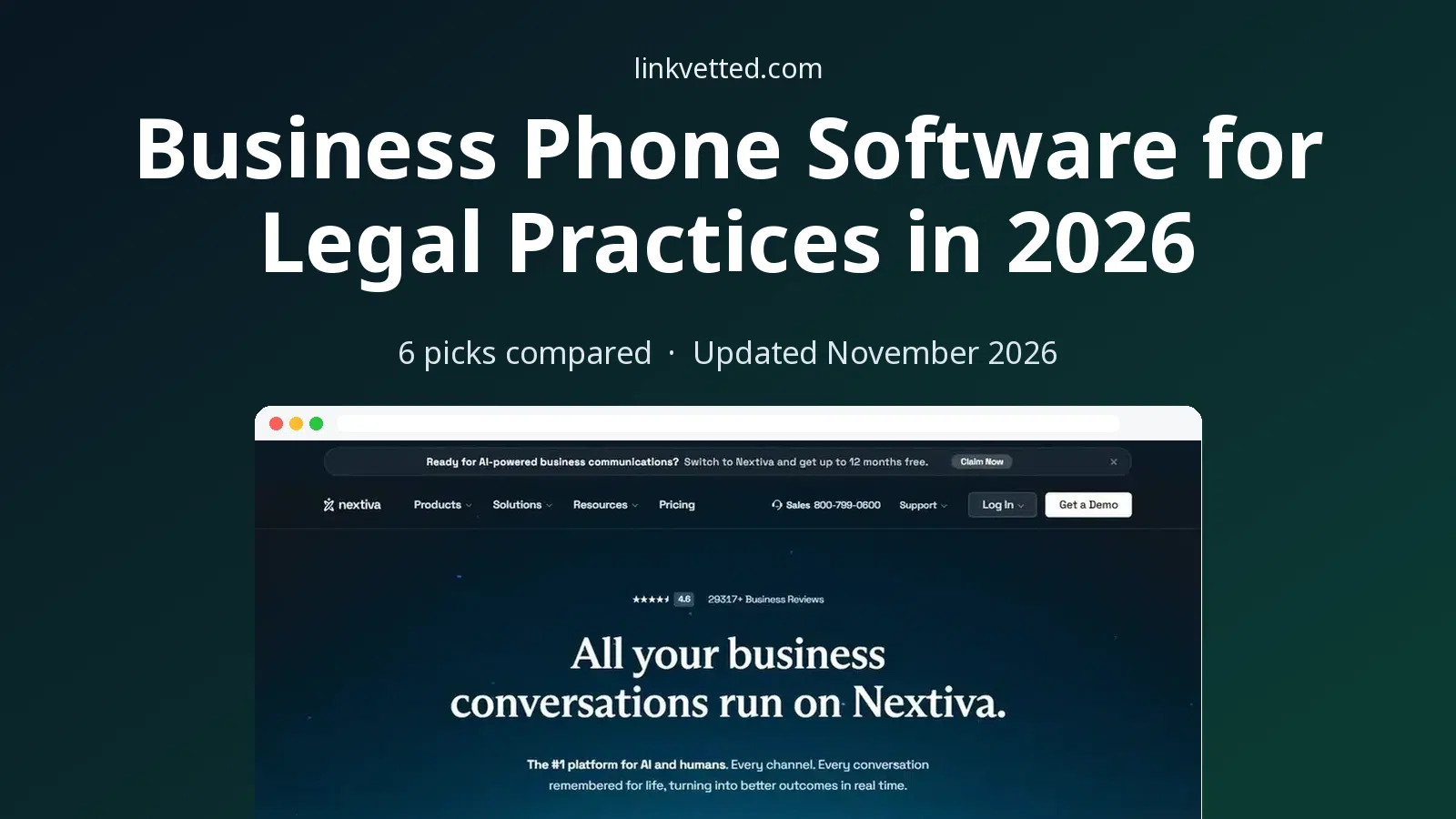
- Editor's choice
 GoTo Connect
Small businesses wanting phone plus IT support
Starts atSee websiteVisit goto.comFull review - Great alternativeVonage Business Communications
Adaptable voice with API choices
Starts atSee websiteVisit vonage.comFull review - Also consider
 Zoom Phone
Businesses already using Zoom meetings
Starts atSee websiteVisit zoom.comFull review
Direct answer
GoTo Connect is the first pick on this list for small businesses wanting phone plus IT support. Listed starting prices: Nextiva from $15 per user a month, RingCentral MVP from $52 a month and Dialpad from $15 per user a month. Look at Vonage Business Communications for adaptable voice with API choices, and at Zoom Phone for businesses already using Zoom meetings. The remaining 3 options are covered below with prices and limits.
TL;DR:
- GoTo Connect sits first on this list: small businesses wanting phone plus IT support.
- GoTo Connect, Dialpad and the 4 others all need a premium plan or a trial, since no free plan is listed.
- The main caution on Zoom Phone: Phone depth relies on the wider product.
- Dialpad fits conversation intelligence in client calls.
- The lowest published monthly entry price here is $15 per user per month, from Nextiva.
Last checked November 2026. Prices and plan details were read from the vendors' own pages in November 2026; vendors change plans often, so confirm the current price on the vendor site before you buy.
Quick comparison
| Tool | Best for | Starts at | Free plan? | |
|---|---|---|---|---|
| GoTo Connect | Small businesses wanting phone plus IT support | See website | Not stated | Visit |
| Vonage Business Communications | Adaptable voice with API choices | See website | Not stated | Visit |
| Zoom Phone | Businesses already using Zoom meetings | See website | Not stated | Visit |
 Nextiva | Client experience focused law businesses | $15 per user a month | No | Visit |
| RingCentral MVP | Businesses wanting voice plus AI receptionist | $52 a month | Free trial | Visit |
 Dialpad | Conversation intelligence in client calls | $15 per user a month | Free trial | Visit |
Our 6 business phone software for legal practices
LinkVetted put together this guide to business phone software for legal practices for readers who want a clear shortlist without reading every vendor page. It compares 6 tools on starting price, free plans, who each one suits and where each one falls short.
Think of GoTo Connect for small businesses wanting phone plus IT support. GoTo Connect sits within a portfolio that comes with a business phone system, contact center and IT support products, positioned for firms of all sizes.
In daily use, review the documented feature set on the vendor site before deciding. For everyday use, practices with complicated telephony requirements may have to compare more specialized products. No starting price is listed for GoTo Connect here; confirm pricing on the vendor site. Free access: Not stated.
Drawbacks to consider: Feature fit varies by firm size.
- IT support products in the same portfolio
- Aimed at companies of all sizes
- Portfolio breadth can complicate selection
Vonage Business Communications
Best for: Adaptable voice with API choices
Vonage Business Communications makes the most sense for adaptable voice with API options. The API and customization choices add complexity that a small practice may not need.
What to check first: API adaptability brings complexity.
In practice, Vonage Business Communications provides voice, messaging, video and data capabilities across unified communications, contact centers and communications APIs. Businesses seeking a straightforward, preconfigured phone service might prefer a more packaged choice. No starting price is listed for Vonage Business Communications here; confirm pricing on the vendor site. Free access: Not stated.
- Voice, messaging
- Unified Communications and contact center scope
- Configuration relies on firm requirements
Zoom Phone was built for businesses already using Zoom meetings. Practices needing deep contact center or telephony customization should compare dedicated choices. The phone feature set is tied to the broader Zoom system, so businesses not using Zoom elsewhere may not gain the same benefit.
Points against: Phone depth relies on the wider system.
As for the details, Zoom Phone is the VoIP calling component of a system that also spans video meetings, chat, webinars, whiteboard, contact center and events. Confirm calling features and regional availability on the vendor site. Beyond that, legal practices that already run client or internal meetings in Zoom can consolidate calling into the same environment. Pricing for Zoom Phone is not stated here, so ask the vendor for current figures. Trial and free access: Not stated.
- VoIP phone within the Zoom product
- Familiar interface for existing Zoom users
- Best value when Zoom is already in use
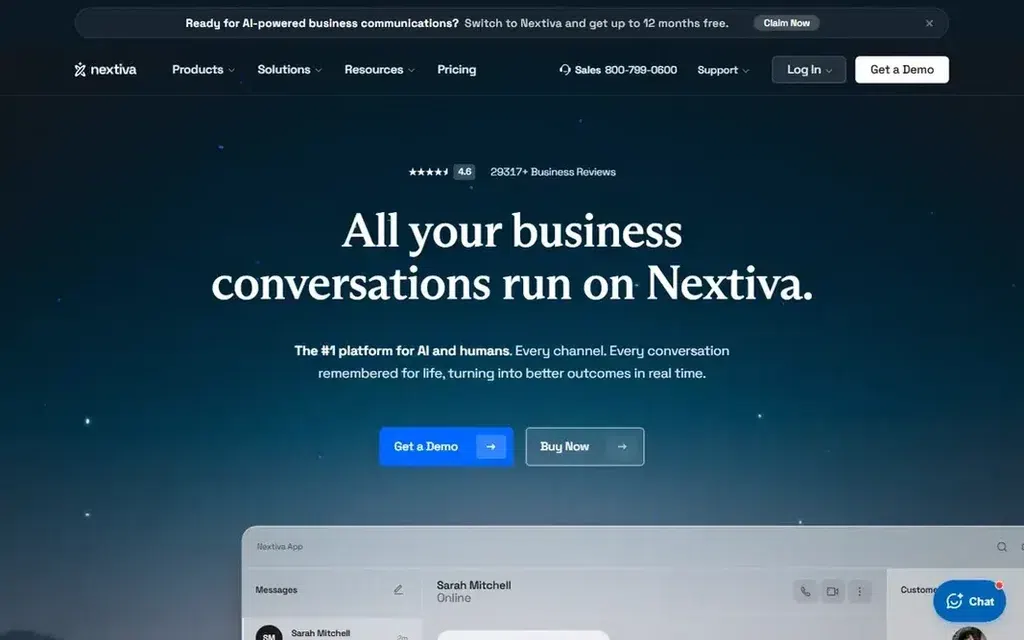
Choose Nextiva for client experience focused law businesses. Nextiva presents itself as an AI customer experience product that bundles business phone, contact center, an AI receptionist and unified CX.
Where it falls short: CX focus may be more than some businesses need.
As for the details, legal practices that treat client intake and follow-up as a core service can use that combination to keep calls and routing in one place. Practices already standardized on another collaboration suite might prefer a phone choice inside it. What you pay to start with Nextiva: $15 per user per month. Nextiva has no permanent free option.
- Business phone and contact center together
- AI receptionist included in system scope
- Needs review of feature fit per team
RingCentral MVP
Best for: Businesses wanting voice plus AI receptionist
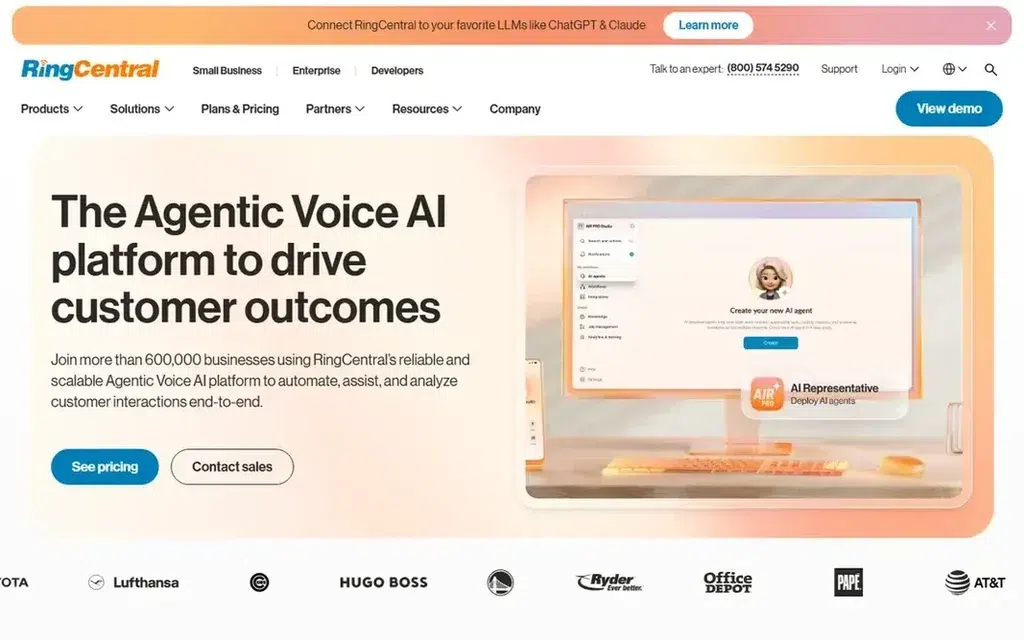
RingCentral MVP was built for businesses wanting voice plus AI receptionist. RingCentral MVP centers on business voice and layers AI tools for example AI Receptionist, AI Virtual Assistant and AI Conversation Expert on top.
Where it is weaker: Feature depth may exceed small firm needs.
The breadth of features means more configuration than a straightforward phone line, so smaller practices should confirm they can manage the setup. In daily use, for legal practices, that mix can help route incoming client calls and support staff who manage intake and scheduling. Starting cost for RingCentral MVP: $52 per month. As for free access: Free trial.
- Wide unified communications scope
- Business voice with AI receptionist tools
- Setup requires planning across users
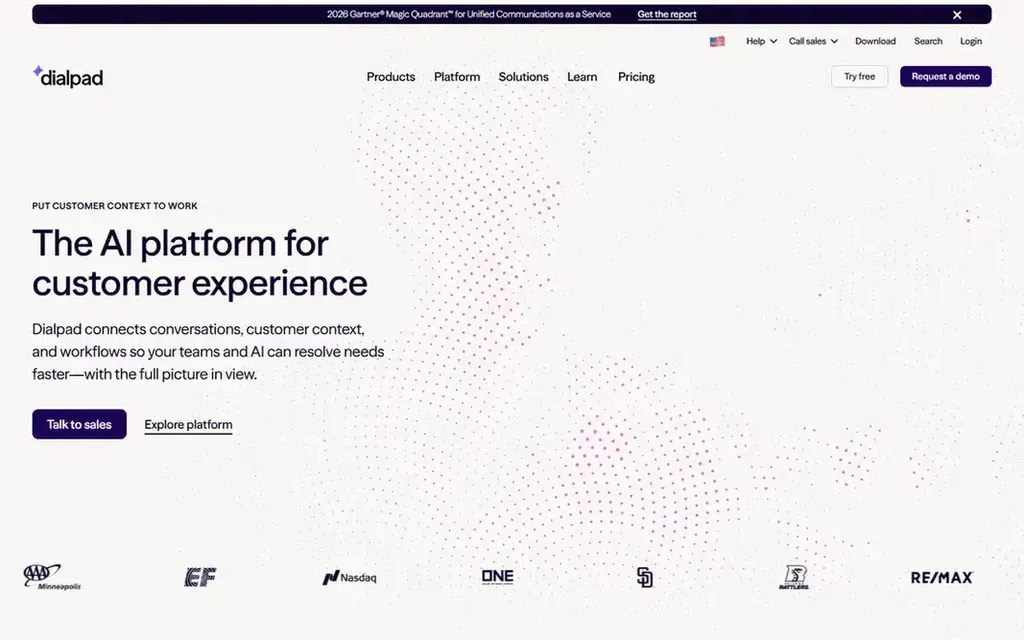
Pick Dialpad if this describes you: conversation intelligence in client calls. For legal practices, that orientation can support teams that manage high volumes of intake or client calls and want more structure around what happens on each call.
The main drawbacks: Fit relies on call volume and workflow.
On top of that, check how the AI features align with your call handling rules before deciding. Dialpad brings AI agents, contact center, sales and business communications together, with an emphasis on turning conversations into intelligence. Dialpad cost at the entry level: $15 per user per month. Free plan details: Free trial.
- Handles sales and business communications
- Conversation intelligence focus
- Intelligence features need staff training
How we compared the tools
Questions to settle before buying
- Get a written quote from GoTo Connect, Vonage Business Communications and Zoom Phone; the list shows no starting price for them.
- Take the trial from RingCentral MVP and Dialpad and push a live task through it before you pay.
- Before choosing GoTo Connect, weigh its main limit: portfolio breadth can complicate selection.
- Compare total cost, not headline price: for RingCentral MVP, add extra seats, add-ons and any usage-based charges.
- Look at the help docs and support options for Nextiva before you commit.
FAQ
What should a law firm look for in business phone software?
Also confirm the product suits the tools your firm already uses daily, for example email or document suites, to cut training and disruption.
Is GoTo Connect the right pick for everyone comparing business phone software for legal practices?
No single tool suits every team. GoTo Connect comes first because it fits small firms wanting phone plus IT support, while Vonage Business Communications suits flexible voice with API options and Zoom Phone suits firms already using Zoom meetings. Match the tool to your own size, budget and workflow before deciding.
Is it better to use a dedicated phone platform or one inside a collaboration suite?
A dedicated product commonly supplies deeper telephony and contact center choices, whereas a suite-based phone keeps calling alongside meetings and files. Businesses already standardized on Zoom or Microsoft tools may prefer the suite approach for simplicity. Weigh feature depth against consolidation.
Does any tool for business phone software for legal practices here have a free plan?
No tool in this list, GoTo Connect and Dialpad included, has a permanent free plan. RingCentral MVP, Dialpad offer a trial. Trials and quotes are the usual route, so plan a short evaluation period.
Do these tools publish their prices?
Not all of them. GoTo Connect, Vonage Business Communications and Zoom Phone publish no starting price, so expect a quote request for those. The rest, Nextiva included, show a starting price, though seats and billing terms still change the final cost.
How do we evaluate call recording and confidentiality controls?
Ask vendors how recording is enabled, who can access recordings and how long they are retained. Legal practices should map these controls to their confidentiality obligations before rollout.
Sources
- https://www.goto.com
- https://www.vonage.com
- https://www.zoom.com
- https://www.nextiva.com
- https://www.ringcentral.com
- https://www.dialpad.com