Best E-Signature Software for Dental Practices (2026): 5 Picks Checked on Vendor Pages
Compare 5 best E-Signature software for dental practices, with prices, free plans and who each fits. Read the caveats before you buy. Reviewed this month.
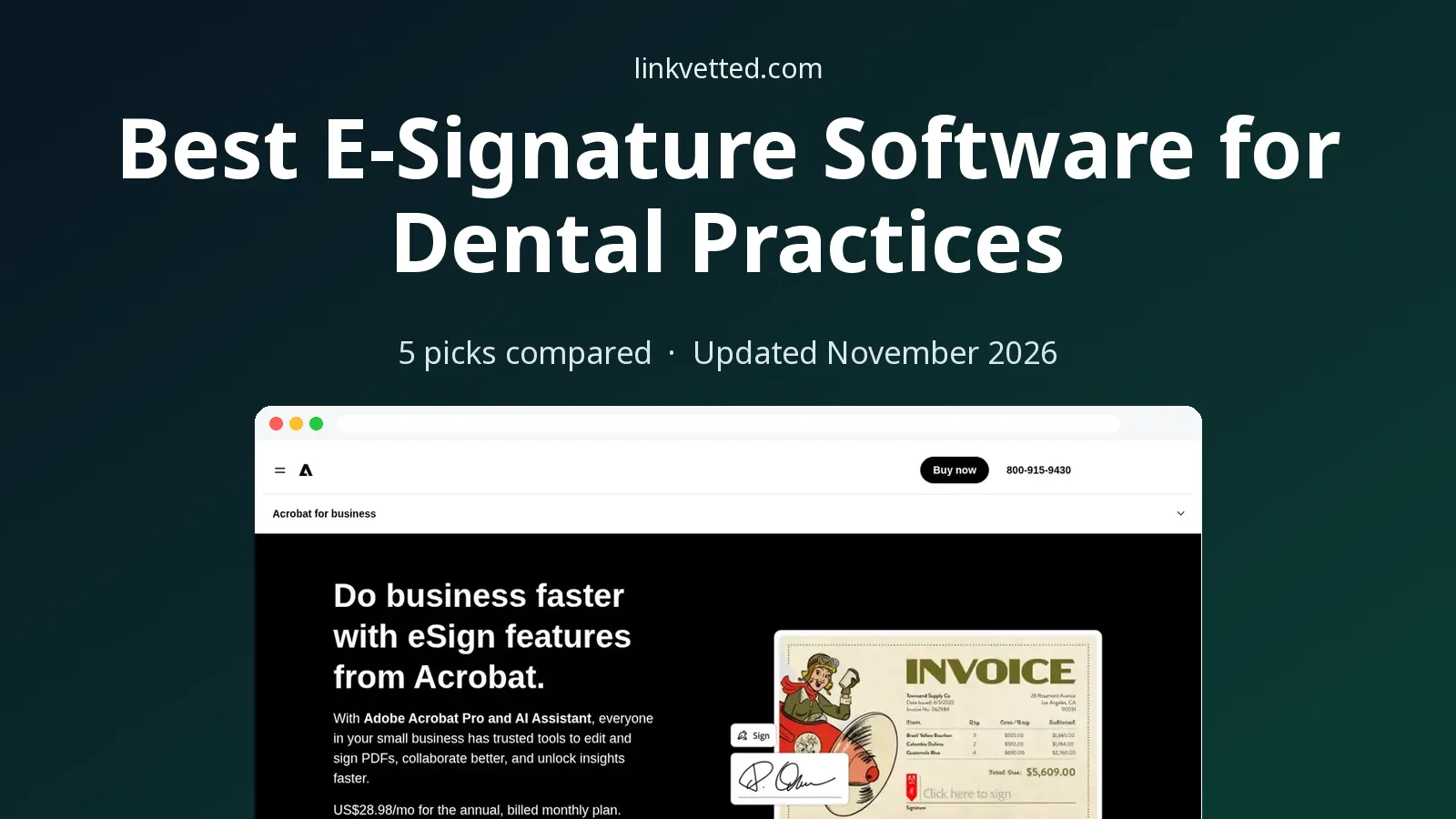
- Editor's choice
 Zoho Sign
Budget-friendly digital signature workflows
Starts atSee websiteVisit zoho.comFull review - Great alternative
 OneSpan Sign
Security and identity assurance
Starts atSee websiteVisit onespan.comFull review - Also consider
 Adobe Acrobat Sign
PDF-centric workflows and payments
Starts atSee websiteVisit adobe.comFull review
Direct answer
Our first pick is Zoho Sign, best for low-cost digital signature workflows. Listed starting prices: DocuSign from $45 per user a month. If your case is different, OneSpan Sign suits security and identity assurance and Adobe Acrobat Sign suits PDF-centric workflows and payments. Prices, free plans and limits for all 5 tools follow.
TL;DR:
- Zoho Sign sits first on this list: low-cost digital signature workflows.
- DocuSign has the lowest monthly starting price in this list: $45 per user per month.
- Zoho Sign, Dropbox Sign and the 3 others all need a premium plan or a trial, since no free plan is listed.
- Dropbox Sign is the one to check for straightforward workflow and tracking.
- What to know about Adobe Acrobat Sign first: needs Adobe ecosystem familiarity.
Last checked November 2026. Prices and plan details were read from the vendors' own pages in November 2026; vendors change plans often, so confirm the current price on the vendor site before you buy.
Quick comparison
| Tool | Best for | Starts at | Free plan? | |
|---|---|---|---|---|
| Zoho Sign | Budget-friendly digital signature workflows | See website | Not stated | Visit |
| OneSpan Sign | Security and identity assurance | See website | Not stated | Visit |
| Adobe Acrobat Sign | PDF-centric workflows and payments | See website | Not stated | Visit |
 DocuSign | Thorough agreement management | $45 per user a month | Not stated | Visit |
 Dropbox Sign | Straightforward workflow and tracking | See website | Not stated | Visit |
E-Signature Software for Dental Practices compared in detail
If you are comparing E-Signature software for dental practices, this page covers 5 tools in one place: what each is best for, what it costs to start, whether it has a free plan, and the main limit to know about.
In short, Zoho Sign is for affordable digital signature workflows. It is an economical choice for small to mid-size practices looking to digitize patient forms and internal documents.
Zoho Sign does not show a starting price in this comparison, so check the vendor site for current pricing. On free options: Not stated.
Limits to weigh: May integrate best with other Zoho products.
- Automates paperwork workflows
- Secure signature collection
- Restricted advanced features
OneSpan Sign is aimed squarely at security and identity assurance. OneSpan Sign is an e-signature product built for secure digital agreement workflows, featuring identity assurance, automation, smart forms, and integrations.
Where it falls short: Higher complexity.
Those practices might prefer Zoho Sign for its simplicity. No starting price is listed for OneSpan Sign here; confirm pricing on the vendor site. Free access: Not stated.
- Automation and smart forms
- Deep integration choices
- May be pricey for small practices
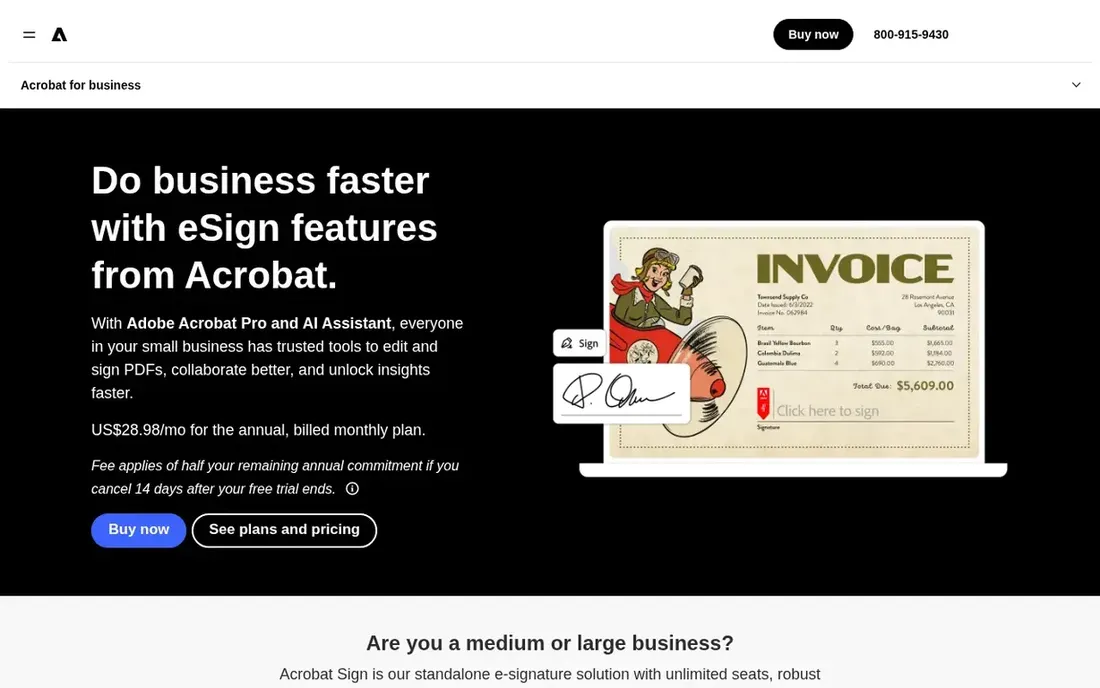
Adobe Acrobat Sign was built for PDF-centric workflows and payments. It lets you to eSign documents, collect digital payments, and accept electronic signatures on your website, simplifying patient intake and payment processes.
Where it falls short: Needs Adobe ecosystem familiarity.
Even so, for practices seeking a standalone e-signature option without Adobe dependencies, alternatives like Dropbox Sign may be more straightforward. Check the vendor site for Adobe Acrobat Sign pricing; none is listed in this comparison. On free options: Not stated.
- Collect digital payments
- Deep integration with PDF documents
- Can be expensive for full features
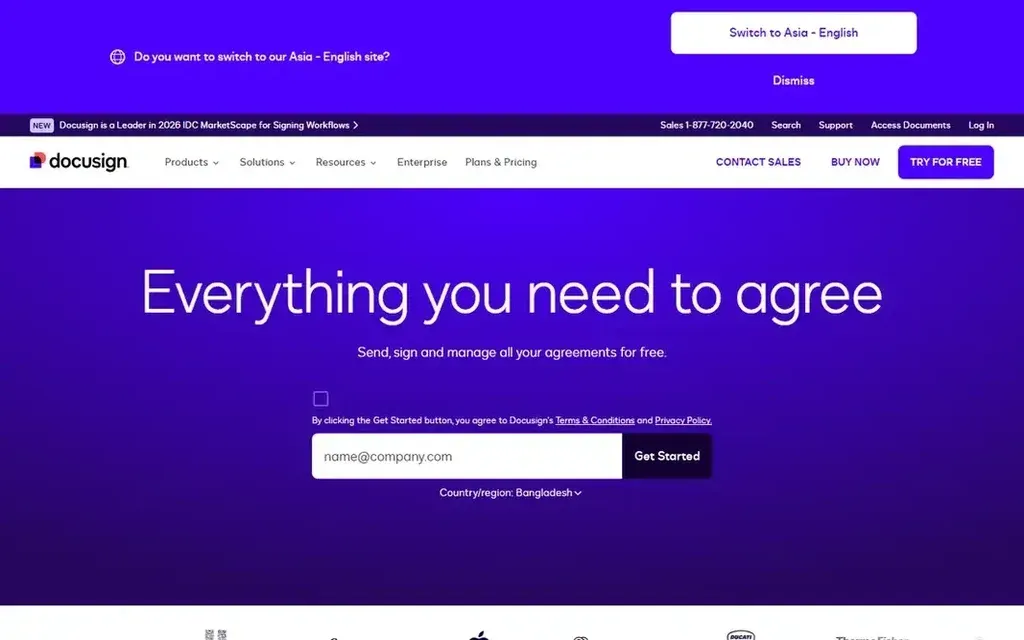
DocuSign is built with full agreement management in mind. DocuSign is a leading e-signature and agreement management product that lets dental practices to produce, commit to, and handle agreements in one place. It is well-suited for practices that manage a high volume of patient consent forms, treatment plans, and business agreements, offering solid features beyond entry-level signing.
The main drawbacks: Can be more costly for small practices.
Beyond that, DocuSign may be overkill for very small practices with minimal paperwork, and its pricing can be higher than more straightforward alternatives. If you only need occasional signing, consider a more entry-level tool like Zoho Sign. Price to start with DocuSign: $45 per user per month. Free access: Not stated.
- All-in-one product for creating and managing agreements
- Intelligent agreement management features
- May be complicated for straightforward signing needs
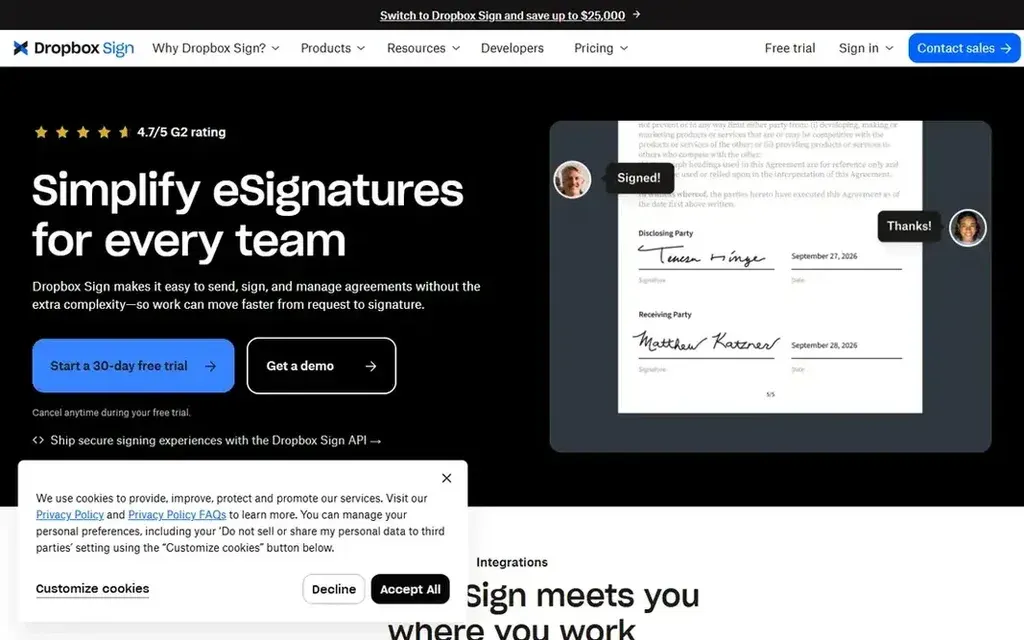
Where Dropbox Sign fits: straightforward workflow and tracking. It is a solid fit for small to mid-size practices looking for a straightforward, easy-to-use tool to handle patient consent and other documents without broad customization.
Whereas Dropbox Sign is approachable, it may lack the advanced automation and identity assurance features found in products like OneSpan Sign. This comparison lists no price for Dropbox Sign; ask the vendor. On free options: Not stated.
Points against: Restricted advanced features.
- Legally binding eSignatures
- Simplifies sending and tracking agreements
- May need Dropbox for full integration
Our selection method
LinkVetted looked at what each vendor publishes: pricing, plan limits, feature coverage for E-Signature software for dental practices and stated drawbacks. No hands-on testing is claimed. Where a vendor does not publish a price, the entry says quote. Where a price depends on seats or billing term, the entry says so. We ordered the tools by general fit, then by how clearly pricing is shown, then by free access. A buyer with unusual needs may reorder them.
What to confirm before you sign up
- Ask Zoho Sign, OneSpan Sign, Adobe Acrobat Sign and Dropbox Sign for a written quote, since no starting price is shown.
- Before choosing Zoho Sign, weigh its main limit: limited advanced features.
- Check the integration list for DocuSign against the tools you run today, and note which ones need a higher plan.
- Add up seats, add-ons and usage charges for Zoho Sign before comparing it with cheaper entries.
- Confirm you can export your data from Dropbox Sign, so leaving later does not mean losing records.
FAQ
Do these tools publish their prices?
Not all of them. Zoho Sign, OneSpan Sign, Adobe Acrobat Sign and Dropbox Sign publish no starting price, so expect a quote request for those. The rest, DocuSign included, show a starting price, though seats and billing terms still change the final cost.
How are the tools for E-Signature software for dental practices ordered?
Zoho Sign sits first and Dropbox Sign last because the order follows typical fit for E-Signature software for dental practices, then price clarity and free access. It is a judgement call, so read each profile for fit and limits.
What should dental practices look for in e-signature software?
Dental practices should prioritize security and compliance, particularly HIPAA, along with simplicity for patients and staff. Integration with existing practice management systems and support for configurable forms are also important.
Does any tool for E-Signature software for dental practices here have a free plan?
No tool in this list, Zoho Sign and Dropbox Sign included, has a permanent free plan. Trials and quotes are the usual route, so plan a short evaluation period.
Is Zoho Sign the right pick for everyone comparing E-Signature software for dental practices?
No single tool suits every team. Zoho Sign comes first because it fits affordable digital signature workflows, while OneSpan Sign suits security and identity assurance and Adobe Acrobat Sign suits PDF-centric workflows and payments. Match the tool to your own size, budget and workflow before deciding.
Sources
- https://www.zoho.com/sign
- https://www.onespan.com/products/esignature
- https://www.adobe.com/sign.html
- https://www.docusign.com
- https://www.dropbox.com/sign