Best E-Signature Software for Contractors in 2026: 5 Tools Compared
Searching for the best E-Signature software for contractors? Here are 5 options with prices and free plans. Each tool gets a one-line verdict. Updated for 2026.
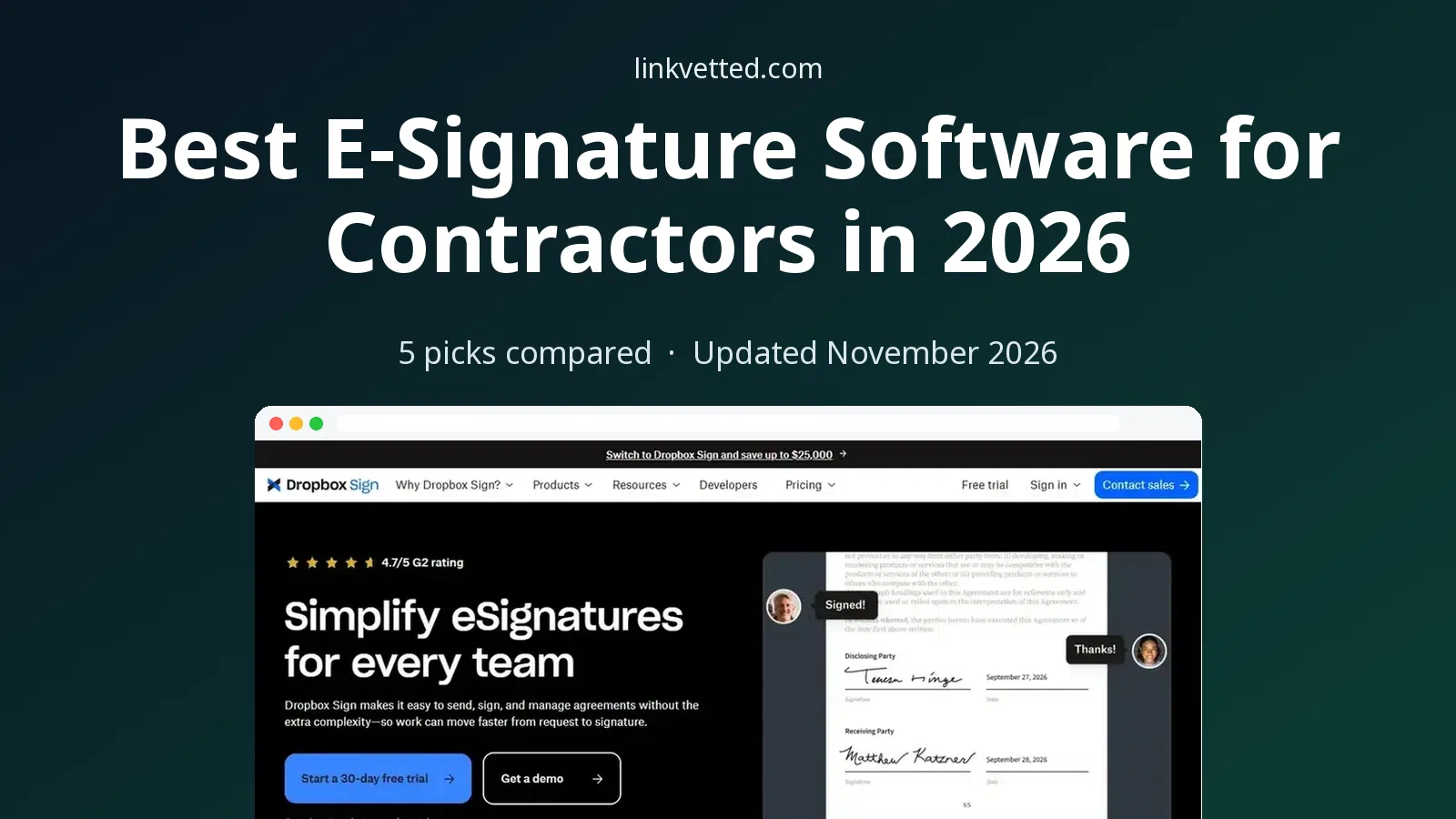
- Editor's choice
 SignNow
Custom eSignature workflows across devices
Starts atSee websiteVisit signnow.comFull review - Great alternative
 OneSpan Sign
Secure agreements with identity assurance
Starts atSee websiteVisit onespan.comFull review - Also consider
 Dropbox Sign
Straightforward, straightforward e-signature sending
Starts at$15 USD / moVisit hellosign.comFull review
Direct answer
Start with SignNow if you need custom eSignature workflows across devices. Listed starting prices: Dropbox Sign from $15 USD / mo and DocuSign from $45 per user a month. OneSpan Sign fits secure agreements with identity assurance; Dropbox Sign fits straightforward, straightforward e-signature sending. The other 2 tools in the list cover narrower or pricier cases.
TL;DR:
- Top of the list is SignNow, which targets custom eSignature workflows across devices.
- For PDF-centric teams already using Adobe, Adobe Acrobat Sign is worth a look.
- SignNow, Adobe Acrobat Sign and the 3 others all need a premium plan or a trial, since no free plan is listed.
- What to know about SignNow first: workflow setup may take time.
- For the cheapest start, look at DocuSign: $45 per user per month.
Last checked November 2026. Prices and plan details were read from the vendors' own pages in November 2026; vendors change plans often, so confirm the current price on the vendor site before you buy.
Quick comparison
| Tool | Best for | Starts at | Free plan? | |
|---|---|---|---|---|
| SignNow | Custom eSignature workflows across devices | See website | Not stated | Visit |
| OneSpan Sign | Secure agreements with identity assurance | See website | Not stated | Visit |
| Dropbox Sign | Straightforward, straightforward e-signature sending | $15 USD / mo | Free trial | Visit |
 DocuSign | Wide agreement management for contractors | $45 per user a month | Not stated | Visit |
 Adobe Acrobat Sign | PDF-centric teams already using Adobe | See website | Not stated | Visit |
The 5 tools in detail
LinkVetted compared 5 E-Signature software for contractors. The goal is a practical shortlist: published prices, free plan facts, best-fit use cases and honest limits for every entry.
SignNow targets custom eSignature workflows across devices. Custom workflow setup can take time and may be more than a solo contractor needs.
The main drawbacks: Advanced customization may suit bigger teams.
For everyday use, the product is made for adaptability, so more straightforward tools may be quicker to adopt for entry-level signing. In daily use, contractors who require repeatable signing steps for bids, change orders or subcontractor documents can build workflows around those tasks. Check the vendor site for SignNow pricing; none is listed in this comparison. On free options: Not stated.
- Works on any device
- Legally binding electronic signatures
- Workflow setup may take time
OneSpan Sign serves secure agreements with identity assurance. The security and feature depth may be more than a small contractor needs for routine contracts.
Setup and onboarding can take more effort than an entry-level signing tool. On top of that, OneSpan Sign is an eSignature product for customer agreements that simplifies digital agreement workflows with secure eSignatures, identity assurance, automation, smart forms and integrations. Pricing for OneSpan Sign is not stated here, so ask the vendor for current figures. Free plan details: Not stated.
Watch-outs: Security focus may exceed entry-level needs.
- Integrations for agreement workflows
- Smart forms and automation
- Feature breadth can need onboarding
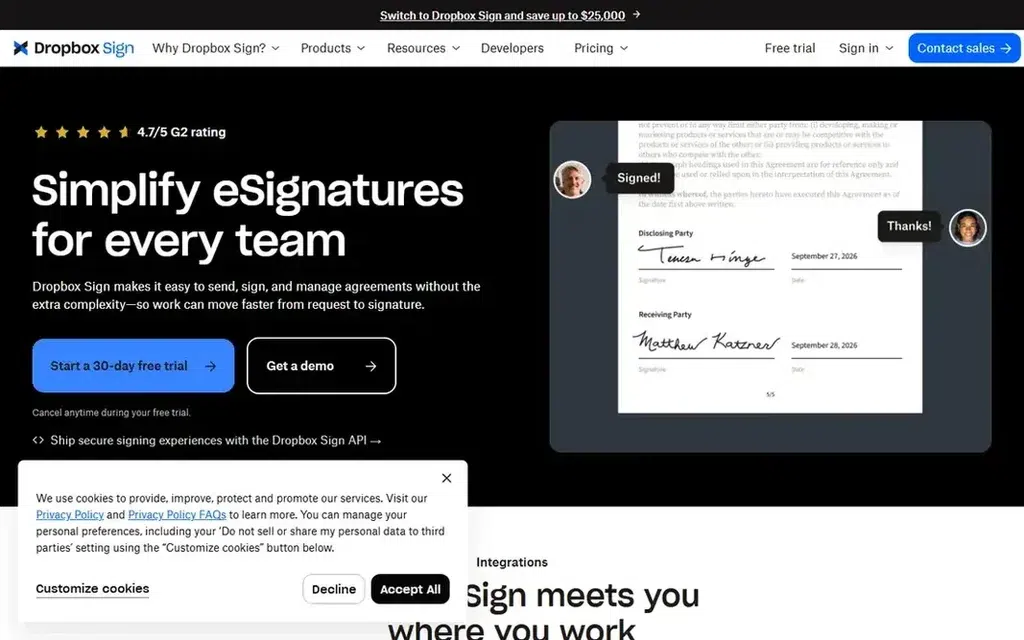
Pick Dropbox Sign if this describes you: straightforward, straightforward e-signature sending. Dropbox Sign, formerly HelloSign, describes itself as a simple way to send, receive and run legally binding electronic signatures.
As for the details, since the homepage centers on sending and managing signatures, contractors with complicated approval chains may find it restricted. Entry price for Dropbox Sign: $15 USD / mo. Free options: Free trial.
Limits to weigh: Less emphasis on full agreement management.
- Emphasizes ease of sending and receiving signatures
- Formerly known as HelloSign
- Advanced workflow needs may need another tool
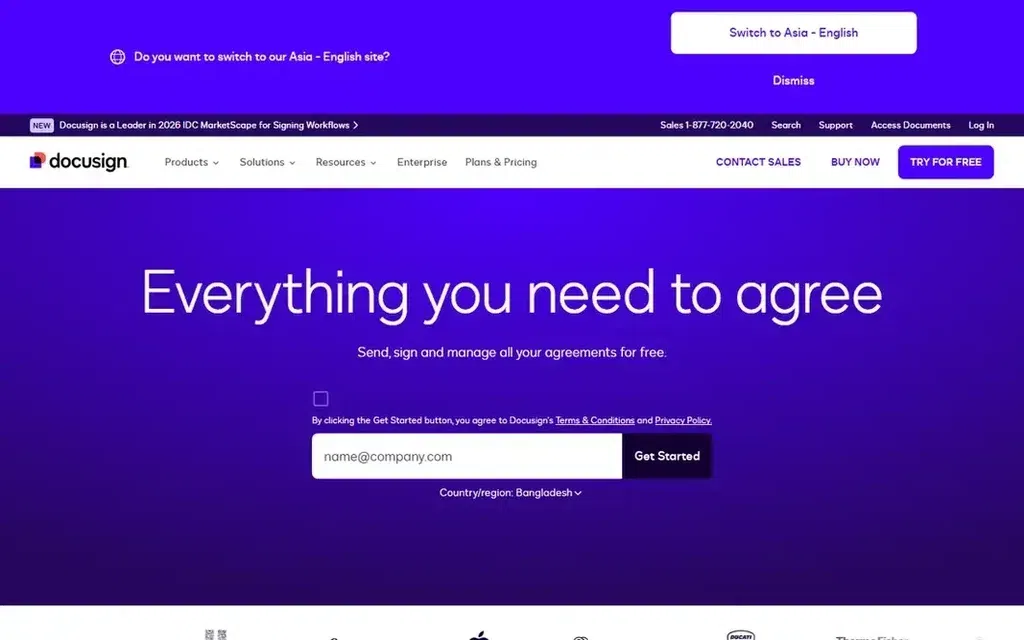
DocuSign makes the most sense for wide agreement management for contractors. DocuSign presents itself as an electronic signature and intelligent agreement management platform. Contractors who require more than a signature box can use it to build, commit to and handle agreements in one place.
The system is aimed at electronic signing as a core function. The broader agreement management focus may be more than a small contractor needs for occasional signing. Beyond that, consider DocuSign when you want a product that grows with contract volume and supports managing agreements beyond the signature step. Entry price for DocuSign: $45 per user per month. Trial and free access: Not stated.
The main drawbacks: Needs setup to match contract workflows.
- Committing and managing agreements
- Established system for business documents
- Feature depth may exceed straightforward signing needs
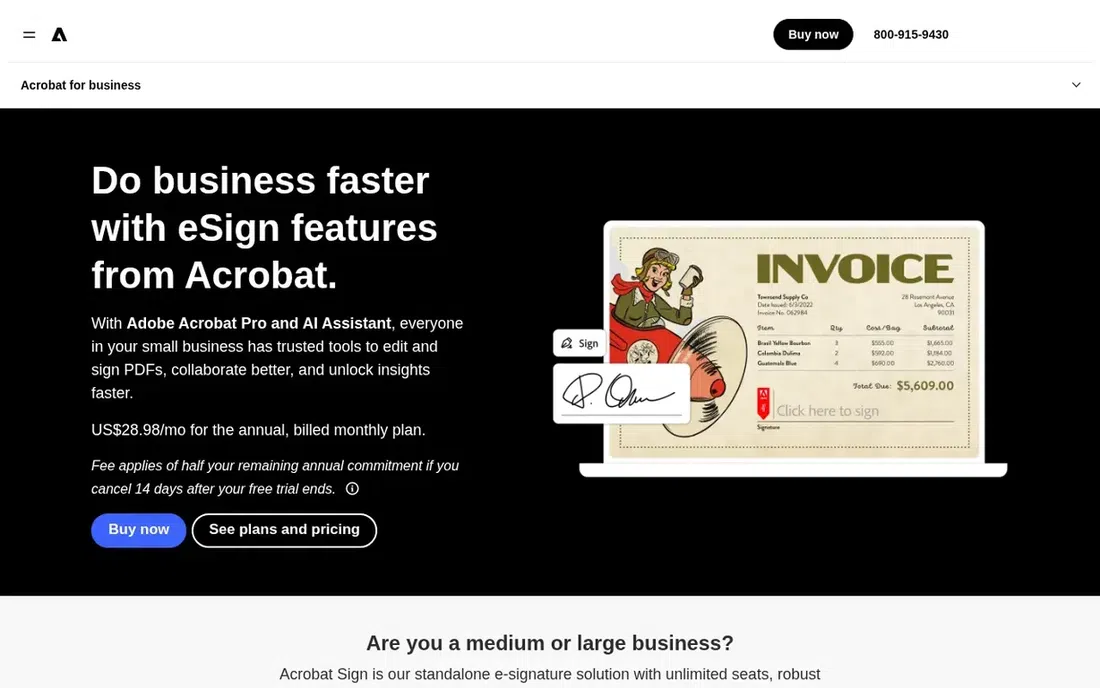
Adobe Acrobat Sign is designed for PDF-centric teams already using Adobe. Choose Adobe Acrobat Sign when PDF handling and payment collection are central to your agreements, and look at more straightforward signing tools when those extras are not needed.
Where it is weaker: Best value may rely on existing Adobe use.
Contractors who already work in Adobe PDF tools may find the signing workflow familiar and well connected to document preparation. More specifically, Adobe Acrobat Sign is positioned for e-signing documents, collecting digital payments and accepting electronic signatures on a website. Check the vendor site for Adobe Acrobat Sign pricing; none is listed in this comparison. As for free access: Not stated.
- Can accept signatures on a website
- Integrates e-signing with Adobe document tools
- Feature set can be complicated for entry-level signing
How we built this list
Pricing pages, product documentation and feature lists were the main sources, and every entry carries at least one honest drawback. Treat prices as a snapshot: vendors change plans often, so check the vendor site for the figure that applies today. Tools are placed by general fit for E-Signature software for contractors, with price clarity and free access as tie-breakers. A different team can reasonably rank them differently.
What to confirm before you sign up
- Confirm the entry price on the vendor page. For SignNow, OneSpan Sign and Adobe Acrobat Sign that means a quote rather than a fixed price.
- Use real work to test the free trial from Dropbox Sign, rather than a demo project.
- Read the limits listed for SignNow first: workflow setup may take time.
- Total up the real monthly cost of Adobe Acrobat Sign, including add-ons, extra users and usage-based fees.
- Let daily users try Dropbox Sign on real work; their feedback beats any feature checklist.
FAQ
Do these tools publish their prices?
Not all of them. SignNow, OneSpan Sign and Adobe Acrobat Sign publish no starting price, so expect a quote request for those. The rest, Dropbox Sign included, show a starting price, though seats and billing terms still change the final cost.
Does any tool for E-Signature software for contractors here have a free plan?
A permanent free plan is not offered by SignNow, Adobe Acrobat Sign or the other tools here. Dropbox Sign offer a trial. Plan a short evaluation period instead.
What is the cheapest option for E-Signature software for contractors in this list?
On published monthly entry prices, DocuSign is the lowest here at $45 per user per month. Entry price is only part of the cost, because seats, add-ons and billing terms can change the total. Each of the 5 options in this E-Signature software for contractors guide has its own card above with the price, free plan and limits.
What should contractors look for in e-signature software?
Contractors should prioritize steady sending and signing, support for typical document formats and a clear audit trail. Workflow customization helps with recurring documents like change orders.
Can I try these tools before paying?
Often, yes. Dropbox Sign offers a free trial. Use your own data and a real task during the test, and check what the free tier or trial limits before you rely on it. All 5 picks in this E-Signature software for contractors comparison list a starting price, free plan details and the main limits on their cards above.
Sources
- https://www.signnow.com
- https://www.onespan.com/products/esignature
- https://www.hellosign.com
- https://www.docusign.com
- https://www.adobe.com/sign.html