Best E-Signature Software for Small Businesses in 2026: 8 Tools Compared
Compare the best e-signature software for small businesses in 2026, with pricing, free plans, templates, audit trails and integrations explained. with
- Editor's choice
 DocuSign
Client-facing contracts
Starts atSee websiteVisit docusign.comFull review - Great alternative
 PandaDoc
Proposals and contracts
Starts at$19 per user per monthVisit pandadoc.comFull review - Also consider
 Adobe Acrobat Sign
Adobe and Microsoft shops
Starts atSee websiteVisit adobe.comFull review
TL;DR:
- PandaDoc and Zoho Sign give small teams the most useful free starting points, while DocuSign remains the safest choice when clients expect a familiar name.
- Envelope and document limits matter more than the headline price, so count how many documents you send each month before you pick a plan.
- Templates, reminders and an audit trail turn a signing tool into a real workflow, and those features are worth paying for once volume grows.
- Most tools let signers sign without creating an account, which removes the largest source of delay in client paperwork.
Quick comparison
| Tool | Best for | Starts at | Free plan? | |
|---|---|---|---|---|
| DocuSign | Client-facing contracts | See website | Free trial | Visit |
| PandaDoc | Proposals and contracts | $19 per user per month | Yes | Visit |
| Adobe Acrobat Sign | Adobe and Microsoft shops | See website | Free trial | Visit |
 Dropbox Sign | Simple, clean signing | $15 per user per month | Yes | Visit |
 signNow | Low cost per seat | $8 per user per month | Free trial | Visit |
 Zoho Sign | Zoho users | $10 per user per month | Yes | Visit |
 Signeasy | Mobile signing | $10 per user per month | Free trial | Visit |
 SignWell | Occasional senders | $10 per user per month | Yes | Visit |
The best e-signature software for small businesses
These tools all produce legally recognised electronic signatures with an audit trail, but they differ on price, limits and how much document work they handle before signing.
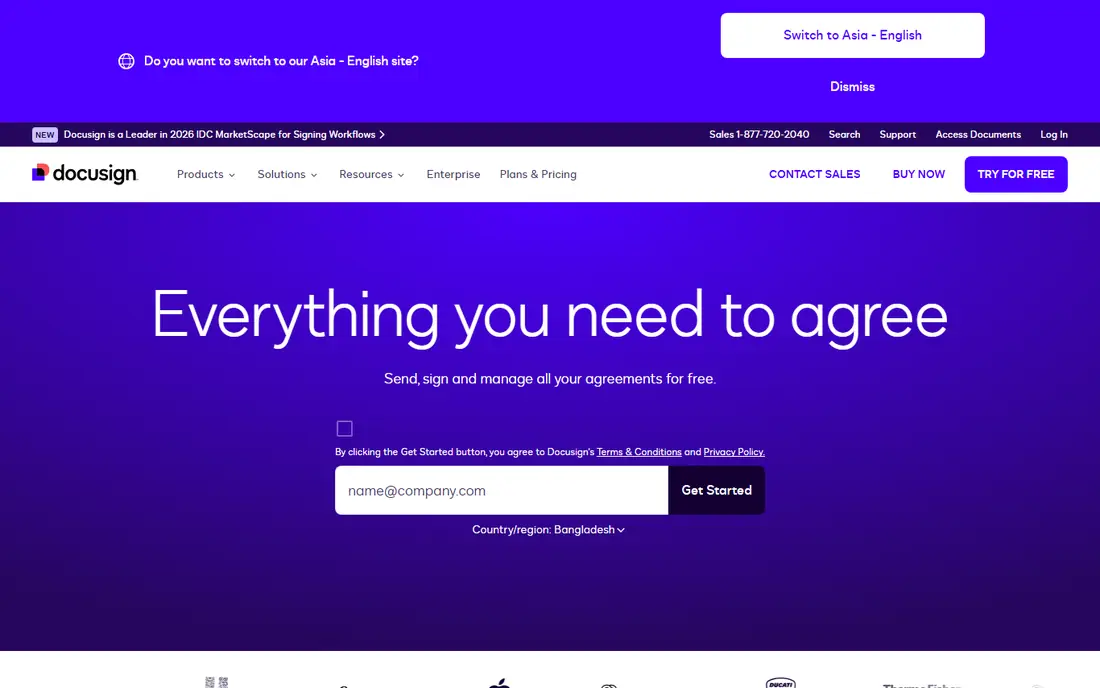
DocuSign is our pick when client confidence matters most. Many clients have signed a DocuSign document before, so they rarely ask questions about the process, and that familiarity alone can shorten turnaround time. Templates, bulk sending on higher plans, and conditional fields help a small team handle repeat contracts without rebuilding each document from scratch.
The trade-off is cost and complexity. A very small business that sends only a few documents a month may pay for capacity it never uses, and envelope limits on lower plans need checking before you commit. If your clients are large companies or law firms, that premium is often justified. If they are not, a cheaper tool below may do the same job.
- Widely recognised by clients
- Strong template and workflow options
- Broad integrations with common business tools
- Paid plans can get expensive as seats and envelopes grow
- Some advanced features sit on higher tiers
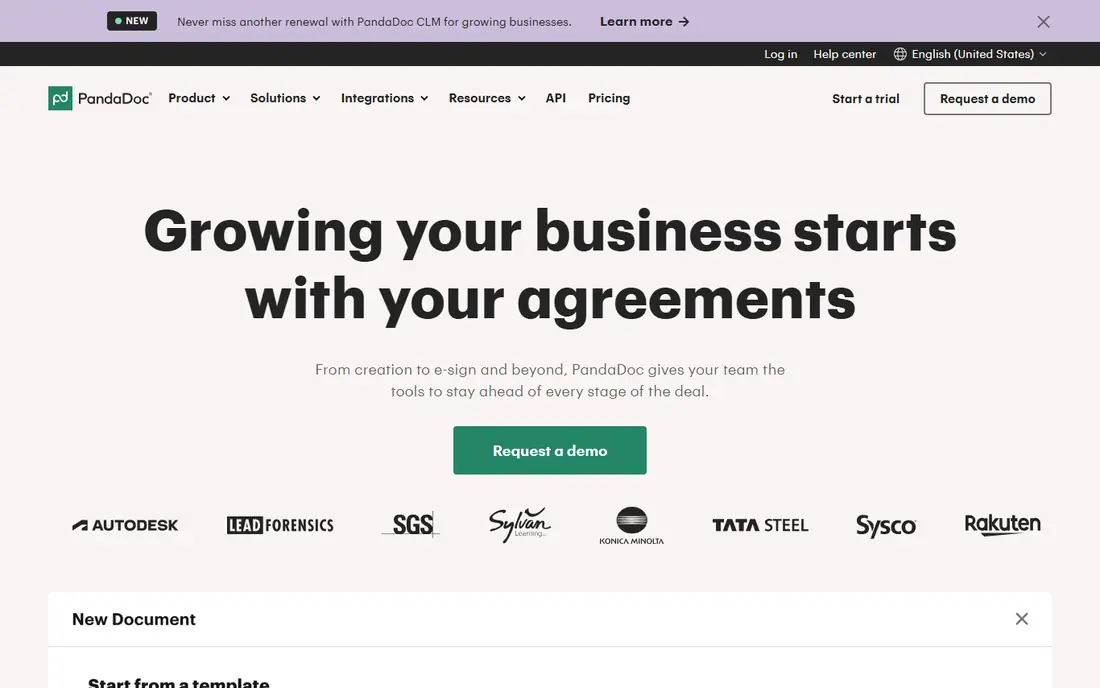
PandaDoc suits teams that write a proposal first and collect a signature second. You can build the document, add pricing tables, and send it for signature in one place, which avoids the usual back and forth between a word processor and a signing tool. The free eSign plan is generous enough for a business that sends a handful of documents each month.
The catch is that the free plan is shaped to move you toward a paid plan, with limits on recipients and no bulk sending. At $19 per user per month, the Starter plan removes the sending cap and opens the template library. For sales-led small businesses, that combination is hard to beat.
- Free plan covers a useful number of documents
- Built-in document editor and templates
- Payment collection on paid plans
- Free plan limits recipients per document
- Pricing is per seat, so team costs add up
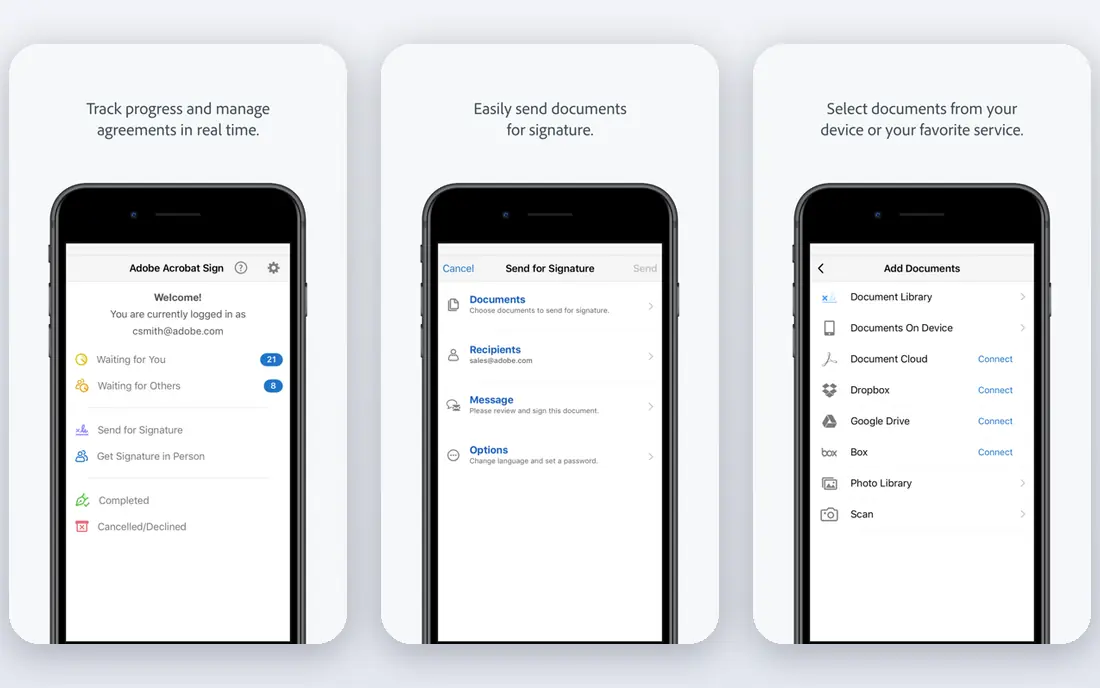
Adobe Acrobat Sign makes most sense if you already live in Acrobat or Microsoft tools. You can prepare a PDF, place fields, and send it without learning a separate document system, and recipients get a clean signing experience. For firms that handle forms, applications and agreements all day, that fit saves real time.
For a business that only needs a signature on an occasional contract, Adobe may be more tool than required, and the price reflects its enterprise roots. Check the trial carefully against your actual document types. If you use Acrobat daily, it is a natural choice. If you do not, a simpler tool will feel faster.
- Fits naturally with Acrobat and Microsoft 365
- Strong form and field tools
- Trusted brand for formal documents
- Pricing is not the cheapest for small teams
- The full feature set can feel heavy for simple signing
Dropbox Sign, formerly HelloSign, is the tool we suggest when simplicity is the priority. Upload a document, place fields, send it, and track it. Signers do not need an account, and the interface stays out of the way, which matters when you send documents to clients who are not comfortable with software.
The limit is scope. Dropbox Sign does not try to be a proposal builder or a full contract management system, so teams that need pricing tables, approvals and complex workflows will outgrow it. For straightforward signing, though, its paid plans offer good value, and the free plan is a fair way to test it.
- Very easy for senders and signers
- Unlimited signature requests on paid plans
- Clean interface with little training needed
- Fewer document creation features than PandaDoc
- Some team controls require higher plans
signNow wins on price for teams that need several seats. At $8 per user per month, it undercuts most named rivals while still covering templates, reminders and an audit trail. That matters when five or ten staff members all need to send documents, because per-seat pricing can quietly double a bill elsewhere.
The interface is functional rather than beautiful, and some users will prefer the polish of DocuSign or Dropbox Sign. Feature depth also varies by plan, so compare the tier you would actually buy, not the headline plan. On value alone, signNow deserves a place on every small business shortlist.
- Low starting price
- Templates and team features on paid plans
- Good value for larger small teams
- Interface is less polished than some rivals
- Advanced integrations may need a higher plan
Zoho Sign is the obvious pick for businesses already using Zoho CRM, Zoho Books or Zoho Workplace. Documents, contacts and signatures can flow between those apps without extra connectors, and the price stays low. The free plan covers a small monthly volume, which is enough for many sole traders and tiny teams.
Outside the Zoho ecosystem, the case is weaker, though still fair on price. Clients may be less familiar with the Zoho Sign name than with DocuSign, but the signing experience itself is straightforward and does not require an account. If you already pay for Zoho, start here before you pay for a second vendor.
- Low price and a usable free plan
- Strong fit with Zoho CRM and other Zoho apps
- Templates and reminders included
- Less familiar to clients outside the Zoho world
- Some features are tied to the wider Zoho suite
Signeasy fits field teams, tradespeople and anyone who signs documents away from a desk. Its mobile apps handle in-person signing well, and the sending flow is short enough to complete on a phone between jobs. For a business where the contract is signed at a kitchen table or on a job site, that mobile strength is a real advantage.
On a desktop, Signeasy is competent rather than outstanding, and its integration list is shorter than DocuSign or PandaDoc. If your team works mostly in an office and needs deep CRM links, look elsewhere first. If signing happens in the field, Signeasy is worth a trial.
- Strong mobile apps for signing on the go
- Easy in-person signing
- Templates and team options on paid plans
- Fewer integrations than larger rivals
- Document creation features are limited
SignWell is a plain, affordable signing tool for businesses that send documents now and then. The free plan covers a few documents a month, and the paid plan adds templates, branding and more volume without a large jump in price. It does the core job well: send, sign, store, and prove it happened.
It does not try to compete with PandaDoc on document creation or with DocuSign on enterprise workflow, and that is fine for its audience. If you need only reliable signing at a fair price, SignWell is a sensible final pick. If you need proposals, approvals and CRM automation, one of the tools above will fit better.
- Simple pricing and a free plan for light use
- Easy template and audit trail features
- No account needed for signers
- Smaller integration range than market leaders
- Team features are basic on lower plans
How we picked these
We compared official feature pages, pricing pages and app store listings, plus public reviews, for tools that are actively sold in October 2026 and that suit small US businesses. We favoured tools with a clear audit trail, signer access without an account, templates and reminders, and published pricing or a usable free plan or trial. We excluded tools that only serve large enterprises or that require a sales call for basic signing.
What to check before you pay
Start by counting your real monthly volume, including repeat contracts, renewals and internal approvals. A free plan looks generous until you hit a recipient limit or a monthly cap in the middle of a deal, so test with your longest document and your least technical client.
Next, check templates and reminders. Reusable templates save more time than any other feature, and automatic reminders do the chasing for you. Then check where signed documents are stored and how you export the audit trail, because you may need that record years later. Finally, confirm whether signers need an account, whether mobile signing works well, and whether the tool connects to your CRM, accounting software or cloud storage. A short trial with real documents answers all of these questions faster than a feature list.
FAQ
Are electronic signatures legally valid for small business contracts?
In the United States, electronic signatures are generally valid under federal and state law for most business agreements, with some exceptions such as certain wills and some court documents. Use a tool that records who signed, when, and from which device, and keep the completed document and audit trail together. For high value or regulated agreements, ask a lawyer to confirm the right approach.
How many documents can I send on a free plan?
It varies widely, from a few documents a month to a larger annual allowance, and some free plans limit recipients or templates. Check the current limit on the vendor pricing page before you rely on a free plan for client work. If you regularly send more than a handful of documents a month, a paid plan usually costs less than the time lost to workarounds.
Do my clients need an account to sign?
With most tools on this list, no. Signers usually open a secure link, review the document, and sign in a browser, often on a phone. That matters for older clients and busy decision makers, who may abandon a signing request that forces them to create an account first.
What is an audit trail, and why does it matter?
An audit trail is a record of the signing process, including when the document was sent, viewed and signed, and by whom. It helps you prove agreement later if a client disputes a signature or a date. Keep the audit trail with the signed document, and check how long the vendor stores it.
Should I pick DocuSign just because clients know it?
Familiarity helps, but it is not the only factor. If your clients are large firms or legal teams, DocuSign can reduce friction. If your clients are small businesses and consumers, a cheaper tool with the same audit trail and a simpler signing flow may serve you just as well, at a lower monthly cost.