Best E-Signature Software for Startups (2026): 6 Picks Checked on Vendor Pages
Need the best E-Signature software for startups? We compare 6 tools on cost, free access and who each suits. Every entry states what it lacks. Choose faster.
- Editor's choice
 SignNow
Custom eSignature workflows
Starts atSee websiteVisit signnow.comFull review - Great alternative
 OneSpan Sign
Secure, feature-rich eSignatures
Starts atSee websiteVisit onespan.comFull review - Also consider
 Adobe Acrobat Sign
PDF-centric signing workflows
Starts atSee websiteVisit adobe.comFull review
Direct answer
SignNow leads the list, best for custom eSignature workflows. Listed starting prices: DocuSign from $45 per user per month, Dropbox Sign from $15 USD / mo and Concord from $499 a month. OneSpan Sign is the stronger choice for secure, feature-rich eSignatures, while Adobe Acrobat Sign suits PDF-centric signing workflows. Details, prices and limits for the rest of the 6 tools are below.
TL;DR:
- Top of the list is SignNow, which targets custom eSignature workflows.
- Concord fits contract management simplification.
- The cheapest monthly starting price in the list is $45 per user per month, offered by DocuSign.
- One limit worth knowing about OneSpan Sign: complicated for straightforward use cases.
- A permanent free plan is missing from all 6 tools, SignNow and Concord included; plan for a trial or a premium start.
Last checked November 2026. Prices and plan details were read from the vendors' own pages in November 2026; vendors change plans often, so confirm the current price on the vendor site before you buy.
Quick comparison
| Tool | Best for | Starts at | Free plan? | |
|---|---|---|---|---|
| SignNow | Custom eSignature workflows | See website | Not stated | Visit |
| OneSpan Sign | Secure, feature-rich eSignatures | See website | Not stated | Visit |
| Adobe Acrobat Sign | PDF-centric signing workflows | See website | Not stated | Visit |
 DocuSign | Full agreement management | $45 per user per month | Not stated | Visit |
 Dropbox Sign | Straightforward, legally binding e-signatures | $15 USD / mo | Free trial | Visit |
 Concord | Contract management simplification | $499 a month | No | Visit |
E-Signature Software for Startups, one by one
LinkVetted compared 6 E-Signature software for startups. The goal is a practical shortlist: published prices, free plan facts, best-fit use cases and honest limits for every entry.
For custom eSignature workflows, SignNow is a natural candidate. The range of options could be more than a small team needs, and setup may take time.
Startups with very straightforward signing requirements might prefer a more entry-level tool. SignNow does not show a starting price in this comparison, so check the vendor site for current pricing. As for free access: Not stated.
The main drawbacks: Branding transition from airSlate.
- Legally binding eSignatures
- Custom workflow choices
- Feature depth may overwhelm beginners
For secure, feature-rich eSignatures, OneSpan Sign is a natural candidate. OneSpan Sign is an eSignature system for customer agreements that simplifies digital workflows with secure eSignatures, identity assurance, automation, and smart forms. Startups without complicated security requirements might opt for simpler tools.
For everyday use, the product advertises a wide feature set. In practice, consider OneSpan Sign when security and advanced features are priorities. This comparison lists no price for OneSpan Sign; ask the vendor. Free plan details: Not stated.
Honest limits: Complicated for simple use cases.
- Broad feature set
- Automation and smart forms
- May need technical setup
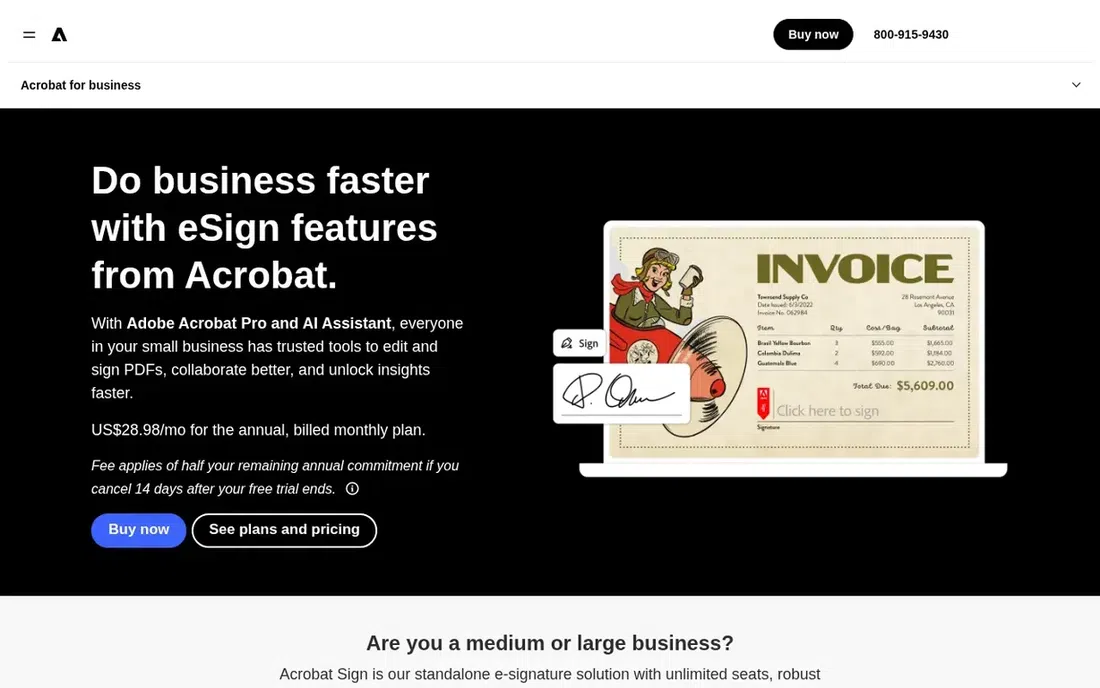
Adobe Acrobat Sign is a good fit for PDF-centric signing workflows. Adobe Acrobat Sign is an e-signature option that lets users sign documents, collect digital payments, and accept electronic signatures on websites.
Startups seeking a standalone e-signature tool might consider alternatives. For teams not invested in Adobe tools, the value may be lower, and the interface can be complicated for entry-level needs. Pricing for Adobe Acrobat Sign is not stated here, so ask the vendor for current figures. Free options: Not stated.
Honest limits: May be overkill for straightforward signatures.
- Supports digital payments and website signatures
- Connects with Adobe PDF tools
- Needs Adobe ecosystem for full value
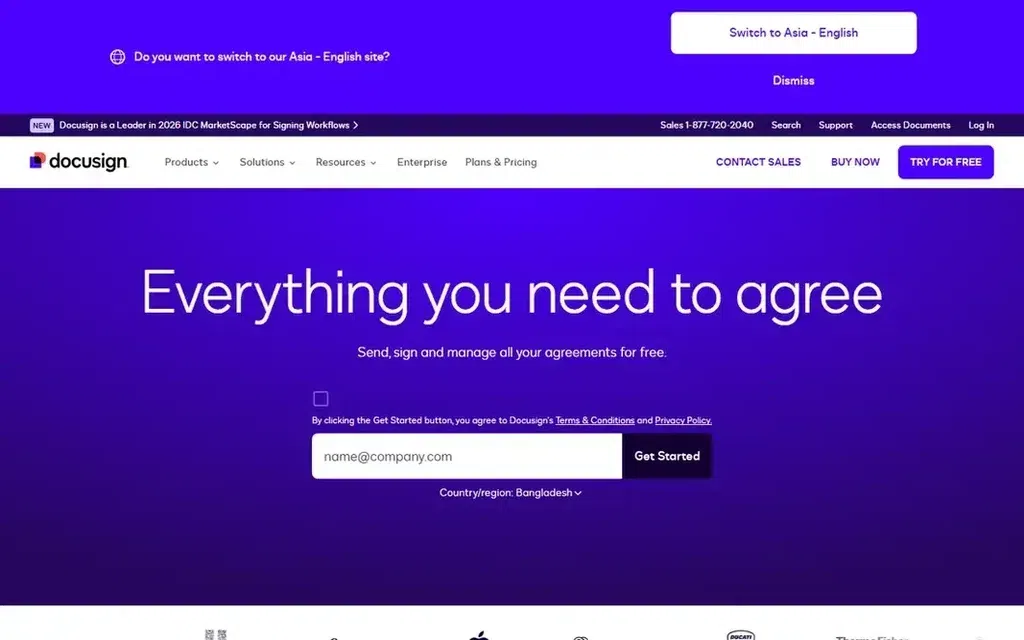
DocuSign serves full agreement management. For very small teams or occasional signing, DocuSign may offer more than needed, and pricing can be higher than more straightforward alternatives.
The main drawbacks: May be complicated for straightforward signing needs.
What you pay to start with DocuSign: $45 per user per month. Free plan details: Not stated.
- Established presence in e-signature market
- Wide system for creating and managing agreements
- Higher cost level for advanced features
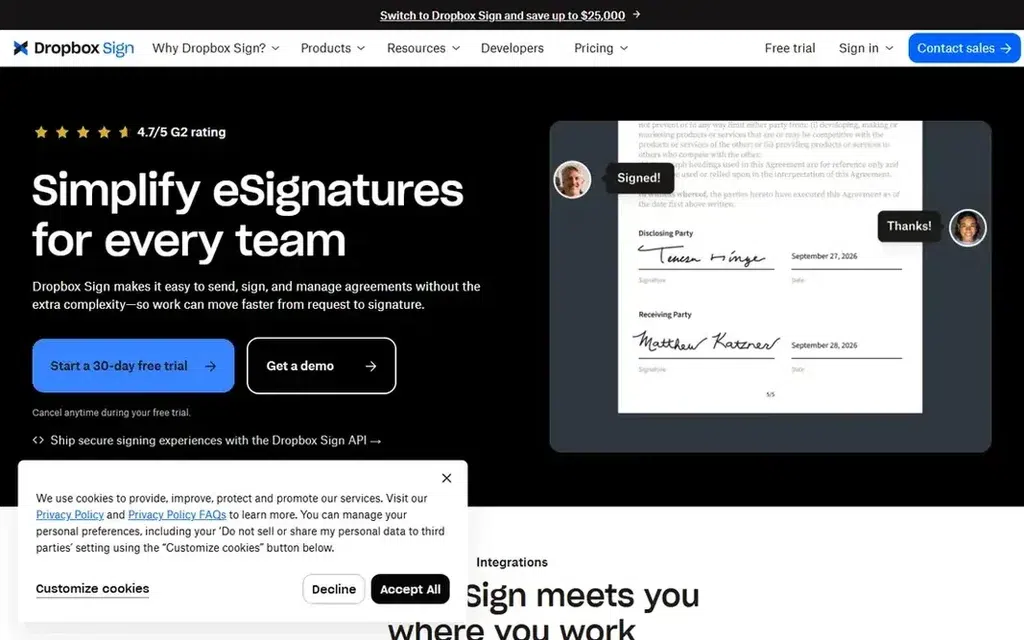
Dropbox Sign is built with straightforward, legally binding e-signatures in mind. Worth adding: if you need deep contract lifecycle management or complicated workflows, Dropbox Sign may not be sufficient.
More specifically, choose Dropbox Sign for entry-level, dependable e-signature tasks. Starting cost for Dropbox Sign: $15 USD / mo. Free options: Free trial.
Trade-offs to know: Restricted advanced agreement management.
- Runs legally binding electronic signatures
- Links up with Dropbox ecosystem
- May need Dropbox for full benefits
Concord targets contract management simplification. Concord presents itself as contract management you don't have to handle, suggesting a focus on simplifying contract workflows. It may suit startups that want to organize agreements beyond just signing.
For everyday use, the system likely contains e-signature as part of broader contract handling. In daily use, if your primary need is fast, standalone e-signatures, Concord might be more than necessary. In practice, choose Concord when contract management is a central concern. From a buyer's view, startups seeking a pure e-signature tool may find it less specialized. On cost, Concord starts like this: $499 per month. Concord has no permanent free option.
Where it is weaker: May need process adjustments.
Best features of Concord: Aims to cut management overhead.
- Focus on contract management
- Centralized agreement storage
- Less emphasis on e-signature specifics
What went into this list
What to confirm before you sign up
- Confirm the entry price on the vendor page. For SignNow, OneSpan Sign and Adobe Acrobat Sign that means a quote rather than a fixed price.
- Use real work to test the free trial from Dropbox Sign, rather than a demo project.
- Read the limits listed for SignNow first: feature depth may overwhelm beginners.
- Run a one or two week pilot of SignNow with the people who will use it every day.
- Check the support hours and onboarding help DocuSign offers; smaller vendors vary a lot here.
FAQ
Do these tools publish their prices?
Not all of them. SignNow, OneSpan Sign and Adobe Acrobat Sign publish no starting price, so expect a quote request for those. The rest, DocuSign included, show a starting price, though seats and billing terms still change the final cost.
How does Dropbox Sign differ from Adobe Acrobat Sign?
Dropbox Sign concentrates on simplicity for sending and managing signatures, whereas Adobe Acrobat Sign connects with PDF workflows and supplies features like digital payments.
Is SignNow the right pick for everyone comparing E-Signature software for startups?
No single tool suits every team. SignNow comes first because it fits custom eSignature workflows, while OneSpan Sign suits secure, feature-rich eSignatures and Adobe Acrobat Sign suits PDF-centric signing workflows. Match the tool to your own size, budget and workflow before deciding.
How are the tools for E-Signature software for startups ordered?
The order follows typical fit for E-Signature software for startups, with SignNow first and Concord last, then price clarity and free access. It is editorial judgement, not a score, so another team could rank the tools differently.
What is the cheapest option for E-Signature software for startups in this list?
On published monthly entry prices, DocuSign is the lowest here at $45 per user per month. Entry price is only part of the cost, because seats, add-ons and billing terms can change the total. Each of the 6 options in this E-Signature software for startups guide has its own card above with the price, free plan and limits.
Sources
- https://www.signnow.com
- https://www.onespan.com/products/esignature
- https://www.adobe.com/sign.html
- https://www.docusign.com
- https://sign.dropbox.com
- https://www.concord.app