Choosing AI E-Signature APIS Software in 2026: 6 Options Compared
6 tools for the best AI e-signature apis software, compared on pricing, free plans and best-fit use. Cost notes and weak points included. Narrow your shortlist.
- Editor's choice
 Adobe Acrobat Sign
Deep PDF and document workflows
Starts atSee websiteVisit adobe.comFull review - Great alternative
 OneSpan Sign
Security and identity assurance
Starts atSee websiteVisit onespan.comFull review - Also considerConga Sign
CRM-integrated e-signatures
Starts atSee websiteVisit conga.comFull review
Direct answer
Start with Adobe Acrobat Sign if you need deep PDF and document workflows. Listed starting prices: Dropbox Sign from $15 USD / mo and Signaturit from €9 excl. VAT a month. If your case is different, OneSpan Sign suits security and identity assurance and Conga Sign suits CRM-integrated e-signatures. The other 3 tools in the list cover narrower or pricier cases.
TL;DR:
- Adobe Acrobat Sign takes the first slot, best suited to deep PDF and document workflows.
- The main caution on OneSpan Sign: complicated setup for entry-level needs.
- Pricing for Adobe Acrobat Sign, OneSpan Sign, Conga Sign and DocuSign eSignature is quote-based, which adds a sales step before you can compare cost.
- A permanent free plan is missing from all 6 tools, Adobe Acrobat Sign and Signaturit included; plan for a trial or a premium start.
- Signaturit fits European digital transaction needs.
Last checked November 2026. Prices and plan details were read from the vendors' own pages in November 2026; vendors change plans often, so confirm the current price on the vendor site before you buy.
Quick comparison
| Tool | Best for | Starts at | Free plan? | |
|---|---|---|---|---|
| Adobe Acrobat Sign | Deep PDF and document workflows | See website | Not stated | Visit |
| OneSpan Sign | Security and identity assurance | See website | Not stated | Visit |
| Conga Sign | CRM-integrated e-signatures | See website | Not stated | Visit |
| DocuSign eSignature | Wide API ecosystem and integrations | See website | Not stated | Visit |
 Dropbox Sign | Straightforward developer-friendly e-signature API | $15 USD / mo | Free trial | Visit |
| Signaturit | European digital transaction needs | €9 excl. VAT a month | Free trial | Visit |
6 options for AI e-signature apis software Options in detail
Choosing AI e-signature apis software usually comes down to price, fit and limits. This LinkVetted guide sets 6 tools side by side on those three points, with the facts kept short and checkable.
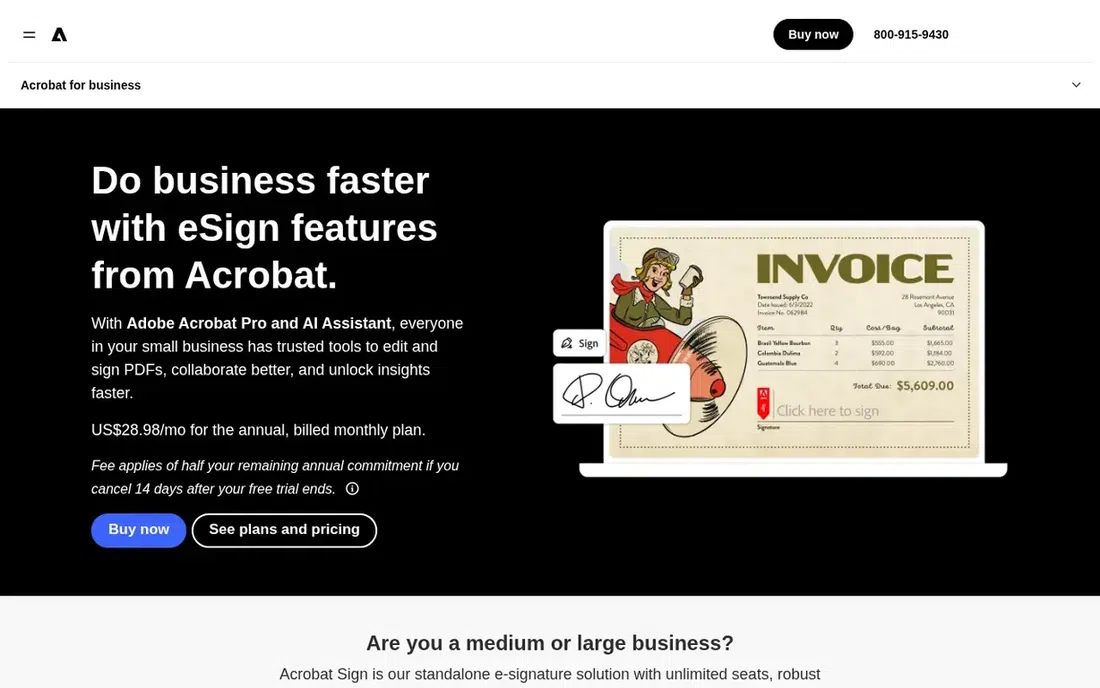
Adobe Acrobat Sign was built for deep PDF and document workflows. If you are not invested in the Adobe ecosystem, a standalone e-signature API might be simpler to adopt.
Worth adding: the API and setup may be more involved than more straightforward alternatives. The full value emerges when used with other Adobe services. Adobe Acrobat Sign does not show a starting price in this comparison, so check the vendor site for current pricing. Free options: Not stated.
The main drawbacks: Best value within Adobe ecosystem.
- Web forms for signatures
- Supports digital payments
- API can be complicated to implement
OneSpan Sign works best for security and identity assurance. It provides smart forms, integration choices, and a wide feature set a good match for regulated industries and customer agreement workflows.
Watch-outs: May be overkill for small teams.
The system's broad capabilities can make initial setup and configuration more complicated, notably for straightforward use cases. No starting price is listed for OneSpan Sign here; confirm pricing on the vendor site. Trial and free access: Not stated.
- Capable identity verification
- Smart forms and automation
- Complicated setup for entry-level needs
Conga Sign
Best for: CRM-integrated e-signatures
Conga Sign is built with CRM-integrated e-signatures in mind. The system emphasizes smooth integration with business applications. Its strengths are most apparent when used alongside Conga's other products, and standalone API adaptability may be restricted compared with dedicated e-signature APIs.
Points against: Best value within Conga ecosystem.
More specifically, Conga Sign is an e-signature option meant to operate within CRM and workflow environments, offering white-label capabilities and compliance features. It is a strong match for teams that want signing embedded straight into their existing CRM or document generation processes. No starting price is listed for Conga Sign here; confirm pricing on the vendor site. On free options: Not stated.
- Compliance support
- White-label choices
- Less standalone API adaptability
DocuSign eSignature
Best for: Wide API ecosystem and integrations
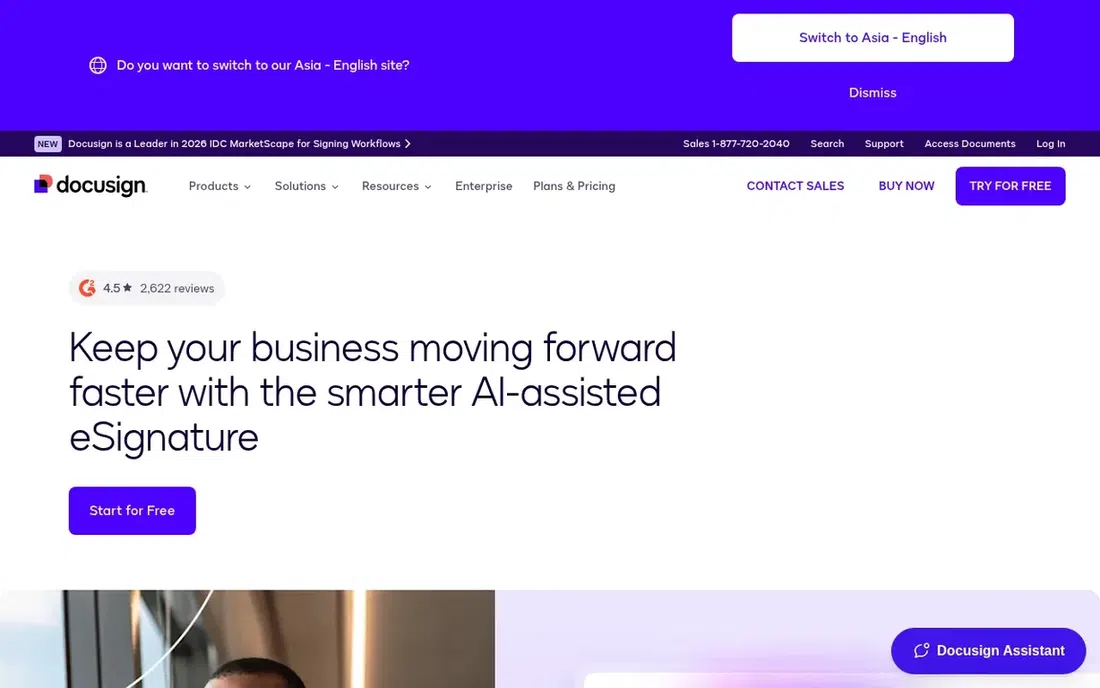
In short, DocuSign eSignature is for wide API ecosystem and integrations. The system's breadth can introduce complexity for small teams or straightforward signing needs, and some advanced capabilities are gated behind higher service levels.
Watch-outs: Can be complicated for straightforward use cases.
On top of that, if you need a light API with minimal setup, consider a more straightforward alternative like Dropbox Sign. Check the vendor site for DocuSign eSignature pricing; none is listed in this comparison. Free plan details: Not stated.
- Deep API documentation
- Global compliance support
- Premium features may require higher levels
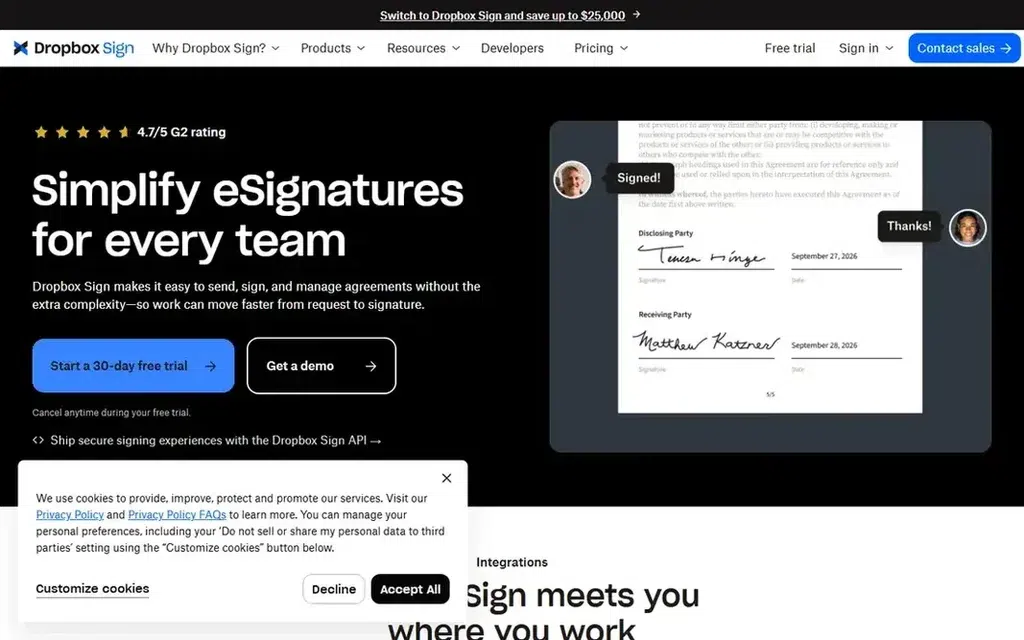
Dropbox Sign is aimed squarely at straightforward developer-friendly e-signature API. If you need complicated routing or deep CRM integration, consider DocuSign or Conga Sign. For everyday use, Dropbox Sign, formerly HelloSign, gives you an e-signature API built for simplicity, with clear documentation and fast integration.
It is a strong match for developers who want to add signing capabilities without a steep ramp-up time. The product supports templates, reminders, and legally binding signatures. From a buyer's view, whereas it includes core e-signature needs, it may lack the deep enterprise workflow and compliance features of bigger systems. Entry price for Dropbox Sign: $15 USD / mo. Trial and free access: Free trial.
Honest limits: Fewer advanced workflow features.
- Clean and straightforward API
- Simple template management
- Limited customization compared with enterprise tools
Signaturit
Best for: European digital transaction needs
Signaturit is a good fit for European digital transaction needs. If you need a widely recognized global API with deep documentation, DocuSign or Adobe Acrobat Sign might be preferable.
Trade-offs to know: API documentation may be less broad.
As part of Signaturit Group, a Namirial Company, it serves companies needing compliance with European regulations. Signaturit is an European digital transaction product that supports signing, verifying, and archiving documents. What you pay to start with Signaturit: €9 excl. VAT per month. Free plan details: Free trial.
- Sign, verify
- European focus and compliance
- Less known outside Europe
How these tools were picked
LinkVetted looked at what each vendor publishes: pricing, plan limits, feature coverage for AI e-signature apis software and stated drawbacks. No hands-on testing is claimed. Where a price is missing, the vendor does not list one publicly or ties it to a quote. Always confirm before budgeting. We ordered the tools by general fit, then by how clearly pricing is shown, then by free access. A buyer with unusual needs may reorder them.
What to confirm before you sign up
- Ask Adobe Acrobat Sign, OneSpan Sign, Conga Sign and DocuSign eSignature for a written quote, since no starting price is shown.
- Take the trial from Dropbox Sign and Signaturit and push a live task through it before you pay.
- Read the limits listed for Adobe Acrobat Sign first: API can be complicated to implement.
- Look at the renewal terms for DocuSign eSignature: auto-renewal, notice periods and price changes can matter more than the first-year price.
- Check whether the features you need in Dropbox Sign sit on the entry plan or only on higher tiers.
FAQ
Is Adobe Acrobat Sign the right pick for everyone comparing AI e-signature apis software?
No single tool suits every team. Adobe Acrobat Sign comes first because it fits deep PDF and document workflows, while OneSpan Sign suits security and identity assurance and Conga Sign suits CRM-integrated e-signatures. Match the tool to your own size, budget and workflow before deciding.
Which e-signature API is best for developers?
Start with Adobe Acrobat Sign if you need deep PDF and document workflows. OneSpan Sign is the better match for security and identity assurance, and Conga Sign for CRM-integrated e-signatures. The best choice depends on budget, team size and workflow.
Can I try these options before paying?
Often, yes. Dropbox Sign and Signaturit offer a free trial. Use your own data and a real task during the test, and check what the free tier or trial limits before you rely on it.
Do these tools publish their prices?
Not all of them. Adobe Acrobat Sign, OneSpan Sign, Conga Sign and DocuSign eSignature publish no starting price, so expect a quote request for those. The rest, Dropbox Sign included, show a starting price, though seats and billing terms still change the final cost.
Are e-signatures created via API legally binding?
Yes, e-signatures are legally binding in plenty of jurisdictions when they meet certain compliance standards. Most major e-signature APIs support regulations like ESIGN and eIDAS, but you should verify compliance for your region.
Does any tool for AI e-signature apis software here have a free plan?
A permanent free plan is not offered by Adobe Acrobat Sign, Signaturit or the other tools here. Dropbox Sign, Signaturit offer a trial. Plan a short evaluation period instead.
Sources
- https://www.adobe.com/sign.html
- https://www.onespan.com/products/esignature
- https://conga.com/products/conga-sign
- https://www.docusign.com/products/electronic-signature
- https://sign.dropbox.com
- https://signaturit.com