6 Best E-Signature APIS Software for Small Business for 2026, Vetted and Compared
Best e-signature apis software for small business: 6 tools compared on price, free plans and fit. Every pick gets a straight assessment. Updated November 2026.
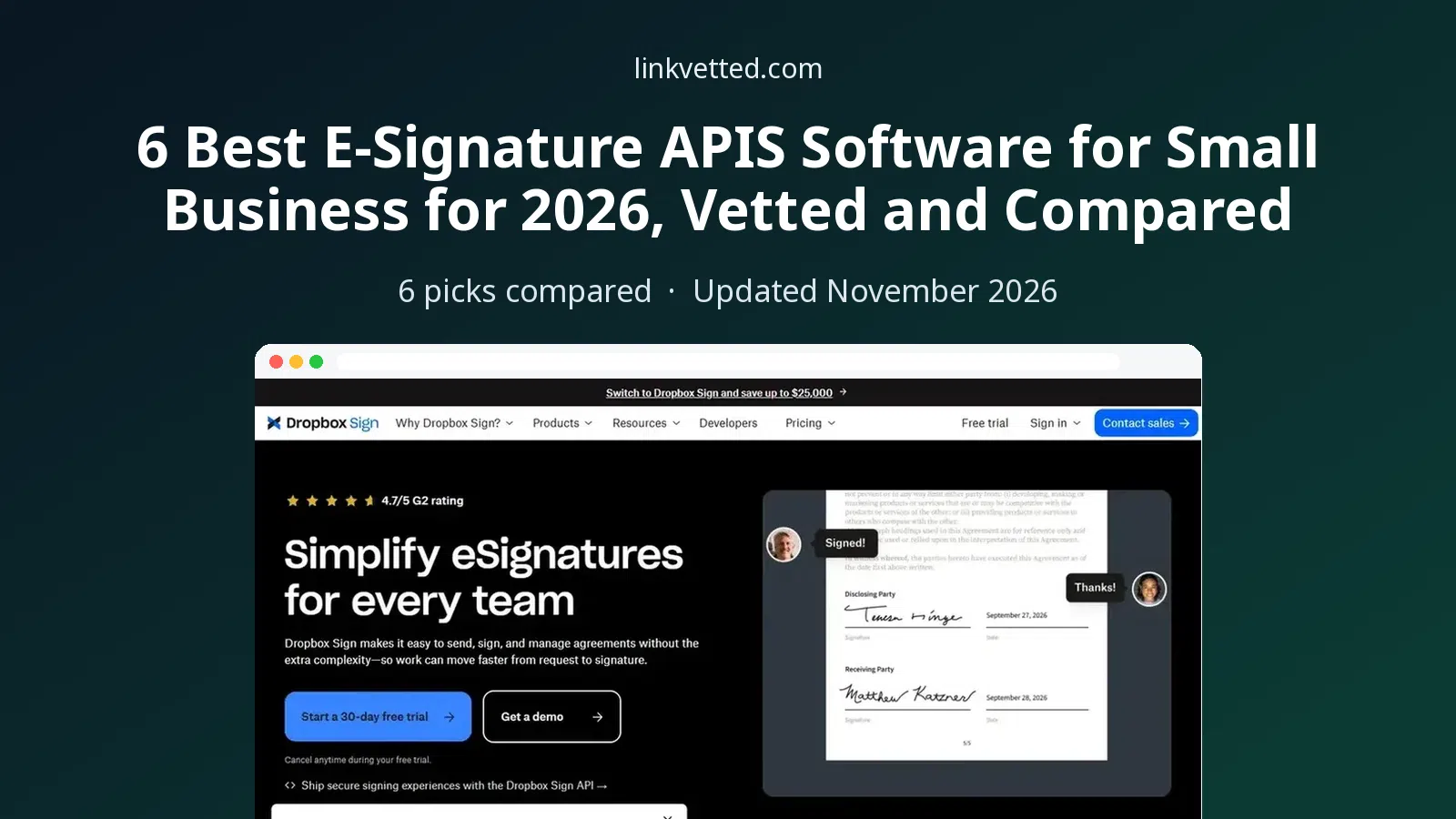
- Editor's choice
 Dropbox Sign
Teams already using Dropbox storage
Starts at$15 USD / moVisit sign.dropbox.comFull review - Great alternative
 SignNow
Custom eSignature workflows
Starts atSee websiteVisit signnow.comFull review - Also consider
 Adobe Acrobat Sign
Adobe PDF-centric teams
Starts atSee websiteVisit adobe.comFull review
Direct answer
If you need teams already using Dropbox storage, Dropbox Sign is the first tool to look at here. Listed starting prices: Dropbox Sign from $15 USD / mo, SignWell from $10 a month and BoldSign from $5 per user a month. SignNow fits custom eSignature workflows; Adobe Acrobat Sign fits Adobe PDF-centric teams. The other 3 tools in the list cover narrower or pricier cases.
TL;DR:
- Number one here is Dropbox Sign, a fit for teams already using Dropbox storage.
- BoldSign fits API-first embedded signing.
- Dropbox Sign comes with a trade-off: best value if you use Dropbox.
- Free plans exist at 2 of 6 tools (SignWell, BoldSign).
- BoldSign has the lowest monthly starting price in this list: $5 per user per month.
Last checked November 2026. Prices and plan details were read from the vendors' own pages in November 2026; vendors change plans often, so confirm the current price on the vendor site before you buy.
Quick comparison
| Tool | Best for | Starts at | Free plan? | |
|---|---|---|---|---|
| Dropbox Sign | Teams already using Dropbox storage | $15 USD / mo | Free trial | Visit |
| SignNow | Custom eSignature workflows | See website | Not stated | Visit |
| Adobe Acrobat Sign | Adobe PDF-centric teams | See website | Not stated | Visit |
 SignWell | Quick, low-setup document signing | $10 a month | Yes | Visit |
| DocuSign eSignature | Wide integrations and established workflows | See website | Not stated | Visit |
 BoldSign | API-first embedded signing | $5 per user a month | Yes | Visit |
Every option for e-signature apis software for small business explained
Short on time? The summary and table above give the quick view of 6 tools for e-signature apis software for small business, and the profiles that follow give the detail behind each entry.
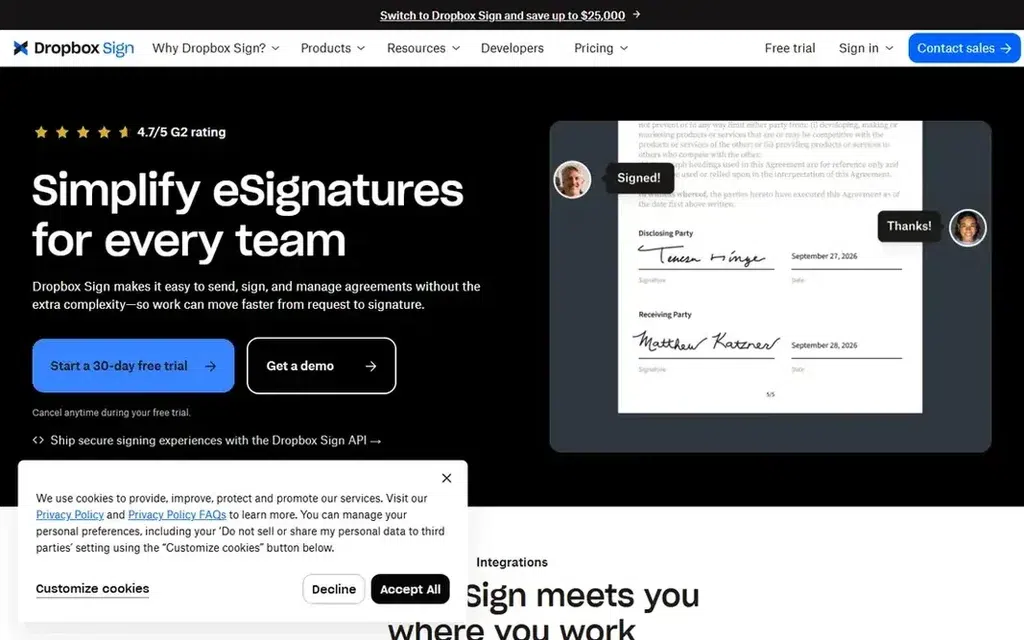
In short, Dropbox Sign is for teams already using Dropbox storage. Dropbox Sign, formerly HelloSign, centres on sending, receiving and managing legally binding electronic signatures.
Its appeal for small firms is a straightforward interface plus a documented API for embedding signing into apps and websites. If you do not use Dropbox, the storage advantage matters less. Dropbox Sign pricing: $15 USD / mo. As for free access: Free trial.
Drawbacks to consider: Best value if you use Dropbox.
- Legally binding signatures
- Straightforward sending and managing flow
- Fewer deep enterprise controls
SignNow is a good fit for custom eSignature workflows. That customization includes a ramp-up time, and straightforward one-off signing tasks may not justify the setup effort.
Where it falls short: Workflow setup layers on complexity.
Pricing for SignNow is not stated here, so ask the vendor for current figures. Free access: Not stated.
- Workflow customization
- Works across devices
- Feature set can take time to learn
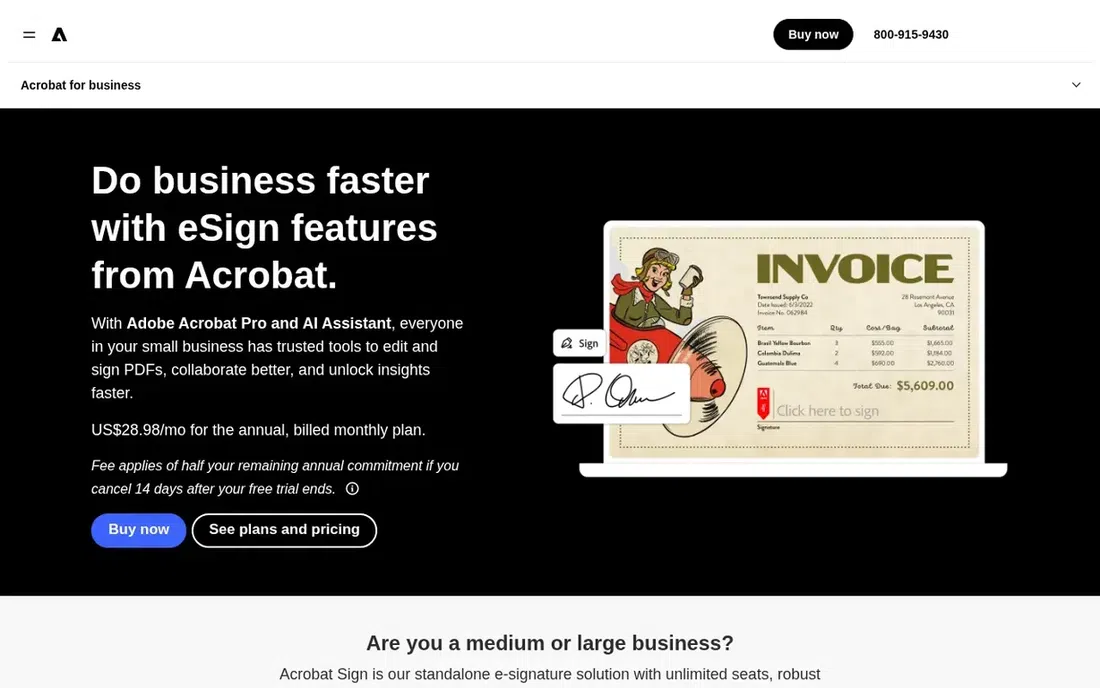
Pick Adobe Acrobat Sign if this describes you: Adobe PDF-centric teams. Adobe Acrobat Sign is Adobe's electronic signature offering for companies that want to send documents for signature and collect signatures on their website. It also supports digital payments, which can help small firms combine agreement signing with payment collection.
Drawbacks to consider: Setup can involve several products.
On top of that, teams already using Adobe Acrobat for PDF work will find the transition natural, since signing sits alongside familiar document tools. More specifically, the value depends heavily on how much of your document work already happens in Adobe products. Pricing for Adobe Acrobat Sign is not stated here, so ask the vendor for current figures. As for free access: Not stated.
- Supports website signing
- Collects digital payments
- Tied to Adobe ecosystem strengths
Pick SignWell if this describes you: quick, low-setup document signing. SignWell positions itself around zero-setup electronic signatures and quicker document turnaround. If your signing process is entry-level and speed matters most, SignWell is a sensible candidate.
Trade-offs to know: Lighter advanced customization.
Also, since the emphasis is on simplicity, teams needing elaborate routing, deep identity verification or heavy customization may hit limits. Choose a more feature-rich product when complex workflows become routine. As for the details, for small companies that want to get documents signed without configuring a complicated system, the straightforward approach is appealing. SignWell pricing: $10 per month. A free plan is available with SignWell.
- Zero-setup emphasis
- Fast turnaround focus
- Fewer deep product features
DocuSign eSignature
Best for: Wide integrations and established workflows
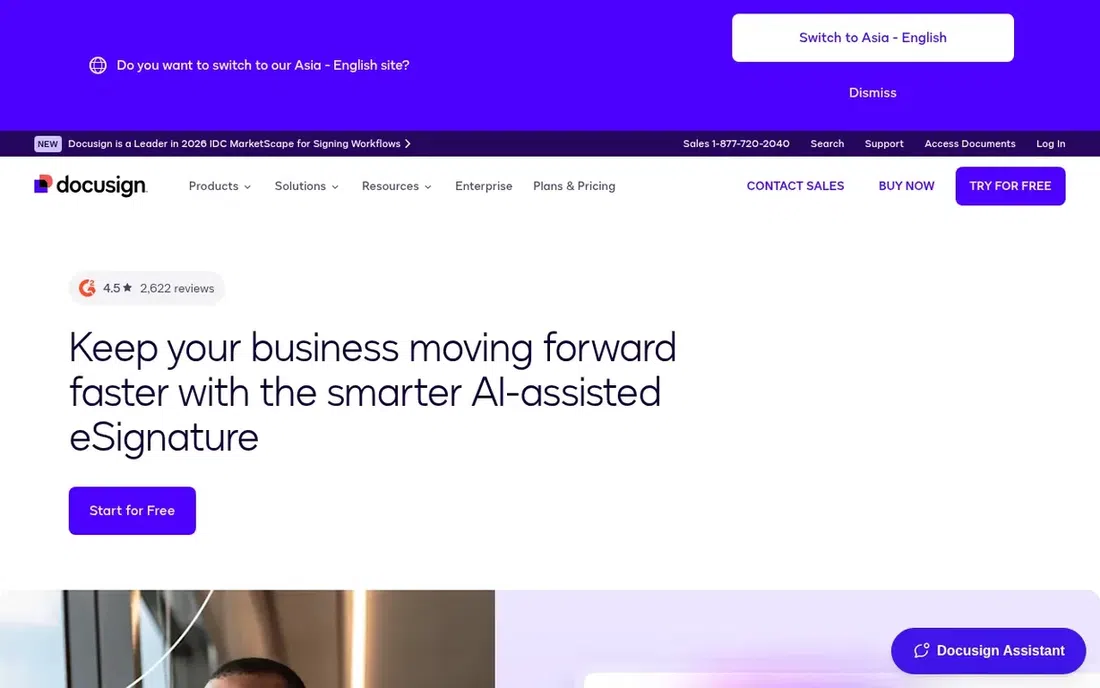
DocuSign eSignature makes the most sense for wide integrations and established workflows. If your priority is the simplest possible sending flow with minimal overhead, a lighter tool may suit you better.
Honest limits: Feature depth may overwhelm small teams.
On top of that, the system carries plenty of capability, which can mean more setup and configuration than a small team needs at the start. DocuSign eSignature does not show a starting price in this comparison, so check the vendor site for current pricing. Trial and free access: Not stated.
- Mature API documentation
- Broad integration ecosystem
- Can feel complicated for straightforward needs
Think of BoldSign for API-first embedded signing. The developer emphasis means non-technical teams may need more support to get value from the API.
Choose BoldSign when embedding signing into your software is a primary goal. In practice, if you prefer a purely hosted, click-through setup, a more straightforward tool may be a better match. What you pay to start with BoldSign: $5 per user per month. Free access exists with BoldSign.
Trade-offs to know: Less suited to non-technical teams.
- Send and track contracts
- Embedded signing workflows
- Developer orientation may not suit all
How these tools were picked
Things to verify first
- Ask SignNow, Adobe Acrobat Sign and DocuSign eSignature for a written quote, since no starting price is shown.
- Read the fine print on the free plans from SignWell and BoldSign; seat, project and feature caps differ.
- Run a trial of Dropbox Sign with real work before paying for a year; your own workflow is the best test.
- Read the limits listed for Dropbox Sign first: best value if you use Dropbox.
- Work out what SignNow costs with your real seat count, add-ons and usage, not just the entry price.
- Find out whether the entry plan of DocuSign eSignature covers your must-haves or only a trimmed-down version.
FAQ
Can I switch e-signature providers later?
Choosing a provider with documented APIs and standard document formats makes a future transition simpler. Confirm export and retention details with each vendor before you register.
Is a developer-focused e-signature API better than a hosted tool?
API-first tools like BoldSign offer more control over the signing experience. If your team chiefly sends documents from a dashboard, a hosted tool with a straightforward interface may be quicker to adopt.
Can I try these tools before paying?
Often, yes. SignWell and BoldSign have a free plan and Dropbox Sign offers a free trial. Use your own data and a real task during the test, and check what the free tier or trial limits before you rely on it.
What is the cheapest option for e-signature apis software for small business in this list?
On published monthly entry prices, BoldSign is the lowest here at $5 per user per month. Entry price is only part of the cost, because seats, add-ons and billing terms can change the total.
Is Dropbox Sign the right pick for everyone comparing e-signature apis software for small business?
No single tool suits every team. Dropbox Sign comes first because it fits teams already using Dropbox storage, while SignNow suits custom eSignature workflows and Adobe Acrobat Sign suits Adobe PDF-centric teams. Match the tool to your own size, budget and workflow before deciding.
Which options for e-signature apis software for small business have a free plan?
On this list, SignWell and BoldSign include a free plan. Caps on seats, usage or features are common, so test the free plan against your real workload. One other tool offers a trial instead.
Sources
- https://sign.dropbox.com
- https://www.signnow.com
- https://www.adobe.com/sign.html
- https://www.signwell.com
- https://www.docusign.com/products/electronic-signature
- https://boldsign.com