6 Best E-Signature Software for Event Planners for 2026, Vetted and Compared
Best E-Signature software for event planners: 6 tools compared on price, free plans and fit. Verdicts stay brief and factual. Last reviewed November 2026.
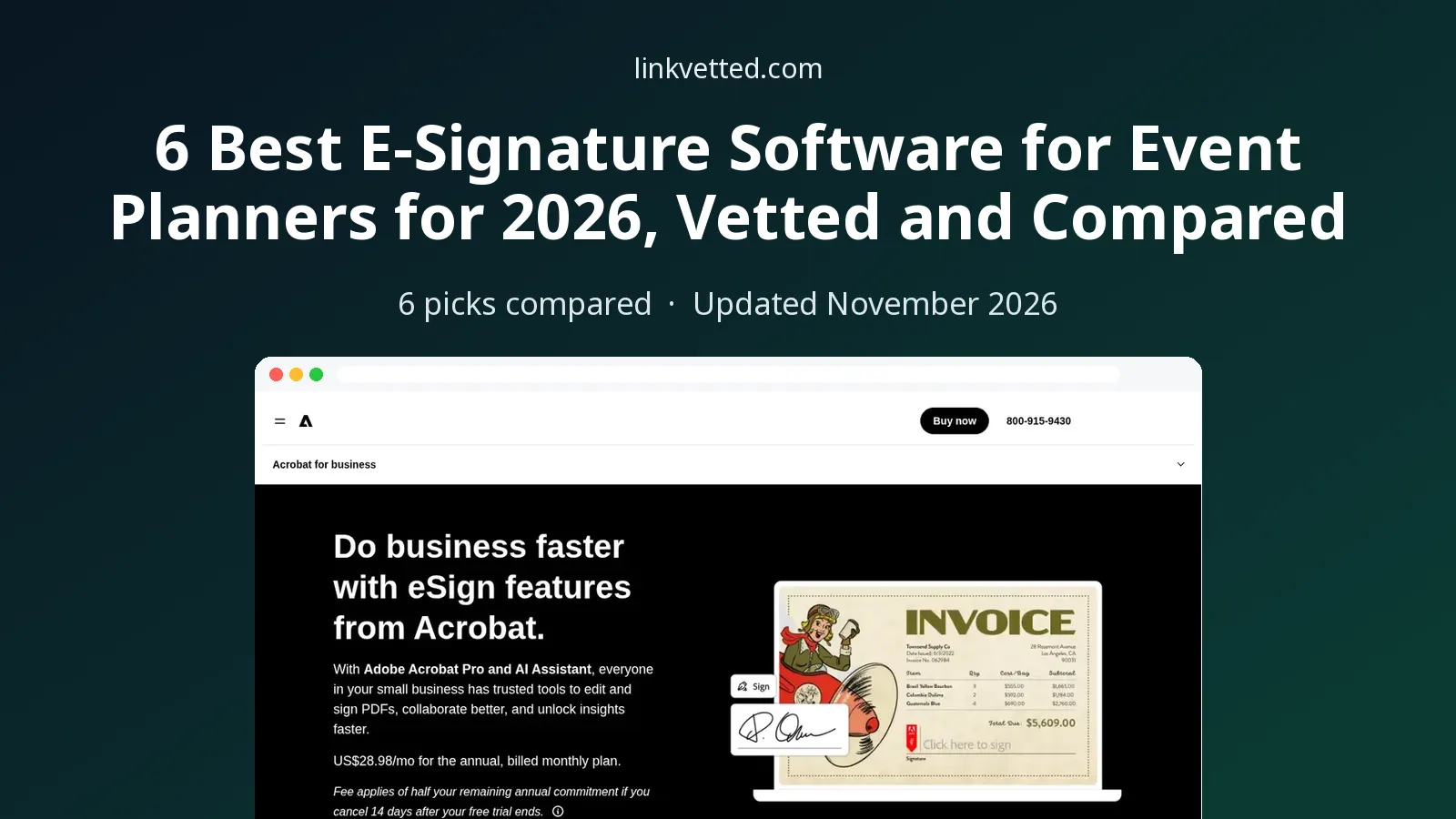
- Editor's choice
 SignNow
Custom signature workflows on any device
Starts atSee websiteVisit signnow.comFull review - Great alternative
 Adobe Acrobat Sign
Teams already in Adobe PDF workflows
Starts atSee websiteVisit adobe.comFull review - Also consider
 DocuSign
Wide agreement management for planners
Starts at$45 per user a monthVisit docusign.comFull review
Direct answer
For custom signature workflows on any device, SignNow is where this list starts. Listed starting prices: DocuSign from $45 per user a month. Alternatives: Adobe Acrobat Sign for teams already in Adobe PDF workflows, and DocuSign for wide agreement management for planners. Prices, free plans and limits for all 6 tools follow.
TL;DR:
- Top of the list is SignNow, which targets custom signature workflows on any device.
- The lowest published monthly entry price here is $45 per user per month, from DocuSign.
- Dropbox Sign suits planners storing contracts in Dropbox.
- The main caution on Zoho Sign: most handy if you already use Zoho.
- Neither SignNow nor Dropbox Sign, nor any of the other 4 tools, has a permanent free plan; trials and quotes are the norm.
Last checked November 2026. Prices and plan details were read from the vendors' own pages in November 2026; vendors change plans often, so confirm the current price on the vendor site before you buy.
Quick comparison
| Tool | Best for | Starts at | Free plan? | |
|---|---|---|---|---|
| SignNow | Custom signature workflows on any device | See website | Not stated | Visit |
| Adobe Acrobat Sign | Teams already in Adobe PDF workflows | See website | Not stated | Visit |
| DocuSign | Wide agreement management for planners | $45 per user a month | Not stated | Visit |
 Zoho Sign | Planners inside the Zoho ecosystem | See website | Not stated | Visit |
| Proliant | Payroll and HR, not e-signature | See website | Not stated | Visit |
 Dropbox Sign | Planners storing contracts in Dropbox | See website | Not stated | Visit |
E-Signature Software for Event Planners compared in detail
LinkVetted compared 6 E-Signature software for event planners. The goal is a practical shortlist: published prices, free plan facts, best-fit use cases and honest limits for every entry.
SignNow makes the most sense for custom signature workflows on any device. SignNow, branded as airSlate SignNow, is an electronic signature system with custom workflow choices. Its homepage emphasizes legally binding eSignatures and a smooth signing experience anytime, anywhere, on any device.
Worth adding: if your signing needs are straightforward and infrequent, a more entry-level tool may be quicker to start with. In daily use, custom workflows need upfront setup, which can slow down planners who only sign the occasional contract. No starting price is listed for SignNow here; confirm pricing on the vendor site. Trial and free access: Not stated.
Limits to weigh: Workflow setup takes some planning.
- Custom eSignature workflows
- Works across devices
- May be more than straightforward sign-offs need
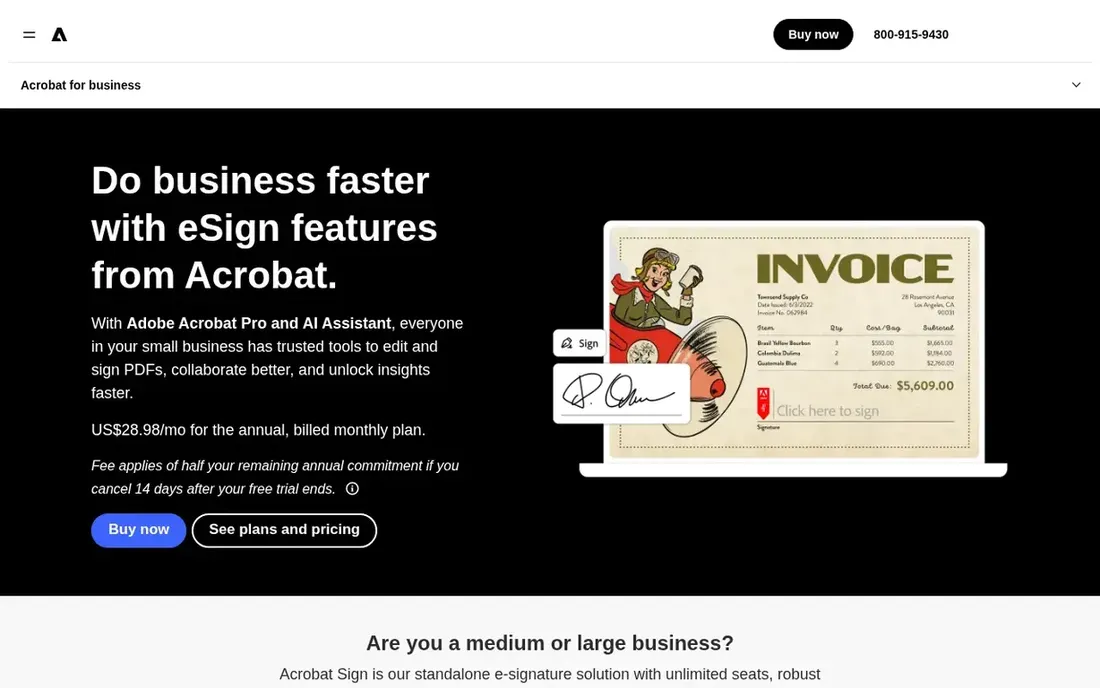
Adobe Acrobat Sign is a good fit for teams already in Adobe PDF workflows. Event planners who already prepare contracts and proposals in Adobe PDF tools can keep documents in a familiar environment while collecting signatures from clients and vendors.
Where it is weaker: Best value if you already use Adobe tools.
This comparison lists no price for Adobe Acrobat Sign; ask the vendor. Free options: Not stated.
- Deals with digital payments alongside signing
- Suits existing Adobe PDF document habits
- Setup may need learning Adobe's ecosystem
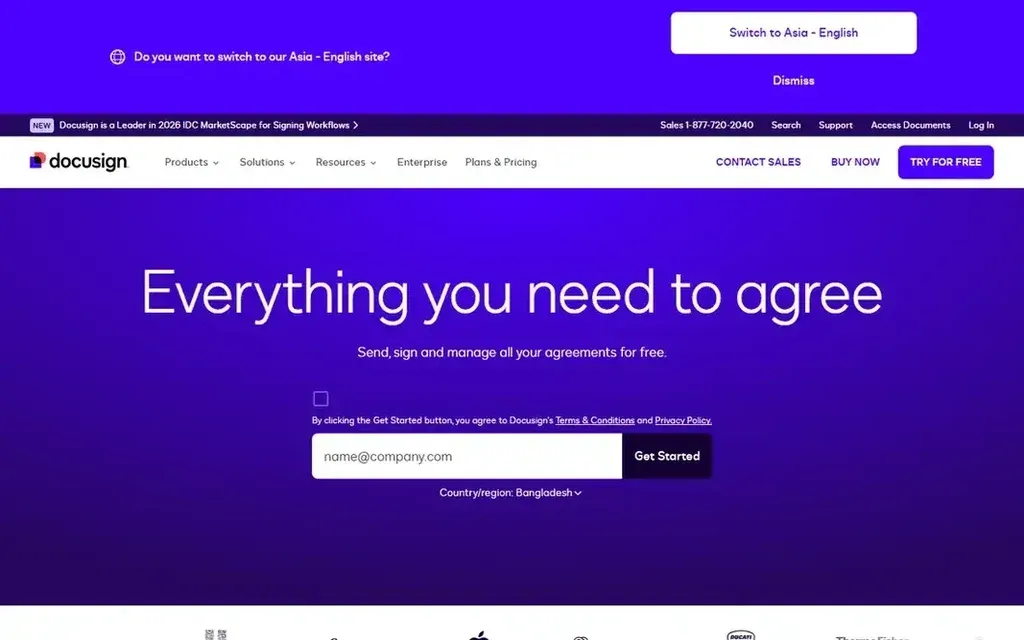
DocuSign is a good fit for wide agreement management for planners. DocuSign is a well-known electronic signature and agreement management product.
Downsides: Feature depth may overwhelm straightforward bookings.
Beyond that, for event planners, that means client contracts, vendor terms and venue paperwork can move through a consistent signing flow that most counterparties already recognize. Entry price for DocuSign: $45 per user per month. On free options: Not stated.
- Takes care of signing and agreement management in one system
- Widely recognized by venues and vendors
- Advanced agreement tools go beyond entry-level signing
Zoho Sign serves planners inside the Zoho ecosystem. Zoho Sign is Zoho's digital signature option for companies. Its homepage describes signing business documents online and automating paperwork with complete digital signature document workflows to collect signatures securely.
Planners whose clients and vendors expect a widely recognized signing brand may prefer a more established name. Planners who already run invoicing, email or client management through Zoho can keep signature requests close to the rest of their operations. Zoho Sign shows no starting price here, so confirm the cost on the vendor site. On free options: Not stated.
Downsides: Less familiar to outside counterparties.
- Secure signature collection
- Automates paperwork
- Most handy if you already use Zoho
Proliant
Best for: Payroll and HR, not e-signature
For payroll and HR, not e-signature, Proliant is a natural candidate. Proliant gives you payroll and HR software, described on its homepage as People Tools to ease payroll and HR and support employees.
Points against: Restricted fit for contract signing.
From a buyer's view, event planners who run staff, seasonal hires or payroll administration may encounter it in that context. But it is not an electronic signature system for client or vendor contracts. This comparison lists no price for Proliant; ask the vendor. Free options: Not stated.
- Employee-focused system
- Payroll and HR people tools
- Not an e-signature product
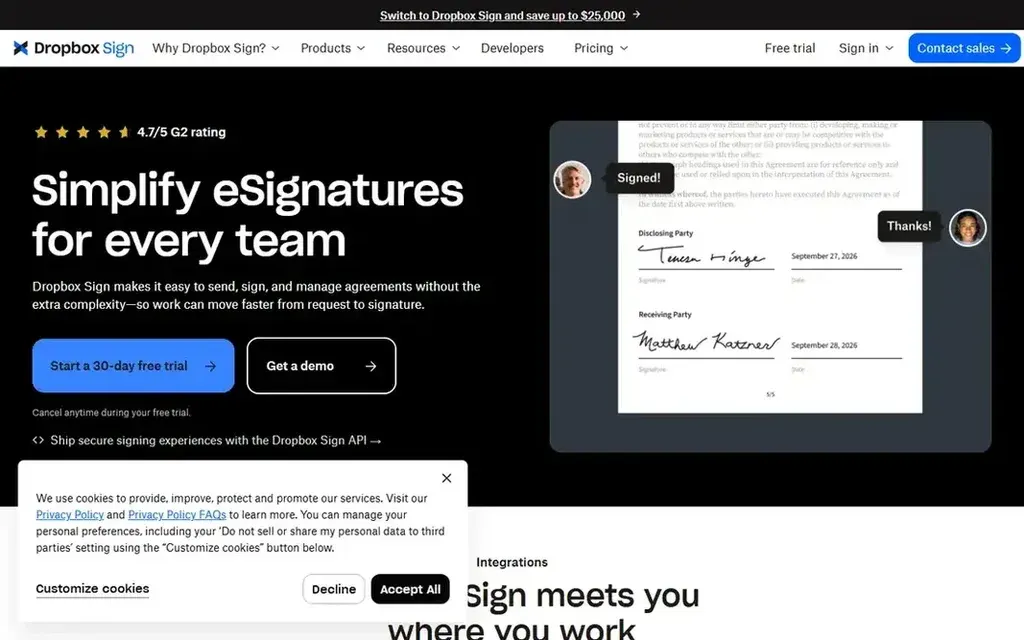
Where Dropbox Sign fits: planners storing contracts in Dropbox. Its homepage describes simplifying workflows by preparing, sending, signing and tracking agreements with legally binding eSignatures.
In practice, the value depends heavily on using Dropbox for document storage; planners on other cloud services may find it less convenient. Dropbox Sign does not show a starting price in this comparison, so check the vendor site for current pricing. Free access: Not stated.
Strengths: sends and tracks agreements. Points against: Tied closely to the Dropbox ecosystem.
- Prepares
- Legally binding eSignatures
- Restricted appeal outside Dropbox users
What went into this list
Selection started from tools commonly considered for E-Signature software for event planners, then narrowed to 6 that have clear pricing information or a clear quote process. Prices and plan limits come from vendor pages and can change, so confirm them on the vendor site before you buy. Position on the page reflects fit for a typical buyer first, with price clarity and free access breaking ties. Treat it as a guide, not a ruling.
What to check before you buy
- Get a written quote from SignNow, Adobe Acrobat Sign, Zoho Sign and others; the list shows no starting price for them.
- Before choosing SignNow, weigh its main limit: workflow setup takes some planning.
- Before you load data into Proliant, check what an export looks like and who can run it.
- List the apps you already depend on and check that Adobe Acrobat Sign supports each one on the plan you would buy.
- The entry price of Dropbox Sign is only the starting point; model the full cost with seats and extras.
FAQ
Do these tools publish their prices?
Not all of them. SignNow, Adobe Acrobat Sign, Zoho Sign and others publish no starting price, so expect a quote request for those. The rest, DocuSign included, show a starting price, though seats and billing terms still change the final cost.
What is the cheapest option for E-Signature software for event planners in this list?
On published monthly entry prices, DocuSign is the lowest here at $45 per user per month. Entry price is only part of the cost, because seats, add-ons and billing terms can change the total. Each of the 6 options in this E-Signature software for event planners guide has its own card above with the price, free plan and limits.
Can I try these tools before paying?
Not by default. None of the tools, from SignNow to Dropbox Sign, lists a free plan or a free trial here, so ask each vendor for a demo before committing.
How are the tools for E-Signature software for event planners ordered?
SignNow sits first and Dropbox Sign last because the order follows typical fit for E-Signature software for event planners, then price clarity and free access. It is a judgement call, so read each profile for fit and limits.
Sources
- https://www.signnow.com
- https://www.adobe.com/sign.html
- https://www.docusign.com
- https://www.zoho.com/sign
- https://www.proliant.com
- https://www.dropbox.com/sign