6 Best E-Signature Software for HR Departments for 2026, Vetted and Compared
Best E-Signature software for HR departments: 6 tools compared on price, free plans and fit. Each listing flags where it falls short. Straight answers.
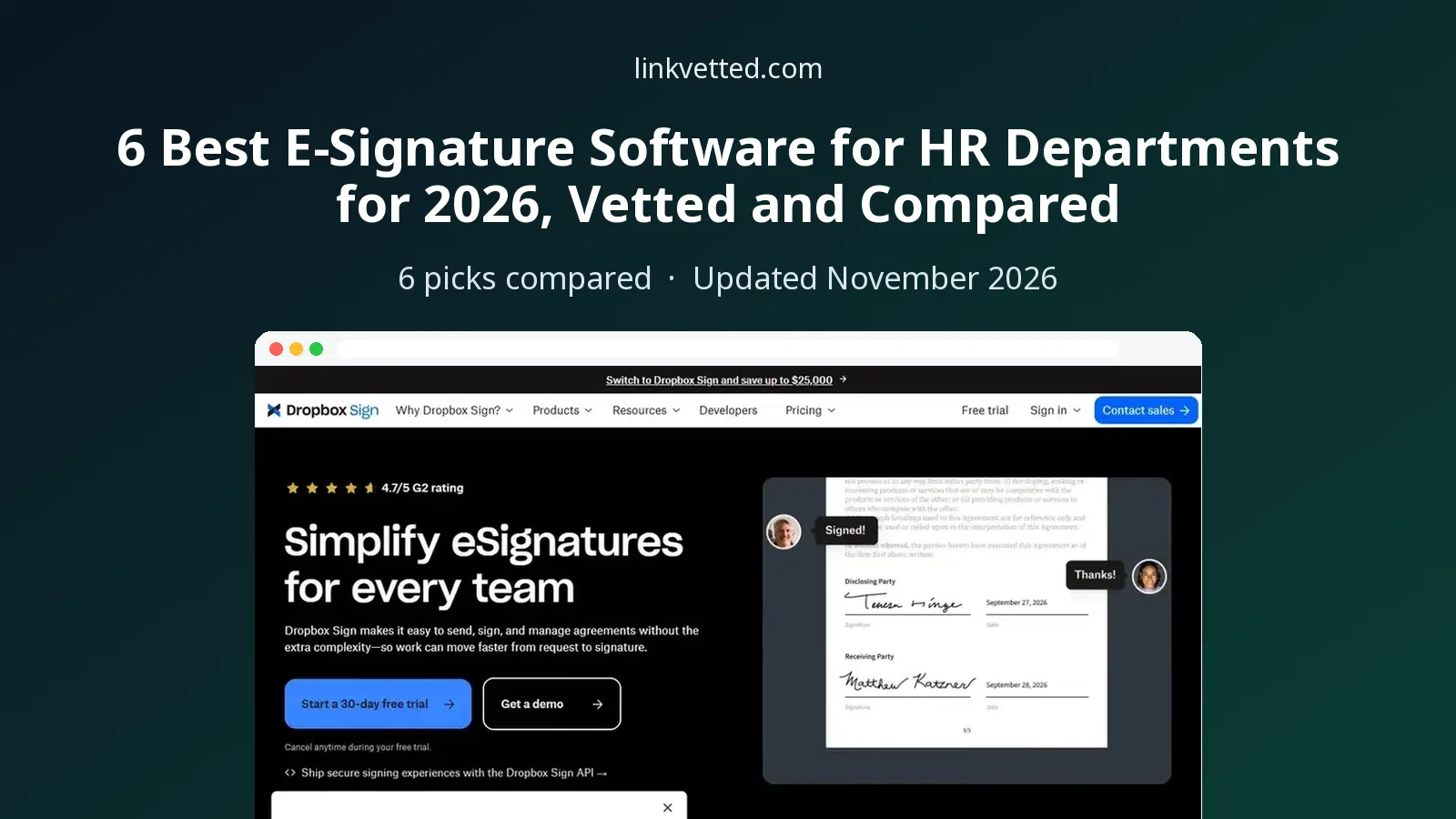
- Editor's choice
 SignNow
Custom signature workflows
Starts atSee websiteVisit signnow.comFull review - Great alternative
 Dropbox Sign
Straightforward sending and tracking
Starts at$15 USD / moVisit sign.dropbox.comFull review - Also consider
 Zoho Sign
Zoho-centric HR operations
Starts atSee websiteVisit zoho.comFull review
Direct answer
This list puts SignNow first for custom signature workflows. Listed starting prices: Dropbox Sign from $15 USD / mo and DocuSign from $45 per user a month. If your case is different, Dropbox Sign suits straightforward sending and tracking and Zoho Sign suits Zoho-centric HR operations. The remaining 3 options are covered below with prices and limits.
TL;DR:
- This list starts with SignNow, which is built for custom signature workflows.
- None of the 6 tools, from SignNow to Adobe Acrobat Sign, has a free plan, so budget for a subscription or use a trial.
- Starting prices begin at $45 per user per month with DocuSign.
- One limit worth knowing about SignNow: workflow setup takes some learning.
- Adobe Acrobat Sign suits teams inside Adobe workflows.
Last checked November 2026. Prices and plan details were read from the vendors' own pages in November 2026; vendors change plans often, so confirm the current price on the vendor site before you buy.
Quick comparison
| Tool | Best for | Starts at | Free plan? | |
|---|---|---|---|---|
| SignNow | Custom signature workflows | See website | Not stated | Visit |
| Dropbox Sign | Straightforward sending and tracking | $15 USD / mo | Free trial | Visit |
| Zoho Sign | Zoho-centric HR operations | See website | Not stated | Visit |
 OneSpan Sign | Identity assurance in hiring | See website | Not stated | Visit |
 DocuSign | Wide HR agreement management | $45 per user a month | Not stated | Visit |
 Adobe Acrobat Sign | Teams inside Adobe workflows | See website | Not stated | Visit |
The 6 tools in detail
Choosing E-Signature software for HR departments usually comes down to price, fit and limits. This LinkVetted guide sets 6 tools side by side on those three points, with the facts kept short and checkable.
Pick SignNow if this describes you: custom signature workflows. SignNow by airSlate is an electronic signature tool for building custom eSignature workflows and signing documents on any device.
Honest limits: Advanced customization may be unnecessary for simple forms.
Beyond that, building custom workflows takes some initial effort and learning, which may not pay off for occasional signing. Worth adding: choose SignNow when repeatable, tailored HR document processes are the priority. SignNow does not show a starting price in this comparison, so check the vendor site for current pricing. Trial and free access: Not stated.
- Legally binding signatures
- Custom e-signature workflow building
- Workflow setup takes some learning
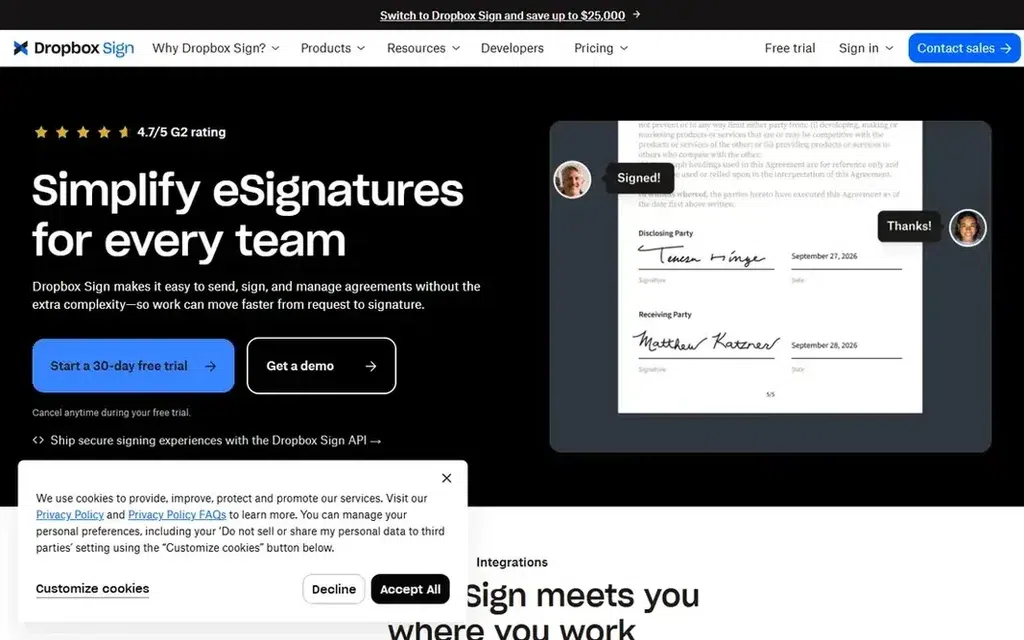
Dropbox Sign works best for straightforward sending and tracking. Dropbox Sign, formerly HelloSign, concentrates on sending, receiving and managing legally binding electronic signatures with an emphasis on simplicity.
Downsides: Less suited to complicated multi-step approvals.
It suits smaller HR teams or those already using Dropbox for document storage. The starting price for Dropbox Sign: $15 USD / mo. Free options: Free trial.
- Runs legally binding signatures
- Familiar to users of Dropbox storage
- Fewer advanced HR workflow features
Zoho Sign works best for Zoho-centric HR operations. HR departments already using Zoho for other operations can keep signature collection close to their existing systems.
Points against: Fewer reasons to choose outside that ecosystem.
In practice, HR teams needing deep standalone signature features should compare carefully before committing. In practice, Zoho Sign is a digital signature option for companies that lets teams sign documents online and automate paperwork with complete digital signature workflows. This comparison lists no price for Zoho Sign; ask the vendor. Free options: Not stated.
- Complete digital signature workflows
- Suits within the broader Zoho suite
- Most appealing to existing Zoho users
For identity assurance in hiring, OneSpan Sign is a natural candidate. OneSpan Sign is an e-signature system for customer agreements that emphasizes secure e-signatures, identity assurance, automation, smart forms and integrations.
Limits to weigh: May need more setup for entry-level HR forms.
On top of that, the security and automation focus can mean more configuration than an entry-level HR signature task needs. On top of that, teams that chiefly need fast offer letter signing may find lighter tools simpler to adopt, whereas compliance-driven HR groups will value the added assurance. No starting price is listed for OneSpan Sign here; confirm pricing on the vendor site. As for free access: Not stated.
- Supports smart forms and automation
- Designed for secure agreement workflows
- Geared toward security-heavy use cases
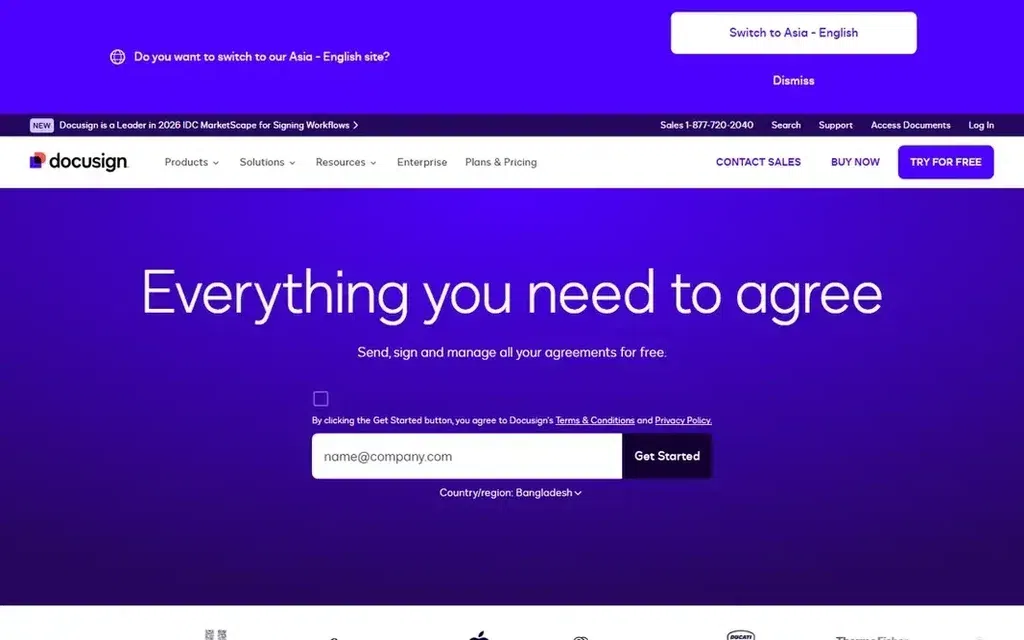
In short, DocuSign is for wide HR agreement management. DocuSign is an electronic signature and agreement management platform that lets organizations produce, commit to and run agreements in one place. Teams that only occasionally send documents for signature may prefer a more straightforward tool, whereas HR groups managing plenty of agreement types will get more from DocuSign.
Beyond that, for HR departments, that means offer letters, onboarding documents and policy acknowledgments can flow through a single system instead of scattered tools. On top of that, the breadth of the product can be more than a small HR team needs for entry-level signature collection, and setup may need planning. Starting cost for DocuSign: $45 per user per month. As for free access: Not stated.
Limits to weigh: Feature depth can overwhelm straightforward HR tasks.
- Takes care of high-volume document workflows
- Widely recognized by candidates and staff
- Full product may exceed small team needs
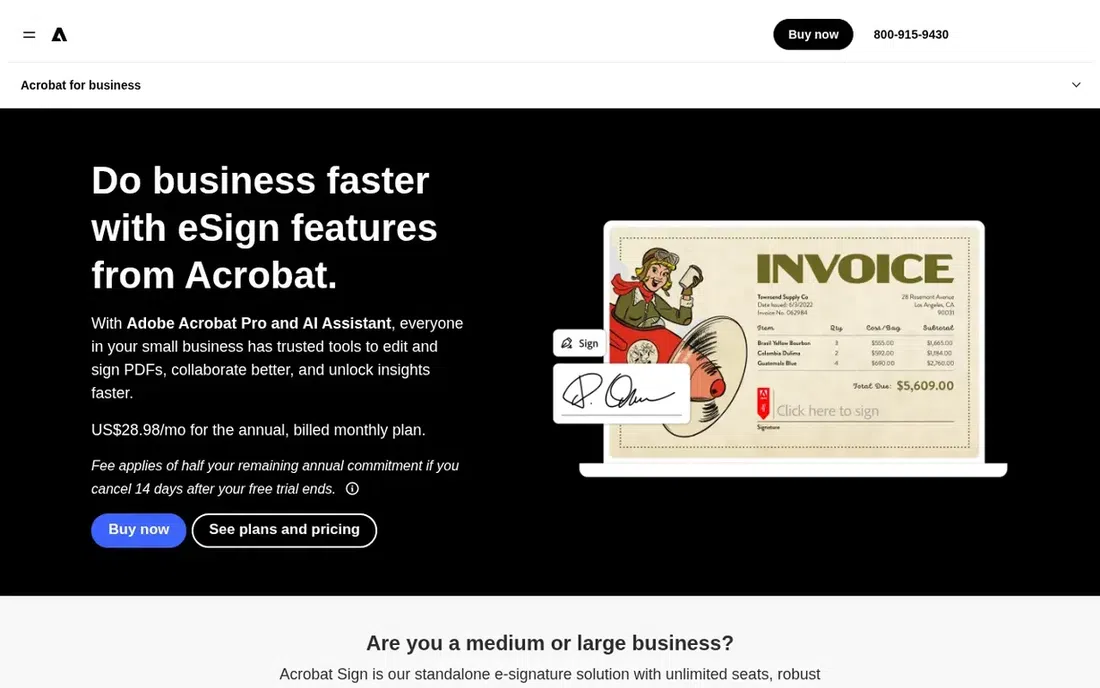
Adobe Acrobat Sign is designed for teams inside Adobe workflows. HR departments that already depend on Adobe PDF tools can keep document preparation and signing in a familiar environment. Worth adding: the system makes most sense for organizations already invested in Adobe products, since its advantages build on that ecosystem.
Limits to weigh: Best value primarily for Adobe-centric teams.
Beyond that, consider it when document creation and signing should stay close together. HR teams without Adobe tooling may find a standalone signature service more straightforward. No starting price is listed for Adobe Acrobat Sign here; confirm pricing on the vendor site. Free plan details: Not stated.
- Deals with digital payment collection alongside signing
- Suits naturally with Adobe PDF tools
- Interface may feel dense for occasional users
How these tools were picked
For each of the 6 tools we noted price, free plan or trial, fit for E-Signature software for HR departments and the main limit, using vendor pages and documentation. Figures are shown as the vendors publish them. Billing terms, seat minimums and add-ons can change the real cost. Order on the page follows fit for the typical buyer first, then price transparency and free access. Your own requirements should decide the final pick.
Pre-purchase checklist
- Confirm the entry price on the vendor page. For SignNow, Zoho Sign, OneSpan Sign and Adobe Acrobat Sign that means a quote rather than a fixed price.
- Use real work to test the free trial from Dropbox Sign, rather than a demo project.
- Read the limits listed for SignNow first: workflow setup takes some learning.
- Test how quickly Dropbox Sign answers a pre-sales question; it hints at how support will feel later.
- Confirm the exact OneSpan Sign plan that includes your must-have features.
FAQ
How are the tools for E-Signature software for HR departments ordered?
SignNow sits first and Adobe Acrobat Sign last because the order follows typical fit for E-Signature software for HR departments, then price clarity and free access. It is a judgement call, so read each profile for fit and limits.
Do these tools publish their prices?
Not all of them. SignNow, Zoho Sign, OneSpan Sign and Adobe Acrobat Sign publish no starting price, so expect a quote request for those. The rest, Dropbox Sign included, show a starting price, though seats and billing terms still change the final cost.
What is the cheapest option for E-Signature software for HR departments in this list?
On published monthly entry prices, DocuSign is the lowest here at $45 per user per month. Entry price is only part of the cost, because seats, add-ons and billing terms can change the total. Each of the 6 options in this E-Signature software for HR Departments guide has its own card above with the price, free plan and limits.
What should HR look for in e-signature software?
HR teams should prioritize simplicity for candidates, dependable audit trails, support for typical document types and integration with existing HR systems. Identity verification matters when hiring remotely or in regulated industries.
Is identity verification important for HR signatures?
Systems like OneSpan Sign emphasize identity assurance, which helps when proving who signed is critical. For routine internal acknowledgments, standard signature tracking may be sufficient.
Can I try these tools before paying?
Often, yes. Dropbox Sign offers a free trial. Use your own data and a real task during the test, and check what the free tier or trial limits before you rely on it. All 6 picks in this E-Signature software for HR Departments comparison list a starting price, free plan details and the main limits on their cards above.
Sources
- https://www.signnow.com
- https://sign.dropbox.com
- https://www.zoho.com/sign
- https://www.onespan.com/products/esignature
- https://www.docusign.com
- https://www.adobe.com/sign.html