6 Best E-Signature Software for MSPs for 2026, Vetted and Compared
Compare 6 best E-Signature software for MSPs, with prices, free plans and who each fits. Each listing flags where it falls short. Reviewed this month.
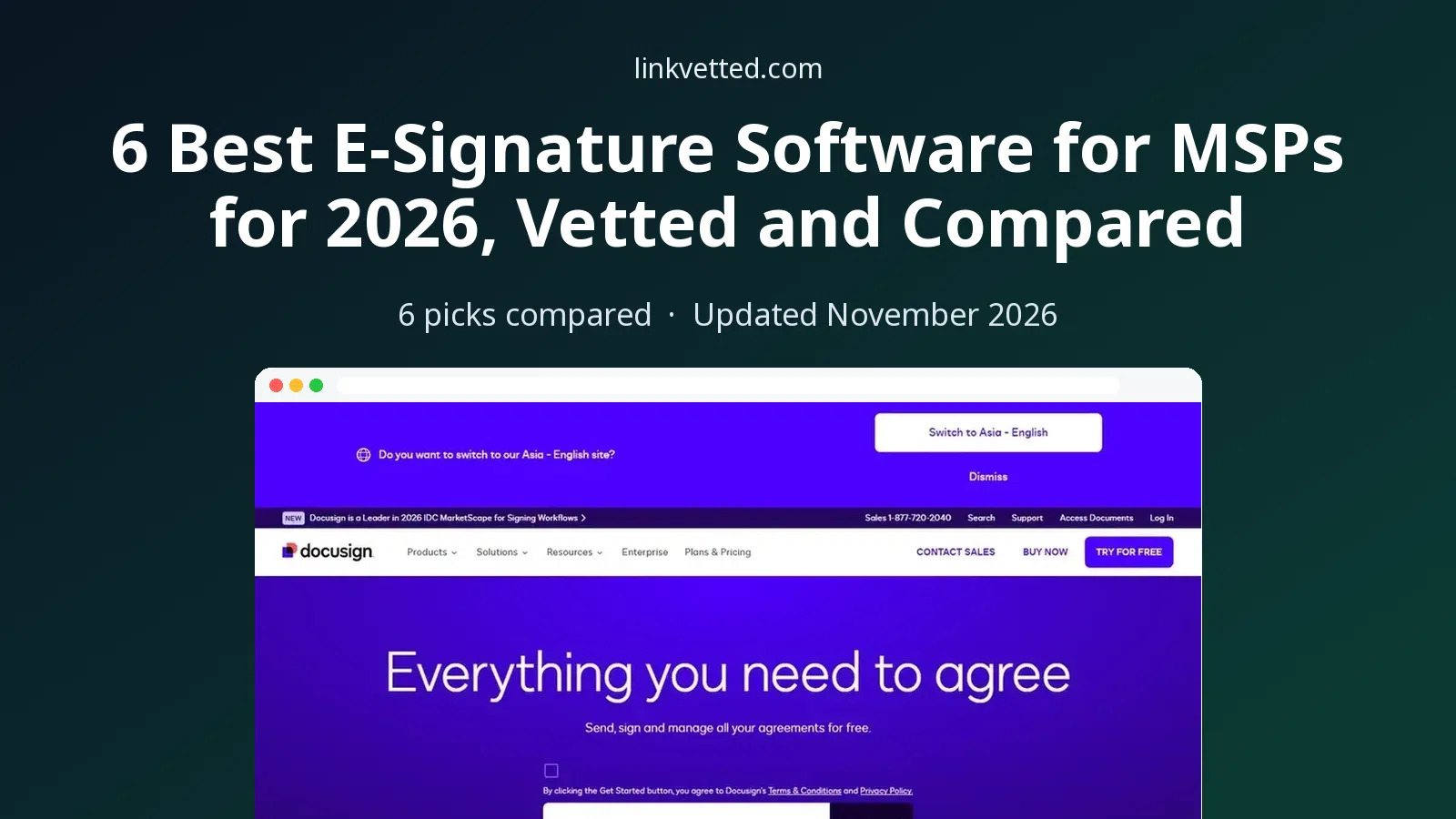
- Editor's choice
 SignNow
Custom eSignature workflows
Starts atSee websiteVisit signnow.comFull review - Great alternative
 OneSpan Sign
Secure identity assurance
Starts atSee websiteVisit onespan.comFull review - Also consider
 DocuSign
Full agreement management
Starts at$45 per user per monthVisit docusign.comFull review
Direct answer
Our first pick is SignNow, best for custom eSignature workflows. Listed starting prices: DocuSign from $45 per user per month, Dropbox Sign from $15 USD / mo and eversign from $10 per user per month. OneSpan Sign is better for secure identity assurance, and DocuSign is better for comprehensive agreement management. The remaining 3 options are covered below with prices and limits.
TL;DR:
- SignNow sits first on this list: custom eSignature workflows.
- Just one of the 6 tools, eversign, has a free plan.
- Starting prices begin at $10 per user per month with eversign.
- Eversign suits API-driven signing automation.
- A fair warning about OneSpan Sign: security focus may add setup complexity.
Last checked November 2026. Prices and plan details were read from the vendors' own pages in November 2026; vendors change plans often, so confirm the current price on the vendor site before you buy.
Quick comparison
| Tool | Best for | Starts at | Free plan? | |
|---|---|---|---|---|
| SignNow | Custom eSignature workflows | See website | Not stated | Visit |
| OneSpan Sign | Secure identity assurance | See website | Not stated | Visit |
| DocuSign | Full agreement management | $45 per user per month | Not stated | Visit |
 Foxit eSign | PDF and Word document signing | See website | Not stated | Visit |
 Dropbox Sign | Straightforward client signing | $15 USD / mo | Free trial | Visit |
| eversign | API-driven signing automation | $10 per user per month | Yes | Visit |
Every option for E-Signature software for MSPs explained
LinkVetted put together this guide to E-Signature software for MSPs for readers who want a clear shortlist without reading every vendor page. It compares 6 tools on starting price, free plans, who each one suits and where each one falls short.
Choose SignNow for custom eSignature workflows. SignNow, part of airSlate, concentrates on configurable eSignature workflows and legally binding signing from any device.
Trade-offs to know: Feature set can be complicated for casual users.
As for the details, custom workflows can take time to design and maintain, which may not suit MSPs with very straightforward signing needs. Worth adding: if you prefer a minimal, out-of-the-box signing experience, a more straightforward tool could be more appropriate. No starting price is listed for SignNow here; confirm pricing on the vendor site. On free options: Not stated.
- Legally binding e-signatures
- Configurable signing workflows
- Workflow setup may need planning
Think of OneSpan Sign for secure identity assurance. OneSpan Sign is an eSignature product for customer agreements that emphasizes secure digital workflows, identity assurance, automation, and smart forms.
In daily use, consider a lighter tool if identity assurance and advanced automation are not priorities. In practice, the system's security and automation depth can introduce setup overhead for MSPs with straightforward signing tasks. OneSpan Sign does not show a starting price in this comparison, so check the vendor site for current pricing. Free options: Not stated.
Where it is weaker: Can be overkill for low-risk documents.
- Identity assurance features
- Automation and smart forms
- Security focus may add setup complexity
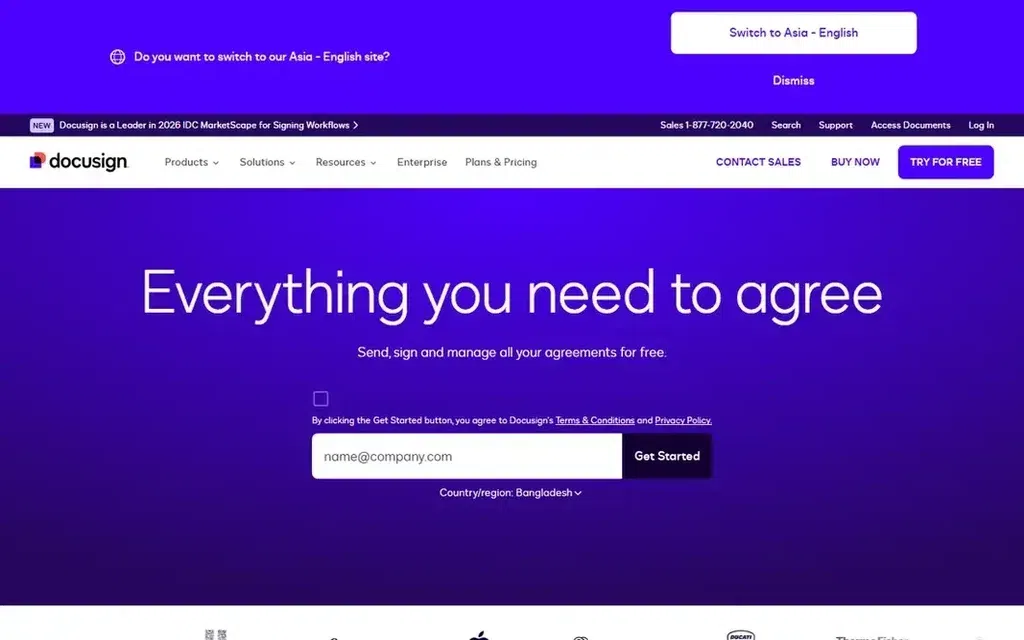
DocuSign is aimed squarely at thorough agreement management. DocuSign presents itself as a system for creating, committing to, and managing agreements, with electronic signature as a core capability.
Points against: May be more than needed for entry-level signing.
DocuSign cost at the entry level: $45 per user per month. As for free access: Not stated.
- Wide agreement lifecycle support
- Intelligent agreement management features
- Feature depth can need a ramp-up time
Foxit eSign makes the most sense for PDF and Word document signing. For MSPs, it can be a practical choice when document signing is centered on typical file formats.
On top of that, if your MSP needs deep agreement analytics or deep workflow automation, Foxit eSign may not include those needs. Foxit eSign shows no starting price here, so confirm the cost on the vendor site. As for free access: Not stated.
Where it falls short: Less emphasis on agreement management.
- Focus on secure e-signing
- Supports PDF and Word documents
- May need separate tools for broader workflows
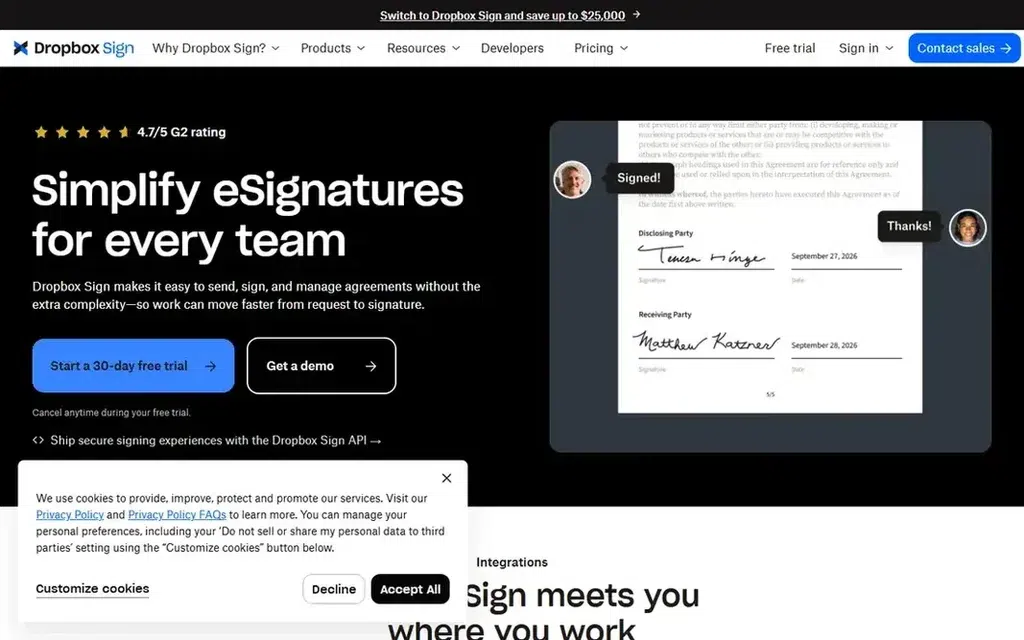
For straightforward client signing, Dropbox Sign is a natural candidate. For MSPs, it can be a practical choice for routine client agreements where speed and simplicity matter more than complicated routing.
Evaluate more workflow-oriented systems when signing is part of a bigger automatic process. Also, if your MSP needs custom approval chains or deep integration with ticketing and PSA systems, Dropbox Sign may feel restricted. Starting cost for Dropbox Sign: $15 USD / mo. Free options: Free trial.
What to check first: Advanced automation choices are restricted.
- Familiar Dropbox brand context
- Straightforward sending and receiving
- May lack deep MSP-specific workflow features
eversign
Best for: API-driven signing automation
eversign serves API-driven signing automation. eversign, now presented as Xodo Sign, supplies e-signature software with an adaptable API and the capacity to sign, send, edit, and track documents.
Points against: Advanced API use requires developer input.
using the API effectively may need technical effort, which can be a barrier for MSPs without development support. If you need a purely point-and-click signing tool, a more straightforward choice may be simpler to adopt. eversign pricing: $10 per user per month. eversign includes a free tier.
- Adaptable API for automation
- No per-envelope fees mentioned
- Brand transition may cause confusion
How the list was put together
Selection started from tools commonly considered for E-Signature software for MSPs, then narrowed to 6 that have clear pricing information or a clear quote process. Plan names, prices and limits change often. Treat the figures here as a starting point and verify them with the vendor. Order on the page follows fit for the typical buyer first, then price transparency and free access. Your own requirements should decide the final pick.
Before you commit
- Get a written quote from SignNow, OneSpan Sign and Foxit eSign; the list shows no starting price for them.
- Test the free plan from eversign against your real workload before relying on it.
- Take the trial from Dropbox Sign and push a live task through it before you pay.
- Before choosing SignNow, weigh its main limit: workflow setup may need planning.
- Look at which plan of SignNow unlocks the features you need; entry tiers are often cut down.
- Find out what support DocuSign includes on your plan, and whether onboarding help costs extra.
FAQ
Which E-Signature software for MSPs have a free plan?
eversign is the only tool in this list with a free plan. Free plans usually cap users, projects or features, so check the limits on the vendor page. One other tool offers a trial instead. Prices, free plan details and limits for all 6 tools in this E-Signature software for MSPs roundup sit on the individual cards above.
Is SignNow the right pick for everyone comparing E-Signature software for MSPs?
No single tool suits every team. SignNow comes first because it fits custom eSignature workflows, while OneSpan Sign suits secure identity assurance and DocuSign suits comprehensive agreement management. Match the tool to your own size, budget and workflow before deciding.
How are the E-Signature software for MSPs ordered?
SignNow sits first and eversign last because the order follows typical fit for E-Signature software for MSPs, then price clarity and free access. It is a judgement call, so read each profile for fit and limits.
What is the cheapest option for E-Signature software for MSPs in this list?
On published monthly entry prices, eversign is the lowest here at $10 per user per month. Entry price is only part of the cost, because seats, add-ons and billing terms can change the total. Each of the 6 options in this E-Signature software for MSPs guide has its own card above with the price, free plan and limits.
How do per-envelope fees affect MSP signing costs?
Per-envelope fees can add up for MSPs that send numerous agreements each month. Some tools, for example eversign, mention no per-envelope fees in their documentation.
What should MSPs look for in e-signature software?
MSPs should prioritize workflow adaptability, integration with existing business systems, and security features for client documents. Simplicity for clients and support for typical file formats also matter. Consider whether you need straightforward signing or broader agreement management.
Sources
- https://www.signnow.com
- https://www.onespan.com/products/esignature
- https://www.docusign.com
- https://www.foxit.com/esign
- https://sign.dropbox.com
- https://eversign.com