Best E-Signature Software for Restaurants in 2026: Prices, Free Plans and 5 Picks
Compare 5 best E-Signature software for restaurants, with prices, free plans and who each fits. Hidden costs and gaps are flagged. Refreshed for 2026.
- Editor's choice
 Adobe Acrobat Sign
PDF-centric teams and payment collection
Starts atSee websiteVisit adobe.comFull review - Great alternativeConga Sign
CRM-integrated signing
Starts atSee websiteVisit conga.comFull review - Also consider
 Dropbox Sign
Straightforward, legally binding signatures
Starts at$15 USD / moVisit sign.dropbox.comFull review
Direct answer
Adobe Acrobat Sign comes first here, mainly for PDF-centric teams and payment collection. Listed starting prices: Dropbox Sign from $15 USD / mo and DocuSign from $45 per user a month. Look at Conga Sign for CRM-integrated signing, and at Dropbox Sign for straightforward, legally binding signatures. The full list of 5 tools follows, with prices and free plan facts.
TL;DR:
- Adobe Acrobat Sign is the opening pick, best for PDF-centric teams and payment collection.
- DocuSign is the one to check for high-volume contract management.
- One limit worth knowing about Dropbox Sign: advanced workflows may be restricted.
- DocuSign is the lowest-priced starter here at $45 per user per month.
Last checked November 2026. Prices and plan details were read from the vendors' own pages in November 2026; vendors change plans often, so confirm the current price on the vendor site before you buy.
Quick comparison
| Tool | Best for | Starts at | Free plan? | |
|---|---|---|---|---|
| Adobe Acrobat Sign | PDF-centric teams and payment collection | See website | Not stated | Visit |
| Conga Sign | CRM-integrated signing | See website | Not stated | Visit |
| Dropbox Sign | Straightforward, legally binding signatures | $15 USD / mo | Free trial | Visit |
 SignNow | Custom eSignature workflows | See website | Not stated | Visit |
 DocuSign | High-volume contract management | $45 per user a month | Not stated | Visit |
The best E-Signature software for restaurants
If you are comparing E-Signature software for restaurants, this page covers 5 tools in one place: what each is best for, what it costs to start, whether it has a free plan, and the main limit to know about.
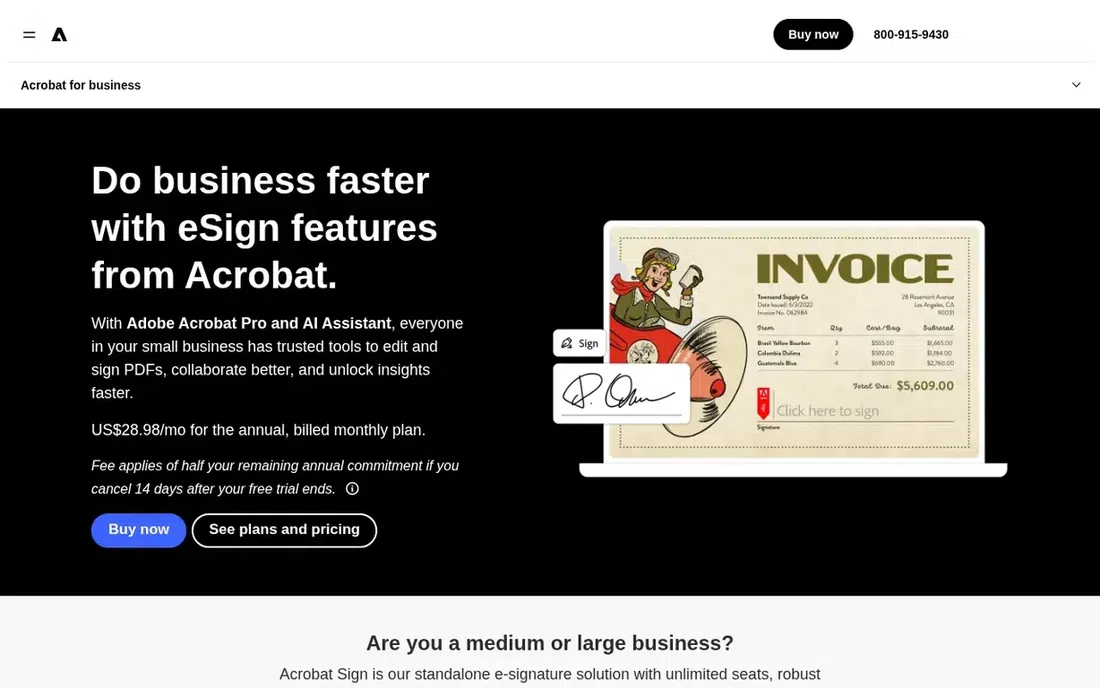
Pick Adobe Acrobat Sign if this describes you: PDF-centric teams and payment collection. The feature set is wide, and some capabilities may rely on the plan you choose.
Where it is weaker: Full features may need a business plan.
It supports signing documents, collecting digital payments, and accepting electronic signatures on a website. This comparison lists no price for Adobe Acrobat Sign; ask the vendor. Free plan details: Not stated.
- Supports digital payments
- Performs well with PDF documents
- Interface can feel dense for new users
Conga Sign
Best for: CRM-integrated signing
Pick Conga Sign if this describes you: CRM-integrated signing. For restaurants with a CRM for catering or events, it can embed signing straight into existing processes.
Worth adding: if you lack a CRM or prefer a straightforward signing tool, other choices may be more straightforward. In daily use, the white-label capability also helps multi-brand groups present a consistent experience to partners and guests. Check the vendor site for Conga Sign pricing; none is listed in this comparison. Trial and free access: Not stated.
Where it is weaker: Demo required before purchase.
- Compliant eSignature process
- Works inside CRM or workflow
- CRM dependency may limit standalone use
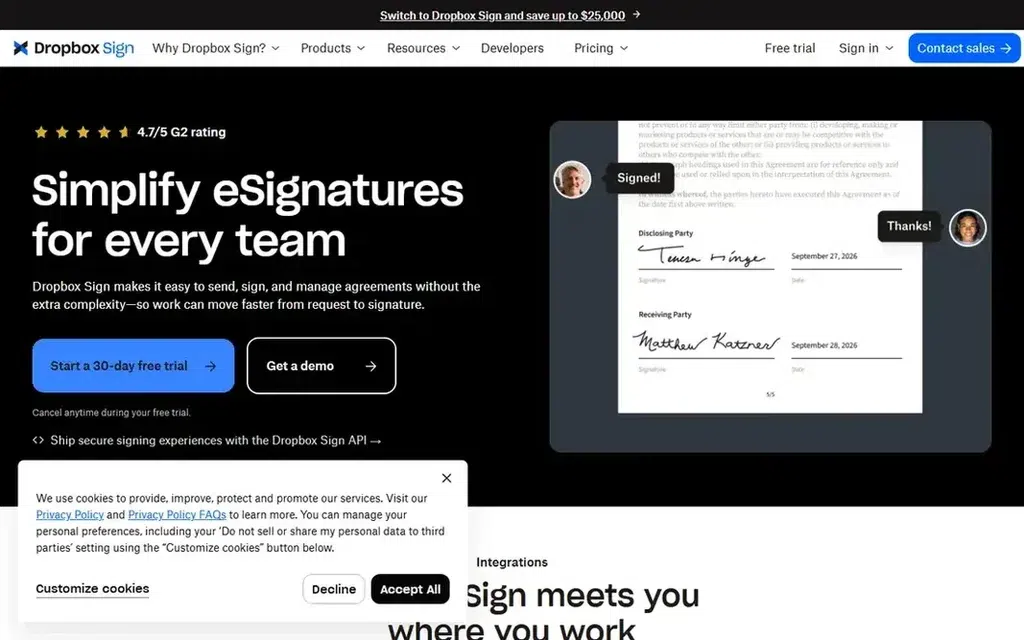
Dropbox Sign is built with straightforward, legally binding signatures in mind. Dropbox Sign, formerly HelloSign, centres on making it simple to send, receive, and run legally binding electronic signatures.
Honest limits: Best value if already using Dropbox.
It is a practical choice for restaurants that want a clean, no-frills signing experience for vendor agreements, employee forms, and guest documents. What you pay to start with Dropbox Sign: $15 USD / mo. Free options: Free trial.
- Straightforward sending and receiving
- Ties into Dropbox storage
- Advanced workflows may be restricted
SignNow is designed for custom eSignature workflows. SignNow, part of airSlate, offers legally binding eSignatures with a focus on configurable workflows.
Watch-outs: Advanced features can add complexity.
It permits restaurants to design signing processes for documents for example supplier agreements, staff onboarding packets, and event contracts. If you prefer a more straightforward, out-of-the-box experience, a more entry-level e-signature tool might be simpler to run. This comparison lists no price for SignNow; ask the vendor. Free options: Not stated.
- Works across devices
- Custom workflow design
- Branding may vary by plan
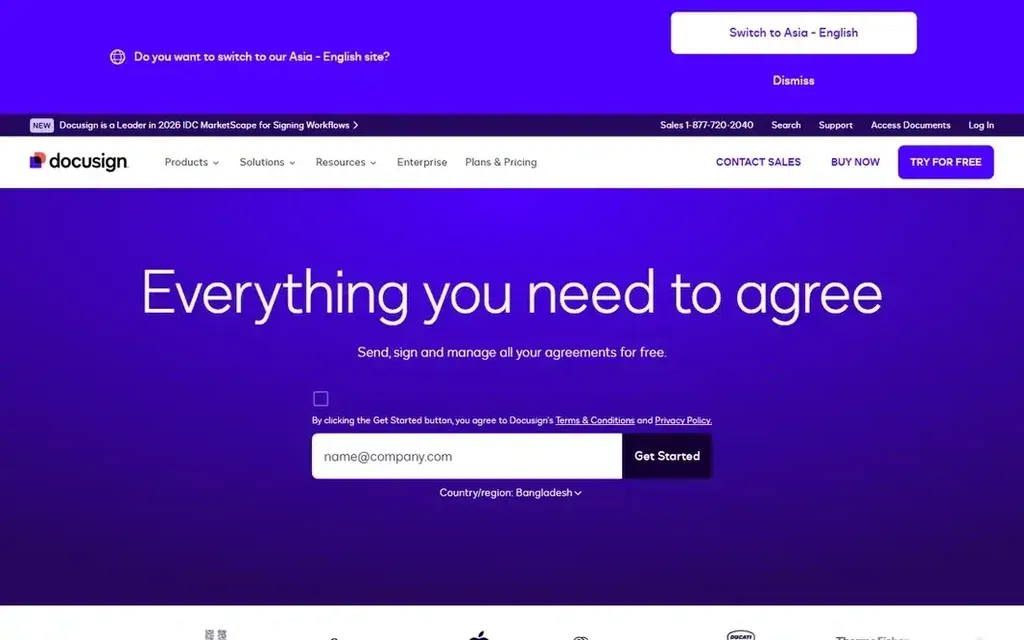
In short, DocuSign is for high-volume contract management. It lets restaurants build, commit to, and run agreements in one place, which fits multi-location operators juggling supplier contracts, leases, and staff documents.
Limits to weigh: Can be complex for straightforward forms.
The product emphasizes intelligent agreement management, making it a fit for teams that want a central system instead of a standalone signing tool. Setup and administration may need more time than more straightforward tools. What you pay to start with DocuSign: $45 per user per month. Free options: Not stated.
- Widely recognized by vendors
- Solid audit trail features
- Pricing may suit bigger operations
How we compared the tools
Questions to settle before buying
- Confirm the entry price on the vendor page. For Adobe Acrobat Sign, Conga Sign and SignNow that means a quote rather than a fixed price.
- Run a trial of Dropbox Sign with real work before paying for a year; your own workflow is the best test.
- Before choosing Adobe Acrobat Sign, weigh its main limit: full features may need a business plan.
- Test how quickly SignNow answers a pre-sales question; it hints at how support will feel later.
- Price Conga Sign for your actual team size; headline prices rarely include add-ons or overage.
FAQ
Can I try these tools before paying?
Often, yes. Dropbox Sign offers a free trial. Use your own data and a real task during the test, and check what the free tier or trial limits before you rely on it. Prices, free plan details and limits for all 5 tools in this E-Signature software for restaurants roundup sit on the individual cards above.
What should a restaurant look for in e-signature software?
Focus on simplicity for managers, support for the documents you manage most, and a clear audit trail. Integration with existing tools and workflow automation can save time as you grow.
How are the tools for E-Signature software for restaurants ordered?
Adobe Acrobat Sign sits first and DocuSign last because the order follows typical fit for E-Signature software for restaurants, then price clarity and free access. It is a judgement call, so read each profile for fit and limits.
Is Adobe Acrobat Sign the right pick for everyone comparing E-Signature software for restaurants?
No single tool suits every team. Adobe Acrobat Sign comes first because it fits PDF-centric teams and payment collection, while Conga Sign suits CRM-integrated signing and Dropbox Sign suits simple, legally binding signatures. Match the tool to your own size, budget and workflow before deciding.
What is the cheapest option for E-Signature software for restaurants in this list?
On published monthly entry prices, DocuSign is the lowest here at $45 per user per month. Entry price is only part of the cost, because seats, add-ons and billing terms can change the total. Each of the 5 options in this E-Signature software for restaurants guide has its own card above with the price, free plan and limits.
Sources
- https://www.adobe.com/sign.html
- https://conga.com/products/conga-sign
- https://sign.dropbox.com
- https://www.signnow.com
- https://www.docusign.com