Best E-Signature Software for Plumbers (2026): 5 Picks Checked on Vendor Pages
Compare 5 best E-Signature software for plumbers, with prices, free plans and who each fits. Short, factual notes on every option. Last reviewed November 2026.
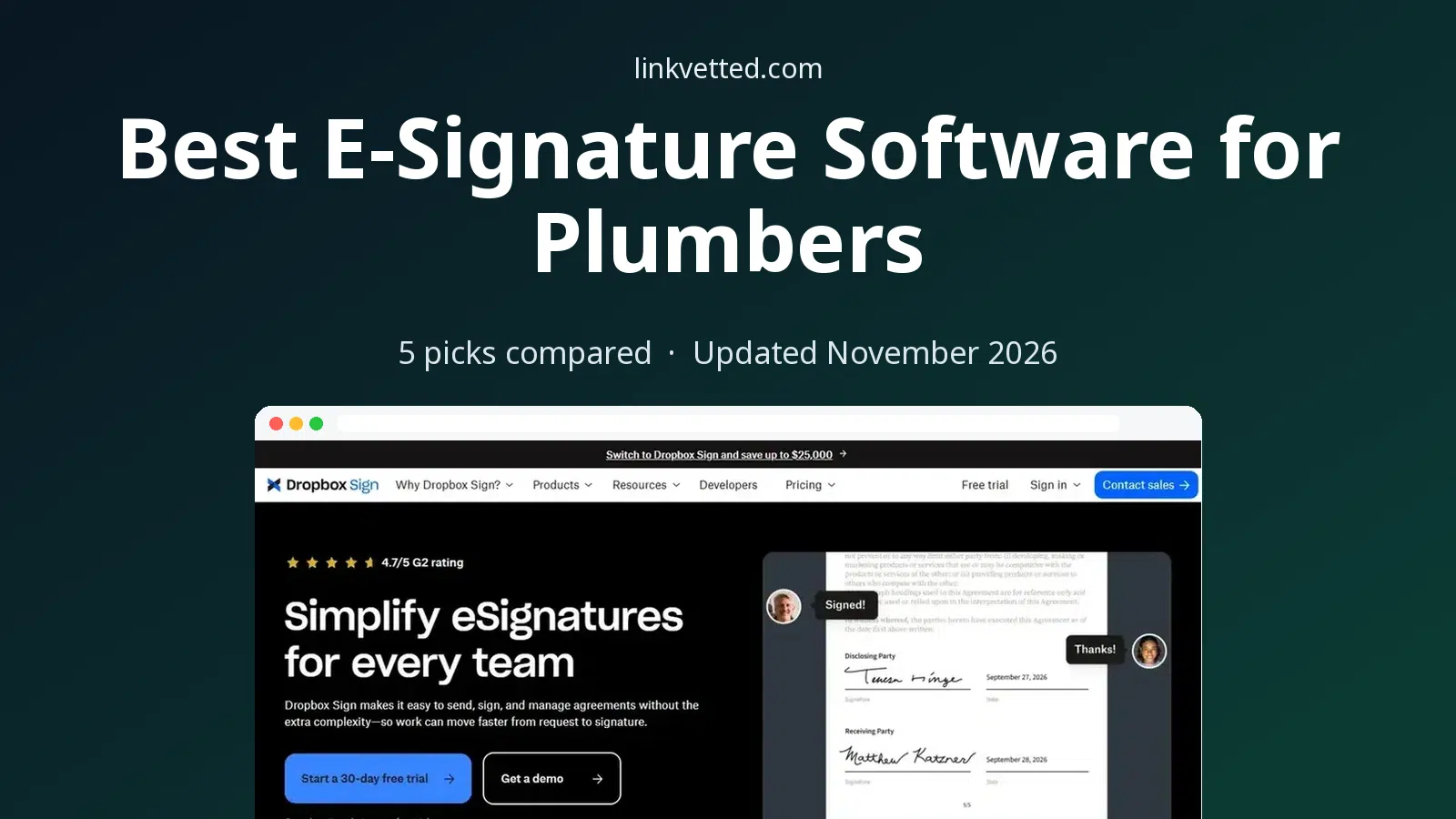
- Editor's choice
 SignNow
Custom eSignature workflows
Starts atSee websiteVisit signnow.comFull review - Great alternative
 Dropbox Sign
Straightforward, quick signature requests
Starts at$15 USD / moVisit sign.dropbox.comFull review - Also consider
 Adobe Acrobat Sign
Signatures plus payments and web capture
Starts atSee websiteVisit adobe.comFull review
Direct answer
Our first pick is SignNow, best for custom eSignature workflows. Listed starting prices: Dropbox Sign from $15 USD / mo and DocuSign from $45 per user a month. For a different need, Dropbox Sign covers straightforward, quick signature requests and Adobe Acrobat Sign covers signatures plus payments and web capture. The other 2 tools in the list cover narrower or pricier cases.
TL;DR:
- SignNow sits first on this list: custom eSignature workflows.
- DocuSign is the lowest-priced starter here at $45 per user per month.
- DocuSign is the one to check for full agreement management in one place.
- Proliant comes with a trade-off: not a dedicated e-signature product.
- None of the 5 tools, from SignNow to DocuSign, has a free plan, so budget for a subscription or use a trial.
Last checked November 2026. Prices and plan details were read from the vendors' own pages in November 2026; vendors change plans often, so confirm the current price on the vendor site before you buy.
Quick comparison
| Tool | Best for | Starts at | Free plan? | |
|---|---|---|---|---|
| SignNow | Custom eSignature workflows | See website | Not stated | Visit |
| Dropbox Sign | Straightforward, quick signature requests | $15 USD / mo | Free trial | Visit |
| Adobe Acrobat Sign | Signatures plus payments and web capture | See website | Not stated | Visit |
| Proliant | Payroll and HR with document tools | See website | Not stated | Visit |
 DocuSign | Full agreement management in one place | $45 per user a month | Not stated | Visit |
E-Signature Software for Plumbers profiles
This LinkVetted guide covers 5 E-Signature software for plumbers. Each profile lists a starting price, free plan details, strengths and drawbacks, so you can drop poor fits quickly.
For custom eSignature workflows, SignNow is a natural candidate. If you only send the occasional agreement, a more straightforward signing tool will get you there quicker. Very small operations may not need that adaptability.
From a buyer's view, SignNow, part of airSlate, offers legally binding electronic signatures with a focus on configurable workflows. Its homepage emphasizes signing documents anytime, anywhere, on any device, which fits plumbers who sign off on jobs from a phone or tablet in the field. SignNow shows no starting price here, so confirm the cost on the vendor site. Free plan details: Not stated.
The main drawbacks: Broader product may exceed entry-level needs.
- Custom workflow choices
- Signing on any device
- Workflow setup takes planning
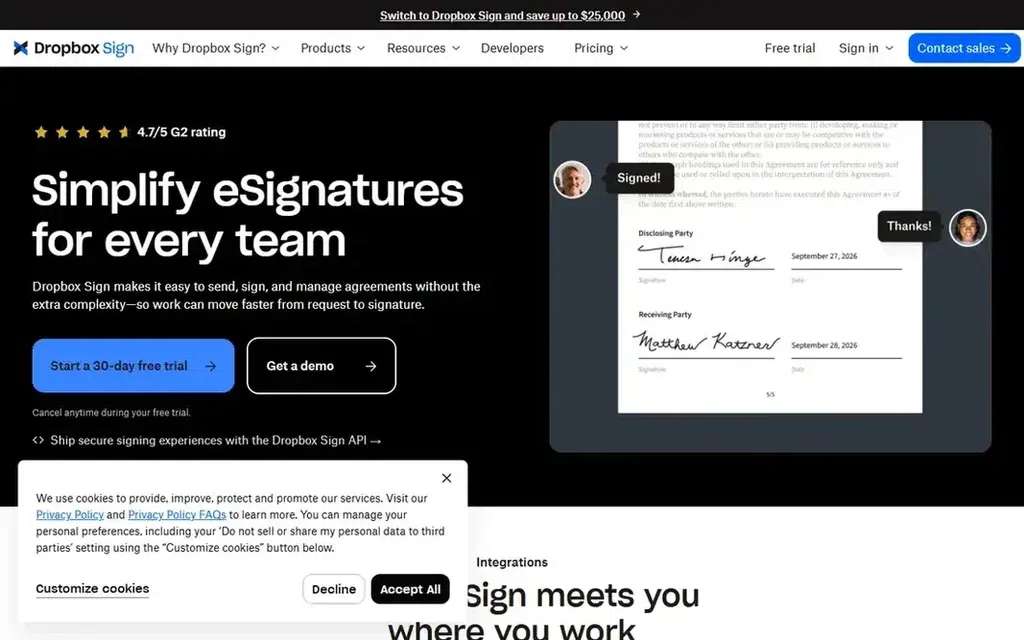
Dropbox Sign works best for straightforward, quick signature requests. Dropbox Sign, formerly HelloSign, centers on sending, receiving, and managing legally binding electronic signatures.
Since it is built around signature requests, it gives you less depth for teams wanting heavy workflow automation or bundled agreement management. As for the details, firms with complicated approval chains may outgrow it. On cost, Dropbox Sign starts like this: $15 USD / mo. As for free access: Free trial.
Where it falls short: Narrower scope than full agreement systems.
- Clear focus on sending and receiving signatures
- Straightforward signing workflow
- Less suited to complicated workflow automation
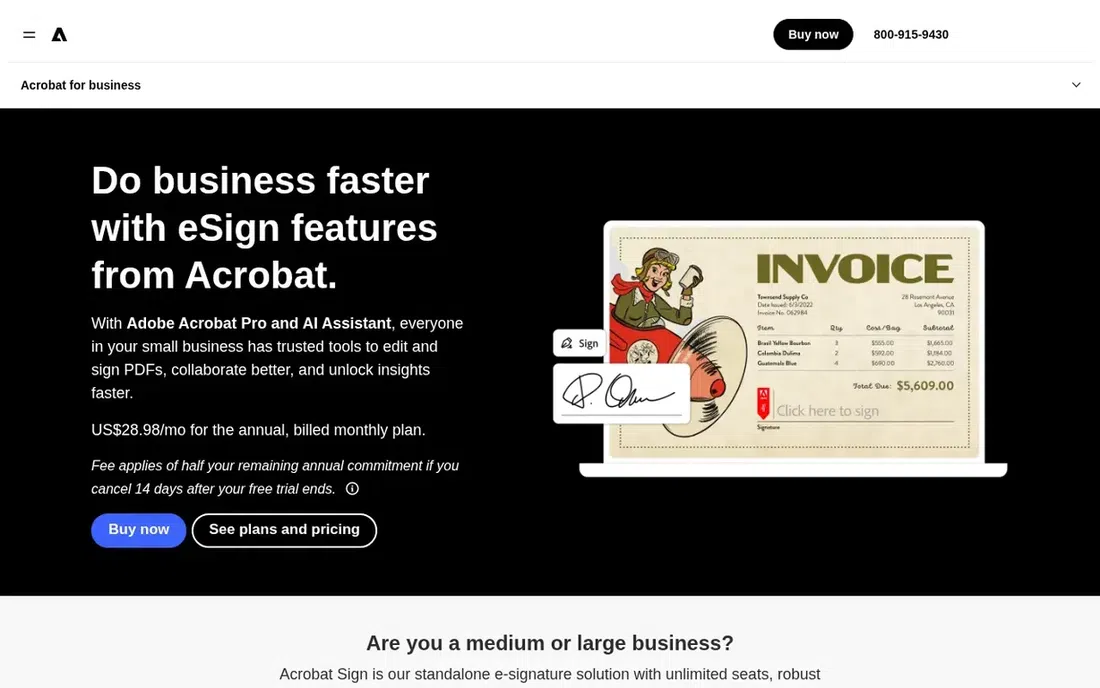
Adobe Acrobat Sign is built with signatures plus payments and web capture in mind. Adobe Acrobat Sign is the e-signature offering within Adobe's document tools. Its homepage flags signing documents, collecting digital payments, and accepting electronic signatures on a website.
The main drawbacks: Best value for regular document work.
For plumbers, the payment collection angle is practical for deposits and completed-job billing, and website signature capture can support booking forms. For everyday use, consider it when payment collection and website signatures matter alongside standard e-signing. Adobe Acrobat Sign does not show a starting price in this comparison, so check the vendor site for current pricing. Free access: Not stated.
- Collects digital payments alongside signatures
- Accepts signatures on your website
- Feature set may overwhelm occasional users
Proliant
Best for: Payroll and HR with document tools
Proliant is built with payroll and HR with document tools in mind. It suits businesses that want payroll and HR handled in one place whereas a separate tool handles customer signatures.
As for the details, Proliant is not an e-signature product, so it should not be chosen to sign service agreements or estimates. Pricing for Proliant is not stated here, so ask the vendor for current figures. On free options: Not stated.
Trade-offs to know: Signing is not its core purpose.
- Handy alongside signing software
- Payroll and HR focus
- Not a dedicated e-signature product
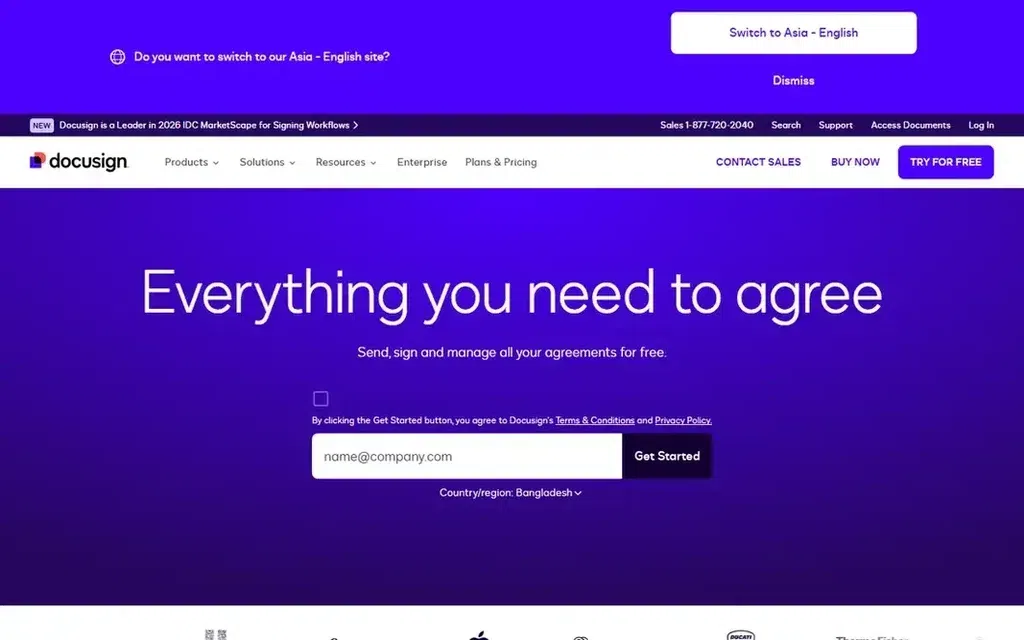
Where DocuSign fits: full agreement management in one place. DocuSign is an electronic signature and agreement management system. Its homepage describes creating, committing to, and managing agreements in one place, with electronic signing available.
Setup and navigation reward users who send documents on a regular basis. As for the details, the product is built around broader agreement management. So a one-person shop may find it heavier than needed for occasional signatures. On cost, DocuSign starts like this: $45 per user per month. Trial and free access: Not stated.
What to check first: Feature depth can take time to learn.
- Deals with signing and agreement management together
- Works for sending and committing to agreements
- May be more product than small shops need
How we chose
The comparison looks at four things: starting price, free access, how well the feature set matches E-Signature software for plumbers, and the main limit of each tool. Seat minimums, billing terms and add-ons can move the real cost, so the starting prices here are a guide and not a quote. The ranking is editorial: typical fit first, then clear pricing, then free access. If your needs are unusual, read the profiles rather than relying on position.
What to confirm before you sign up
- Get a written quote from SignNow, Adobe Acrobat Sign and Proliant; the list shows no starting price for them.
- Run a trial of Dropbox Sign with real work before paying for a year; your own workflow is the best test.
- Read the limits listed for SignNow first: workflow setup takes planning.
- Work out what DocuSign costs with your real seat count, add-ons and usage, not just the entry price.
- Check whether the features you need in SignNow sit on the entry plan or only on higher tiers.
FAQ
Do these tools publish their prices?
Not all of them. SignNow, Adobe Acrobat Sign and Proliant publish no starting price, so expect a quote request for those. The rest, Dropbox Sign included, show a starting price, though seats and billing terms still change the final cost.
Does any tool for E-Signature software for plumbers here have a free plan?
No tool in this list, SignNow and DocuSign included, has a permanent free plan. Dropbox Sign offer a trial. Trials and quotes are the usual route, so plan a short evaluation period. Each of the 5 options in this E-Signature software for Plumbers guide has its own card above with the price, free plan and limits.
Is SignNow the right pick for everyone comparing E-Signature software for plumbers?
No single tool suits every team. SignNow comes first because it fits custom eSignature workflows, while Dropbox Sign suits simple, fast signature requests and Adobe Acrobat Sign suits signatures plus payments and web capture. Match the tool to your own size, budget and workflow before deciding.
Can e-signatures be used for plumbing service agreements?
Electronic signatures are widely accepted for business agreements, and each tool here describes legally binding signing. Requirements vary by state and by document type, so confirm the specifics for your contracts.
What is the cheapest option for E-Signature software for plumbers in this list?
On published monthly entry prices, DocuSign is the lowest here at $45 per user per month. Entry price is only part of the cost, because seats, add-ons and billing terms can change the total. All 5 picks in this E-Signature software for Plumbers comparison list a starting price, free plan details and the main limits on their cards above.
Sources
- https://www.signnow.com
- https://sign.dropbox.com
- https://www.adobe.com/sign.html
- https://www.proliant.com
- https://www.docusign.com