Best E-Signature Software for Nonprofits in 2026: Prices, Free Plans and 5 Picks
Searching for the best E-Signature software for nonprofits? Here are 5 options with prices and free plans. Plus the drawbacks of each tool. Straight answers.
- Editor's choice
 OneSpan Sign
High-security e-signatures
Starts at$0.40 per transactionVisit onespan.comFull review - Great alternative
 Dropbox Sign
Straightforward and simple e-signatures
Starts at$15 USD / moVisit hellosign.comFull review - Also considereversign
Adaptable API and no per-envelope fees
Starts at$10 per user a monthVisit eversign.comFull review
Direct answer
Start with OneSpan Sign if you need high-security e-signatures. Listed starting prices: OneSpan Sign from $0.40 per transaction, Dropbox Sign from $15 USD / mo and eversign from $10 per user a month. Dropbox Sign is better for straightforward and simple e-signatures, and eversign is better for flexible API and no per-envelope fees. Details, prices and limits for the rest of the 5 tools are below.
TL;DR:
- The list opens with OneSpan Sign, aimed at high-security e-signatures.
- The cheapest monthly starting price in the list is $10 per user per month, offered by eversign.
- For payroll and HR integration, Proliant is worth a look.
- The main caution on DocuSign: can be complicated for straightforward needs.
Last checked November 2026. Prices and plan details were read from the vendors' own pages in November 2026; vendors change plans often, so confirm the current price on the vendor site before you buy.
Quick comparison
| Tool | Best for | Starts at | Free plan? | |
|---|---|---|---|---|
| OneSpan Sign | High-security e-signatures | $0.40 per transaction | Free trial | Visit |
| Dropbox Sign | Straightforward and simple e-signatures | $15 USD / mo | Free trial | Visit |
| eversign | Adaptable API and no per-envelope fees | $10 per user a month | Yes | Visit |
 DocuSign | Full agreement management | $45 per user a month | Not stated | Visit |
| Proliant | Payroll and HR integration | See website | Not stated | Visit |
E-Signature Software for Nonprofits, one by one
LinkVetted put together this guide to E-Signature software for nonprofits for readers who want a clear shortlist without reading every vendor page. It compares 5 tools on starting price, free plans, who each one suits and where each one falls short.
OneSpan Sign targets high-security e-signatures. It is well suited to nonprofits that manage sensitive information and need solid security measures, for example healthcare or financial organizations.
Watch-outs: Less approachable.
If security is not a primary concern, a more approachable choice like eversign could be a better fit. On cost, OneSpan Sign starts like this: $0.40 per transaction. Free plan details: Free trial.
- Security-focused
- Mobile app security
- May be overkill for entry-level needs
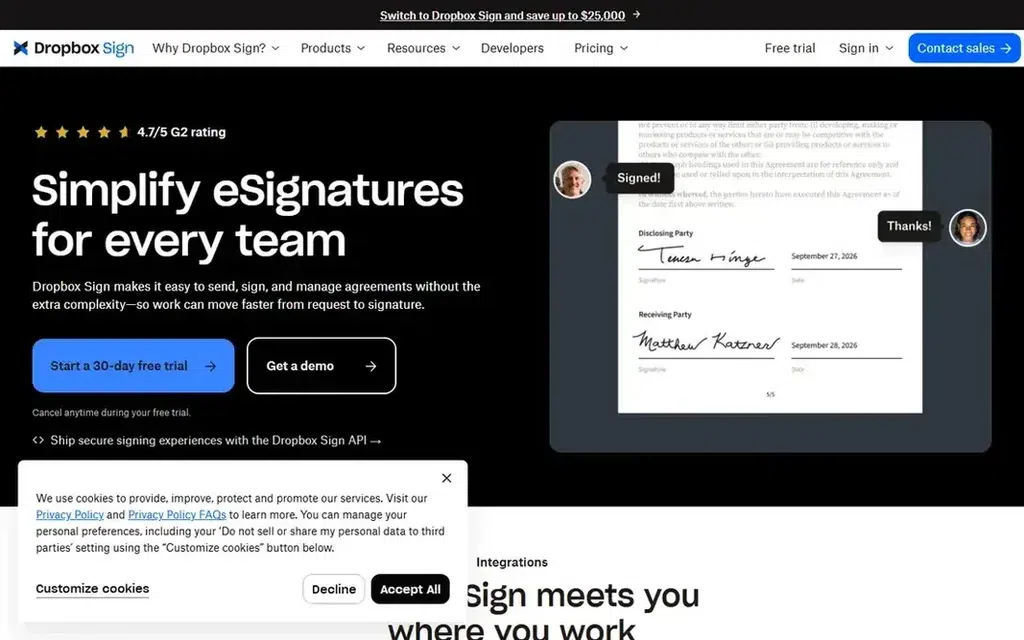
Choose Dropbox Sign for straightforward and simple e-signatures. Whereas Dropbox Sign is very good for entry-level e-signature needs, it may lack some of the advanced workflow and management features found in more full systems. The integration with Dropbox can be convenient for file storage.
For everyday use, Dropbox Sign, formerly HelloSign, is designed as a simple way to send, receive, and run legally binding electronic signatures. It emphasizes simplicity and speed, making it a good match for nonprofits that require a straightforward tool without a steep learning curve. Entry price for Dropbox Sign: $15 USD / mo. Free plan details: Free trial.
Drawbacks to consider: Fewer advanced features.
- Dropbox integration
- Approachable interface
- Restricted customization
eversign
Best for: Adaptable API and no per-envelope fees
For adaptable API and no per-envelope fees, eversign is a natural candidate. It supplies no per-envelope fees and an adaptable API for automation.
Where it is weaker: Less brand recognition.
This makes it a solid fit for nonprofits that send a high volume of documents and want predictable costs. On cost, eversign starts like this: $10 per user per month. eversign offers a free plan.
- Legally binding
- No per-envelope fees
- Restricted advanced features
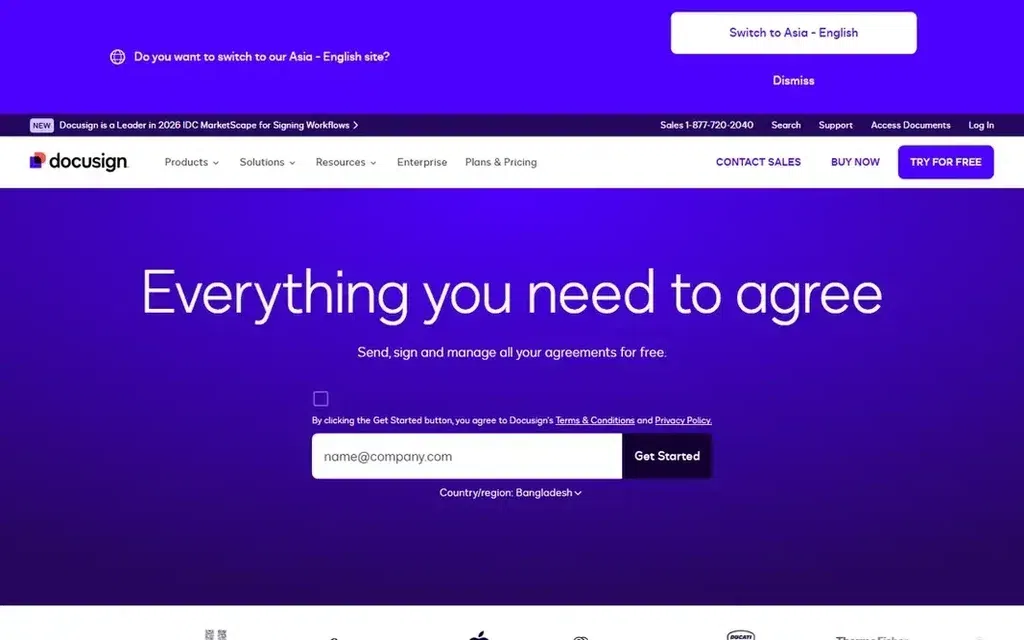
For thorough agreement management, DocuSign is a natural candidate. DocuSign is a leading electronic signature and agreement management product that lets users to build, commit to, and handle agreements in one place.
Trade-offs to know: Can be complicated for straightforward needs.
It supports electronic signing and supplies intelligent agreement management features. If you only need straightforward e-signatures and want a more simplified experience, consider a more straightforward tool like Dropbox Sign. DocuSign starts at: $45 per user per month. On free options: Not stated.
- Integration choices
- Established nonprofit support
- May need training
Proliant
Best for: Payroll and HR integration
Pick Proliant if this describes you: payroll and HR integration. Nonprofits looking for an all-in-one HR and payroll option with entry-level signing might consider it. That said, Proliant is not a specialized e-signature tool, so its signing features may be restricted compared with dedicated products.
Where it is weaker: Restricted e-signature features.
On top of that, Proliant gives you payroll and HR software with people tools built to ease payroll and HR processes. Beyond that, whereas it may bundle e-signature capabilities as part of its HR offerings, it is not primarily an e-signature product. Proliant shows no starting price here, so confirm the cost on the vendor site. Free plan details: Not stated.
- Eases HR tasks
- People-first tools
- Not a dedicated e-signature tool
What went into this list
A buyer's checklist
- Get a written quote from Proliant; the list shows no starting price for them.
- Look at the free plan from eversign closely: its caps decide whether it is usable for real work.
- Run a trial of OneSpan Sign and Dropbox Sign with real work before paying for a year; your own workflow is the best test.
- Read the limits listed for OneSpan Sign first: may be overkill for entry-level needs.
- Run a one or two week pilot of DocuSign with the people who will use it every day.
- Ask OneSpan Sign which support channels and response times come with the plan you would buy.
FAQ
Is OneSpan Sign the right pick for everyone comparing E-Signature software for nonprofits?
No single tool suits every team. OneSpan Sign comes first because it fits high-security e-signatures, while Dropbox Sign suits simple and easy e-signatures and eversign suits flexible API and no per-envelope fees. Match the tool to your own size, budget and workflow before deciding.
Can I try these tools before paying?
Often, yes. eversign has a free plan and OneSpan Sign and Dropbox Sign offer a free trial. Use your own data and a real task during the test, and check what the free tier or trial limits before you rely on it.
Which e-signature tool is easiest for volunteers to use?
Dropbox Sign and eversign are known for their approachable interfaces, making them a good match for volunteers who may not be tech-savvy. DocuSign also provides a straightforward signing experience for recipients.
Is it safe to sign sensitive documents electronically?
Yes, reputable e-signature tools like OneSpan Sign and DocuSign use encryption and authentication to protect documents. In practice, ensure the tool complies with relevant regulations for your nonprofit's data.
What is the cheapest option for E-Signature software for nonprofits in this list?
On published monthly entry prices, eversign is the lowest here at $10 per user per month. Entry price is only part of the cost, because seats, add-ons and billing terms can change the total. Each of the 5 options in this E-Signature software for nonprofits guide has its own card above with the price, free plan and limits.
Do these tools publish their prices?
Not all of them. Proliant publishes no starting price, so expect a quote request for it. The rest, OneSpan Sign included, show a starting price, though seats and billing terms still change the final cost.
Sources
- https://www.onespan.com
- https://www.hellosign.com
- https://eversign.com
- https://www.docusign.com
- https://www.proliant.com