Best E-Signature Software for Cleaning Businesses in 2026: Prices, Free Plans and 6 Picks
Best E-Signature software for cleaning businesses: 6 tools compared on price, free plans and fit. Plain-spoken summaries throughout. Updated November 2026.
- Editor's choice
 Dropbox Sign
Straightforward, legally binding signature requests
Starts at$15 USD / moVisit sign.dropbox.comFull review - Great alternative
 Adobe Acrobat Sign
Teams already working in Adobe PDF tools
Starts atSee websiteVisit adobe.comFull review - Also consider
 Zoho Sign
Automating repeatable document workflows
Starts atSee websiteVisit zoho.comFull review
Direct answer
This list puts Dropbox Sign first for straightforward, legally binding signature requests. Listed starting prices: Dropbox Sign from $15 USD / mo and DocuSign from $45 per user a month. Adobe Acrobat Sign is better for teams already working in Adobe PDF tools, and Zoho Sign is better for automating repeatable document workflows. All 6 tools are compared below on price, free plan and limits.
TL;DR:
- The list opens with Dropbox Sign, aimed at straightforward, legally binding signature requests.
- For custom eSignature workflows on any device, SignNow is worth a look.
- Check the limits for Adobe Acrobat Sign before you commit: best value chiefly for Adobe-centric teams.
- DocuSign has the lowest monthly starting price in this list: $45 per user per month.
Last checked November 2026. Prices and plan details were read from the vendors' own pages in November 2026; vendors change plans often, so confirm the current price on the vendor site before you buy.
Quick comparison
| Tool | Best for | Starts at | Free plan? | |
|---|---|---|---|---|
| Dropbox Sign | Straightforward, legally binding signature requests | $15 USD / mo | Free trial | Visit |
| Adobe Acrobat Sign | Teams already working in Adobe PDF tools | See website | Not stated | Visit |
| Zoho Sign | Automating repeatable document workflows | See website | Not stated | Visit |
 DocuSign | Full agreement management for cleaning contracts | $45 per user a month | Not stated | Visit |
 OneSpan Sign | Secure agreements with identity assurance | See website | Not stated | Visit |
 SignNow | Custom eSignature workflows on any device | See website | Not stated | Visit |
E-Signature Software for Cleaning Businesses compared in detail
This LinkVetted guide covers 6 E-Signature software for cleaning businesses. Each profile lists a starting price, free plan details, strengths and drawbacks, so you can drop poor fits quickly.
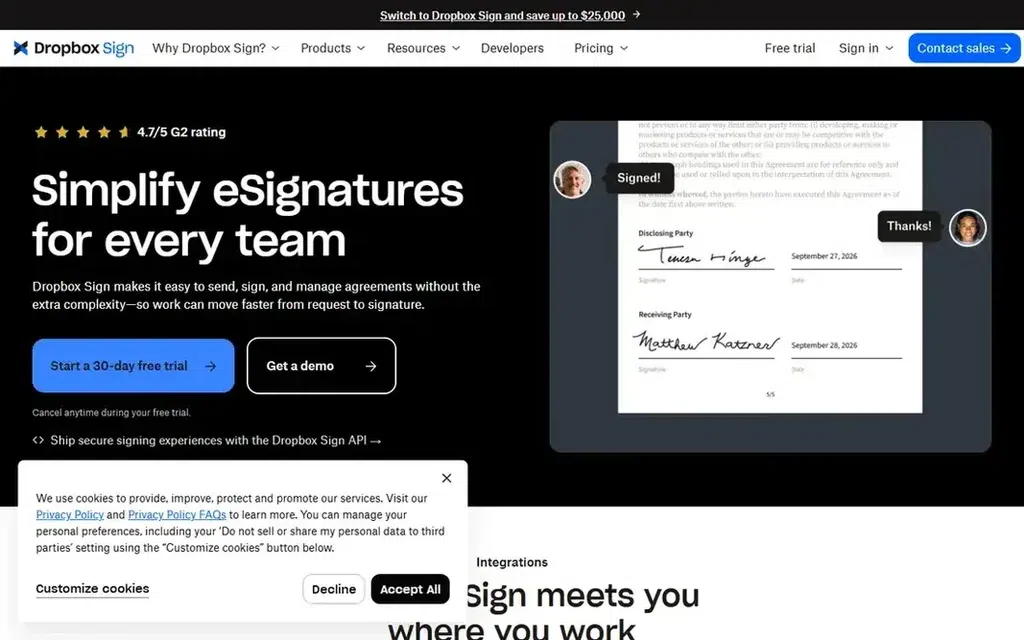
Dropbox Sign serves straightforward, legally binding signature requests. Dropbox Sign, formerly HelloSign, is described as a simple way to send, receive and run legally binding electronic signatures.
Drawbacks to consider: Less centred on full agreement management.
For cleaning firms, it does well for service agreements, one-off client approvals and staff forms where speed and simplicity matter. Firms with heavy document automation demands should compare other choices. Dropbox Sign cost at the entry level: $15 USD / mo. As for free access: Free trial.
- Runs legally binding signatures
- Straightforward send and receive workflow
- May lack depth for complicated multi-party workflows
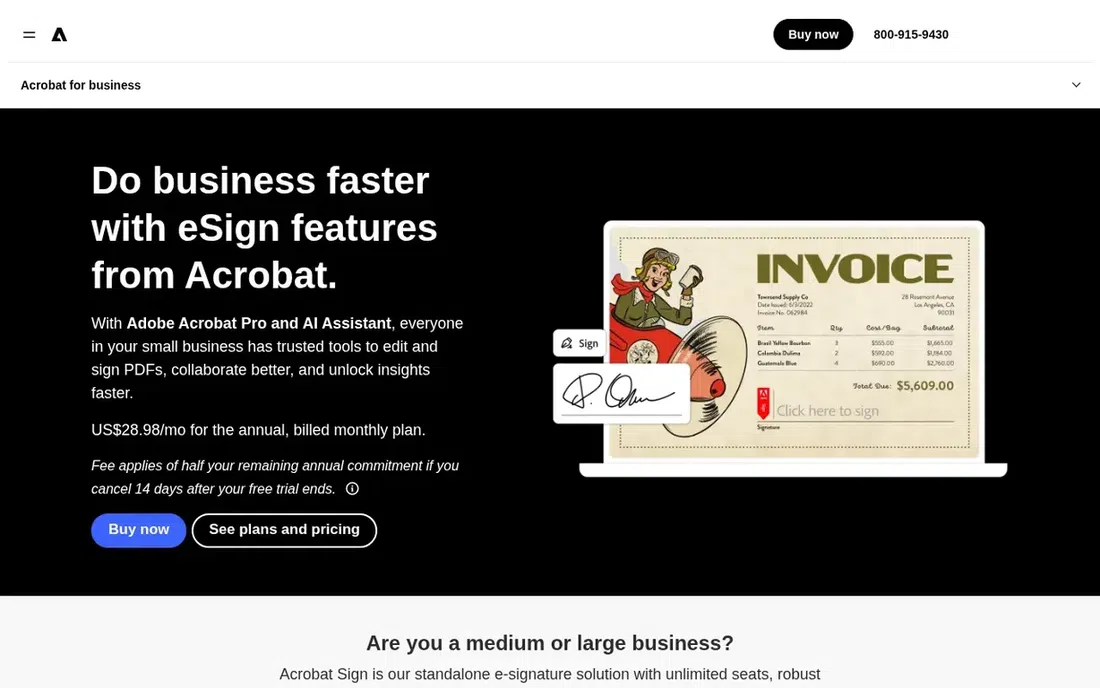
Pick Adobe Acrobat Sign if this describes you: teams already working in Adobe PDF tools. If your team does not use Adobe products, the overlap may not justify switching.
Check the vendor site for Adobe Acrobat Sign pricing; none is listed in this comparison. Trial and free access: Not stated.
Honest limits: Feature set may overlap with tools you already own.
- E-signatures plus digital payment collection
- Website signature acceptance supported
- Best value primarily for Adobe-centric teams
Zoho Sign is built with automating repeatable document workflows in mind. Zoho Sign is a complete digital signature option for companies that lets you sign documents online and automate paperwork with document workflows.
Drawbacks to consider: Automation setup needs initial planning.
In practice, teams outside the Zoho ecosystem may see less advantage from the integration story. Also, straightforward signing needs may not need the workflow automation. Zoho Sign shows no starting price here, so confirm the cost on the vendor site. As for free access: Not stated.
- Secure signature collection
- Suits teams using Zoho business tools
- Most benefit includes Zoho ecosystem use
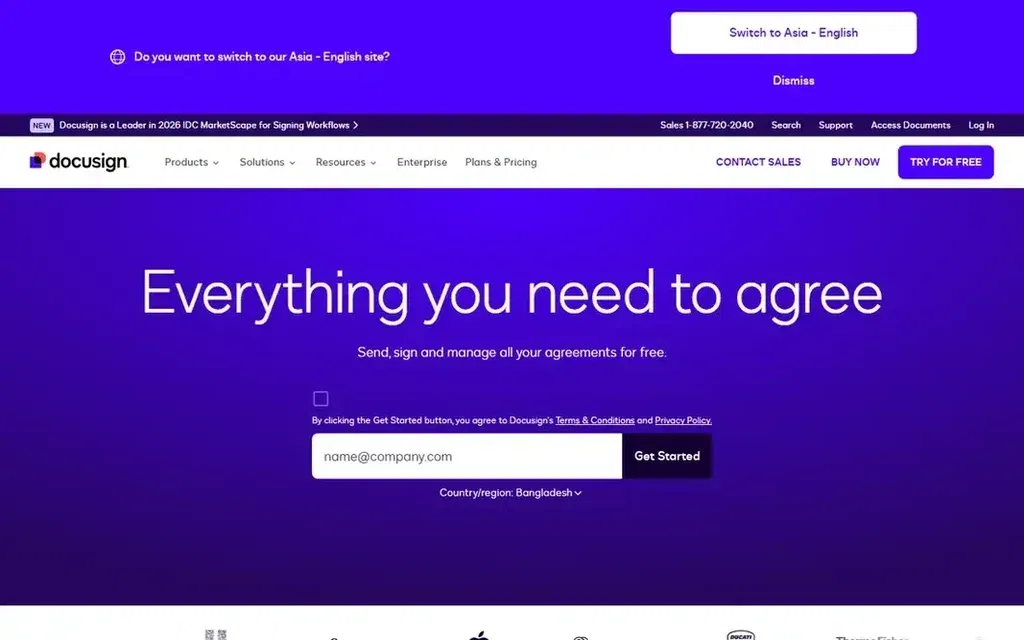
In short, DocuSign is for full agreement management for cleaning contracts. Teams wanting only fast one-off signature requests might prefer a more straightforward choice. DocuSign is an electronic signature and agreement management product that lets you build, commit to and run agreements in one place.
What to check first: Broader system may be more than small teams need.
On top of that, choose DocuSign when agreement management and a well-known signing experience matter more than minimal setup. As for the details, for cleaning firms, that means sending recurring service contracts, collecting client signatures and keeping signed documents organized. Price to start with DocuSign: $45 per user per month. Free access: Not stated.
- Committing and managing in one place
- Takes care of sending
- Feature depth can need a ramp-up time
OneSpan Sign targets secure agreements with identity assurance. OneSpan Sign is an eSignature system for customer agreements that simplifies digital agreement workflows with secure eSignatures, identity assurance, automation, smart forms and integrations.
Choose OneSpan Sign when identity assurance and secure customer agreements are central requirements. On top of that, firms wanting only entry-level signature collection should compare lighter tools. OneSpan Sign shows no starting price here, so confirm the cost on the vendor site. On free options: Not stated.
Downsides: Geared toward bigger agreement workflows.
- Smart forms and automation
- Wide integration choices
- May be complicated for small cleaning teams
For custom eSignature workflows on any device, SignNow is a natural candidate. Building custom workflows takes some planning, which may slow very small teams. More specifically, cleaning firms can use it for client agreements and internal forms that require a defined signing order or process.
Downsides: Workflow setup can take effort.
If you only need entry-level signature requests, a more straightforward tool may be simpler. Consider SignNow when repeatable, device-flexible signing processes are important to your cleaning operation. No starting price is listed for SignNow here; confirm pricing on the vendor site. Free access: Not stated.
- Custom workflow support
- Works across devices
- Feature range may exceed straightforward needs
Our selection method
Before you commit
- Get a written quote from Adobe Acrobat Sign, Zoho Sign, OneSpan Sign and SignNow; the list shows no starting price for them.
- Use real work to test the free trial from Dropbox Sign, rather than a demo project.
- Before choosing Dropbox Sign, weigh its main limit: less centred on full agreement management.
- Confirm you can export your data from Adobe Acrobat Sign, so leaving later does not mean losing records.
- Test how quickly Zoho Sign answers a pre-sales question; it hints at how support will feel later.
FAQ
What should a cleaning business look for in e-signature software?
Focus on how easily clients can sign service agreements, whether you can reuse templates for recurring contracts, and how signed documents are stored.
What is the cheapest option for E-Signature software for cleaning businesses in this list?
On published monthly entry prices, DocuSign is the lowest here at $45 per user per month. Entry price is only part of the cost, because seats, add-ons and billing terms can change the total. All 6 picks in this E-Signature software for cleaning businesses comparison list a starting price, free plan details and the main limits on their cards above.
Do these tools publish their prices?
Not all of them. Adobe Acrobat Sign, Zoho Sign, OneSpan Sign and SignNow publish no starting price, so expect a quote request for those. The rest, Dropbox Sign included, show a starting price, though seats and billing terms still change the final cost.
How are the tools for E-Signature software for cleaning businesses ordered?
The order follows typical fit for E-Signature software for cleaning businesses, with Dropbox Sign first and SignNow last, then price clarity and free access. It is editorial judgement, not a score, so another team could rank the tools differently.
Can e-signature software handle recurring cleaning service contracts?
Yes, plenty of products support templates and repeatable workflows that accelerate recurring agreements. Tools with workflow automation, like Zoho Sign or SignNow, can help standardize the process.
Do cleaning clients need an account to sign documents?
Most e-signature systems let recipients sign through a link without creating an account. As for the details, confirm the recipient experience on the vendor site, since it affects how rapidly clients complete agreements.
Sources
- https://sign.dropbox.com
- https://www.adobe.com/sign.html
- https://www.zoho.com/sign
- https://www.docusign.com
- https://www.onespan.com/products/esignature
- https://www.signnow.com