Best E Signature Software for Outlook for 2026: Our 5 Vetted Picks
Best E signature software for outlook: 5 contenders ranked by fit, with entry costs and free tiers. Plus the drawbacks of each tool. Narrow your shortlist.
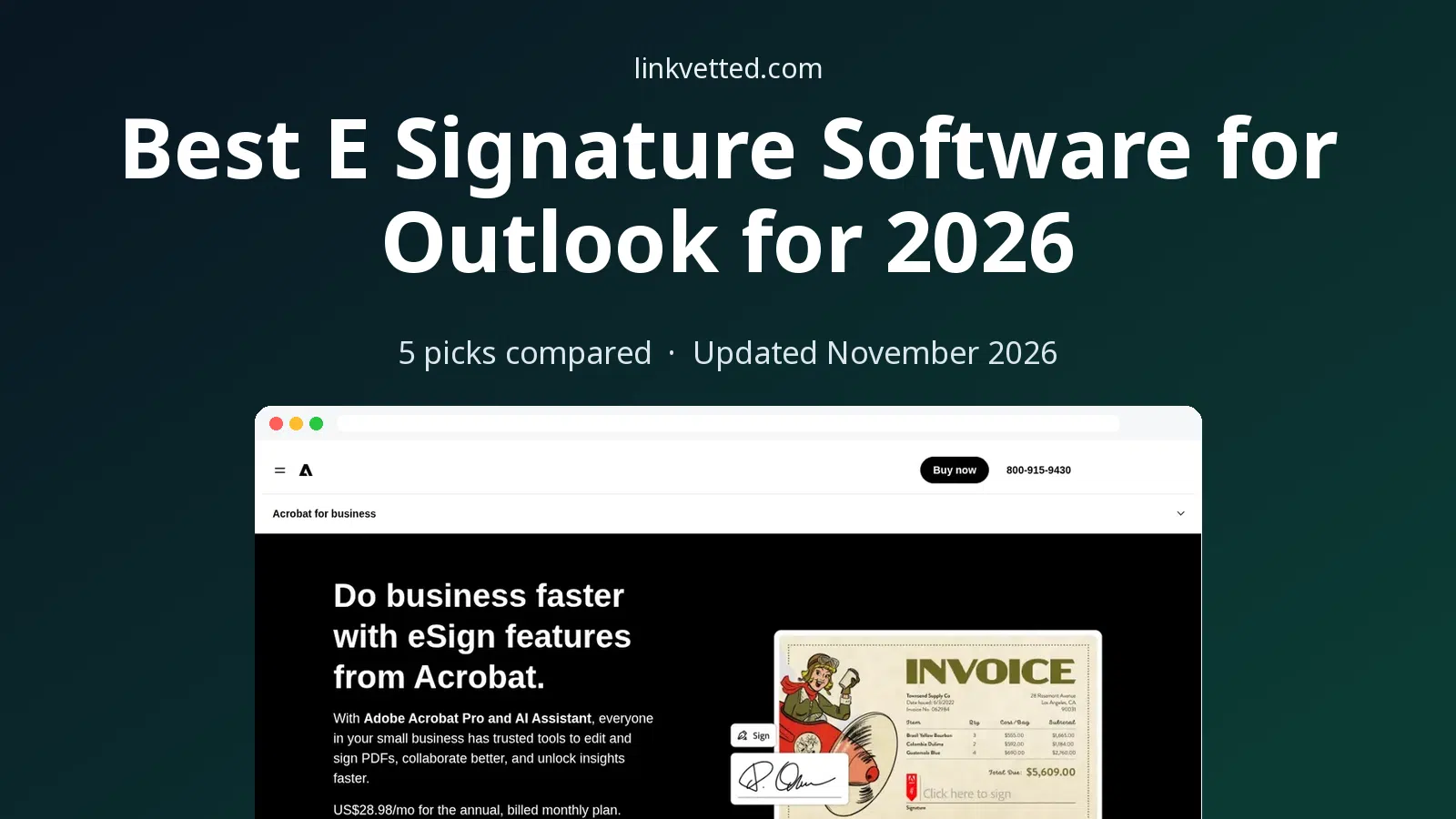
- Editor's choice
 OneSpan Sign
Secure customer agreement workflows
Starts atSee websiteVisit onespan.comFull review - Great alternativeeversign
API-driven signing without per-envelope fees
Starts at$10 per user per monthVisit eversign.comFull review - Also consider
 Adobe Acrobat Sign
Teams already using Adobe PDF tools
Starts atSee websiteVisit adobe.comFull review
Direct answer
Start with OneSpan Sign if you need secure customer agreement workflows. eversign fits API-driven signing without per-envelope fees; Adobe Acrobat Sign fits teams already using Adobe PDF tools. Listed starting prices: eversign from $10 per user per month, Dropbox Sign from $15 USD / mo and DocuSign from $45 per user per month. The remaining 2 options are covered below with prices and limits.
TL;DR:
- OneSpan Sign is the opening pick, best for secure customer agreement workflows.
- Check the limits for Dropbox Sign before you commit: narrower scope than full agreement systems.
- Just one of the 5 tools, eversign, has a free plan.
- DocuSign is the one to check for full agreement management with signing.
- Starting prices begin at $10 per user per month with eversign.
Last checked November 2026. Prices and plan details were read from the vendors' own pages in November 2026; vendors change plans often, so confirm the current price on the vendor site before you buy.
Quick comparison
| Tool | Best for | Starts at | Free plan? | |
|---|---|---|---|---|
| OneSpan Sign | Secure customer agreement workflows | See website | Not stated | Visit |
| eversign | API-driven signing without per-envelope fees | $10 per user per month | Yes | Visit |
| Adobe Acrobat Sign | Teams already using Adobe PDF tools | See website | Not stated | Visit |
 Dropbox Sign | Straightforward sending and managing signatures | $15 USD / mo | Free trial | Visit |
 DocuSign | Full agreement management with signing | $45 per user per month | Not stated | Visit |
E Signature Software for Outlook profiles
This LinkVetted guide covers 5 options for E signature software for outlook. Each profile lists a starting price, free plan details, strengths and drawbacks, so you can drop poor fits quickly.
OneSpan Sign is aimed squarely at secure customer agreement workflows. Smaller teams may find a lighter tool quicker to adopt.
OneSpan Sign positions itself around secure digital agreement workflows, combining e signatures with identity assurance, automation, smart forms and integrations. Also, teams in regulated or high-trust environments are the clearest fit. OneSpan Sign does not show a starting price in this comparison, so check the vendor site for current pricing. Trial and free access: Not stated.
Downsides: Wide feature set needs planning.
- Identity assurance features
- Smart forms and automation
- Enterprise focus may be heavy for small teams
eversign
Best for: API-driven signing without per-envelope fees
eversign is designed for API-driven signing without per-envelope fees. The developer-oriented approach may be more than non-technical users need. eversign, now presented as Xodo Sign, lets users sign, send, edit and track documents with legally binding e signatures and automate workflows through an adaptable API.
The main drawbacks: Developer focus fits technical teams.
Verify Outlook integration details and API terms on the vendor site. What you pay to start with eversign: $10 per user per month. You can start on eversign without paying.
- No per-envelope fees stated
- Now branded Xodo Sign
- Rebranding may confuse new buyers
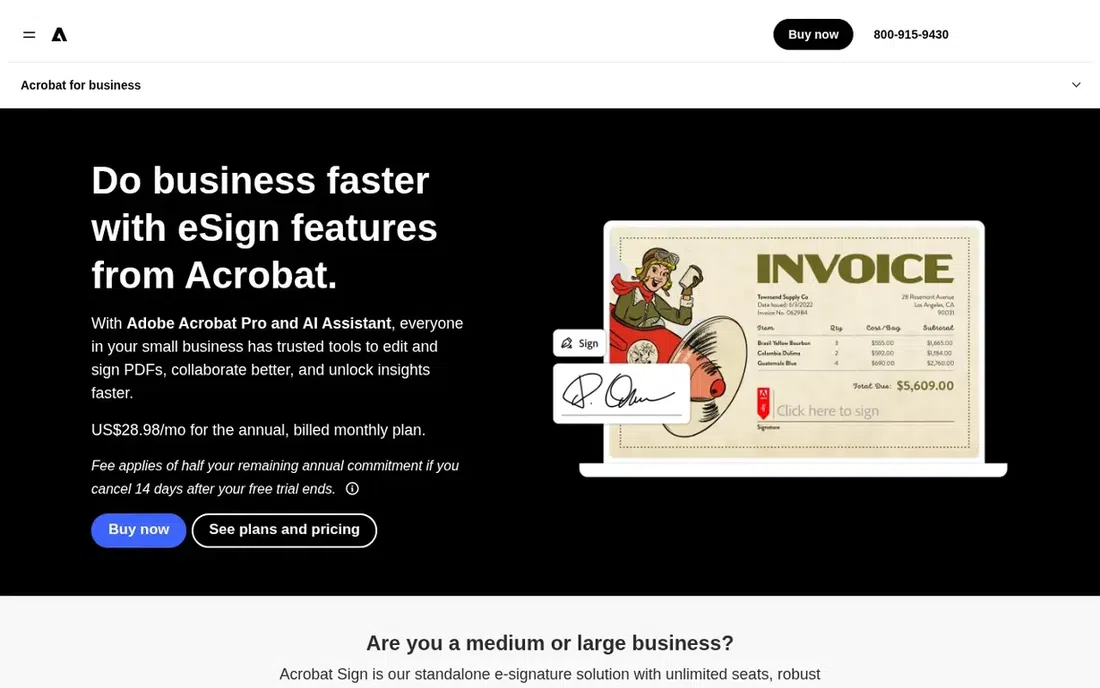
Adobe Acrobat Sign serves teams already using Adobe PDF tools. Adobe Acrobat Sign is the e signature offering within Adobe's business document tools, pitched at signing documents, collecting digital payments and accepting electronic signatures on a website.
Trade-offs to know: May overlap with existing Adobe subscriptions.
In practice, if your team does not use Adobe products, the ecosystem advantage is smaller and a standalone signing tool may be more straightforward. Pricing for Adobe Acrobat Sign is not stated here, so ask the vendor for current figures. On free options: Not stated.
- Supports collecting digital payments
- Can accept signatures on a website
- Best value assumes Adobe familiarity
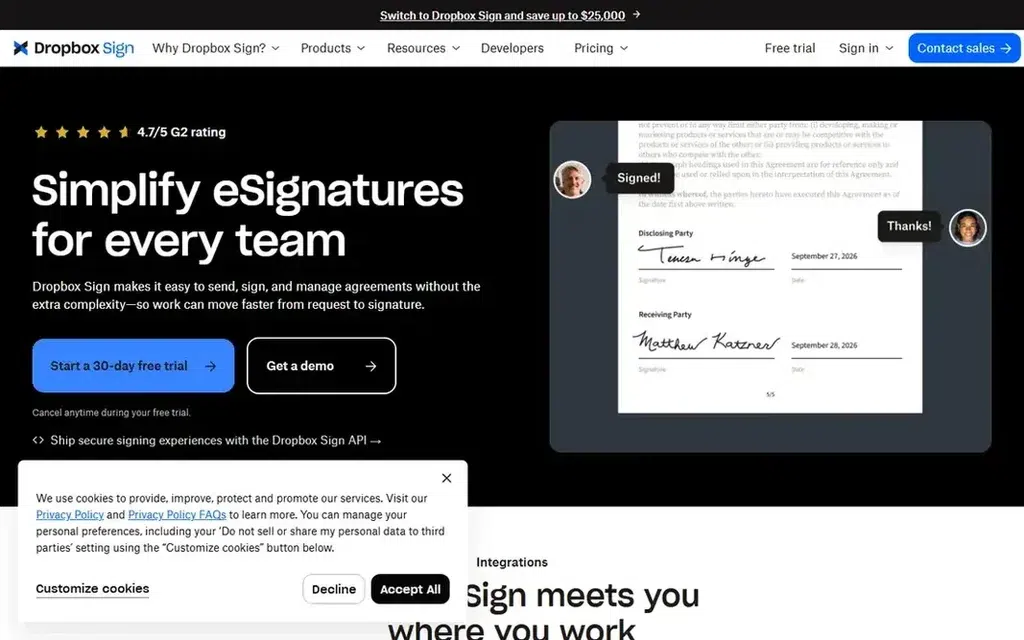
Dropbox Sign is a good fit for straightforward sending and managing signatures. Since its emphasis is on signature workflows, teams needing deep contract lifecycle features may look elsewhere.
Entry price for Dropbox Sign: $15 USD / mo. Trial and free access: Free trial.
Trade-offs to know: Best fit for teams already in Dropbox.
- Clear focus on send
- Receive and handle
- Narrower scope than full agreement products
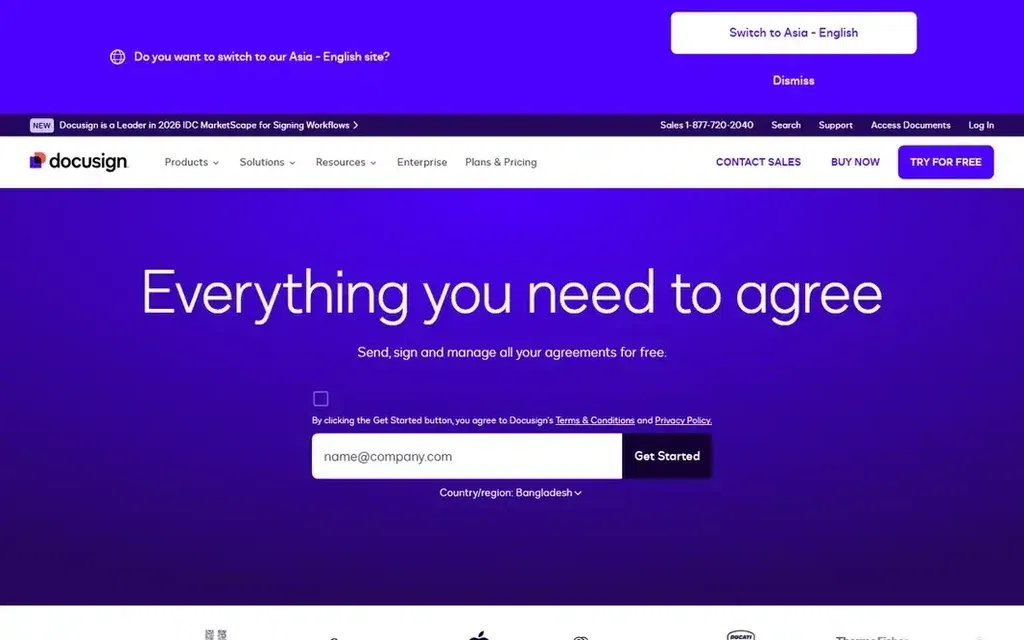
DocuSign is a good fit for full agreement management with signing. Teams that want signing to sit inside a wider agreement workflow, instead of as a standalone send-and-sign step, are the natural fit. Its positioning around intelligent agreement management recommends it fits organizations handling a steady flow of contracts who want one place to organize them.
Honest limits: Broader product than entry-level signing needs.
DocuSign presents itself as a product for creating, committing to and managing agreements, with electronic signature at its core. Consider a lighter tool if your central goal is fast sending from Outlook without agreement management overhead. More specifically, confirm current Outlook integration details on the vendor site before committing. From a buyer's view, for a small team that only needs occasional signing, the system's breadth may be more than necessary. What you pay to start with DocuSign: $45 per user per month. Free options: Not stated.
- Well-known electronic signature brand
- Merges signing with agreement management
- Feature depth may overwhelm straightforward senders
Selection criteria
For each of the 5 tools we noted price, free plan or trial, fit for E signature software for outlook and the main limit, using vendor pages and documentation. Plan names, prices and limits change often. Treat the figures here as a starting point and verify them with the vendor. Order on the page follows fit for the typical buyer first, then price transparency and free access. Your own requirements should decide the final pick.
Before you commit
- Confirm the entry price on the vendor page. For OneSpan Sign and Adobe Acrobat Sign that means a quote rather than a fixed price.
- Test the free plan from eversign against your real workload before relying on it.
- Run a trial of Dropbox Sign with real work before paying for a year; your own workflow is the best test.
- Read the limits listed for OneSpan Sign first: enterprise focus may be heavy for small teams.
- Check the support hours and onboarding help Adobe Acrobat Sign offers; smaller vendors vary a lot here.
- The entry price of eversign is only the starting point; model the full cost with seats and extras.
FAQ
What is the cheapest option for E signature software for outlook in this list?
On published monthly entry prices, eversign is the lowest here at $10 per user per month. Entry price is only part of the cost, because seats, add-ons and billing terms can change the total. For the full picture, the cards above cover all 5 entries of this E signature software for Outlook list, including price, free plan and limits.
Is OneSpan Sign the right pick for everyone comparing E signature software for outlook?
No single tool suits every team. OneSpan Sign comes first because it fits secure customer agreement workflows, while eversign suits API-driven signing without per-envelope fees and Adobe Acrobat Sign suits teams already using Adobe PDF tools. Match the tool to your own size, budget and workflow before deciding.
Which options for E signature software for outlook have a free plan?
eversign is the only tool in this list with a free plan. Free plans usually cap users, projects or features, so check the limits on the vendor page. One other tool offers a trial instead. Prices, free plan details and limits for all 5 tools in this E signature software for Outlook roundup sit on the individual cards above.
Can I try these tools before paying?
Often, yes. eversign has a free plan and Dropbox Sign offers a free trial. Use your own data and a real task during the test, and check what the free tier or trial limits before you rely on it. Each of the 5 options in this E signature software for Outlook guide has its own card above with the price, free plan and limits.
Which e signature tool fits best with Outlook?
For most readers this guide would start with OneSpan Sign, built for secure customer agreement workflows. eversign is the alternative for API-driven signing without per-envelope fees, and Adobe Acrobat Sign for teams already using Adobe PDF tools. The right answer depends on budget and workflow.
Sources
- https://www.onespan.com/products/esignature
- https://eversign.com
- https://www.adobe.com/sign.html
- https://sign.dropbox.com
- https://www.docusign.com