Best E Signature Software for Lawyers in 2026: Prices, Free Plans and 5 Picks
5 best E signature software for lawyers, with entry costs, free tiers and the buyer each one serves. We note where every tool falls short. Jump to the table.
- Editor's choice
 SignNow
Custom signing workflows across devices
Starts atSee websiteVisit signnow.comFull review - Great alternative
 Adobe Acrobat Sign
Businesses working inside PDF workflows
Starts atSee websiteVisit adobe.comFull review - Also consider
 DocuSign
Wide agreement management for businesses
Starts at$45 per user a monthVisit docusign.comFull review
Direct answer
SignNow leads the list, best for custom signing workflows across devices. Listed starting prices: DocuSign from $45 per user a month, eversign from $10 per user a month and Dropbox Sign from $15 USD / mo. Adobe Acrobat Sign is the stronger choice for businesses working inside PDF workflows, while DocuSign suits wide agreement management for businesses. The other 2 tools in the list cover narrower or pricier cases.
TL;DR:
- Number one here is SignNow, a fit for custom signing workflows across devices.
- What to know about Adobe Acrobat Sign first: best value may rely on Adobe ecosystem use.
- Just one of the 5 tools, eversign, has a free plan.
- Dropbox Sign fits straightforward, legally binding signing requests.
- For the cheapest start, look at eversign: $10 per user per month.
Last checked November 2026. Prices and plan details were read from the vendors' own pages in November 2026; vendors change plans often, so confirm the current price on the vendor site before you buy.
Quick comparison
| Tool | Best for | Starts at | Free plan? | |
|---|---|---|---|---|
| SignNow | Custom signing workflows across devices | See website | Not stated | Visit |
| Adobe Acrobat Sign | Businesses working inside PDF workflows | See website | Not stated | Visit |
| DocuSign | Wide agreement management for businesses | $45 per user a month | Not stated | Visit |
| eversign | API-driven signing without envelope fees | $10 per user a month | Yes | Visit |
 Dropbox Sign | Straightforward, legally binding signing requests | $15 USD / mo | Free trial | Visit |
E Signature Software for Lawyers, one by one
If you are comparing E signature software for lawyers, this page covers 5 tools in one place: what each is best for, what it costs to start, whether it has a free plan, and the main limit to know about.
SignNow serves custom signing workflows across devices. It suits practices that want to shape the signing process instead of accept a fixed one.
Check the vendor site for SignNow pricing; none is listed in this comparison. Trial and free access: Not stated.
Limits to weigh: Feature breadth varies by need.
- Works across devices
- Custom e signature workflows
- Workflow setup takes planning
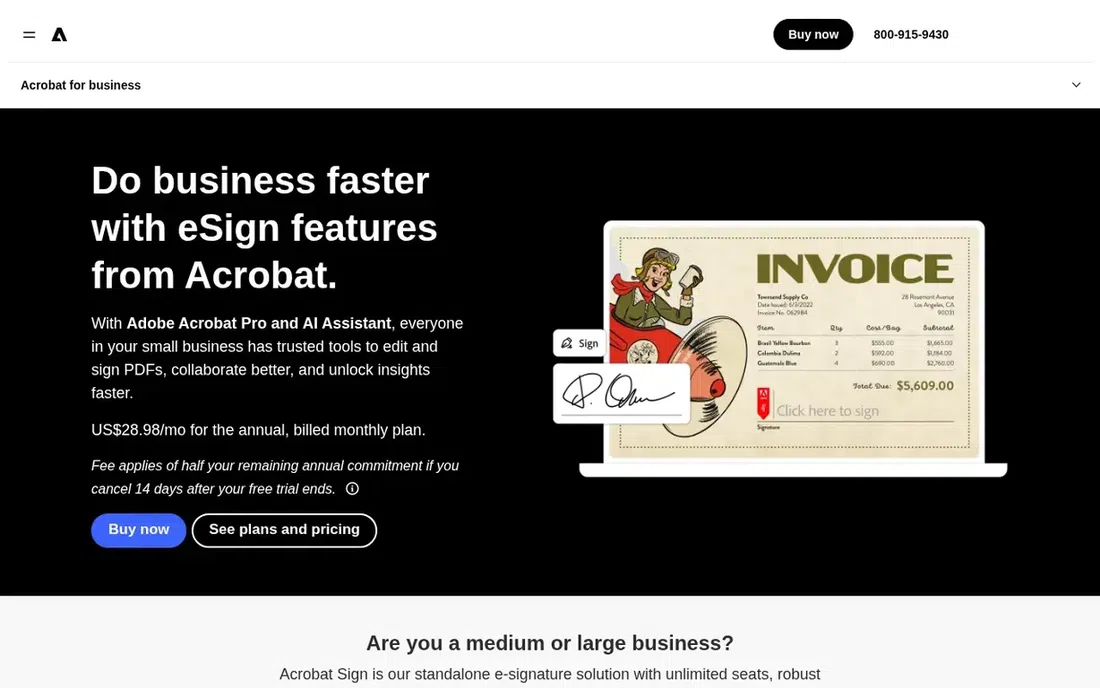
Where Adobe Acrobat Sign fits: businesses working inside PDF workflows. Adobe Acrobat Sign is aimed at sending documents for electronic signature and collecting signatures, including on websites and alongside digital payments.
Beyond that, practices with complicated agreement automation requirements may also need more than signing alone. On top of that, businesses outside the Adobe ecosystem may not gain the same benefit from the integration and could find a standalone signing service more straightforward. Pricing for Adobe Acrobat Sign is not stated here, so ask the vendor for current figures. As for free access: Not stated.
Drawbacks to consider: Best value may rely on Adobe ecosystem use.
- Supports website and payment signing
- Suits Adobe PDF document workflows
- Advanced needs can push users elsewhere
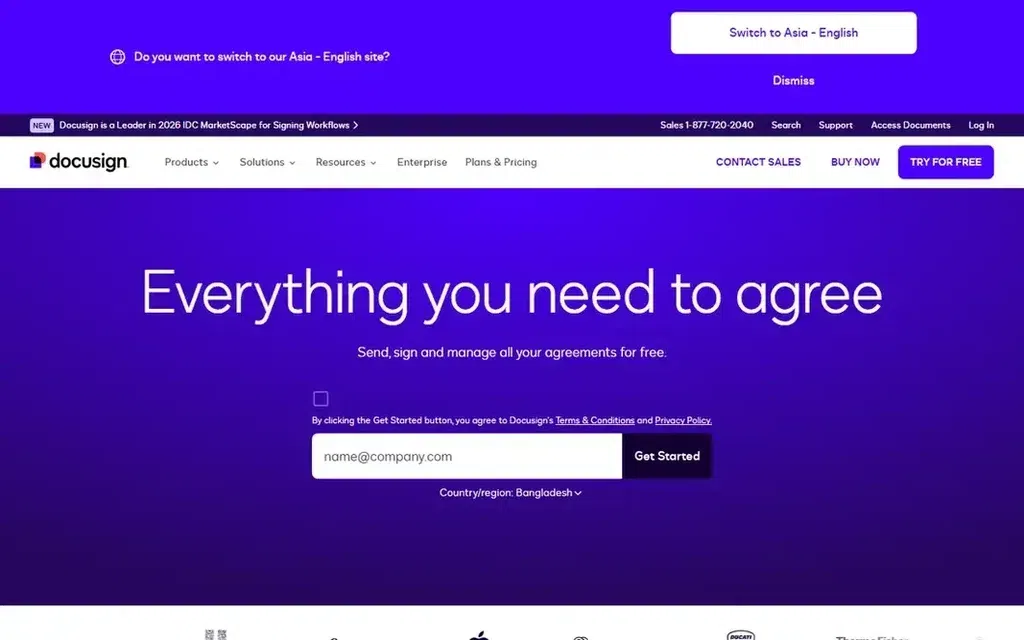
DocuSign serves wide agreement management for firms. DocuSign presents itself as a system for creating, committing to and managing agreements, with electronic signature at its core. For everyday use, the product's breadth can be more than a small practice needs for straightforward engagement letters or single-signature forms.
For law practices, that means signing can sit inside a broader process for sending, tracking and storing executed documents. Consider DocuSign when agreement management matters as much as the signature itself. On cost, DocuSign starts like this: $45 per user per month. Free options: Not stated.
Watch-outs: Setup may need administrative time.
- Supports end-to-end agreement workflows
- Merges signing with agreement management
- Feature depth can overwhelm small businesses
eversign
Best for: API-driven signing without envelope fees
In short, eversign is for API-driven signing without envelope fees. eversign, now presented as Xodo Sign, lets users sign, send, edit and track documents with legally binding e signatures and automate workflows through an adaptable API. Beyond that, the API-first emphasis means less technical buyers may not extract its central benefit.
What users get: edit and track documents.
Where it is weaker: Brand now associated with Xodo Sign.
The Xodo Sign branding can cause confusion when comparing choices. More specifically, the stated absence of per-envelope fees appeals to businesses that send documents often and want predictable usage. eversign starts at: $10 per user per month. eversign offers a free plan.
- Sign, send
- No per-envelope fees stated
- Less suited to non-technical buyers
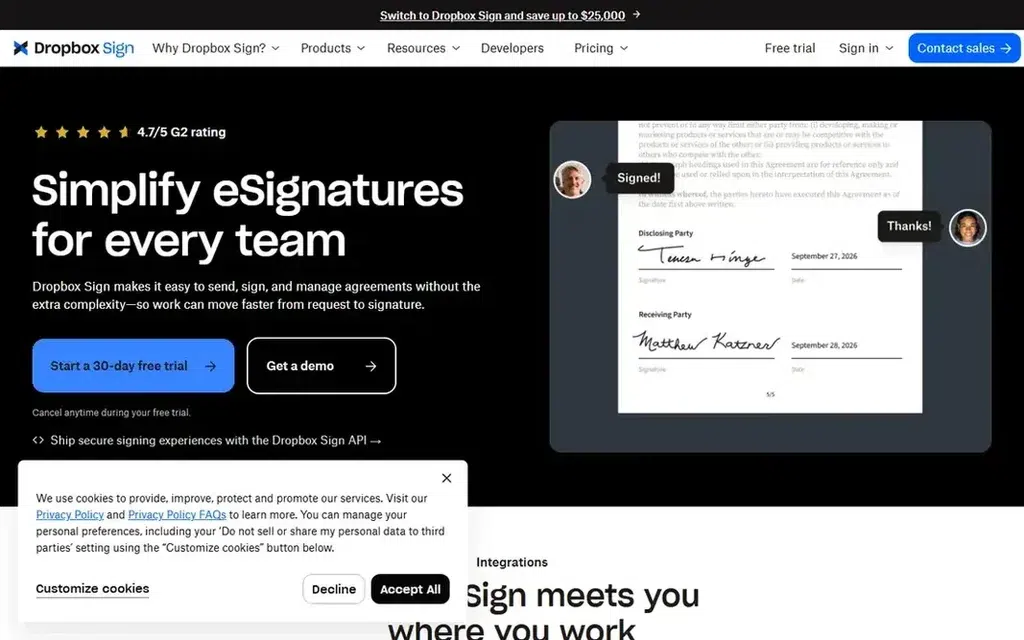
In short, Dropbox Sign is for straightforward, legally binding signing requests. Dropbox Sign, formerly HelloSign, describes itself as a simple way to send, receive and run legally binding electronic signatures.
Downsides: Less emphasis on deep agreement management.
On top of that, practices that require deep workflow automation or identity verification beyond standard signing may look at more specialized choices. From a buyer's view, the pitch is simplicity: a lawyer or paralegal prepares a document, sends it for signature and tracks the result without a steep ramp-up time. What you pay to start with Dropbox Sign: $15 USD / mo. As for free access: Free trial.
- Straightforward send and receive flow
- Runs legally binding signatures
- May suit lighter workflows better
How the list was put together
Selection started from tools commonly considered for E signature software for lawyers, then narrowed to 5 that have clear pricing information or a clear quote process. Seat minimums, billing terms and add-ons can move the real cost, so the starting prices here are a guide and not a quote. The order reflects how well each tool fits the most common buying scenario for E signature software for lawyers, then price clarity, then free plan access. It is a starting point, not a verdict.
Before you commit
- Get a written quote from SignNow and Adobe Acrobat Sign; the list shows no starting price for them.
- Look at the free plan from eversign closely: its caps decide whether it is usable for real work.
- Take the trial from Dropbox Sign and push a live task through it before you pay.
- Before choosing SignNow, weigh its main limit: workflow setup takes planning.
- A short pilot of SignNow with your real workflow tells you more than a feature table.
- Check whether Dropbox Sign bills monthly or annually, and what cancelling early costs.
FAQ
Is SignNow the right pick for everyone comparing E signature software for lawyers?
No single tool suits every team. SignNow comes first because it fits custom signing workflows across devices, while Adobe Acrobat Sign suits firms working inside PDF workflows and DocuSign suits broad agreement management for firms. Match the tool to your own size, budget and workflow before deciding.
Do these tools publish their prices?
Not all of them. SignNow and Adobe Acrobat Sign publish no starting price, so expect a quote request for those. The rest, DocuSign included, show a starting price, though seats and billing terms still change the final cost.
How are the tools for E signature software for lawyers ordered?
The order follows typical fit for E signature software for lawyers, with SignNow first and Dropbox Sign last, then price clarity and free access. It is editorial judgement, not a score, so another team could rank the tools differently.
Are electronic signatures legally binding for legal documents?
Electronic signatures are widely recognized as legally binding when they meet applicable requirements for intent, consent and record keeping. Worth adding: lawyers should confirm the rules for their jurisdiction and the specific document type.
What is the cheapest option for E signature software for lawyers in this list?
On published monthly entry prices, eversign is the lowest here at $10 per user per month. Entry price is only part of the cost, because seats, add-ons and billing terms can change the total. All 5 picks in this E signature software for Lawyers comparison list a starting price, free plan details and the main limits on their cards above.
Sources
- https://www.signnow.com
- https://www.adobe.com/sign.html
- https://www.docusign.com
- https://www.eversign.com
- https://www.hellosign.com