Best E Signature Software for Gmail (2026): 6 Picks Checked on Vendor Pages
Need the best E signature software for gmail? We compare 6 tools on cost, free access and who each suits. Strengths and weak spots are spelled out. No hype.
- Editor's choiceeversign
API-driven signing without per-envelope fees
Starts at$10 per user a monthVisit eversign.comFull review - Great alternative
 airSlate
Automating document processes beyond signing
Starts atSee websiteVisit airslate.comFull review - Also consider
 DocuSign
Wide agreement management plus signing
Starts at$45 per user per monthVisit docusign.comFull review
Direct answer
Start with eversign if you need API-driven signing without per-envelope fees. Listed starting prices: eversign from $10 per user a month, DocuSign from $45 per user per month and Dropbox Sign from $15 USD / mo. If your case is different, airSlate suits automating document processes beyond signing and DocuSign suits wide agreement management plus signing. All 6 tools are compared below on price, free plan and limits.
TL;DR:
- Eversign takes the first slot, best suited to API-driven signing without per-envelope fees.
- Eversign is the only tool of the 6 with a free plan.
- One limit worth knowing about DocuSign: feature depth may overwhelm straightforward signing needs.
- OneSpan Sign suits security-focused signing and authentication.
Last checked November 2026. Prices and plan details were read from the vendors' own pages in November 2026; vendors change plans often, so confirm the current price on the vendor site before you buy.
Quick comparison
| Tool | Best for | Starts at | Free plan? | |
|---|---|---|---|---|
| eversign | API-driven signing without per-envelope fees | $10 per user a month | Yes | Visit |
| airSlate | Automating document processes beyond signing | See website | Not stated | Visit |
| DocuSign | Wide agreement management plus signing | $45 per user per month | Not stated | Visit |
 Dropbox Sign | Straightforward send, receive and track signing | $15 USD / mo | Free trial | Visit |
 Adobe Acrobat Sign | Teams already in the Adobe ecosystem | See website | Not stated | Visit |
 OneSpan Sign | Security-focused signing and authentication | $0.40 per transaction | Free trial | Visit |
The best E signature software for gmail
LinkVetted compared 6 tools for E signature software for gmail. The goal is a practical shortlist: published prices, free plan facts, best-fit use cases and honest limits for every entry.
eversign
Best for: API-driven signing without per-envelope fees
For API-driven signing without per-envelope fees, eversign is a natural candidate. If you want a purely visual signing tool with no integration work, a more straightforward choice may be simpler.
Drawbacks to consider: Developer features may exceed straightforward needs.
The starting price for eversign: $10 per user per month. eversign includes a free tier.
- Adaptable API for automation
- No per-envelope fees stated
- Brand now presented as Xodo Sign
airSlate serves automating document processes beyond signing. airSlate builds automation products that keep work moving, including everything from editing and signing documents to automating business processes.
If you only need electronic signatures, a dedicated signing tool may be quicker to deploy. airSlate shows no starting price here, so confirm the cost on the vendor site. As for free access: Not stated.
Trade-offs to know: Broader than e signature alone.
- Targeted at teams that want to work smarter
- Automation products for business processes
- Automation setup needs process planning
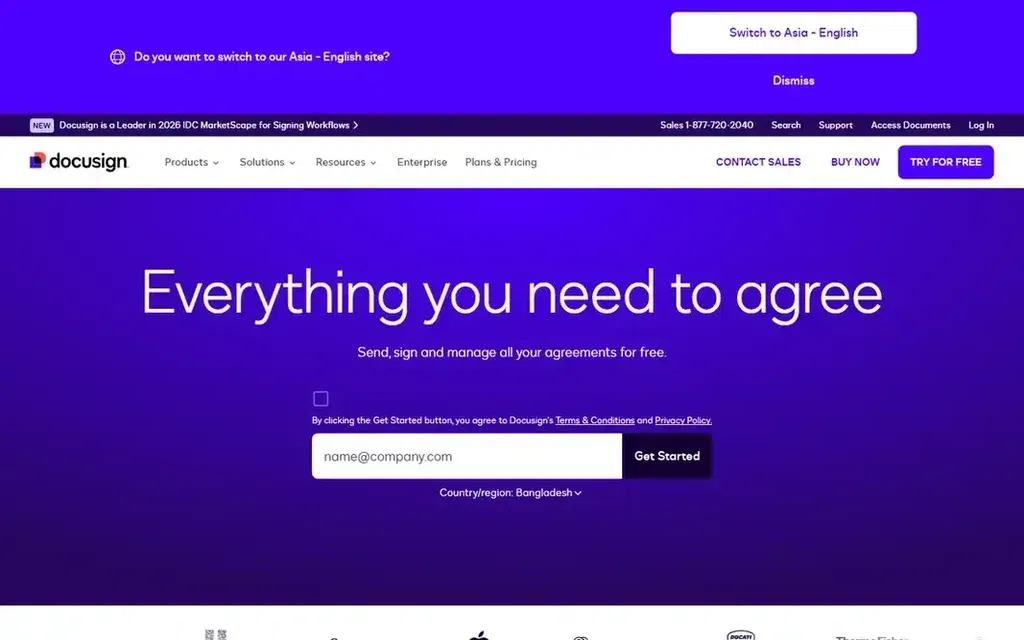
Where DocuSign fits: wide agreement management plus signing. DocuSign presents itself as an electronic signature and intelligent agreement management system, letting teams build, commit to and run agreements in one place. It performs well when Gmail users need a recognizable, structured signing flow with tracking across numerous documents.
In daily use, if you only send a handful of documents per month and want minimal setup, a more straightforward signing tool may be a better fit. More specifically, the breadth of the product can be more than a small team needs for occasional signing, and getting the most from agreement management takes some configuration. Starting cost for DocuSign: $45 per user per month. Free access: Not stated.
Where it falls short: Feature depth may overwhelm straightforward signing needs.
- Committing to and managing agreements
- Supports creating
- Full system value needs setup time
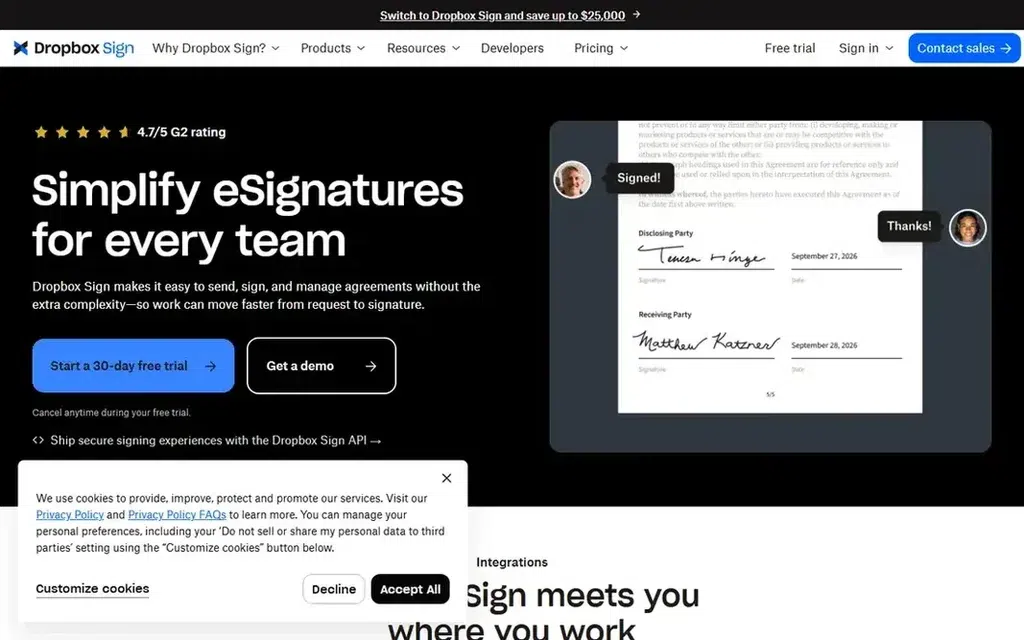
Dropbox Sign was built for simple send, receive and track signing. Dropbox Sign, formerly HelloSign, describes itself as a simple way to send, receive and run legally binding electronic signatures.
Points against: Best value relies on your document volume.
What you pay to start with Dropbox Sign: $15 USD / mo. Free plan details: Free trial.
- Receive and handle agreements
- Send
- Less emphasis on full agreement management
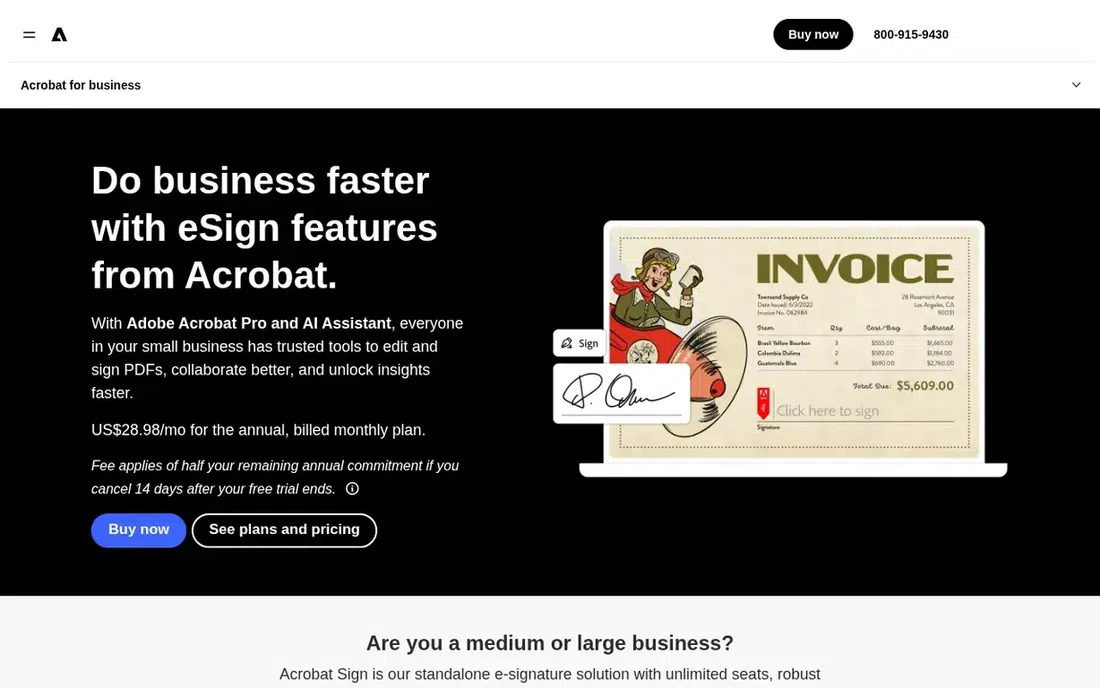
Think of Adobe Acrobat Sign for teams already in the Adobe ecosystem. Adobe Acrobat Sign is positioned for e signing documents, collecting digital payments and accepting electronic signatures on a website, among other business features.
This comparison lists no price for Adobe Acrobat Sign; ask the vendor. Free plan details: Not stated.
Drawbacks to consider: Feature set may be broader than needed.
- Electronic and digital signature support
- Can collect digital payments during signing
- Value is most solid with other Adobe tools
OneSpan Sign makes the most sense for security-focused signing and authentication. OneSpan Sign comes from a company concentrated on cybersecurity options that protect users, devices and apps, with digital agreements that speed business processes through electronic signature.
If your priority is a light Gmail signing flow, compare more straightforward tools before choosing a security-first system. The security-centered system can be more than a small business needs for routine signing. Price to start with OneSpan Sign: $0.40 per transaction. Trial and free access: Free trial.
Downsides: Broader product than entry-level signing.
- Electronic signature for digital agreements
- Authentication and security offerings
- Security focus may suit regulated teams most
How we compared the tools
A buyer's checklist
- Get a written quote from airSlate and Adobe Acrobat Sign; the list shows no starting price for them.
- Test the free plan from eversign against your real workload before relying on it.
- Use real work to test the free trial from Dropbox Sign and OneSpan Sign, rather than a demo project.
- Before choosing eversign, weigh its main limit: brand now presented as Xodo Sign.
- Make sure airSlate lets you export your data in a format another tool can read.
- Ask the daily users to test Dropbox Sign on a live task before you roll it out to everyone.
FAQ
Do these tools publish their prices?
Not all of them. airSlate and Adobe Acrobat Sign publish no starting price, so expect a quote request for those. The rest, eversign included, show a starting price, though seats and billing terms still change the final cost.
Which options for E signature software for gmail have a free plan?
eversign is the only tool in this list with a free plan. Free plans usually cap users, projects or features, so check the limits on the vendor page. Several others offer a trial instead. Prices, free plan details and limits for all 6 tools in this E signature software for Gmail roundup sit on the individual cards above.
Can I try these tools before paying?
Often, yes. eversign has a free plan and Dropbox Sign and OneSpan Sign offer a free trial. Use your own data and a real task during the test, and check what the free tier or trial limits before you rely on it.
Do I need a full agreement product for Gmail signing?
Not always. If you primarily send documents and collect signatures, a focused tool for example Dropbox Sign or eversign may be enough. Systems like DocuSign or airSlate make more sense when signing is part of a bigger process.
Is eversign the right pick for everyone comparing E signature software for gmail?
No single tool suits every team. eversign comes first because it fits API-driven signing without per-envelope fees, while airSlate suits automating document processes beyond signing and DocuSign suits broad agreement management plus signing. Match the tool to your own size, budget and workflow before deciding.
Sources
- https://www.eversign.com
- https://www.airslate.com
- https://www.docusign.com
- https://www.hellosign.com
- https://www.adobe.com/sign.html
- https://www.onespan.com