E-Signature Software for Real Estate Agents in 2026: The 5 Best Options Side by Side
Weighing the best E-Signature software for real estate agents? We lined up 5 products by cost, free access and fit. Every profile names its biggest catch.
- Editor's choice
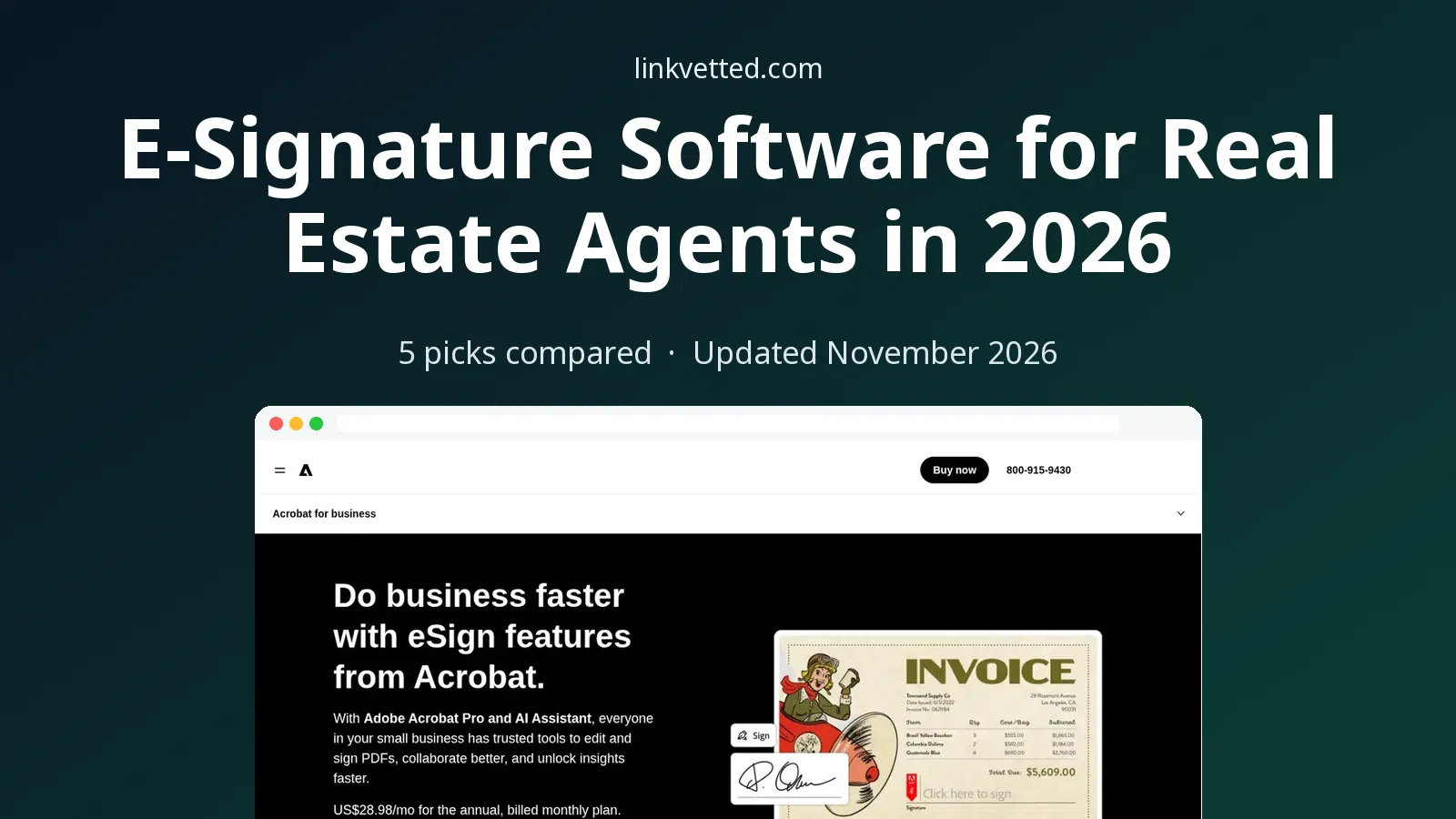
 Adobe Acrobat Sign
Adobe ecosystem integration
Starts atSee websiteVisit adobe.comFull review - Great alternative
 OneSpan Sign
Security-focused e-signatures
Starts at$0.40 per transactionVisit onespan.comFull review - Also consider
 Dropbox Sign
Straightforward, legally binding e-signatures
Starts at$15 USD / moVisit sign.dropbox.comFull review
Direct answer
Our first pick is Adobe Acrobat Sign, best for Adobe ecosystem integration. Listed starting prices: OneSpan Sign from $0.40 per transaction, Dropbox Sign from $15 USD / mo and DocuSign from $45 per user a month. For a different need, OneSpan Sign covers security-focused e-signatures and Dropbox Sign covers straightforward, legally binding e-signatures. The full list of 5 tools follows, with prices and free plan facts.
TL;DR:
- Top of the list is Adobe Acrobat Sign, which targets Adobe ecosystem integration.
- Neither Adobe Acrobat Sign nor dotloop, nor any of the other 3 tools, has a permanent free plan; trials and quotes are the norm.
- Dotloop is the lowest-priced starter here at $29 per user per month.
- Check the limits for Dropbox Sign before you commit: limited advanced agreement management.
- For real estate transaction management, dotloop is worth a look.
Last checked November 2026. Prices and plan details were read from the vendors' own pages in November 2026; vendors change plans often, so confirm the current price on the vendor site before you buy.
Quick comparison
| Tool | Best for | Starts at | Free plan? | |
|---|---|---|---|---|
| Adobe Acrobat Sign | Adobe ecosystem integration | See website | Not stated | Visit |
| OneSpan Sign | Security-focused e-signatures | $0.40 per transaction | Free trial | Visit |
| Dropbox Sign | Straightforward, legally binding e-signatures | $15 USD / mo | Free trial | Visit |
 DocuSign | Thorough agreement management | $45 per user a month | Not stated | Visit |
 dotloop | Real estate transaction management | $29 per user a month | Free trial | Visit |
Our 5 E-Signature software for real estate agents
Short on time? The summary and table above give the quick view of 5 E-Signature software for real estate agents, and the profiles that follow give the detail behind each entry.
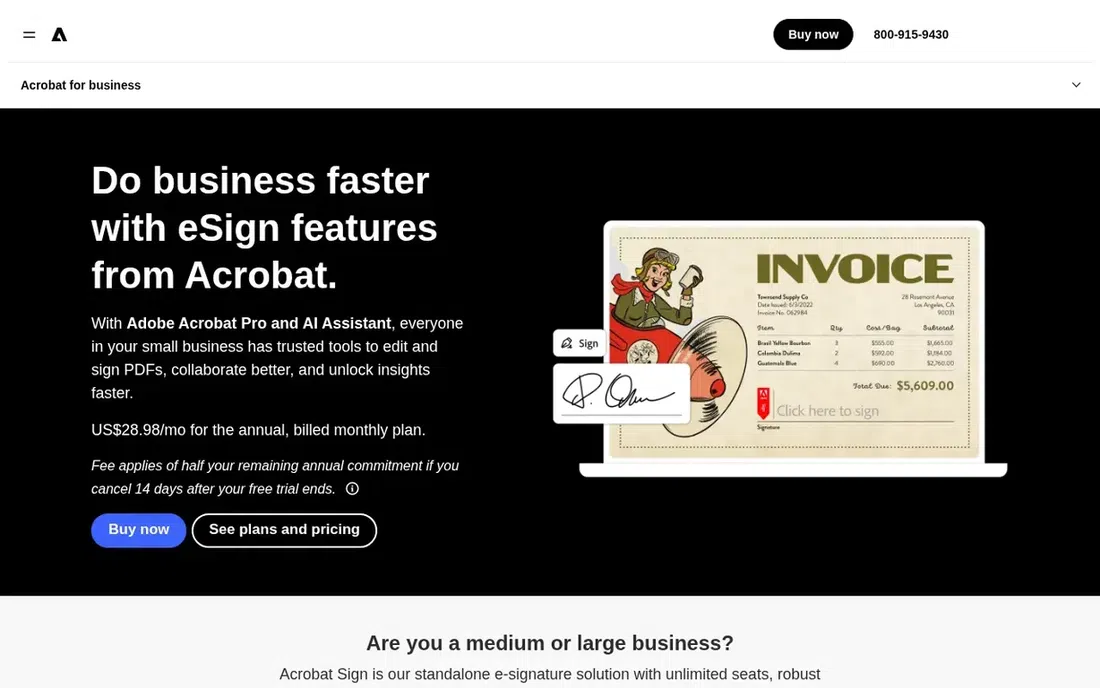
Adobe Acrobat Sign works best for Adobe ecosystem integration. It makes it possible for users to e-sign documents, collect digital payments, and accept electronic signatures on their websites. Worth adding: the emphasis on business features might also be more than a solo agent needs.
Those looking for a standalone e-signature option might prefer DocuSign or Dropbox Sign. As for the details, agents not already embedded in the Adobe ecosystem may find the tool less easy-to-learn or overfeatured for straightforward signing tasks. Adobe Acrobat Sign shows no starting price here, so confirm the cost on the vendor site. On free options: Not stated.
The main drawbacks: May need familiarity with Adobe products.
- Lets e-signatures on websites
- Supports digital payments collection
- Could be complicated for entry-level signing needs
OneSpan Sign was built for security-focused e-signatures. OneSpan Sign gives you eSignature and authentication options with a focus on cybersecurity.
Limits to weigh: Less tailored to real estate.
This tool is a solid fit for real estate agents who prioritize security and need solid authentication for sensitive documents, for example high-value contracts. Starting cost for OneSpan Sign: $0.40 per transaction. Free access: Free trial.
- Solid authentication and security
- Mobile app security features
- May be complicated for small operations
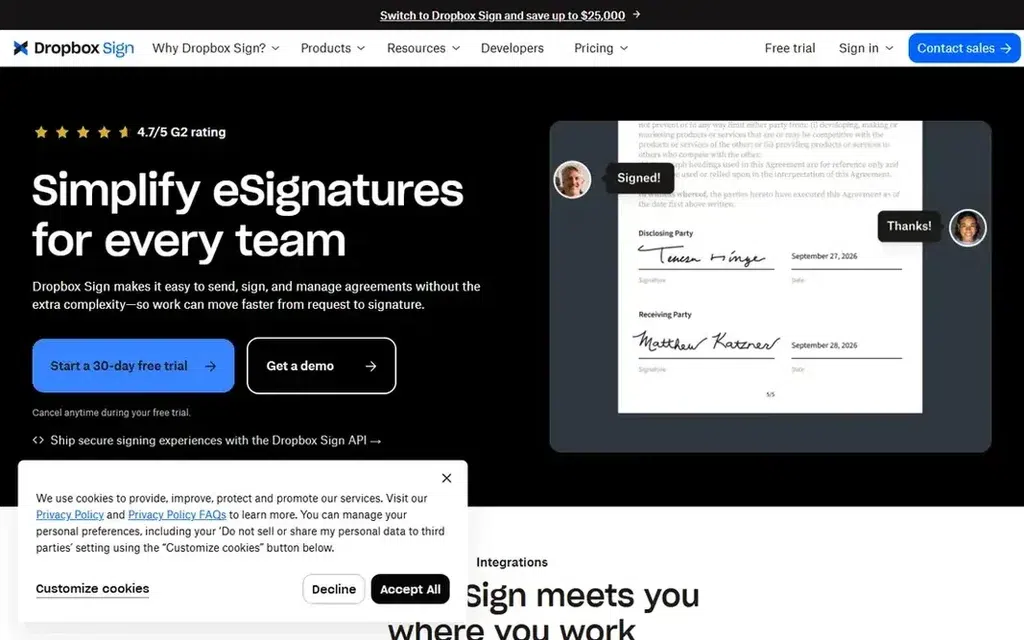
Dropbox Sign is aimed squarely at straightforward, legally binding e-signatures. It is aimed at simplicity and does well for real estate agents who require a straightforward tool for getting documents signed without additional complexity.
The main drawbacks: Restricted advanced agreement management.
Dropbox Sign may not offer the deep agreement management or transaction features that some real estate professionals need. Beyond that, for more full real estate workflows, dotloop or DocuSign might be better choices. Dropbox Sign cost at the entry level: $15 USD / mo. On free options: Free trial.
- Legally binding e-signatures
- Easy to send and run signatures
- May lack real estate-specific features
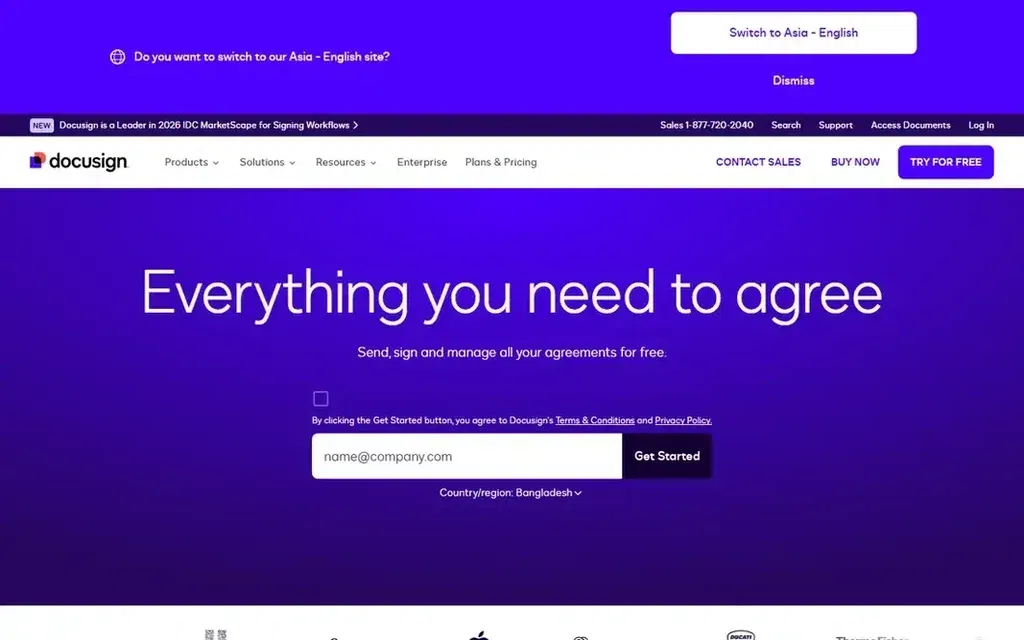
DocuSign is designed for thorough agreement management. It lets users produce, commit to, and run agreements in one place, and it supports free electronic signing.
Where it falls short: Advanced features could need a ramp-up time.
Beyond that, Whereas DocuSign is powerful, its broader agreement management capabilities might be excessive for agents who only need entry-level e-signatures. Starting cost for DocuSign: $45 per user per month. On free options: Not stated.
- Widely used across industries
- Supports electronic signatures and agreement workflows
- May be more than needed for straightforward signing
Where dotloop fits: real estate transaction management. It bundles e-signature capabilities within a broader transaction management system, making it a capable choice for agents who want to deal with contracts, compliance, and signing in one place.
Watch-outs: Focused primarily on real estate.
- Aimed at real estate professionals
- Merges transaction management with e-signature
- May be overkill for occasional signings
How we chose
Selection started from tools commonly considered for E-Signature software for real estate agents, then narrowed to 5 that have clear pricing information or a clear quote process. Figures are shown as the vendors publish them. Billing terms, seat minimums and add-ons can change the real cost. The sequence is a judgement call: typical use case first, then pricing transparency, then free access. Use the profiles to check fit.
What to confirm before you sign up
- Confirm the entry price on the vendor page. For Adobe Acrobat Sign that means a quote rather than a fixed price.
- Take the trial from OneSpan Sign, Dropbox Sign and dotloop and push a live task through it before you pay.
- Read the limits listed for Adobe Acrobat Sign first: may need familiarity with Adobe products.
- Pick one real project and run it in Adobe Acrobat Sign first; a small pilot shows fit faster than a checklist.
- Map your must-have features to a specific OneSpan Sign plan before you compare prices.
FAQ
Can I use free e-signature tools for real estate documents?
Some tools offer free electronic signing, for example DocuSign, but these may have limitations on features or document volume. For frequent use, a premium choice might be necessary. Check the vendor's offerings to see what suits your needs.
How are the tools for E-Signature software for real estate agents ordered?
The order follows typical fit for E-Signature software for real estate agents, with Adobe Acrobat Sign first and dotloop last, then price clarity and free access. It is editorial judgement, not a score, so another team could rank the tools differently.
Do real estate agents need specialized e-signature software?
Not necessarily, but specialized tools like dotloop offer transaction management features that can simplify real estate workflows. General e-signature tools like Dropbox Sign can suffice for entry-level signing needs. Consider your transaction volume and need for integrated features.
Do these tools publish their prices?
Not all of them. Adobe Acrobat Sign publishes no starting price, so expect a quote request for it. The rest, OneSpan Sign included, show a starting price, though seats and billing terms still change the final cost.
What is the cheapest option for E-Signature software for real estate agents in this list?
On published monthly entry prices, dotloop is the lowest here at $29 per user per month. Entry price is only part of the cost, because seats, add-ons and billing terms can change the total.
Can I try these tools before paying?
Often, yes. OneSpan Sign, Dropbox Sign and dotloop offer a free trial. Use your own data and a real task during the test, and check what the free tier or trial limits before you rely on it.
Sources
- https://www.adobe.com/sign.html
- https://www.onespan.com
- https://sign.dropbox.com
- https://www.docusign.com
- https://www.dotloop.com