E-Signature Software for Pharmacies in 2026: The 6 Best Options Side by Side
6 best E-Signature software for pharmacies, with entry costs, free tiers and the buyer each one serves. Pros and cons for every tool. Checked this month.
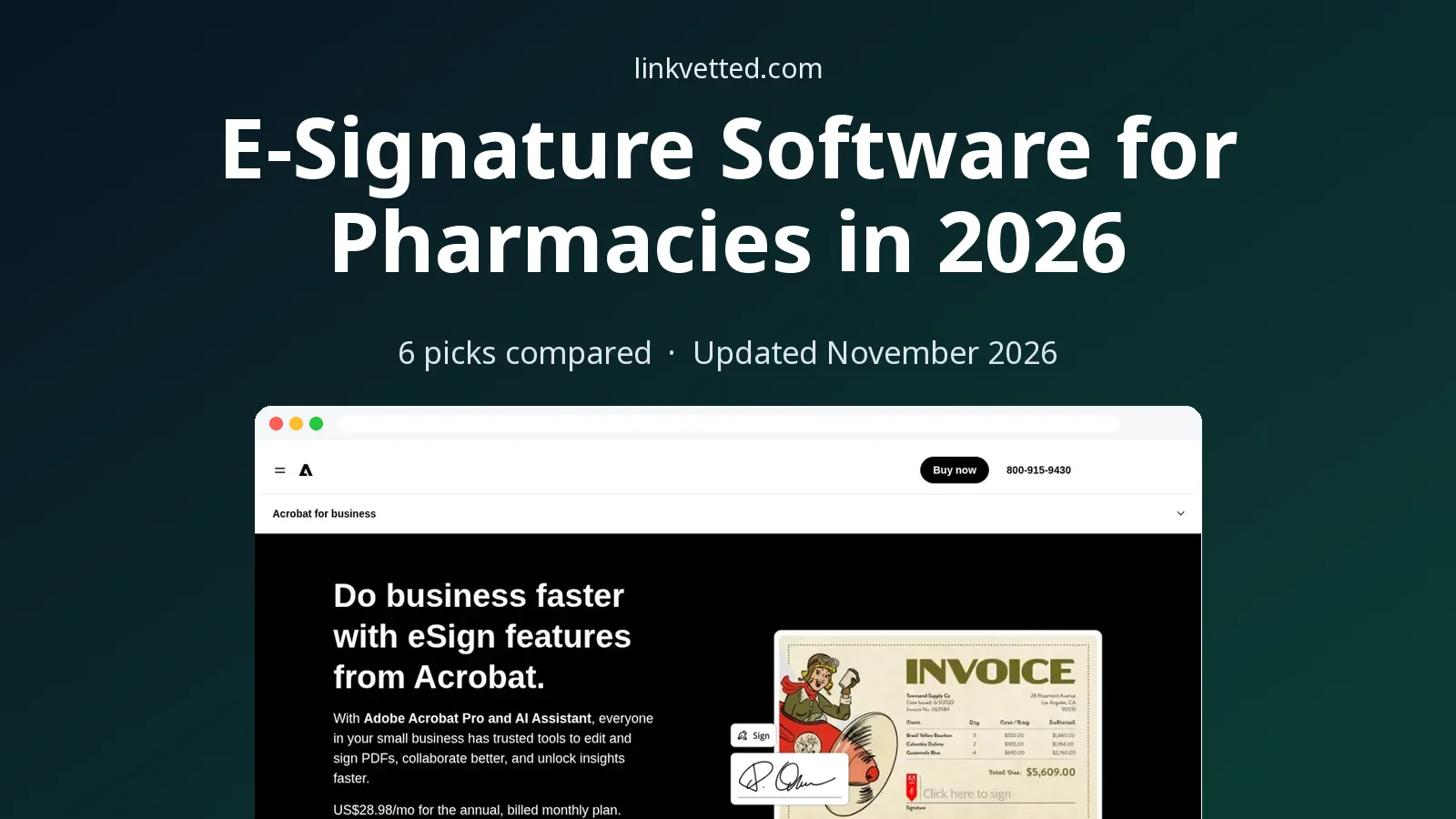
- Editor's choice
 Adobe Acrobat Sign
PDF-centric signing with payments
Starts atSee websiteVisit adobe.comFull review - Great alternative
 OneSpan Sign
Identity assurance and automation
Starts atSee websiteVisit onespan.comFull review - Also consider
 Dropbox Sign
Straightforward, approachable signing
Starts at$15 USD / moVisit sign.dropbox.comFull review
Direct answer
Start with Adobe Acrobat Sign if you need PDF-centric signing with payments. Listed starting prices: Dropbox Sign from $15 USD / mo. OneSpan Sign is better for identity assurance and automation, and Dropbox Sign is better for straightforward, approachable signing. Prices, free plans and limits for all 6 tools follow.
TL;DR:
- Adobe Acrobat Sign sits first on this list: PDF-centric signing with payments.
- Before buying Dropbox Sign, weigh this: less deep workflow automation.
- Neither Adobe Acrobat Sign nor DocuSign eSignature, nor any of the other 4 tools, has a permanent free plan; trials and quotes are the norm.
- For Adobe Acrobat Sign, OneSpan Sign, SignNow and others, you have to request a quote because no starting price is shown.
- DocuSign eSignature is the one to check for wide, established signing workflows.
Last checked November 2026. Prices and plan details were read from the vendors' own pages in November 2026; vendors change plans often, so confirm the current price on the vendor site before you buy.
Quick comparison
| Tool | Best for | Starts at | Free plan? | |
|---|---|---|---|---|
| Adobe Acrobat Sign | PDF-centric signing with payments | See website | Not stated | Visit |
| OneSpan Sign | Identity assurance and automation | See website | Not stated | Visit |
| Dropbox Sign | Straightforward, approachable signing | $15 USD / mo | Free trial | Visit |
 SignNow | Custom signing workflows | See website | Not stated | Visit |
 Foxit eSign | PDF and Word signing | See website | Not stated | Visit |
| DocuSign eSignature | Wide, established signing workflows | See website | Not stated | Visit |
Every option for E-Signature software for pharmacies explained
Choosing E-Signature software for pharmacies usually comes down to price, fit and limits. This LinkVetted guide sets 6 tools side by side on those three points, with the facts kept short and checkable.
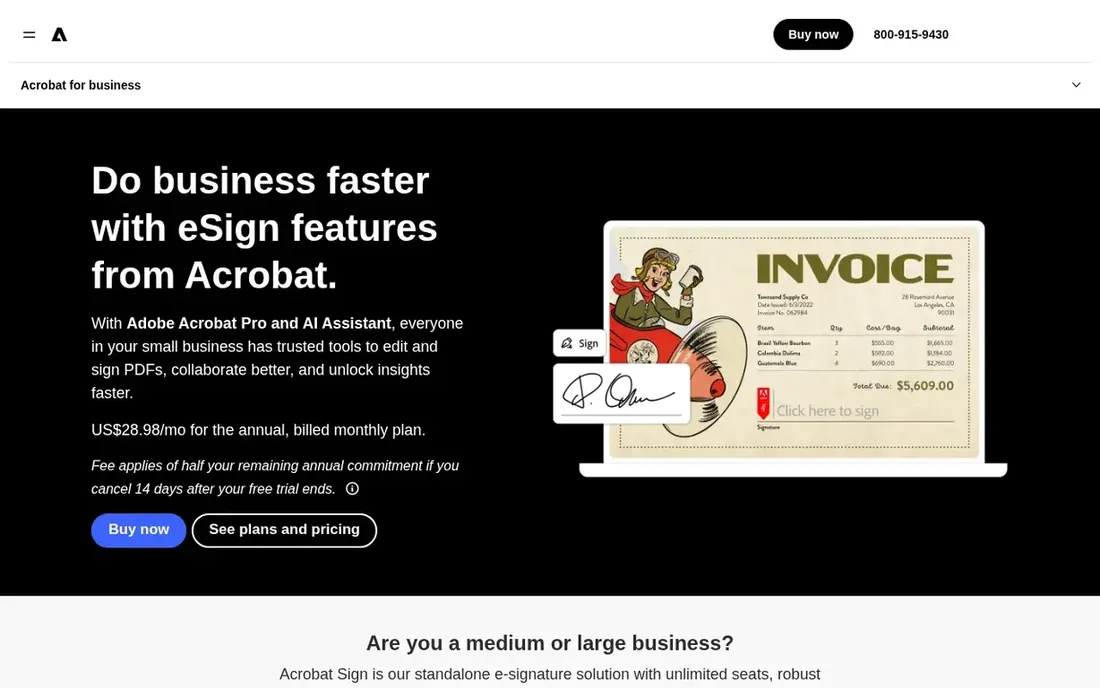
Pick Adobe Acrobat Sign if this describes you: PDF-centric signing with payments. Adobe Acrobat Sign is an e-signature service built around Adobe's document background. Pharmacies needing only entry-level signing may prefer a more straightforward tool.
Limits to weigh: Feature set can be complicated.
More specifically, the homepage notes it can esign documents, collect digital payments and accept electronic signatures on a website. Check current capabilities and integration details straight with Adobe. In daily use, the breadth of choices can be complicated for a small team. The value is most solid when Adobe products are already in use. This comparison lists no price for Adobe Acrobat Sign; ask the vendor. Free options: Not stated.
- Collects digital payments alongside signatures
- Capable PDF heritage from Adobe
- Best value if already using Adobe tools
OneSpan Sign is aimed squarely at identity assurance and automation. More straightforward tools can handle routine paperwork with less setup.
No starting price is listed for OneSpan Sign here; confirm pricing on the vendor site. Free plan details: Not stated.
The main drawbacks: May be more than small pharmacies need.
- Smart forms and automation
- Identity assurance features
- Targeted at bigger agreement workflows
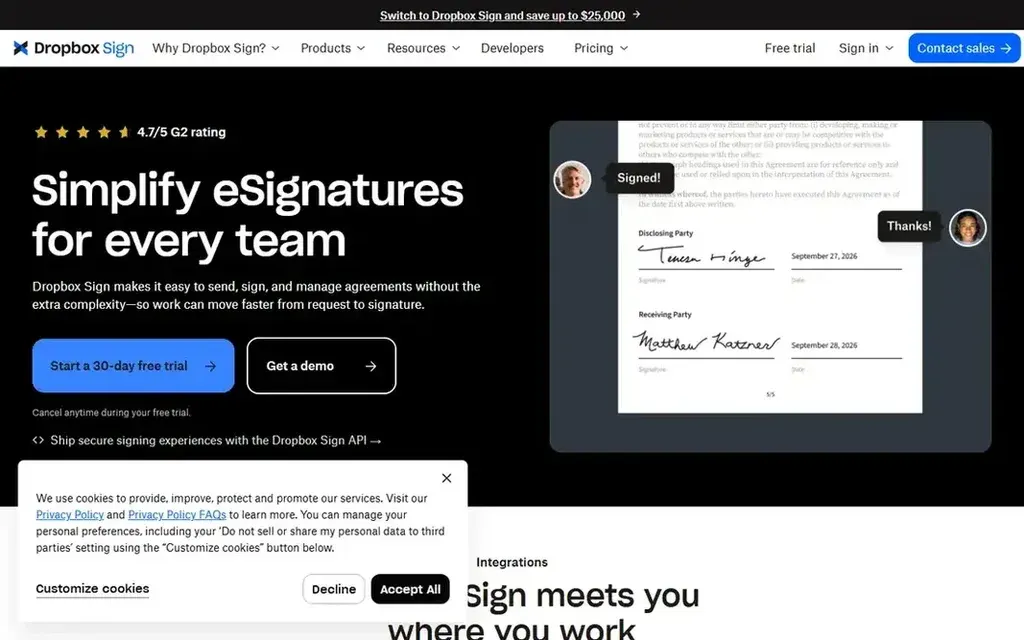
Pick Dropbox Sign if this describes you: straightforward, approachable signing. It supplies less in the way of deep workflow automation than some bigger systems, so complex multi-step approval chains may need another tool.
Dropbox Sign starts at: $15 USD / mo. Free access: Free trial.
Drawbacks to consider: Tied to Dropbox ecosystem for some users.
- Straightforward send and run flow
- Familiar Dropbox brand
- Less deep workflow automation
SignNow is aimed squarely at custom signing workflows. Custom workflows can be shaped around recurring pharmacy documents.
Teams wanting minimal setup might prefer a more straightforward tool. No starting price is listed for SignNow here; confirm pricing on the vendor site. Free options: Not stated.
The main drawbacks: Workflow setup needs configuration.
- Positioned for legally binding signatures
- Works across devices
- Branding spans airSlate and SignNow
Choose Foxit eSign for PDF and Word signing. Its PDF signing focus fits pharmacies that routinely deal with forms saved as PDFs, including consent and supplier documents.
Points against: Feature depth varies by use.
It is less widely known than some larger systems, so teams may want to review documentation and support choices closely. No starting price is listed for Foxit eSign here; confirm pricing on the vendor site. Free plan details: Not stated.
- Signs PDF and Word documents
- Positioned around security
- Less known than bigger products
DocuSign eSignature
Best for: Wide, established signing workflows
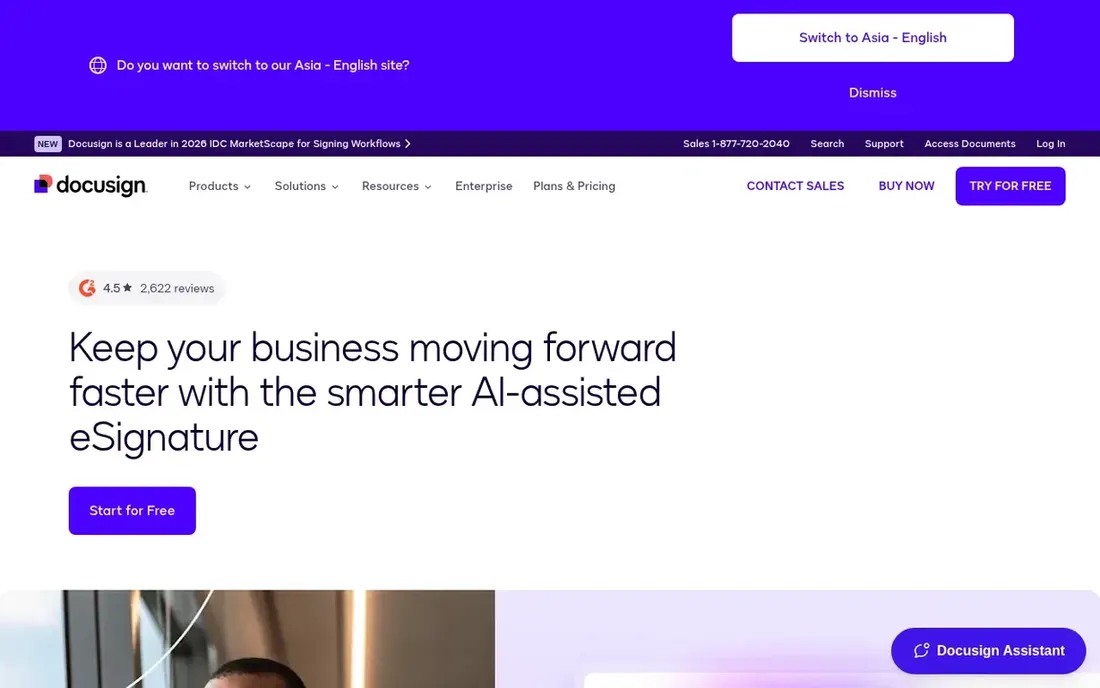
DocuSign eSignature makes the most sense for wide, established signing workflows. It centers on moving agreements through a signing process, which fits pharmacies that deal with a steady flow of supplier contracts, consent documents and internal forms.
Also, if your volume is low or you chiefly need straightforward signatures on PDFs, a lighter tool may be simpler to adopt. Pricing for DocuSign eSignature is not stated here, so ask the vendor for current figures. Free plan details: Not stated.
Trade-offs to know: Feature depth may exceed small pharmacy needs.
- Suits numerous document types
- Widely recognized e-signature system
- Setup takes some planning
What went into this list
The comparison looks at four things: starting price, free access, how well the feature set matches E-Signature software for pharmacies, and the main limit of each tool. Figures are shown as the vendors publish them. Billing terms, seat minimums and add-ons can change the real cost. The sequence is a judgement call: typical use case first, then pricing transparency, then free access. Use the profiles to check fit.
What to confirm before you sign up
- Ask Adobe Acrobat Sign, OneSpan Sign, SignNow and others for a written quote, since no starting price is shown.
- Take the trial from Dropbox Sign and push a live task through it before you pay.
- Before choosing Adobe Acrobat Sign, weigh its main limit: best value if already using Adobe tools.
- Check how data leaves Adobe Acrobat Sign: formats, limits and whether exports are available on every plan.
- Check the support hours and onboarding help SignNow offers; smaller vendors vary a lot here.
FAQ
Can e-signature tools manage consent and supplier forms?
Most tools here are built to send, sign and handle business documents, which spans consent and supplier paperwork. Confirm that your specific form types and any regulatory needs are supported before adopting a tool.
Is Adobe Acrobat Sign the right pick for everyone comparing E-Signature software for pharmacies?
No single tool suits every team. Adobe Acrobat Sign comes first because it fits PDF-centric signing with payments, while OneSpan Sign suits identity assurance and automation and Dropbox Sign suits simple, approachable signing. Match the tool to your own size, budget and workflow before deciding.
Do these tools publish their prices?
Not all of them. Adobe Acrobat Sign, OneSpan Sign, SignNow and others publish no starting price, so expect a quote request for those. The rest, Dropbox Sign included, show a starting price, though seats and billing terms still change the final cost.
How are the tools for E-Signature software for pharmacies ordered?
Adobe Acrobat Sign sits first and DocuSign eSignature last because the order follows typical fit for E-Signature software for pharmacies, then price clarity and free access. It is a judgement call, so read each profile for fit and limits.
Can I try these tools before paying?
Often, yes. Dropbox Sign offers a free trial. Use your own data and a real task during the test, and check what the free tier or trial limits before you rely on it. For the full picture, the cards above cover all 6 entries of this E-Signature software for Pharmacies list, including price, free plan and limits.
Sources
- https://www.adobe.com/sign.html
- https://www.onespan.com/products/esignature
- https://sign.dropbox.com
- https://www.signnow.com
- https://www.foxit.com/esign
- https://www.docusign.com/products/electronic-signature