Best Client Portal Software for Pharmacies for 2026: Our 5 Vetted Picks
Best client portal software for pharmacies, compared. 5 tools with published prices, free plans and limits. Every entry states what it lacks. No hype.
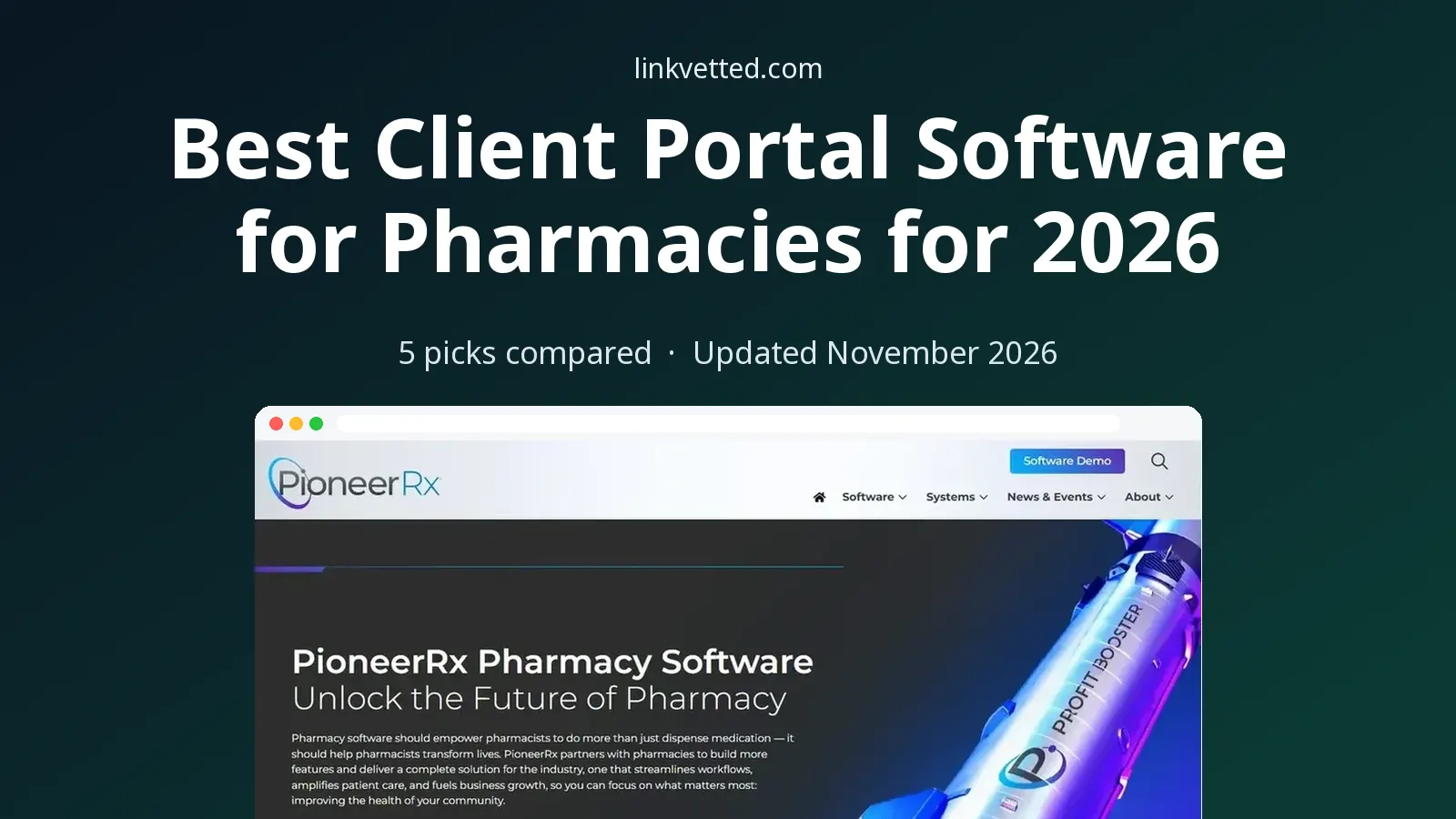
- Editor's choicePioneerRx
Teams comparing choices in this category
Starts atPricing on requestVisit pioneerrx.comFull review - Great alternativeBestRx
Teams comparing choices in this category
Starts atPricing on requestVisit bestrx.comFull review - Also considerRx30
Pharmacy management with patient engagement
Starts atPricing on requestVisit rx30.comFull review
Direct answer
PioneerRx leads the list, best for teams comparing choices in this category. For a different need, BestRx covers teams comparing choices in this category and Rx30 covers pharmacy management with patient engagement. The other 2 tools in the list cover narrower or pricier cases. None of these vendors publish plan prices, so pricing is on request for every option.
TL;DR:
- PioneerRx takes the first slot, best suited to teams comparing choices in this category.
- Computer-Rx suits wide pharmacy operations and engagement.
- Before buying PioneerRx, weigh this: customization can add setup effort.
- Neither PioneerRx nor Computer-Rx, nor any of the other 3 tools, has a permanent free plan; trials and quotes are the norm.
Last checked November 2026. Pricing on request: vendors did not publish plan prices when this guide was last checked (November 2026), so ask each vendor for a written quote.
Quick comparison
| Tool | Best for | Starts at | Free plan? | |
|---|---|---|---|---|
| PioneerRx | Teams comparing choices in this category | Pricing on request | Not stated | Visit |
| BestRx | Teams comparing choices in this category | Pricing on request | Not stated | Visit |
| Rx30 | Pharmacy management with patient engagement | Pricing on request | Not stated | Visit |
| Liberty Software | Community pharmacy management | Pricing on request | Not stated | Visit |
| Computer-Rx | Wide pharmacy operations and engagement | Pricing on request | Not stated | Visit |
Our 5 client portal software for pharmacies
LinkVetted put together this guide to client portal software for pharmacies for readers who want a clear shortlist without reading every vendor page. It compares 5 tools on starting price, free plans, who each one suits and where each one falls short.
PioneerRx
Best for: Teams comparing choices in this category
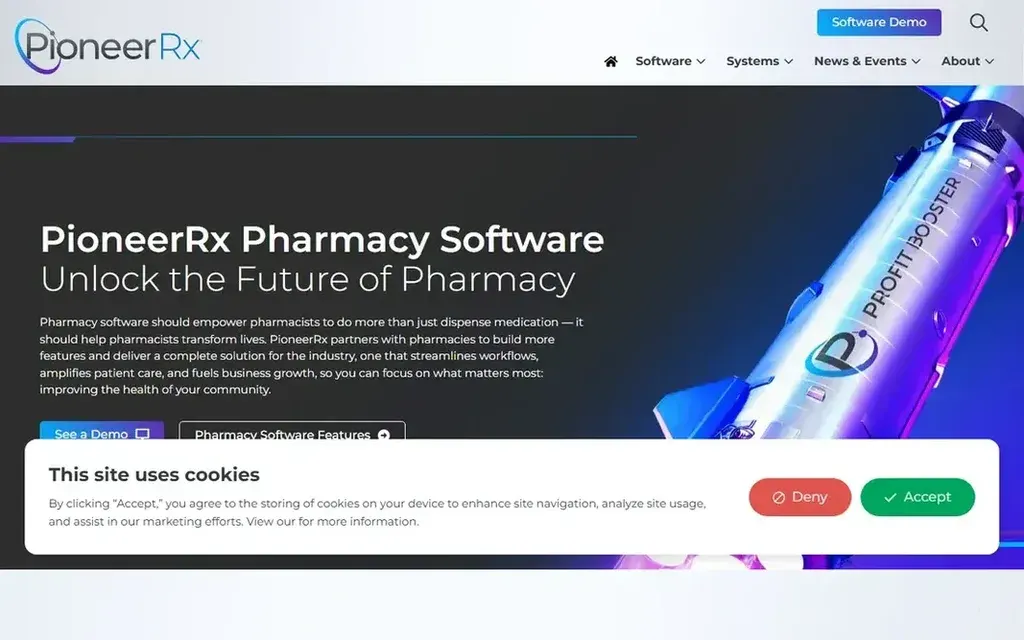
PioneerRx is a good fit for teams comparing choices in this category. Patient-facing features sit within a broader management product instead of as a standalone portal product.
The main drawbacks: Customization can add setup effort.
For everyday use, pharmacies wanting a straightforward, fixed portal experience may find a lighter choice simpler to adopt. PioneerRx shows no starting price here, so confirm the cost on the vendor site. Free options: Not stated.
- Wide management feature coverage
- Configurable pharmacy management options
- Portal specifics need vendor confirmation
BestRx
Best for: Teams comparing choices in this category
BestRx is aimed squarely at teams comparing options in this category. Patient engagement and portal-style functions are part of the broader management offering.
The main drawbacks: Portal depth needs verification.
As for the details, the emphasis on usability makes it a reasonable fit for teams that want staff to get productive rapidly without heavy training. BestRx shows no starting price here, so confirm the cost on the vendor site. On free options: Not stated.
- Full management features
- Emphasis on simplicity
- May suit smaller operations best
Rx30
Best for: Pharmacy management with patient engagement
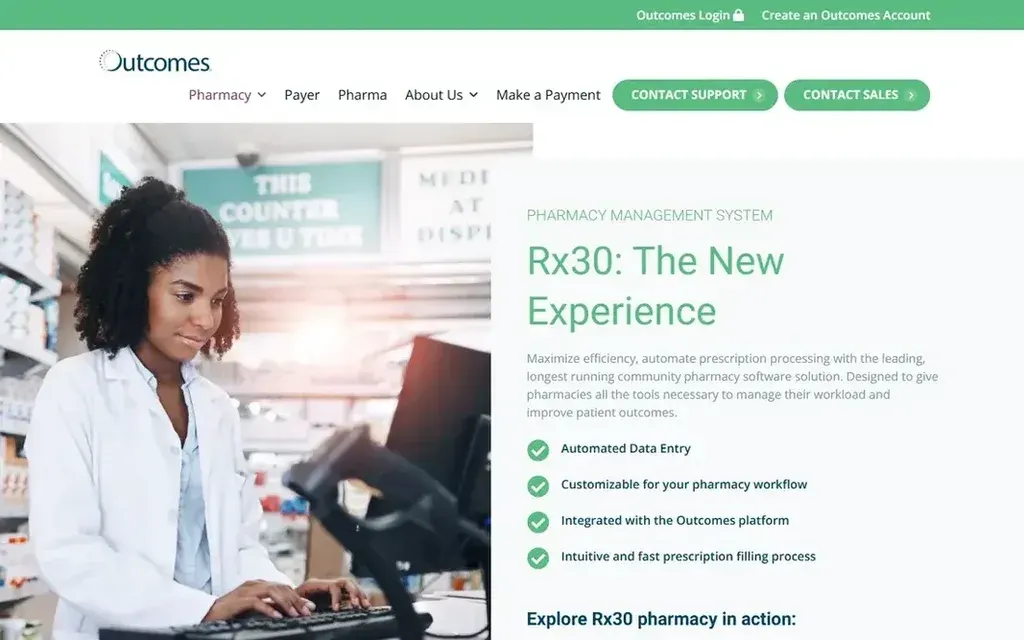
Think of Rx30 for pharmacy management with patient engagement. It suits pharmacies that want portal-style patient interaction built into the same system that runs daily operations instead of pieced together from separate vendors.
Limits to weigh: Portal depth varies by configuration.
Since Rx30 spans numerous functions, teams should confirm which patient-facing portal features are included in their setup and how much configuration is required. Check the vendor site for Rx30 pricing; none is listed in this comparison. Free access: Not stated.
- Includes eCare and DIR fee workflows
- Merges management and processing tools
- Setup may need vendor guidance
Liberty Software
Best for: Community pharmacy management
In short, Liberty Software is for community pharmacy management. Its focus on community settings makes it relevant to retail and neighborhood pharmacies that want management tools aligned with their daily rhythm.
Drawbacks to consider: Portal features need direct confirmation.
Since the product line serves multiple pharmacy types, the exact portal and patient engagement features can differ by configuration. From a buyer's view, client-facing functions sit within that management framework. Check the vendor site for Liberty Software pricing; none is listed in this comparison. Free access: Not stated.
- Management software for varied pharmacy types
- Focus on pharmacy success and growth
- Fit relies on pharmacy type
Computer-Rx
Best for: Wide pharmacy operations and engagement
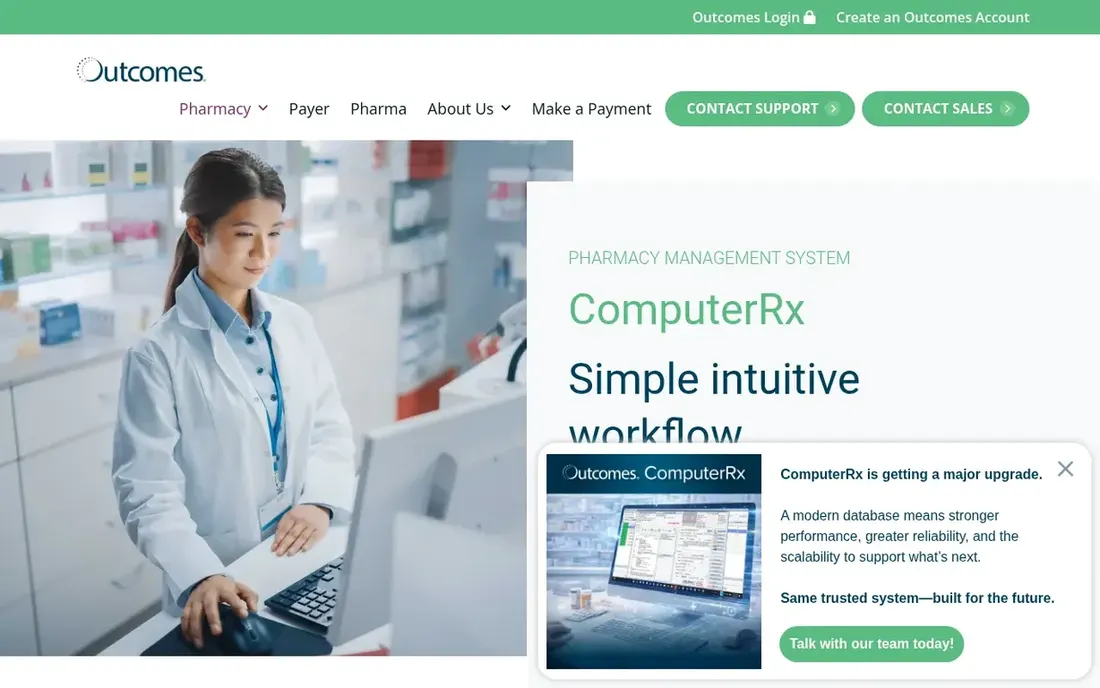
Where Computer-Rx fits: wide pharmacy operations and engagement. A wide suite can be more than a small team needs, and staff may need time to learn each module.
What to check first: Feature breadth may overwhelm small teams.
For everyday use, ask the vendor to walk through the patient engagement and portal functions specifically. Computer-Rx shows no starting price here, so confirm the cost on the vendor site. Free options: Not stated.
- Spans dispensing and billing
- Contains POS and patient engagement
- Portal scope needs confirmation
Our selection method
We compared the tools on published pricing, free plan or trial availability, feature coverage for client portal software for pharmacies, and the limits each vendor documents. Where a price is missing, the vendor does not list one publicly or ties it to a quote. Always confirm before budgeting. The ranking is editorial: typical fit first, then clear pricing, then free access. If your needs are unusual, read the profiles rather than relying on position.
Before you commit
- Ask each vendor, from PioneerRx to Computer-Rx, for a written quote; none of them publishes a starting price.
- Before choosing PioneerRx, weigh its main limit: customization can add setup effort.
- Make sure BestRx lets you export your data in a format another tool can read.
- Let daily users try Liberty Software on real work; their feedback beats any feature checklist.
- Add up seats, add-ons and usage charges for PioneerRx before comparing it with cheaper entries.
FAQ
Do these tools publish their prices?
No. None of the tools, from PioneerRx to Computer-Rx, shows a fixed starting price here, so budget time for quotes.
Can I try these tools before paying?
Not by default. None of the tools, from PioneerRx to Computer-Rx, lists a free plan or a free trial here, so ask each vendor for a demo before committing.
Is PioneerRx the right pick for everyone comparing client portal software for pharmacies?
No single tool suits every team. PioneerRx comes first because it fits teams comparing options in this category, while BestRx suits teams comparing options in this category and Rx30 suits pharmacy management with patient engagement. Match the tool to your own size, budget and workflow before deciding.
Do pharmacy management systems contain client portals?
Numerous pharmacy management systems bundle patient engagement features that function as a portal, though depth varies widely. Rx30, Computer-Rx and BestRx all describe patient engagement within their broader systems.
Does any tool for client portal software for pharmacies here have a free plan?
A permanent free plan is not offered by PioneerRx, Computer-Rx or the other tools here. Plan a short evaluation period instead.
Sources
- https://www.pioneerrx.com
- https://www.bestrx.com
- https://www.rx30.com
- https://www.libertysoftware.com
- https://www.computer-rx.com