Best Client Management Software in 2026: 8 Tools Compared
We compared the best client management software for small teams, covering pricing, free plans, and tools that keep contacts, deals, and follow-ups in one place.
- Editor's choice
 HubSpot CRM
All-round client management
Starts atFreeVisit hubspot.comFull review - Great alternative
 Salesforce Sales Cloud
Large and complex sales teams
Starts at$25 per user per monthVisit salesforce.comFull review - Also consider
 Zoho CRM
Value for small firms
Starts at$14 per user per monthVisit zoho.comFull review
TL;DR:
- HubSpot and Zoho give small teams a real free starting point, while Pipedrive and Freshsales keep paid entry prices low.
- Salesforce suits larger teams with complex sales work, but it costs more and takes longer to set up well.
- The best app for client management is usually the one your team will actually update every day, not the one with the longest feature list.
- Check seat minimums, contact limits, and automation limits before you import a full client list.
Quick comparison
| Tool | Best for | Starts at | Free plan? | |
|---|---|---|---|---|
| HubSpot CRM | All-round client management | Free | Yes | Visit |
| Salesforce Sales Cloud | Large and complex sales teams | $25 per user per month | Free trial | Visit |
| Zoho CRM | Value for small firms | $14 per user per month | Yes | Visit |
 Pipedrive | Visual sales pipelines | $14 per user per month | Free trial | Visit |
 Freshsales | Simple setup with phone and email | $9 per user per month | Yes | Visit |
 monday Sales CRM | Custom workflows and projects | $12 per user per month | Free trial | Visit |
 Capsule CRM | Simple contact management | Free | Yes | Visit |
 Less Annoying CRM | Small teams that want one flat price | $15 per user per month | Free trial | Visit |
The best client management software
We compared official pricing pages, feature lists, and public reviews for tools that store client records, track deals, log messages, and remind your team to follow up. The eight below cover a wide range of budgets and team sizes.

HubSpot is our pick for most small teams because the free plan does useful work from day one. You can store contacts and companies, track deals, log emails, and add live chat without paying, and the free tier covers up to two users in the core CRM setup described on its site. That makes it a low-risk way to move client details out of spreadsheets and inboxes. Paid plans start at $20 per seat per month for Starter, which adds more automation and removes some free-plan limits.
The trade-off is that HubSpot grows into a full platform, and that breadth can push the price up. Teams that need marketing, service, and sales tools together will get value from the bundle, but a team that only needs client records may pay for features it never opens. Still, the clean record layout and wide set of integrations make it easy for new staff to pick up.
- Generous free plan
- Contacts, deals, and email tracking in one place
- Large integration library
- Paid tiers rise fast as you add hubs
- Advanced reporting sits on higher plans
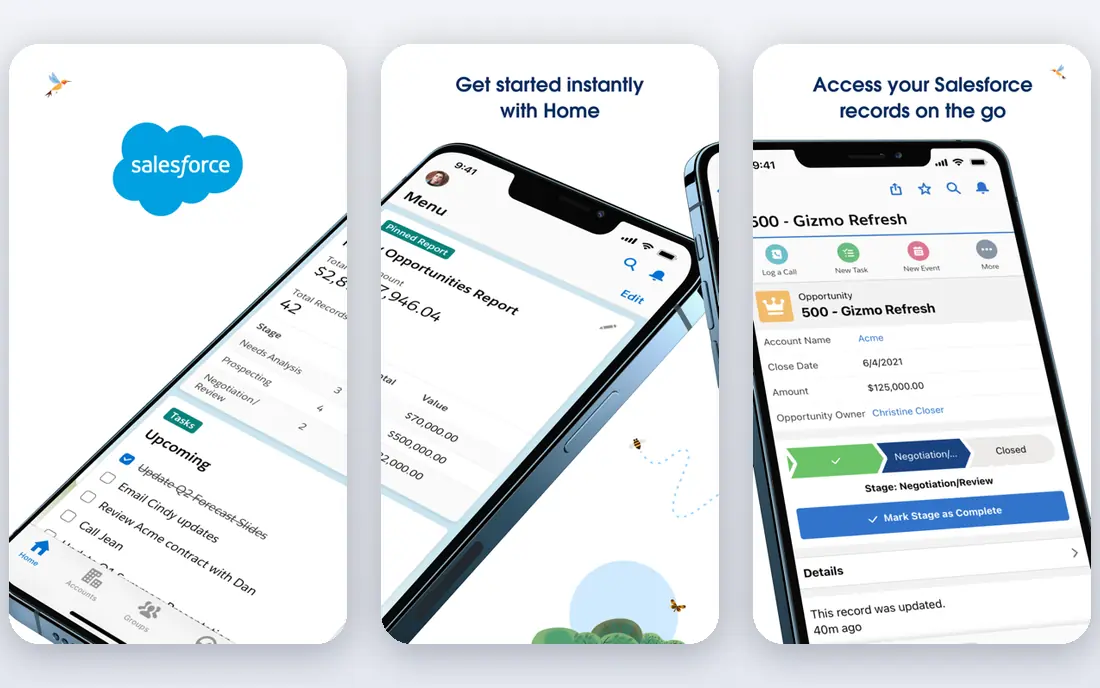
Salesforce remains the standard choice when a company has layered sales processes, multiple teams, and strict reporting needs. Its Starter Suite starts at $25 per user per month, and from there you can build custom objects, approval flows, and dashboards that match how your firm actually sells. The marketplace of add-ons is far larger than most rivals, so a niche need often has a ready-made answer.
That depth comes with admin overhead. Small teams can find the settings maze slow, and costs climb as you add users and higher tiers. If your client list is simple and your sales cycle is short, a lighter tool will save time and money. For larger firms, though, the control over data, permissions, and forecasting is hard to match.
- Deep customization and reporting
- Huge app ecosystem
- Strong forecasting tools
- Higher cost at scale
- Setup and admin work take real time
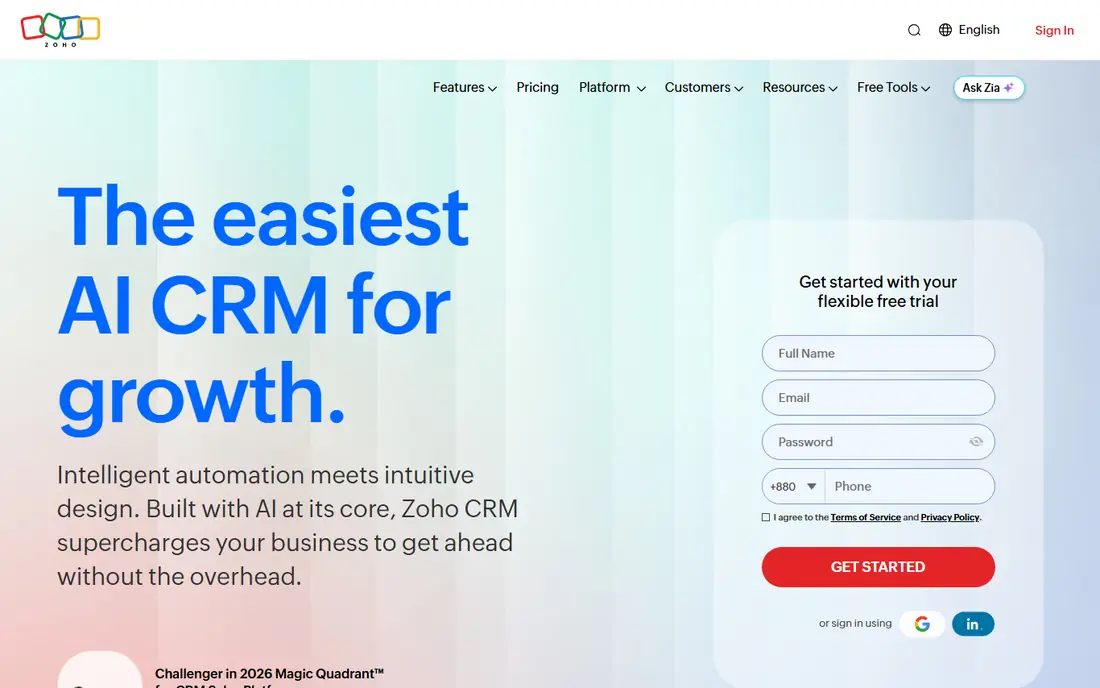
Zoho CRM gives budget-conscious firms a lot for the price. The free plan covers up to three users, and paid plans start at $14 per user per month. You get multichannel contact tracking, workflow automation, and the Zia assistant for insights, plus a wide range of integrations across the Zoho suite. For firms already using Zoho Books or Zoho Mail, the shared data is a clear plus.
The interface packs in many options, so new users may need a short period to learn where things live. Some reporting and automation depth is reserved for higher plans, which is normal at this price. Even so, Zoho is hard to beat when the main goal is solid client management without a large monthly bill.
- Low paid entry price
- Free plan for up to 3 users
- Broad automation and AI help
- Interface can feel busy
- Some advanced features need higher tiers
Pipedrive is built around one idea: show every deal in a pipeline and make the next step obvious. Sales staff can drag deals between stages, set follow-up activities, and see at a glance which clients need attention. Paid plans start at $14 per user per month, with a 14-day trial for new accounts. The design is calm and focused, which helps teams that live in their pipeline all day.
It is less suited as a full marketing platform, and firms that want built-in email campaigns or service ticketing may need a second tool. Pipedrive does offer add-ons and integrations to fill those gaps. For a sales-led team that wants clarity over complexity, it is a strong, focused choice.
- Clear pipeline view
- Easy activity reminders
- Quick to learn
- No permanent free plan
- Marketing tools are limited compared with HubSpot
Freshsales, from Freshworks, suits teams that want to start fast and talk to clients from inside the CRM. The Growth plan starts at $9 per user per month, and a free plan covers up to three users with core contact and deal tools. Built-in phone, email, and chat keep conversations attached to the right client record, which cuts down on lost context when staff change.
The free tier will feel thin once you need deeper automation or richer reports. That is a fair trade at this price, and the upgrade path is clear. Teams that value a simple setup and a low first paid step should put Freshsales near the top of a shortlist.
- Low starting price
- Built-in phone and email
- Fast setup
- Free plan is basic
- Advanced AI features sit on higher tiers
monday Sales CRM blends client management with project work, which suits firms that sell a service and then deliver it. You can track leads, deals, and client onboarding on boards that your team can reshape without code. Paid plans start at $12 per seat per month, with a three-seat minimum and a 14-day trial. That mix of sales and delivery in one view helps small agencies and consultancies keep handoffs clean.
The seat minimum matters for solo users and two-person teams, who will pay for a third seat. Costs can also grow as you add automations and integrations. If your work moves from sale to project in one flow, though, monday can replace two separate tools.
- Flexible boards and workflows
- Good for sales plus delivery work
- Clear visual layout
- Three-seat minimum on paid plans
- Pricing rises with added features
Capsule keeps client management simple on purpose. The free plan covers two users and up to 250 contacts, and paid plans start at about $18 per user per month. You get contacts, tasks, pipelines, and a clear history for each client, without a long list of settings to master. That simplicity is a real benefit for firms that have avoided CRMs because past tools felt heavy.
Larger teams with complex forecasting or deep automation will outgrow Capsule. It does not try to be a full marketing suite, and that focus is part of its appeal. For a small firm that wants tidy client records and reliable follow-ups, Capsule is a calm and affordable option.
- Very easy to learn
- Free plan for small teams
- Clean contact and task views
- Less depth for large sales teams
- Fewer native marketing tools
Less Annoying CRM charges $15 per user per month for a single plan, with a 30-day trial, and it keeps the product deliberately simple. There are no tier puzzles to solve, and the layout centers on contacts, tasks, and a shared calendar. Small businesses that want client data in one place, plus reminders to follow up, often find that this is enough.
The trade-off is depth. Teams that need complex pipelines, heavy automation, or detailed forecasting should look at HubSpot, Salesforce, or Zoho instead. For a small team that values clarity and a predictable bill, Less Annoying CRM earns its name.
- One simple plan with no tiers to decode
- Easy to learn
- Helpful support
- Fewer advanced automation options
- Less suited to large enterprise sales work
How we picked these
We compared official pricing pages, plan limits, and feature lists for widely used client management tools, and we checked public user reviews for recurring strengths and complaints. We favored tools that are actively sold and supported in October 2026, that cover core client records, deals, tasks, and communication logging, and that offer a clear free or low-cost entry point or a strong case for a higher price. We left out tools that are no longer sold, that focus only on email marketing, or that require a sales call for every basic fact.
How to choose the right client management tool
Start with your daily work, not the feature list. List the five tasks your team repeats most, such as logging calls, sending quotes, chasing overdue invoices, or handing a client from sales to delivery. Then test those exact tasks in a trial with real client names. A tool that handles your top five well will serve you better than a tool that handles fifty tasks you never use.
Think about total cost, not just the headline price
Multiply the per-user price by your team size and by twelve, then add paid add-ons and any seat minimums. A $12 seat for a ten-person team costs $1,440 a year before extras, while a free plan with a contact cap may force an upgrade sooner than you expect. Ask how contacts, storage, and automation runs are counted, and confirm the price on the vendor site before you commit.
Check migration and daily upkeep
Moving client data in is only half the job. The tool must also make it easy to keep records clean, with duplicate checks, clear ownership, and simple task reminders. Give one person ownership of data quality for the first month, and review unused fields and stale deals each week. A tidy CRM stays useful, while a messy one gets ignored.
FAQ
What is the best app for client management for a small business?
For most small firms, HubSpot or Zoho make sense because both offer free plans and low-cost paid tiers. Pipedrive is a strong pick when sales pipelines are the main work, and Capsule or Less Annoying CRM suit teams that want simplicity above all. The right choice depends on team size, sales complexity, and whether you also need marketing tools.
Is there a best client management platform with a free plan?
Yes. HubSpot offers a free plan for up to two users, Zoho CRM is free for up to three users, Freshsales has a free plan for up to three users, and Capsule has a free plan for two users and 250 contacts. Free plans cover core contacts, deals, and tasks, but they limit automation, reporting, and storage, so growing teams often upgrade.
How much does client management software cost?
Small-business plans in this list start from free to about $25 per user per month for entry paid tiers, with most falling between $9 and $20 per user per month. Larger Salesforce tiers and HubSpot hubs cost far more, and enterprise deals are usually quoted. Always multiply by seats and check for minimums before comparing headline prices.
Can client management software replace spreadsheets?
Yes, for most teams it can, because it links contacts, deals, messages, tasks, and notes in one record. Spreadsheets still work for a one-off list, but they break down when several people edit them, when follow-ups slip, and when you need a history of every client conversation. A CRM adds reminders, shared visibility, and search that a sheet cannot match.
What is the difference between client management software and a CRM?
The terms overlap a great deal. Client management software is a broad label for tools that store client details and track work for each client, while CRM is the common industry name for the same kind of system, often with sales pipeline and marketing features. In practice, most products in this list serve both labels, so compare features and price rather than the label alone.
Sources
- https://www.hubspot.com/pricing/crm
- https://www.salesforce.com/products/sales-cloud/pricing/
- https://www.zoho.com/crm/pricing.html
- https://www.pipedrive.com/pricing
- https://www.freshworks.com/crm/pricing/
- https://www.monday.com/pricing
- https://www.capsulecrm.com/pricing/
- https://www.lessannoyingcrm.com/pricing