Best Client Intake Form Software for Law Firms (2026): 5 Picks Checked on Vendor Pages
Compare 5 best client intake form software for law firms, with prices, free plans and who each fits. Concise write-ups of every option. Reviewed this month.
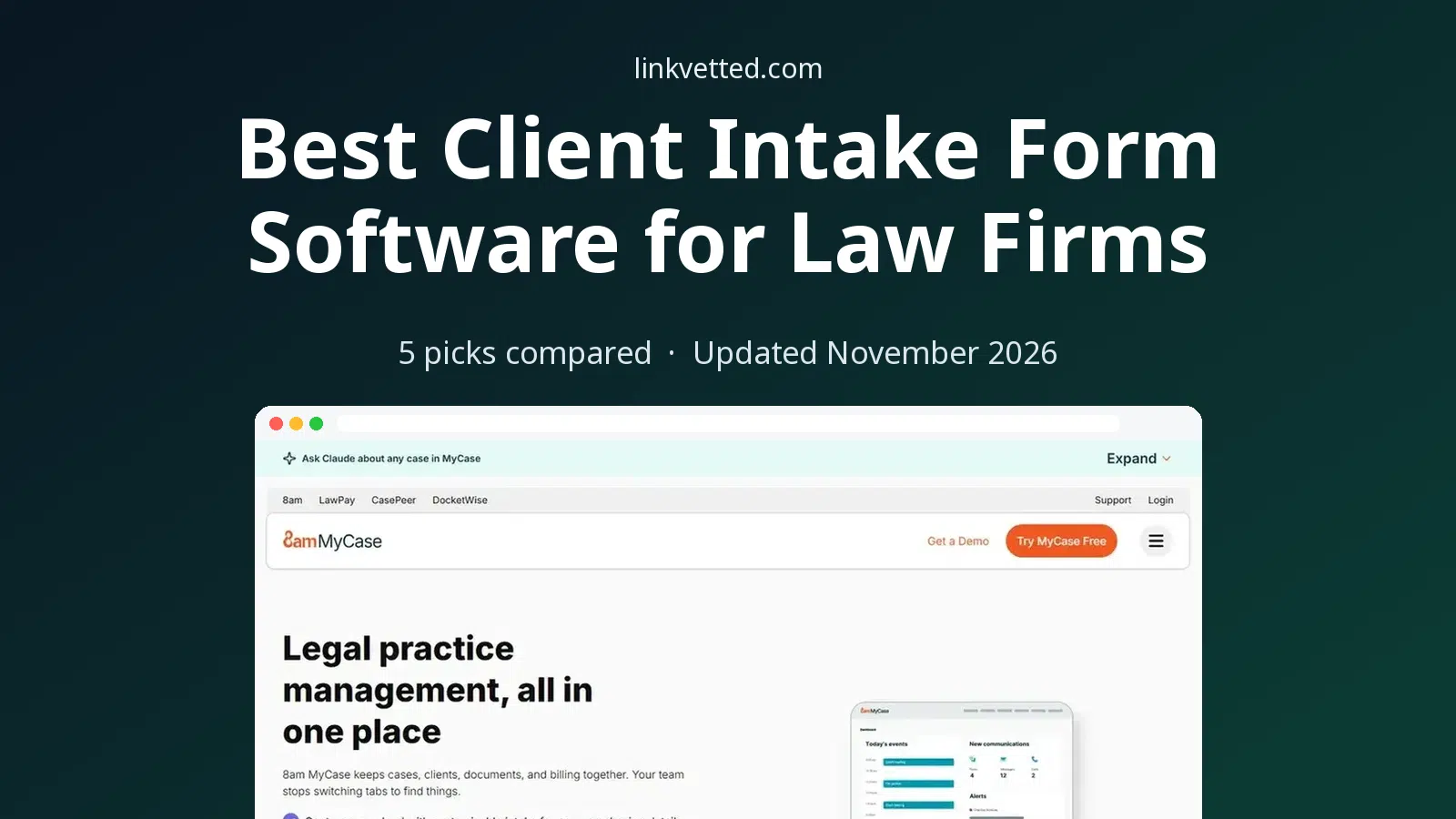
- Editor's choice
 Jotform
Adaptable standalone intake forms
Starts at$34 a monthVisit jotform.comFull review - Great alternative
 Filevine
AI-assisted legal case intake
Starts atSee websiteVisit filevine.comFull review - Also consider
 MyCase
Intake plus billing in one place
Starts at$50 per user a monthVisit mycase.comFull review
Direct answer
Jotform leads the list, best for adaptable standalone intake forms. Listed starting prices: Jotform from $34 a month, MyCase from $50 per user a month and PracticePanther from $49 per user a month. Filevine is better for AI-assisted legal case intake, and MyCase is better for intake plus billing in one place. Prices, free plans and limits for all 5 tools follow.
TL;DR:
- Top of the list is Jotform, which targets adaptable standalone intake forms.
- Before buying PracticePanther, weigh this: intake is part of a wider platform.
- Lawmatics is the one to check for intake tied to legal marketing.
- For the cheapest start, look at Jotform: $34 per month.
Last checked November 2026. Prices and plan details were read from the vendors' own pages in November 2026; vendors change plans often, so confirm the current price on the vendor site before you buy.
Quick comparison
| Tool | Best for | Starts at | Free plan? | |
|---|---|---|---|---|
| Jotform | Adaptable standalone intake forms | $34 a month | Yes | Visit |
| Filevine | AI-assisted legal case intake | See website | Free trial | Visit |
| MyCase | Intake plus billing in one place | $50 per user a month | Free trial | Visit |
 PracticePanther | Automating firm processes | $49 per user a month | Free trial | Visit |
 Lawmatics | Intake tied to legal marketing | See website | Not stated | Visit |
The full client intake form software for law firms list
LinkVetted put together this guide to client intake form software for law firms for readers who want a clear shortlist without reading every vendor page. It compares 5 tools on starting price, free plans, who each one suits and where each one falls short.
For adaptable standalone intake forms, Jotform is a natural candidate. Jotform is a form builder for creating forms and surveys easily.
Limits to weigh: Not legal-specific by default.
Also, since it is a general form tool, legal-specific logic for example conflict checks or matter creation is not native. What you pay to start with Jotform: $34 per month. You can start on Jotform without paying.
- Simple to embed on a firm website
- Form builder that builds forms in seconds
- Needs separate case management for follow-through
Filevine works best for AI-assisted legal case intake. Filevine is described as a legal AI product for law businesses and legal teams, with LOIS as its AI offering.
Limits to weigh: May be more product than small businesses need.
Its emphasis is on case work and legal AI instead of standalone form building, so businesses wanting a straightforward intake page may prefer a dedicated form tool. Pricing for Filevine is not stated here, so ask the vendor for current figures. On free options: Free trial.
- Case-centered approach to client information
- Legal AI product for businesses and legal teams
- Positioned around case work more than form design
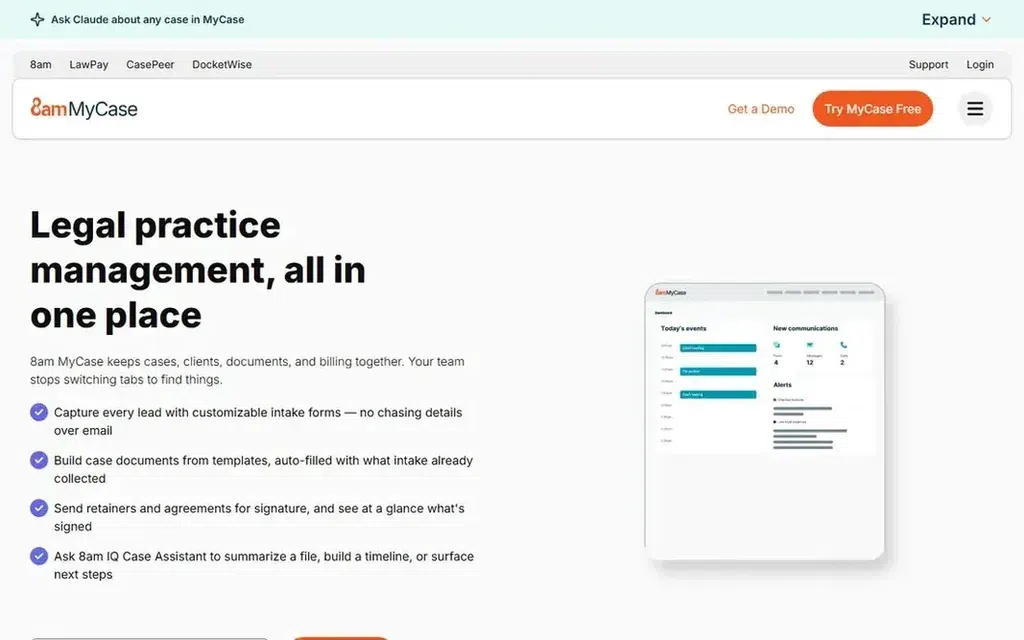
MyCase is designed for intake plus billing in one place. MyCase is legal practice management software built to run a profitable firm, handling cases, clients, billing and payments in one place.
What MyCase does well: Cases, clients.
What you pay to start with MyCase: $50 per user per month. Free access: Free trial. Honest limits: General form adaptability is restricted compared to form builders.
- Billing and payments together
- Built to support profitable firm operations
- Best value when the full suite is adopted
PracticePanther targets automating firm processes. PracticePanther is legal practice management software that automates firm processes, billing and time tracking. In practice, the product is oriented toward full practice management.
Drawbacks to consider: Intake is part of a wider system.
So a firm needing only a straightforward embedded form may find it heavier than required. Businesses that want intake steps to trigger downstream automation, for example matter creation or follow-up tasks, can use it as the hub for client onboarding alongside the rest of their practice operations. Confirm that the intake and automation features match your workflow before adopting the entire suite. On cost, PracticePanther starts like this: $49 per user per month. Free options: Free trial.
- Process automation for firm workflows
- Legal practice management focus
- Setup effort grows with automation depth
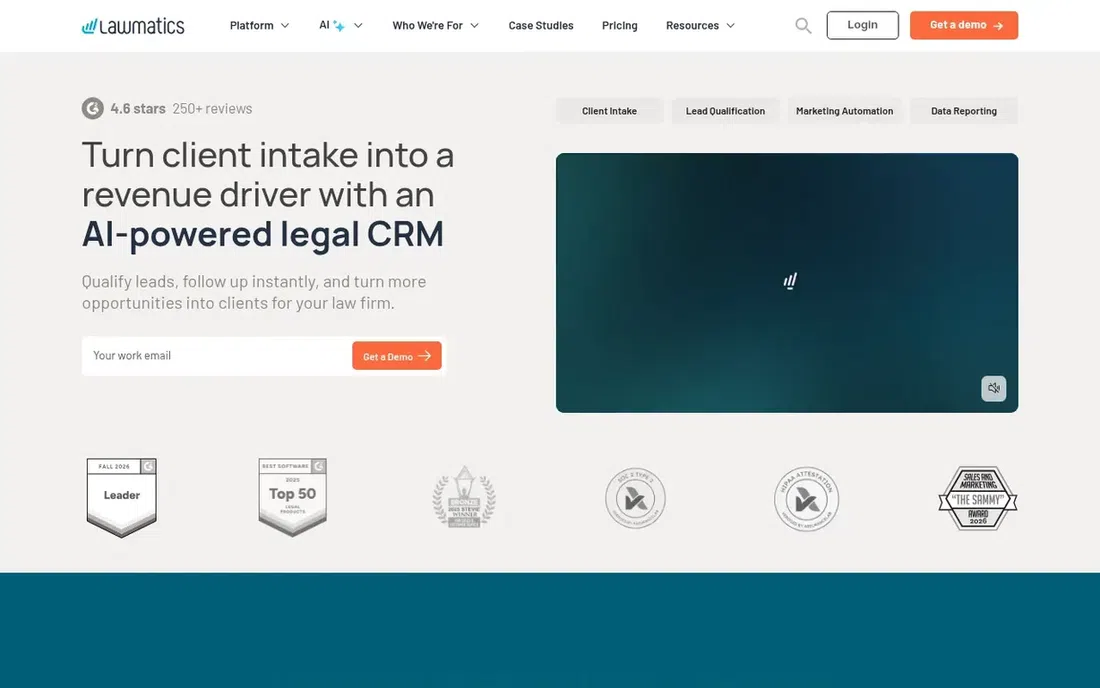
Think of Lawmatics for intake tied to legal marketing. Lawmatics is legal software built around intake, marketing and client relationship workflows for law businesses and attorneys.
Where it is weaker: Centred on legal marketing instead of general forms.
On top of that, consider a dedicated form builder instead if intake is a light, occasional task and no legal workflow automation is needed. As for the details, since it is positioned as legal software instead of a standalone form tool, businesses that only need straightforward web forms may find it broader than necessary. Lawmatics does not show a starting price in this comparison, so check the vendor site for current pricing. On free options: Not stated.
- Merges client relationship features with automation
- Designed for law firm intake and marketing workflows
- May overlap with existing case management tools
Selection criteria
For each of the 5 tools we noted price, free plan or trial, fit for client intake form software for law firms and the main limit, using vendor pages and documentation. Where a vendor does not publish a price, the entry says quote. Where a price depends on seats or billing term, the entry says so. The ranking is editorial: typical fit first, then clear pricing, then free access. If your needs are unusual, read the profiles rather than relying on position.
Pre-purchase checklist
- Ask Filevine and Lawmatics for a written quote, since no starting price is shown.
- Test the free plan from Jotform against your real workload before relying on it.
- Use real work to test the free trial from Filevine, MyCase and PracticePanther, rather than a demo project.
- Read the limits listed for Jotform first: not legal-specific by default.
- A short pilot of Filevine with your real workflow tells you more than a feature table.
- Confirm you can export your data from Lawmatics, so leaving later does not mean losing records.
FAQ
How are the tools for client intake form software for law firms ordered?
Jotform sits first and Lawmatics last because the order follows typical fit for client intake form software for law firms, then price clarity and free access. It is a judgement call, so read each profile for fit and limits.
Is Jotform the right pick for everyone comparing client intake form software for law firms?
No single tool suits every team. Jotform comes first because it fits flexible standalone intake forms, while Filevine suits AI-assisted legal case intake and MyCase suits intake plus billing in one place. Match the tool to your own size, budget and workflow before deciding.
Do these tools publish their prices?
Not all of them. Filevine and Lawmatics publish no starting price, so expect a quote request for those. The rest, Jotform included, show a starting price, though seats and billing terms still change the final cost.
Can intake form software connect to existing case management tools?
Numerous form builders offer integrations or webhooks that pass submissions to other systems. Worth adding: confirm the specific connection you need with the vendor, since integration depth varies between tools.
Do law firms need legal-specific intake software or is a form builder enough?
A general form builder can collect client details well, but legal-specific software normally links intake to matters, billing and conflict checks. Businesses with heavy intake volume and downstream automation needs usually benefit from a legal product.
Can I try these tools before paying?
Often, yes. Jotform has a free plan and Filevine, MyCase and PracticePanther offer a free trial. Use your own data and a real task during the test, and check what the free tier or trial limits before you rely on it.
Sources
- https://www.jotform.com
- https://www.filevine.com
- https://www.mycase.com
- https://www.practicepanther.com
- https://www.lawmatics.com