5 Client Approval Software Worth Shortlisting in 2026
5 tools for the best client approval software, compared on pricing, free plans and best-fit use. Every pick gets a straight assessment. Costs up front.

- Editor's choice
 Smartsheet
Enterprise execution hub with governance
Starts at$12 per Member/monthVisit smartsheet.comFull review - Great alternative
 ClickUp
All-in-one productivity system
Starts at$9 per user per monthVisit clickup.comFull review - Also consider
 monday.com
AI workspace for people and agents
Starts at$9 per seat per monthVisit monday.comFull review
Direct answer
Our first pick is Smartsheet, best for enterprise execution hub with governance. Listed starting prices: Smartsheet from $12 per Member/month, ClickUp from $9 per user per month and monday.com from $9 per seat per month. ClickUp is better for all-in-one productivity system, and monday.com is better for AI workspace for people and agents. All 5 tools are compared below on price, free plan and limits.
TL;DR:
- Smartsheet is the opening pick, best for enterprise execution hub with governance.
- The main caution on Asana: approval features may need setup.
- Only 3 of the 5 tools have a free plan (ClickUp, monday.com, Asana), so check the caps.
- Wrike suits enterprise work management with approval controls.
- ClickUp has the lowest monthly starting price in this list: $9 per user per month.
Last checked November 2026. Prices and plan details were read from the vendors' own pages in November 2026; vendors change plans often, so confirm the current price on the vendor site before you buy.
Quick comparison
| Tool | Best for | Starts at | Free plan? | |
|---|---|---|---|---|
| Smartsheet | Enterprise execution hub with governance | $12 per Member/month | Not stated | Visit |
| ClickUp | All-in-one productivity system | $9 per user per month | Yes | Visit |
| monday.com | AI workspace for people and agents | $9 per seat per month | Yes | Visit |
 Asana | Work and project management for human-agent teams | $10.99 per user a month | Yes | Visit |
 Wrike | Enterprise work management with approval controls | See website | Not stated | Visit |
Client Approval Software profiles
Short on time? The summary and table above give the quick view of 5 tools for client approval software, and the profiles that follow give the detail behind each entry.
Smartsheet makes the most sense for enterprise execution hub with governance. Smartsheet is an execution hub for enterprise work where people and AI get work done together, with the governance and visibility enterprises need.
For enterprise-grade governance, Smartsheet is a steady choice. If you need a straightforward, light approval tool, other choices may be more appropriate. Smartsheet cost at the entry level: $12 per Member/month. Free options: Not stated.
Where it falls short: May be complicated for straightforward approvals.
- Execution hub for enterprise work
- People and AI work together
- Enterprise focus might not suit small teams
ClickUp is aimed squarely at all-in-one productivity system. If you need a dedicated approval tool, consider a specialized option.
Also, the abundance of features could be overwhelming for some users. In daily use, for an all-in-one productivity product, ClickUp is a versatile choice. What you pay to start with ClickUp: $9 per user per month. You can start on ClickUp without paying.
Drawbacks to consider: Approval features are part of a bigger suite.
- Aims to maximize productivity
- Contains tasks, docs, goals, chat
- Can be overwhelming because of numerous features
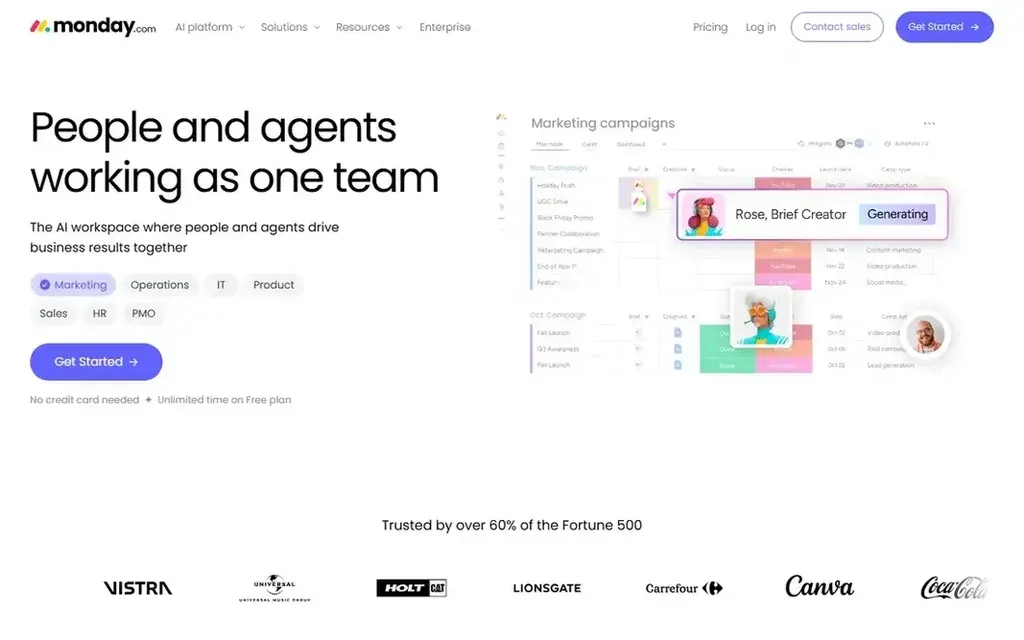
Think of monday.com for AI workspace for people and agents. monday.com is an AI workspace for people and agents. From a buyer's view, if you need a dedicated approval tool, consider a specialized choice.
Upsides: AI agents work side by side with people.
For an adaptable workspace with AI capabilities, monday.com is a capable contender. For everyday use, the product's breadth of features could be overwhelming for some users. For everyday use, whereas monday.com gives you broad customization, its approval features are not its primary focus, so they may need extra setup. What you pay to start with monday.com: $9 per seat per month. monday.com includes a free tier.
Where it is weaker: Approval workflows may need customization.
- One AI workspace for business results
- Execute, handle
- Can be overwhelming with many features
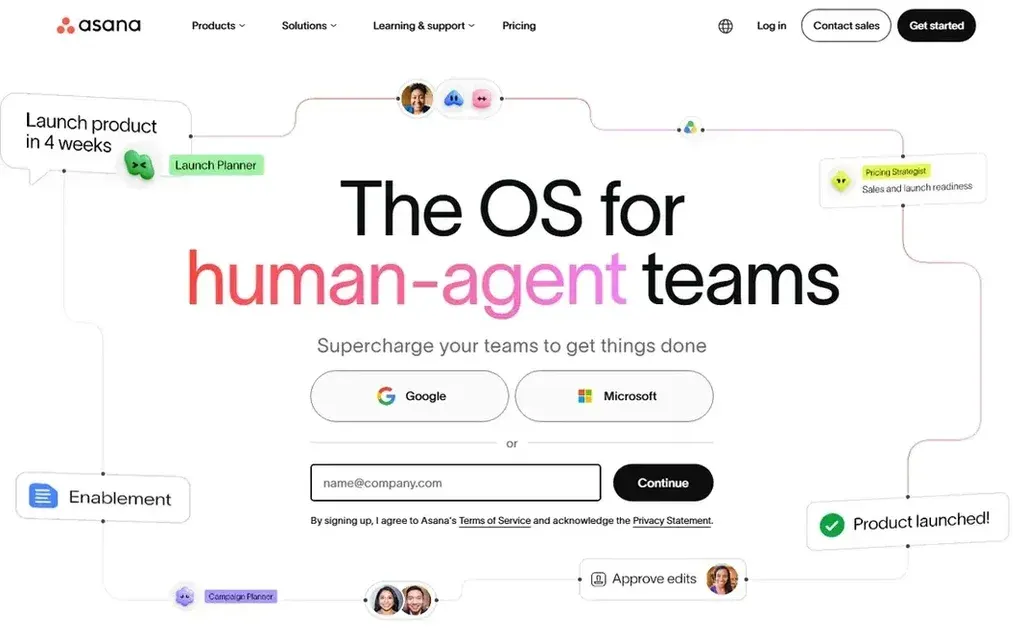
In short, Asana is for work and project management for human-agent teams. Otherwise, Asana supplies a balanced approach for general work management. Beyond that, if you need highly specialized client approval features, consider a dedicated tool.
In practice, Asana's approval features are part of a broader work management system. So they may not be as specialized as dedicated proofing tools. Price to start with Asana: $10.99 per user per month. Free access exists with Asana.
Main advantages: execute workflows. The main drawbacks: AI agent features might be new to some teams.
- Plan, automate
- Critical workflow management
- Approval features may need setup
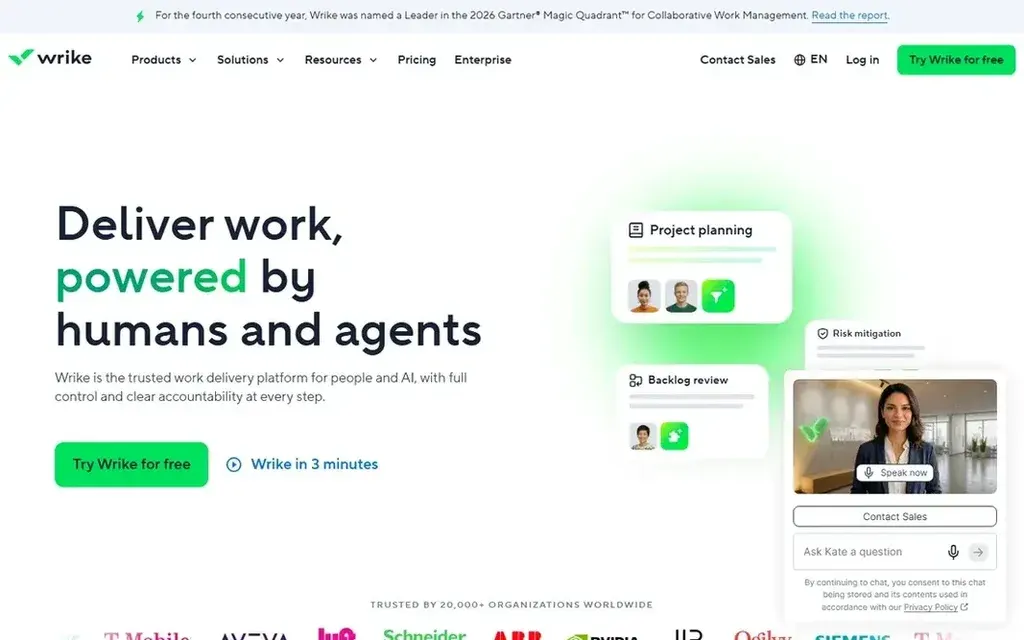
Wrike is designed for enterprise work management with approval controls. Wrike is an AI-powered enterprise work management product built for work delivery. It helps enterprises reach outcomes quicker whereas maintaining control over how work gets done.
Teams looking for a thorough option to manage client approvals within broader project management will find Wrike a capable candidate. For everyday use, Wrike's enterprise focus means it may be overkill for small teams or straightforward approval needs. Its feature set could need a ramp-up time. If you need a light tool for entry-level approvals, consider a more straightforward choice. Check the vendor site for Wrike pricing; none is listed in this comparison. Free access: Not stated.
Downsides: Enterprise focus could mean steeper ramp-up time.
- AI-powered enterprise work management
- Trusted work delivery system
- May be complicated for small teams
How we chose
We compared the tools on published pricing, free plan or trial availability, feature coverage for client approval software, and the limits each vendor documents. Plan names, prices and limits change often. Treat the figures here as a starting point and verify them with the vendor. The ranking is editorial: typical fit first, then clear pricing, then free access. If your needs are unusual, read the profiles rather than relying on position.
Questions to settle before buying
- Get a written quote from Wrike; the list shows no starting price for them.
- Read the fine print on the free plans from ClickUp, monday.com and Asana; seat, project and feature caps differ.
- Before choosing Smartsheet, weigh its main limit: may be complicated for simple approvals.
- Run a one or two week pilot of Asana with the people who will use it every day.
- Work out what Smartsheet costs with your real seat count, add-ons and usage, not just the entry price.
FAQ
What is the cheapest option for client approval software in this list?
On published monthly entry prices, ClickUp is the lowest here at $9 per user per month. Entry price is only part of the cost, because seats, add-ons and billing terms can change the total. Prices, free plan details and limits for all 5 tools in this client approval software roundup sit on the individual cards above.
What is client approval software?
Client approval software helps teams manage the review and sign-off process with clients. It centralizes feedback, tracks changes, and ensures that all stakeholders approve deliverables before they are finalized.
Do these tools publish their prices?
Not all of them. Wrike publishes no starting price, so expect a quote request for it. The rest, Smartsheet included, show a starting price, though seats and billing terms still change the final cost.
How are the tools for client approval software ordered?
The order follows typical fit for client approval software, with Smartsheet first and Wrike last, then price clarity and free access. It is editorial judgement, not a score, so another team could rank the tools differently.
Can I try these options before paying?
Often, yes. ClickUp, monday.com and Asana have a free plan. Use your own data and a real task during the test, and check what the free tier or trial limits before you rely on it.
Sources
- https://www.smartsheet.com
- https://clickup.com
- https://monday.com
- https://asana.com
- https://www.wrike.com