Best 1099 Filing Software in 2026: 9 Tools Compared
Compare the best 1099 filing software for 2026, with per-form pricing, TIN matching, state filing and e-delivery for payers and firms in detail for buyers.
- Editor's choice
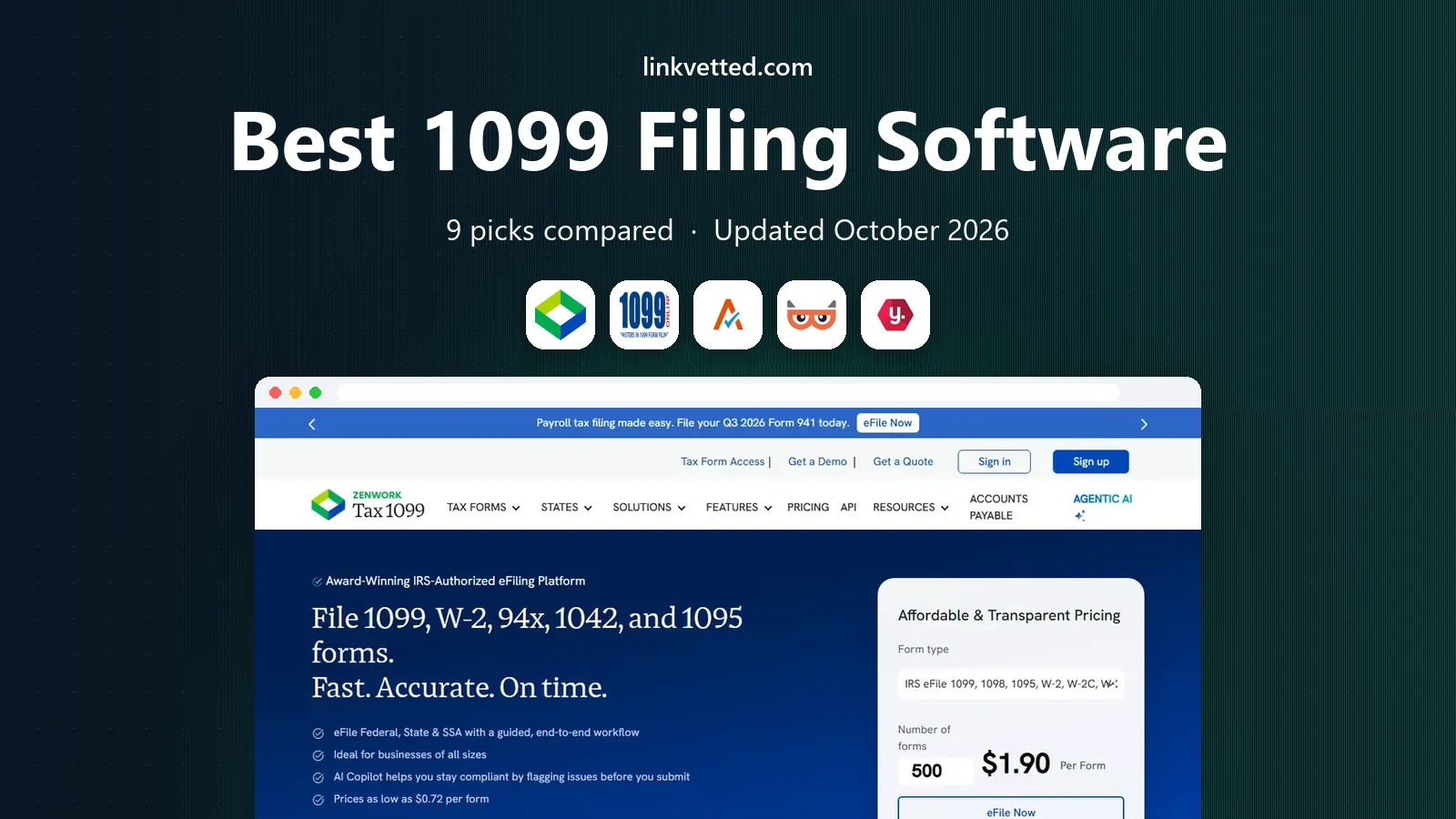
 Tax1099
All-round filing with strong integrations
Starts at$2.99 per formVisit tax1099.comFull review - Great alternative
 1099Online
Low-cost filing for small payers
Starts atSee websiteVisit 1099online.comFull review - Also consider
 Avalara 1099 and W-9
QuickBooks and Xero users
Starts at$3.10 per formVisit avalara.comFull review
TL;DR:
- Per-form pricing falls sharply with volume, so a tool that looks expensive for 10 forms can be cheapest for 500 forms.
- TIN matching and address validation prevent rejected forms, and they are worth paying for at filing time.
- State filing, print-and-mail and e-delivery are often charged separately, so check the full checkout total, not just the per-form rate.
- Accounting firms need multi-client and multi-EIN tools, while solo payers need simple import and clear status tracking.
Quick comparison
| Tool | Best for | Starts at | Free plan? | |
|---|---|---|---|---|
| Tax1099 | All-round filing with strong integrations | $2.99 per form | No | Visit |
| 1099Online | Low-cost filing for small payers | See website | No | Visit |
| Avalara 1099 and W-9 | QuickBooks and Xero users | $3.10 per form | No | Visit |
 TaxBandits | Accounting firms and multi-client work | $2.75 per form | No | Visit |
 Yearli by Greatland | Bundled federal, state and recipient service | $6.49 per form | No | Visit |
 efile4Biz | Choosing e-file only or print-and-mail packages | $3.40 per form | No | Visit |
 1099 Pro | Enterprises with high filing volume | $389 starting | No | Visit |
 FileYourTaxes.com | Legacy filers wanting a long-running transmitter | $55 starting | No | Visit |
 eFileMyForms | Simple online filing for small payers | See website | No | Visit |
The best 1099 filing software
Filing 1099 forms looks simple until deadlines, state rules, TIN errors and recipient copies pile up. Good 1099 software imports payer and payee data, validates TINs and addresses, e-files with the IRS and states, and delivers recipient copies by portal or mail. These nine tools cover solo payers, growing firms and enterprises. This is general information, not tax advice, and filers should confirm deadlines and form rules for their own situation.

Tax1099, from Zenwork, is the most complete all-round pick in this list. It handles 1099 forms plus W-2, 94X, ACA and 1042 forms, with bulk import by CSV, Excel, SFTP or API. Real-time TIN matching, USPS address validation and duplicate detection help prevent rejections, while a secure recipient portal and optional print-and-mail cover delivery. Integrations with QuickBooks Online, QuickBooks Desktop, Xero, Zoho Books and other tools pull contractor data directly.
Pricing is volume-based, starting at $2.99 per form for the first 20 forms, then falling to $2.30, $1.31 and $0.68 per form at higher bands, with larger volumes quoted. Add-ons for e-delivery, print-and-mail and TIN matching are charged separately, so review the full total at checkout. For payers and firms that want breadth and automation, Tax1099 is our pick for most people.
- Broad form coverage
- Real-time TIN matching
- Integrations with QuickBooks, Xero and other accounting tools
- Per-form bands and add-on fees need careful checkout review
- Interface can feel advanced for first-time filers
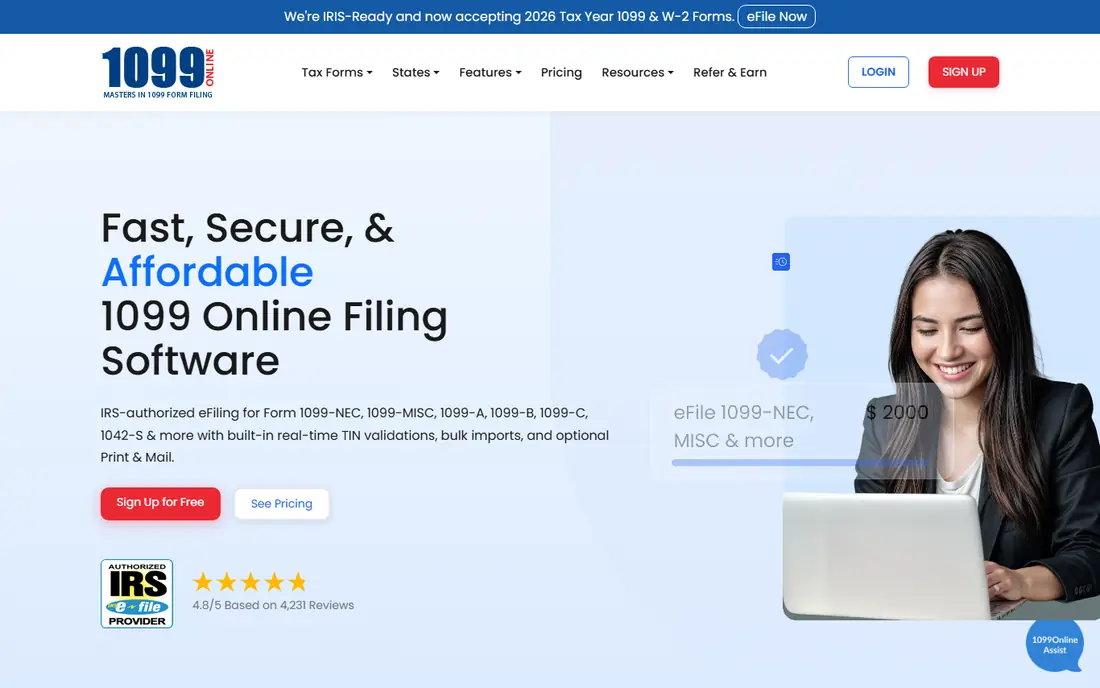
1099Online appeals to small payers that want low per-form costs without a complex platform. Bulk import, TIN matching and practitioner tools support firms that file for several clients, while 24/7 tech support by chat and phone is offered. Published comparisons list pricing from $3.49 per form for small batches down to $0.69 per form at very high volumes, with volume tiers in between.
Because third-party pricing summaries differ slightly, confirm the current band at checkout before budgeting. For cost-conscious payers with clean data and modest support needs, 1099Online offers a strong low-price path.
- Low per-form pricing at higher volumes
- Bulk import
- TIN match and free tech support claims
- Per-form bands vary by source
- Add-on fees for state and mail need checking

Avalara 1099 and W-9, formerly Track1099, focuses on integration and compliance workflow. It syncs with QuickBooks and Xero, manages W-9 collection, tracks B-notices and supports secure e-delivery and state e-filing. That combination suits firms that already live in QuickBooks or Xero and want filing to follow accounting data, not a separate spreadsheet.
Pricing starts at $3.10 per form for the first 15 forms, then $2.30 for the next band, $1.30 for mid volumes and $0.63 per form above 500 forms in published comparisons. For QuickBooks and Xero users who value sync and W-9 workflow, Avalara is a strong fit despite the higher starting rate.
- Accounting sync
- W-9 management
- Secure e-delivery and state e-file
- First-batch price is higher than some rivals
- Larger volumes needed for lowest rates
TaxBandits is built for accounting firms and payers with many clients. A multi-client dashboard, correction wizard, W-9 manager, CSV upload and filing summary reports help firms manage many payers without mixing up data. It covers 1099, W-2, 94X, ACA and 1042 forms, which suits firms that file a wide range each season.
Starting pricing is listed at $2.75 per form in published comparisons, with volume and add-on fees affecting the final total. Solo payers may find Tax1099 or 1099Online simpler, but firms that file for many clients will value TaxBandits dashboard and correction tools.
- Multi-client dashboard
- Correction wizard
- W-9 manager and CSV upload
- Add-on fees for state, mail and TIN services need review
- Interface is firm-focused
Yearli by Greatland bundles more into its per-form price than e-file-only tools. Core W-2 and 1099 filing is listed at $6.49 per form in a detailed 2026 schedule, including federal filing, applicable state reporting and recipient mail or online retrieval, rising to $7.79 during published peak periods. Performance and Premier plans add features for growing payers, with annual plan fees before filing charges.
That bundle suits payers that want one price for the whole job, including recipient delivery, rather than adding mail and state fees separately. Payers that only need federal e-filing may find cheaper per-form rates elsewhere, but Yearli reduces checkout surprises for full-service filing.
- Bundled federal, state and recipient mail or online retrieval
- Same-day print-and-mail options
- Accounting integrations
- Higher per-form price than e-file-only rivals
- Peak-period pricing can rise
efile4Biz lets payers choose the package that fits their delivery needs. Orders of 1 to 25 forms are listed at $3.40 per form for e-file-only, $5.25 for e-file plus print-and-mail, and $2.20 for print-and-mail-only. Direct state filing adds $1 per form per state, TIN matching costs $1 per record, and corrections are listed at $7.95. Basic is pay-as-you-go, while Plus and Premium subscriptions cost $149 and $399 per year before form fees.
That clarity helps small payers compare true totals. Firms that need many state filings should add those fees early, since they can change the ranking. For payers that want package choice without a subscription, efile4Biz is a practical pick.
- Clear e-file-only and print-and-mail packages
- TIN matching and corrections available
- Pay-as-you-go Basic option
- State filing adds $1 per form per state
- Corrections cost extra
1099 Pro serves enterprises and professional filers managing thousands of forms. Professional and enterprise software, plus cloud options, handle 1042-S, 1095, 1099 and W-2 forms with bulk processing and controls for large batches. Starting pricing is listed at $389 in published comparisons, with enterprise scope quoted by volume and features.
Small payers should not start here, since pay-per-form tools are cheaper for a handful of forms. For enterprises, banks and large payroll teams that need professional-grade controls and high-volume processing, 1099 Pro offers depth that consumer-style tools lack.
- Professional and enterprise software
- Cloud options
- Broad IRS form coverage
- Starting price is higher than pay-per-form tools
- More system than a small payer needs
FileYourTaxes.com
Best for: Legacy filers wanting a long-running transmitter
FileYourTaxes.com appeals to filers who value a long track record as an IRS transmitter, with tutorials and secure storage for filed forms. It covers W-2, 1099 and 1098 series forms, which suits payers with a stable, repeat filing pattern each year. Starting pricing is listed at $55 in published comparisons, with final cost depending on form count and services.
Newer tools offer cleaner interfaces and broader integrations, so FileYourTaxes.com suits legacy filers who prefer a familiar, steady platform over the newest design. For first-time filers, Tax1099 or 1099Online may feel easier.
- Long-running IRS transmitter history
- Tutorials and secure storage
- W-2, 1099 and 1098 coverage
- Interface feels older than newer rivals
- Starting price structure needs checkout review
eFileMyForms offers a straightforward online filing path for small payers that want to enter or import a modest batch, validate it and e-file without learning a firm platform. It supports the main 1099 series and related forms, with recipient delivery options depending on the order. That simplicity is its main advantage for owners filing for a handful of contractors.
Firms with many clients, complex corrections or heavy state filing may need TaxBandits or Tax1099 instead. For a small payer that wants a simple, low-friction filing run, eFileMyForms rounds out this list as a practical, low-commitment option.
- Simple online filing workflow
- Broad 1099 form support
- Suitable for small batches
- Pricing and add-on fees should be confirmed at checkout
- Fewer firm tools than TaxBandits
How we picked these
We compared official pricing pages, product documentation and published 2026 pricing comparisons for 1099 filing platforms. We favored tools with IRS e-filing, TIN matching, state filing and recipient delivery, and we checked current per-form bands where published. Where pricing varied by source or was not clearly published, we used See website or the most recent published band and noted that checkout confirmation is needed. We did not claim hands-on testing. Instead, we weighed form coverage, import options, validation, state and delivery handling, firm tools and total cost.
How to file 1099s without costly rework
Start early with clean data. Collect W-9 forms before year-end, verify names, TINs and addresses, and confirm payment totals against your accounting system. TIN matching before filing prevents many rejections, and address validation prevents mailed copies from bouncing. Next, confirm state rules. Some states require direct filing, some participate in combined federal and state filing, and some require separate recipient rules, so do not assume federal filing covers every state.
Then choose delivery carefully. E-delivery through a secure portal is faster and cheaper than mail for many recipients, but recipients must consent to electronic delivery. Print-and-mail covers the rest, but allow time for printing and postage near deadlines. Finally, keep proof of filing, acceptance status and recipient delivery for each form, since corrections are far easier when the original filing record is complete.
Common filing mistakes to avoid
Avoid filing with a nickname instead of a legal name, a missing TIN, or a payment total that does not match your books. Avoid missing state filings after federal acceptance. Avoid sending recipient copies late, since recipients need them for their own tax returns. A short checklist before submission prevents most of these errors.
FAQ
How much does 1099 filing software cost?
Per-form pricing usually starts around $2.75 to $3.49 per form for small batches and falls below $1 per form at high volumes. Tax1099 starts at $2.99 per form, TaxBandits at $2.75, Avalara at $3.10 and efile4Biz at $3.40 for e-file-only orders of 1 to 25 forms. State filing, mail, e-delivery and TIN matching often add fees.
What is TIN matching and do I need it?
TIN matching checks a payee name and taxpayer identification number against IRS records before filing, which helps prevent rejected forms and B-notices. It is not required for every filer, but it is worth the small per-record fee for firms with many contractors or past rejections.
Do I need to file 1099s with states as well as the IRS?
Often yes, but rules vary by state and form type. Some states accept combined federal and state filing, while others require direct state filing. Check your state rules for each form type, and confirm whether your filing tool handles direct state filing or charges extra for it.
Can 1099 software import from QuickBooks or Xero?
Yes, many tools can. Tax1099 and Avalara integrate with QuickBooks and Xero, while TaxBandits and others support CSV and Excel import. Importing from accounting software reduces manual entry errors and keeps payment totals aligned with your books.
When are 1099 forms due?
Deadlines vary by form type and delivery method, with many 1099 forms due to recipients and the IRS in late January or February. Confirm the current IRS deadlines for your specific forms each year, since rules and dates can change, and file early to allow time for corrections.