5 BYOD Management Software for Legal Firms Worth Shortlisting in 2026
Need the best BYOD management software for legal firms? We compare 5 tools on cost, free access and who each suits. Each profile ends with a plain caveat.
- Editor's choiceCisco Meraki Systems Manager
Businesses already using Meraki network infrastructure
Starts atPricing on requestVisit meraki.cisco.comFull review - Great alternative
 SOTI MobiControl
Shared and specialized mobile endpoint deployments
Starts atPricing on requestVisit soti.netFull review - Also consider
 ManageEngine Mobile Device Manager Plus
Cross-platform MDM on a practical budget
Starts atPricing on requestVisit manageengine.comFull review
Direct answer
Cisco Meraki Systems Manager comes first here, mainly for businesses already using Meraki network infrastructure. If your case is different, SOTI MobiControl suits shared and specialized mobile endpoint deployments and ManageEngine Mobile Device Manager Plus suits cross-platform MDM on a practical budget. All 5 tools are compared below on price, free plan and limits. None of these vendors publish plan prices, so pricing is on request for every option.
TL;DR:
- The list opens with Cisco Meraki Systems Manager, aimed at businesses already using Meraki network infrastructure.
- One limit worth knowing about Cisco Meraki Systems Manager: best value when paired with Meraki hardware.
- Neither Cisco Meraki Systems Manager nor Microsoft Intune, nor any of the other 3 tools, has a permanent free plan; trials and quotes are the norm.
- Microsoft Intune fits mixed-device businesses needing unified endpoint control.
- Cisco Meraki Systems Manager, Microsoft Intune and the 3 others all sell by quote; expect sales conversations before you see a price.
Last checked November 2026. Pricing on request: vendors did not publish plan prices when this guide was last checked (November 2026), so ask each vendor for a written quote.
Quick comparison
| Tool | Best for | Starts at | Free plan? | |
|---|---|---|---|---|
| Cisco Meraki Systems Manager | Businesses already using Meraki network infrastructure | Pricing on request | Not stated | Visit |
| SOTI MobiControl | Shared and specialized mobile endpoint deployments | Pricing on request | Not stated | Visit |
| ManageEngine Mobile Device Manager Plus | Cross-platform MDM on a practical budget | Pricing on request | Free trial | Visit |
 Addigy | Live Apple management for IT teams and MSPs | Pricing on request | Free trial | Visit |
 Microsoft Intune | Mixed-device businesses needing unified endpoint control | Pricing on request | Not stated | Visit |
Tool-by-tool breakdown
LinkVetted compared 5 BYOD management software for legal firms. The goal is a practical shortlist: published prices, free plan facts, best-fit use cases and honest limits for every entry.
Cisco Meraki Systems Manager
Best for: Businesses already using Meraki network infrastructure
Cisco Meraki Systems Manager works best for businesses already using Meraki network infrastructure. Cisco Meraki Systems Manager is mobile device management software that helps organizations provision, monitor, and secure endpoint devices. It supports policy enforcement and visibility across endpoints, making it a natural fit for businesses that prefer a unified vendor relationship.
As for the details, dedicated MDM systems can offer deeper device-level controls for complicated BYOD scenarios. More specifically, pick Systems Manager when network and endpoint administration already live in the Meraki ecosystem. This comparison lists no price for Cisco Meraki Systems Manager; ask the vendor. Free options: Not stated.
What users get: secure endpoint devices. Points against: Endpoint depth may trail dedicated MDM suites.
- Links up with Meraki networking
- Cloud-managed administration
- Best value when paired with Meraki hardware
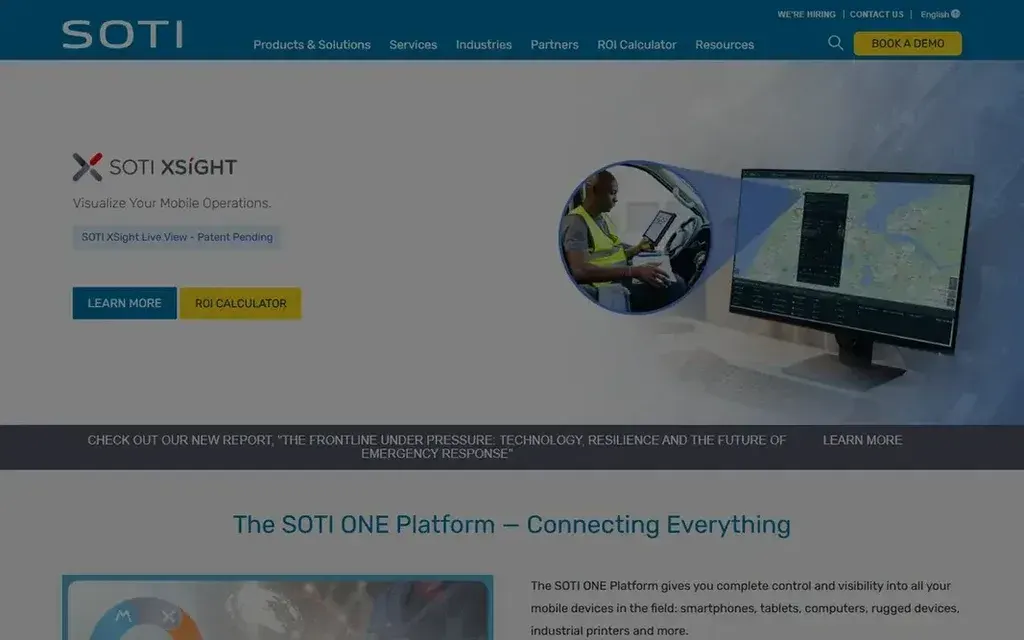
Choose SOTI MobiControl for shared and specialized mobile endpoint deployments. Businesses with field staff, court teams, or several offices may value its emphasis on device-level control across varied hardware. Beyond that, SOTI MobiControl is an enterprise mobility management option that enhances the management and security of mobile device deployments and IoT endpoints.
For everyday use, more straightforward MDM tools can handle entry-level BYOD policy enforcement with less configuration effort. Also, the system is designed for scale and device diversity. So a small firm managing only personal phones may find it more complicated than necessary. SOTI MobiControl shows no starting price here, so confirm the cost on the vendor site. Free access: Not stated.
Downsides: Overkill for businesses with only a handful of devices.
- Enterprise mobility management for devices and IoT
- Manages large device estates
- Interface and workflows can feel complicated for entry-level BYOD
ManageEngine Mobile Device Manager Plus
Best for: Cross-platform MDM on a practical budget
ManageEngine Mobile Device Manager Plus serves cross-platform MDM on a practical budget. ManageEngine Mobile Device Manager Plus is an enterprise mobile device management tool that lets administrators run and secure Apple, Android, Windows, and Chrome OS devices.
Points against: Feature breadth can complicate initial setup.
Where ManageEngine Mobile Device Manager Plus stands out: Enterprise MDM feature set. It appeals to IT teams that want wide coverage and a straightforward console. Choose ManageEngine when cross-platform coverage and consolidated management are priorities over deep single-ecosystem integration. Check the vendor site for ManageEngine Mobile Device Manager Plus pricing; none is listed in this comparison. Free plan details: Free trial.
- Chrome OS
- Single console for mixed device fleets
- Advanced integrations may need add-on modules
Pick Addigy if this describes you: live Apple management for IT teams and MSPs. Addigy is a full-featured Apple MDM product offering live management for IT teams and managed service providers.
As an Apple-focused system, it does not run Windows or Android endpoints, so mixed environments need extra tools. In practice, legal businesses with Apple-heavy fleets, or those working with a MSP, can use it to maintain visibility over personal and firm-owned devices whereas enforcing security policies. Addigy shows no starting price here, so confirm the cost on the vendor site. Free access: Free trial.
Limits to weigh: Live monitoring can need tuning to avoid noise.
- Supports compliance monitoring
- Live Apple MDM system
- Apple-only coverage
Microsoft Intune
Best for: Mixed-device businesses needing unified endpoint control
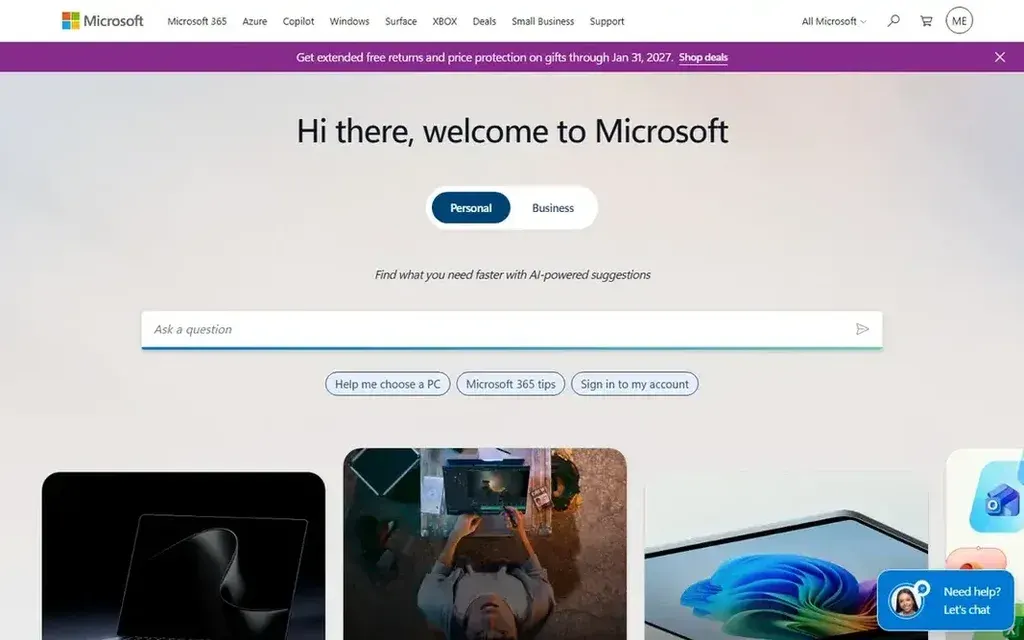
Microsoft Intune makes the most sense for mixed-device businesses needing unified endpoint control. Businesses that already depend on Microsoft productivity and identity services will find policy enforcement and conditional access align naturally with existing workflows.
On top of that, smaller businesses may prefer a more straightforward Apple-only tool. No starting price is listed for Microsoft Intune here; confirm pricing on the vendor site. As for free access: Not stated.
Limits to weigh: Full value relies on the wider Microsoft ecosystem.
- Cloud-based unified endpoint management
- Zero Trust security model
- Configuration depth can overwhelm small IT teams
Selection criteria
We compared the tools on published pricing, free plan or trial availability, feature coverage for BYOD management software for legal firms, and the limits each vendor documents. Seat minimums, billing terms and add-ons can move the real cost, so the starting prices here are a guide and not a quote. Order on the page follows fit for the typical buyer first, then price transparency and free access. Your own requirements should decide the final pick.
Questions to settle before buying
- Request quotes from Cisco Meraki Systems Manager, Microsoft Intune and the others; the list shows no fixed prices.
- Take the trial from ManageEngine Mobile Device Manager Plus and Addigy and push a live task through it before you pay.
- Before choosing Cisco Meraki Systems Manager, weigh its main limit: best value when paired with Meraki hardware.
- Check whether the features you need in Cisco Meraki Systems Manager sit on the entry plan or only on higher tiers.
- Verify that exporting from SOTI MobiControl is possible on your plan and covers all your records.
FAQ
What should a legal firm look for in BYOD management software?
Prioritize data separation between client matter files and personal apps, capable passcode and encryption enforcement, and the capacity to wipe firm data without erasing personal content. Cross-platform support helps if staff use a mix of devices.
How are the tools for BYOD management software for legal firms ordered?
Cisco Meraki Systems Manager sits first and Microsoft Intune last because the order follows typical fit for BYOD management software for legal firms, then price clarity and free access. It is a judgement call, so read each profile for fit and limits.
Do these tools publish their prices?
No. None of the tools, from Cisco Meraki Systems Manager to Microsoft Intune, shows a fixed starting price here, so budget time for quotes.
Can I try these tools before paying?
Often, yes. ManageEngine Mobile Device Manager Plus and Addigy offer a free trial. Use your own data and a real task during the test, and check what the free tier or trial limits before you rely on it.
Is Cisco Meraki Systems Manager the right pick for everyone comparing BYOD management software for legal firms?
No single tool suits every team. Cisco Meraki Systems Manager comes first because it fits firms already using Meraki network infrastructure, while SOTI MobiControl suits shared and specialized mobile endpoint deployments and ManageEngine Mobile Device Manager Plus suits cross-platform MDM on a practical budget. Match the tool to your own size, budget and workflow before deciding.
Sources
- https://meraki.cisco.com/products/systems-manager
- https://soti.net/products/soti-mobicontrol
- https://www.manageengine.com/mobile-device-management
- https://addigy.com
- https://www.microsoft.com/en-us/security/business/microsoft-intune