Best Access Management Software for Law Firms for 2026: Our 5 Vetted Picks
Best access management software for law firms in 2026: 5 tools with starting prices, free plans and limits. Every entry states what it lacks. Plain facts.
- Editor's choiceiManage
Knowledge work system for legal services
Starts atSee websiteVisit imanage.comFull review - Great alternative
 OneLogin
Workforce and customer single sign-on
Starts at$3 per user a monthVisit onelogin.comFull review - Also consider
 NetDocuments
Legal document and email management
Starts atSee websiteVisit netdocuments.comFull review
Direct answer
Our first pick is iManage, best for knowledge work system for legal services. Listed starting prices: OneLogin from $3 per user a month and Okta from $6 per user per month. Look at OneLogin for workforce and customer single sign-on, and at NetDocuments for legal document and email management. The other 2 tools in the list cover narrower or pricier cases.
TL;DR:
- iManage sits first on this list: knowledge work product for legal services.
- A fair warning about OneLogin: not tailored specifically to legal workflows.
- Okta is the one to check for identity for employees and customers.
- OneLogin has the lowest monthly starting price in this list: $3 per user per month.
- Neither iManage nor Okta, nor any of the other 3 tools, has a permanent free plan; trials and quotes are the norm.
Last checked November 2026. Prices and plan details were read from the vendors' own pages in November 2026; vendors change plans often, so confirm the current price on the vendor site before you buy.
Quick comparison
| Tool | Best for | Starts at | Free plan? | |
|---|---|---|---|---|
| iManage | Knowledge work system for legal services | See website | Not stated | Visit |
| OneLogin | Workforce and customer single sign-on | $3 per user a month | Free trial | Visit |
| NetDocuments | Legal document and email management | See website | Not stated | Visit |
 Microsoft Entra ID | Cloud identity with Zero Trust | See website | Not stated | Visit |
 Okta | Identity for employees and customers | $6 per user per month | Free trial | Visit |
Every option for access management software for law firms explained
LinkVetted compared 5 access management software for law firms. The goal is a practical shortlist: published prices, free plan facts, best-fit use cases and honest limits for every entry.
iManage
Best for: Knowledge work system for legal services
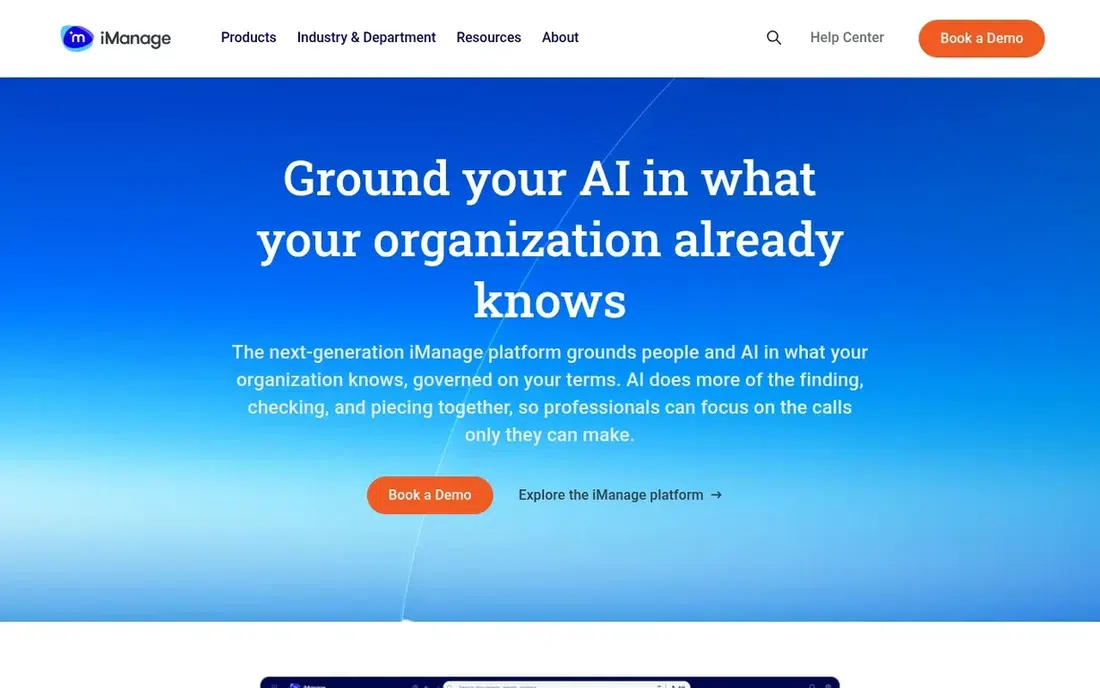
iManage serves knowledge work product for legal services. iManage describes itself as an AI knowledge work system for legal and professional services. It handles and activates knowledge whereas securely connecting people and AI, which fits businesses that want content governance and access controls wrapped around their accumulated work product.
What iManage does well: Aimed at legal and professional services.
In daily use, businesses evaluating document-centric access management should place it on the shortlist. Worth adding: the product is wide, so smaller businesses may find configuration and administration heavier than needed. It is not a replacement for a dedicated identity provider including every application. Consider alternatives if your main gap is single sign-on or privileged account control instead of knowledge and document governance. This comparison lists no price for iManage; ask the vendor. Free options: Not stated.
Points against: Not a general-purpose identity provider.
- Runs and activates firm knowledge
- Emphasizes secure connection of people and AI
- Wide platform may need configuration effort
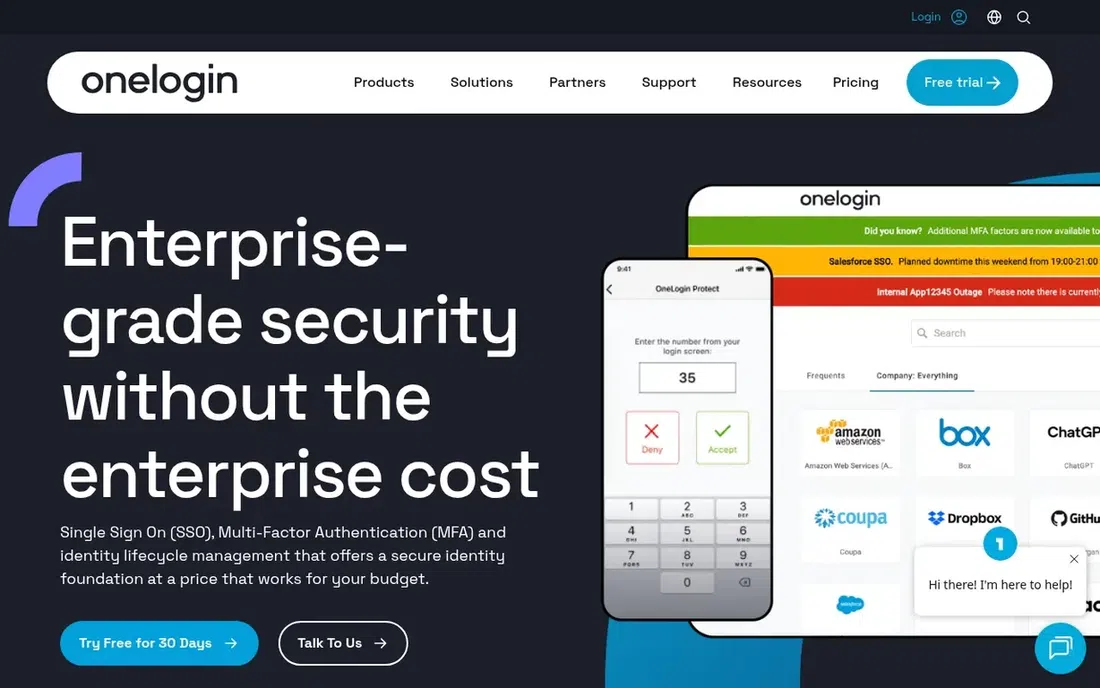
Think of OneLogin for workforce and customer single sign-on. OneLogin is an identity and access management system that secures workforce, customer and partner access.
Evaluate it when centralized sign-on and identity control are the priority. OneLogin starts at: $3 per user per month. Free plan details: Free trial.
What OneLogin does well: customer and partner data.
Trade-offs to know: Document management would come from another tool.
- Positioned around budget-friendly access control
- Modern identity and access management product
- Not tailored specifically to legal workflows
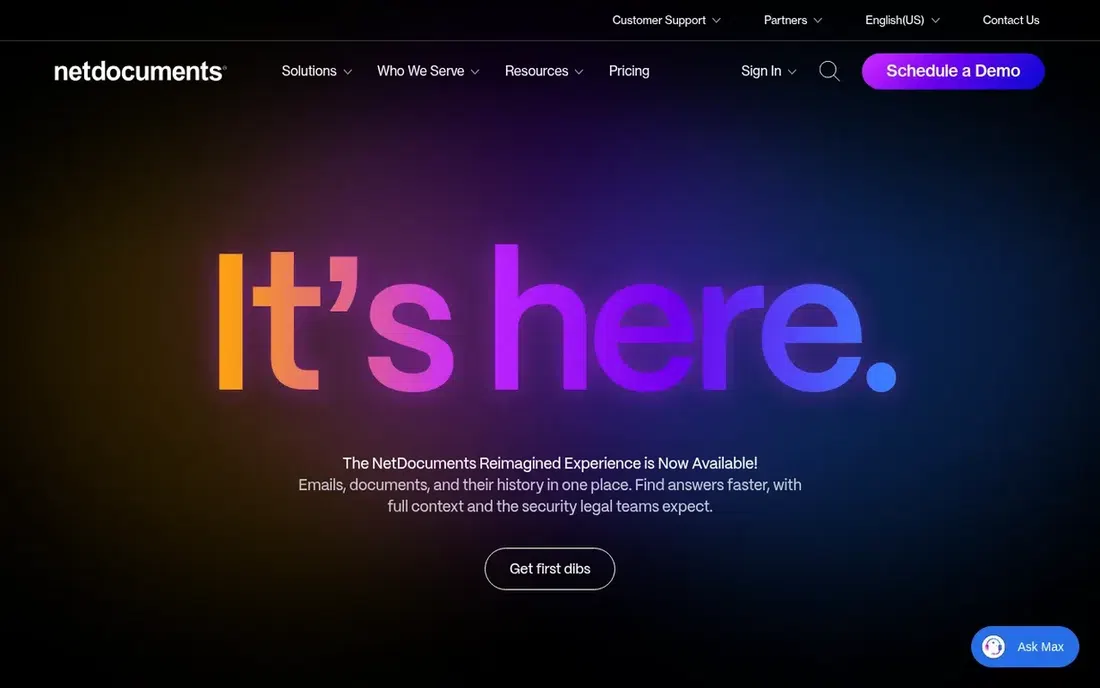
NetDocuments is built with legal document and email management in mind. Choose NetDocuments when document-level security and legal workflow automation are the priority; look elsewhere if wide workforce identity is the primary requirement.
What to check first: May need pairing with an identity provider.
Where NetDocuments stands out: Aimed at legal businesses and departments.
Pricing for NetDocuments is not stated here, so ask the vendor for current figures. Trial and free access: Not stated.
- Anywhere-accessible product
- Secure, compliant
- Concentrated on documents instead of wide identity
Microsoft Entra ID is aimed squarely at cloud identity with Zero Trust. Microsoft Entra ID, formerly Azure AD, is a cloud identity and access management option.
Drawbacks to consider: Best value for Microsoft-centric environments.
More specifically, choose it when cloud identity, single sign-on and Zero Trust alignment are the goals instead of legal-specific content management. This comparison lists no price for Microsoft Entra ID; ask the vendor. On free options: Not stated.
- Cloud identity and access management
- Supports single sign-on and Zero Trust
- Not a legal document management system
Okta works best for identity for employees and customers. Okta offers identity products, including Auth0, that enable secure access, authentication and automation. Also, law businesses can use it to unify sign-on and access policy across the applications staff depend on, whereas legal document control stays with a specialized system.
It also calls for integration planning across firm applications. In practice, pick it when centralized authentication and access automation are the core need, and pair it with a legal product for content. Okta cost at the entry level: $6 per user per month. On free options: Free trial.
Limits to weigh: Needs integration planning with legal systems.
- Customers and AI
- Products handle employees
- General identity tool, not legal-specific
Selection criteria
A buyer's checklist
- Ask iManage, NetDocuments and Microsoft Entra ID for a written quote, since no starting price is shown.
- Run a trial of OneLogin and Okta with real work before paying for a year; your own workflow is the best test.
- Read the limits listed for iManage first: wide system may need configuration effort.
- Find out whether the entry plan of NetDocuments covers your must-haves or only a trimmed-down version.
- Let daily users try Okta on real work; their feedback beats any feature checklist.
FAQ
How should a firm choose between NetDocuments and iManage?
NetDocuments emphasizes document and email management with secure, anywhere-accessible access, whereas iManage positions itself as a knowledge work product connecting people and AI. Compare which workflow emphasis matches your firm.
How are the tools for access management software for law firms ordered?
The order follows typical fit for access management software for law firms, with iManage first and Okta last, then price clarity and free access. It is editorial judgement, not a score, so another team could rank the tools differently.
Do these tools publish their prices?
Not all of them. iManage, NetDocuments and Microsoft Entra ID publish no starting price, so expect a quote request for those. The rest, OneLogin included, show a starting price, though seats and billing terms still change the final cost.
Can I try these tools before paying?
Often, yes. OneLogin and Okta offer a free trial. Use your own data and a real task during the test, and check what the free tier or trial limits before you rely on it.
What is the cheapest option for access management software for law firms in this list?
On published monthly entry prices, OneLogin is the lowest here at $3 per user per month. Entry price is only part of the cost, because seats, add-ons and billing terms can change the total. Prices, free plan details and limits for all 5 tools in this access management software for law firms roundup sit on the individual cards above.
Sources
- https://imanage.com
- https://www.onelogin.com
- https://www.netdocuments.com
- https://www.microsoft.com/en-us/security/business/identity-access/microsoft-entra-id
- https://www.okta.com