6 Field Service Management Software for Law Firms Worth Shortlisting in 2026
Best field service management software for law firms in 2026: 6 contenders with entry costs and free tiers. Plain-spoken summaries throughout. Updated for 2026.

- Editor's choice
 FieldEdge
Tracking customers and service history
Starts atSee websiteVisit fieldedge.comFull review - Great alternative
 Jobber
Small legal teams needing straightforward scheduling
Starts atSee websiteVisit getjobber.comFull review - Also consider
 Kickserv
Managing jobs and customer communication
Starts at$60 a monthVisit kickserv.comFull review
Direct answer
This list puts FieldEdge first for tracking customers and service history. Listed starting prices: Kickserv from $60 a month, ServiceM8 from $29 per month and Service Fusion from $220 per month. For a different need, Jobber covers small legal teams needing simple scheduling and Kickserv covers managing jobs and customer communication. The other 3 tools in the list cover narrower or pricier cases.
TL;DR:
- Number one here is FieldEdge, a fit for tracking customers and service history.
- ServiceM8 stands alone as the one tool in this list with a free plan.
- Service Fusion fits Service firms tracking productivity.
- Starting prices begin at $29 per month with ServiceM8.
- Before buying ServiceM8, weigh this: pitched at trade contractors, not law businesses.
Last checked November 2026. Prices and plan details were read from the vendors' own pages in November 2026; vendors change plans often, so confirm the current price on the vendor site before you buy.
Quick comparison
| Tool | Best for | Starts at | Free plan? | |
|---|---|---|---|---|
| FieldEdge | Tracking customers and service history | See website | No | Visit |
| Jobber | Small legal teams needing straightforward scheduling | See website | Not stated | Visit |
| Kickserv | Managing jobs and customer communication | $60 a month | Free trial | Visit |
 ServiceM8 | Solo practitioners and small businesses | $29 per month | Yes | Visit |
 ServiceTitan | Full system for client visits and projects | See website | Free trial | Visit |
 Service Fusion | Service companies tracking productivity | $220 per month | No | Visit |
Field Service Management Software for Law Firms compared in detail
Short on time? The summary and table above give the quick view of 6 field service management software for law firms, and the profiles that follow give the detail behind each entry.
FieldEdge works best for tracking customers and service history. If you need a more general-purpose tool, ServiceM8 or Kickserv could be worth considering.
Worth adding: FieldEdge offers field service management software that gives you efficient ways to track customers, dispatches, service history, and more. Pricing for FieldEdge is not stated here, so ask the vendor for current figures. No free plan comes with FieldEdge.
Limits to weigh: May lack legal case management features.
- Field service management focus
- Efficient ways to track customers and dispatches
- Made for field service, not law businesses
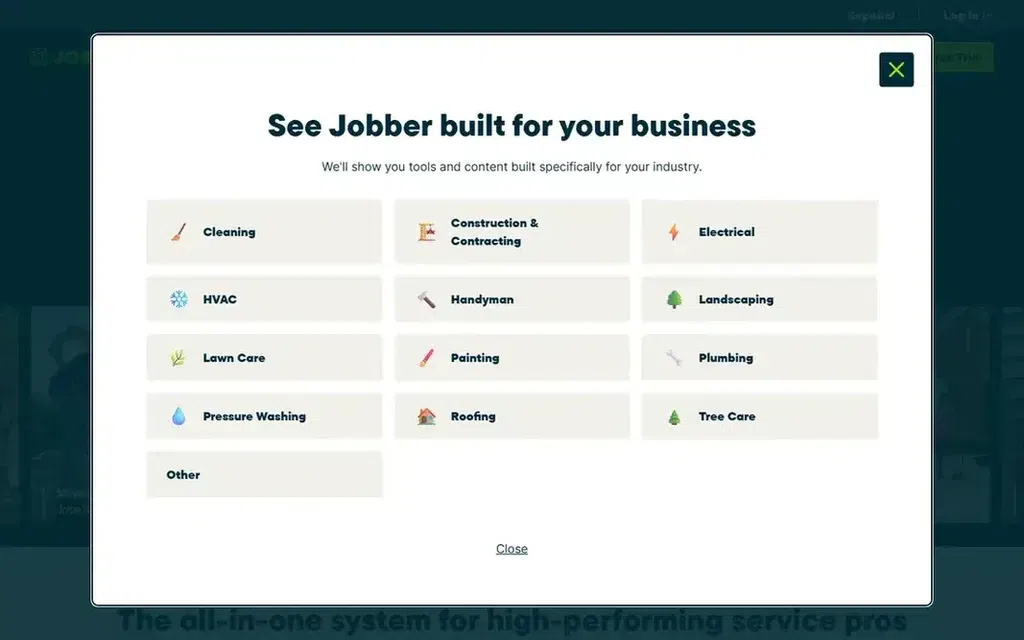
Jobber works best for small legal teams needing straightforward scheduling. Jobber gives you home and commercial service software that helps organize a service business by combining quoting, scheduling, invoicing, and payments.
Downsides: May lack advanced legal case management.
On top of that, for law businesses, it can simplify client site visits and service coordination, particularly for smaller teams that require an easy-to-learn app to run sales and operations. Also, Whereas Jobber is straightforward to use, it is aimed at service firms instead of legal practices, so it may not include case management or document handling. Pricing for Jobber is not stated here, so ask the vendor for current figures. Free access: Not stated.
- Get premium in one place
- Quote, schedule, invoice
- Not made for law businesses
Kickserv serves managing jobs and customer communication. Law businesses that coordinate field visits or client services can use it to keep jobs organized and communicate with clients efficiently.
For everyday use, if you need more full field service features, consider ServiceTitan or FieldEdge. Kickserv pricing: $60 per month. On free options: Free trial.
Where it is weaker: Not designed for legal practices.
- Helps organize field service tasks
- Aimed at home service companies
- May need extra tools for case management
ServiceM8 makes the most sense for solo practitioners and small businesses. For law businesses, it can be a practical choice for solo practitioners or small teams that require to handle client visits and field tasks on the go, reducing paperwork and improving service delivery.
Drawbacks to consider: Pitched at trade contractors, not law businesses.
The software is aimed at trade contractors, so legal teams may find some features irrelevant or missing. It may not support legal billing or case management. Entry price for ServiceM8: $29 per month. ServiceM8 includes a free tier.
- Mobile-friendly for field use
- Helps cut paperwork and get more jobs done
- May lack legal-specific features

Where ServiceTitan fits: full system for client visits and projects. ServiceTitan is an all-in-one software made for home and commercial contractors to keep service visits and construction projects running smoothly.
Watch-outs: May need setup for law firm use.
Worth adding: the software is tailored to the trades, so legal teams may find some features more than they need. No starting price is listed for ServiceTitan here; confirm pricing on the vendor site. On free options: Free trial.
- Built for home and commercial contractors
- Supports scheduling and project tracking
- Aimed at trades, not legal workflows
Service Fusion targets Service companies tracking productivity. Service Fusion offers all-in-one field service management software aimed at service firms and contractors, with a focus on saving time and increasing productivity. For law businesses, it can be handy for managing field operations related to client matters, for example property inspections or service coordination, by centralizing job information and tracking.
It may not contain legal-specific features like case notes or document management. Worth adding: if those are essential, consider pairing it with legal software or choosing a more adaptable choice like Jobber. The starting price for Service Fusion: $220 per month. Service Fusion has no permanent free option.
Points against: May need adaptation for law firm workflows.
- All-in-one field service management
- Built for service companies and contractors
- Not tailored for legal practices
How these tools were picked
For each of the 6 tools we noted price, free plan or trial, fit for field service management software for law firms and the main limit, using vendor pages and documentation. Treat prices as a snapshot: vendors change plans often, so check the vendor site for the figure that applies today. The ranking is editorial: typical fit first, then clear pricing, then free access. If your needs are unusual, read the profiles rather than relying on position.
Pre-purchase checklist
- Confirm the entry price on the vendor page. For FieldEdge, Jobber and ServiceTitan that means a quote rather than a fixed price.
- Test the free plan from ServiceM8 against your real workload before relying on it.
- Take the trial from Kickserv and ServiceTitan and push a live task through it before you pay.
- Before choosing FieldEdge, weigh its main limit: built for field service, not law businesses.
- Find out whether the entry plan of Kickserv covers your must-haves or only a trimmed-down version.
- Pick one real project and run it in ServiceTitan first; a small pilot shows fit faster than a checklist.
FAQ
Which options for field service management software for law firms have a free plan?
ServiceM8 is the only tool in this list with a free plan. Free plans usually cap users, projects or features, so check the limits on the vendor page. Several others offer a trial instead. Each of the 6 options in this field service management software for law firms guide has its own card above with the price, free plan and limits.
Is FieldEdge the right pick for everyone comparing field service management software for law firms?
No single tool suits every team. FieldEdge comes first because it fits tracking customers and service history, while Jobber suits small legal teams needing simple scheduling and Kickserv suits managing jobs and customer communication. Match the tool to your own size, budget and workflow before deciding.
Why would a law firm need field service management software?
Field service management software helps organize these activities, boost communication, and maintain records, which can be valuable for cases involving physical locations or services.
How are the tools for field service management software for law firms ordered?
The order follows typical fit for field service management software for law firms, with FieldEdge first and Service Fusion last, then price clarity and free access. It is editorial judgement, not a score, so another team could rank the tools differently.
What is the cheapest option for field service management software for law firms in this list?
On published monthly entry prices, ServiceM8 is the lowest here at $29 per month. Entry price is only part of the cost, because seats, add-ons and billing terms can change the total. All 6 picks in this field service management software for law firms comparison list a starting price, free plan details and the main limits on their cards above.
Sources
- https://www.fieldedge.com
- https://getjobber.com
- https://www.kickserv.com
- https://www.servicem8.com
- https://www.servicetitan.com
- https://www.servicefusion.com