Best Digital Asset Management Software for Law Firms for 2026: Our 5 Vetted Picks
5 best digital asset management software for law firms, compared on pricing, free plans and best-fit use. Honest caveats for every entry. Full profiles inside.
- Editor's choiceExtensis Portfolio
Creative asset and font management
Starts at$200 per user each yearVisit extensis.comFull review - Great alternative
 Brandfolder
Straightforward, usable brand asset management
Starts atSee websiteVisit brandfolder.comFull review - Also consider
 Canto
Organizing and sharing digital assets
Starts atSee websiteVisit canto.comFull review
Direct answer
This list puts Extensis Portfolio first for creative asset and font management. Listed starting prices: Extensis Portfolio from $200 per user each year. Brandfolder fits straightforward, usable brand asset management; Canto fits organizing and sharing digital assets. Details, prices and limits for the rest of the 5 tools are below.
TL;DR:
- Number one here is Extensis Portfolio, a fit for creative asset and font management.
- For legal document and email management, NetDocuments is worth a look.
- Starting prices begin at $200 per user annually with Extensis Portfolio.
- OpenText Content Manager comes with a trade-off: enterprise scope can mean more setup effort.
Last checked November 2026. Prices and plan details were read from the vendors' own pages in November 2026; vendors change plans often, so confirm the current price on the vendor site before you buy.
Quick comparison
| Tool | Best for | Starts at | Free plan? | |
|---|---|---|---|---|
| Extensis Portfolio | Creative asset and font management | $200 per user each year | No | Visit |
| Brandfolder | Straightforward, usable brand asset management | See website | Not stated | Visit |
| Canto | Organizing and sharing digital assets | See website | Free trial | Visit |
| OpenText Content Manager | Enterprise information governance | See website | Not stated | Visit |
 NetDocuments | Legal document and email management | See website | Not stated | Visit |
Our 5 digital asset management software for law firms
If you are comparing digital asset management software for law firms, this page covers 5 tools in one place: what each is best for, what it costs to start, whether it has a free plan, and the main limit to know about.
Extensis Portfolio
Best for: Creative asset and font management
Extensis Portfolio targets creative asset and font management. Businesses without significant design production may not need the font compliance angle.
It suits creative operations that require both a digital asset library and control over font licensing. The starting price for Extensis Portfolio: $200 per user annually. Extensis Portfolio has no permanent free option.
What to check first: Creative operations focus instead of legal documents.
- Font usage and license compliance reporting
- Runs fonts and digital assets
- May suit design and brand teams more than records teams
Pick Brandfolder if this describes you: straightforward, usable brand asset management. Brandfolder describes itself as a usable digital asset management product for managing, distributing and analyzing digital assets in one place, positioned as brand asset management software. As a brand asset system, it does not target legal document or matter management, so businesses still need a legal records system alongside it.
For everyday use, pick Brandfolder when simplicity for brand assets is the deciding factor. Organizations with highly complicated metadata or enterprise governance needs may want to compare broader products. Brandfolder shows no starting price here, so confirm the cost on the vendor site. Free options: Not stated.
What to check first: Brand-centric scope.
- Emphasis on usability
- Brand asset management focus
- Not built for legal document workflows
In short, Canto is for organizing and sharing digital assets. Canto is a digital asset management solution whose homepage emphasizes helping organizations organize, find and share digital assets with ease. On top of that, for law firm marketing and communications teams, that translates into a central library for imagery, documents and brand materials that people across offices can search and reuse.
Limits to weigh: Marketing asset orientation.
Businesses with strict records governance requirements should confirm how it suits their policies. On top of that, choose Canto when simple organization and sharing of marketing and brand assets is the primary need. No starting price is listed for Canto here; confirm pricing on the vendor site. Free access: Free trial.
- Digital asset management focus
- Suited to organizations worldwide
- General DAM instead of legal-specific
OpenText Content Manager
Best for: Enterprise information governance
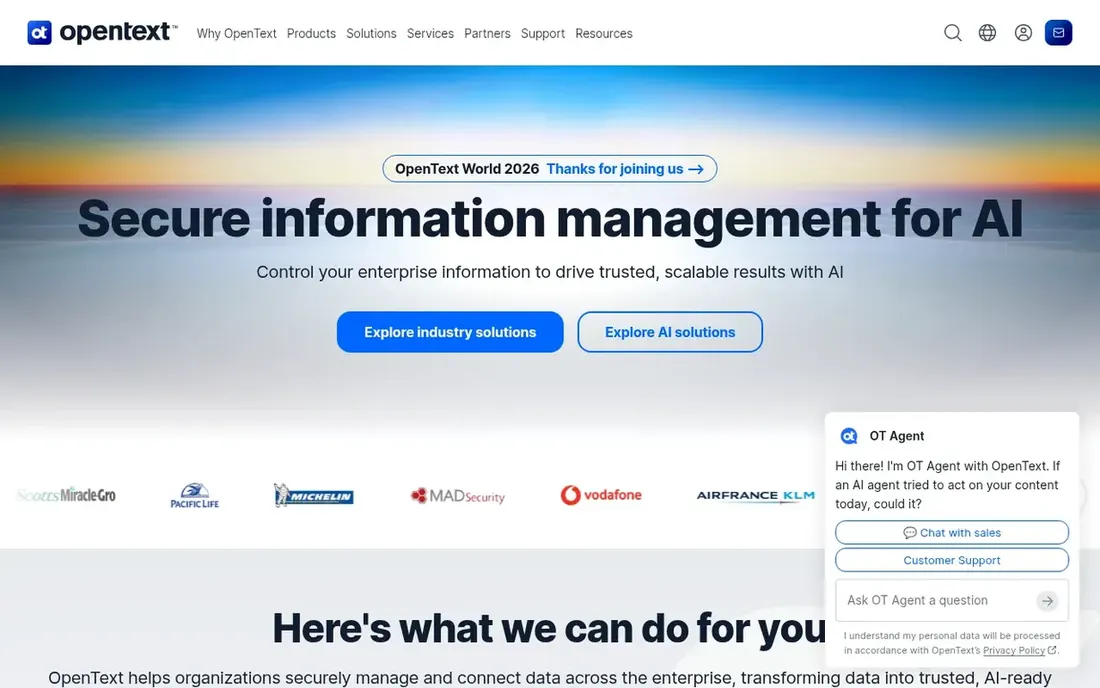
Think of OpenText Content Manager for enterprise information governance. OpenText Content Manager sits within OpenText's secure information management portfolio, which the homepage describes as helping organizations securely run and link data across the enterprise and transform it into trusted, AI-ready information.
Where it falls short: Not legal-specific in its messaging.
For everyday use, for law businesses with complicated records, compliance and enterprise content needs, this wide governance orientation can be valuable. Its enterprise breadth means implementation and administration can demand more planning than a narrowly focused legal tool. Pricing for OpenText Content Manager is not stated here, so ask the vendor for current figures. Free access: Not stated. What users get: Secure information management across the enterprise.
- AI-ready information
- Wide enterprise content coverage
- Enterprise scope can mean more setup effort
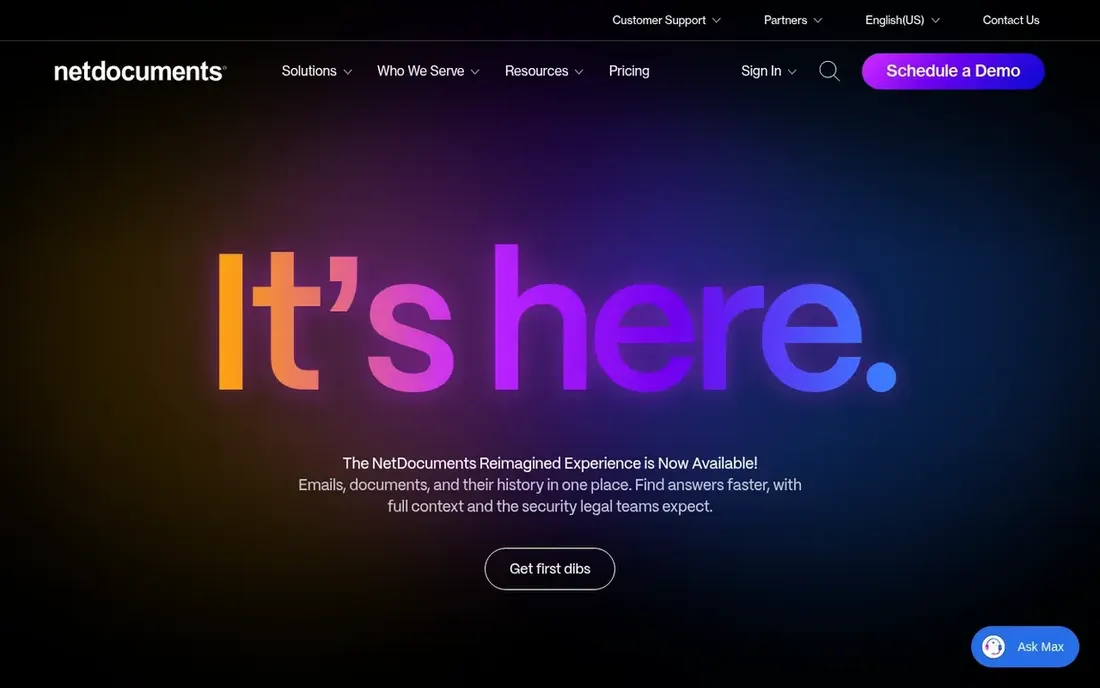
For legal document and email management, NetDocuments is a natural candidate. Businesses with large marketing and brand content operations might pair it with a dedicated brand DAM.
Where it shines: Made for legal businesses and departments.
On top of that, since it is built around legal document and email management, teams seeking heavy creative asset distribution or brand portal features may find it less tailored. NetDocuments shows no starting price here, so confirm the cost on the vendor site. On free options: Not stated. What to check first: Not positioned as a general marketing DAM.
- Automates document and email management
- Secure, compliant
- Legal focus may be narrow for brand asset teams
What went into this list
LinkVetted looked at what each vendor publishes: pricing, plan limits, feature coverage for digital asset management software for law firms and stated drawbacks. No hands-on testing is claimed. Where a vendor does not publish a price, the entry says quote. Where a price depends on seats or billing term, the entry says so. Order on the page follows fit for the typical buyer first, then price transparency and free access. Your own requirements should decide the final pick.
What to check before you buy
- Ask Brandfolder, Canto, OpenText Content Manager and NetDocuments for a written quote, since no starting price is shown.
- Use real work to test the free trial from Canto, rather than a demo project.
- Read the limits listed for Extensis Portfolio first: creative operations focus instead of legal documents.
- Ask the daily users to test NetDocuments on a live task before you roll it out to everyone.
- Find out whether the entry plan of Canto covers your must-haves or only a trimmed-down version.
FAQ
What is the cheapest option for digital asset management software for law firms in this list?
On published monthly entry prices, Extensis Portfolio is the lowest here at $200 per user annually. Entry price is only part of the cost, because seats, add-ons and billing terms can change the total.
Can I try these tools before paying?
Often, yes. Canto offers a free trial. Use your own data and a real task during the test, and check what the free tier or trial limits before you rely on it.
Does any tool for digital asset management software for law firms here have a free plan?
A permanent free plan is not offered by Extensis Portfolio, NetDocuments or the other tools here. Canto offer a trial. Plan a short evaluation period instead.
How are the tools for digital asset management software for law firms ordered?
The order follows typical fit for digital asset management software for law firms, with Extensis Portfolio first and NetDocuments last, then price clarity and free access. It is editorial judgement, not a score, so another team could rank the tools differently.
Sources
- https://www.extensis.com
- https://brandfolder.com
- https://www.canto.com
- https://www.opentext.com
- https://www.netdocuments.com