Best Document Co-Editing Tool for Legal Contracts (2026): 5 Picks Checked on Vendor Pages
Weighing the best document co-editing tool for legal contracts? We lined up 5 products by cost, free access and fit. Each profile ends with a plain caveat.
- Editor's choice
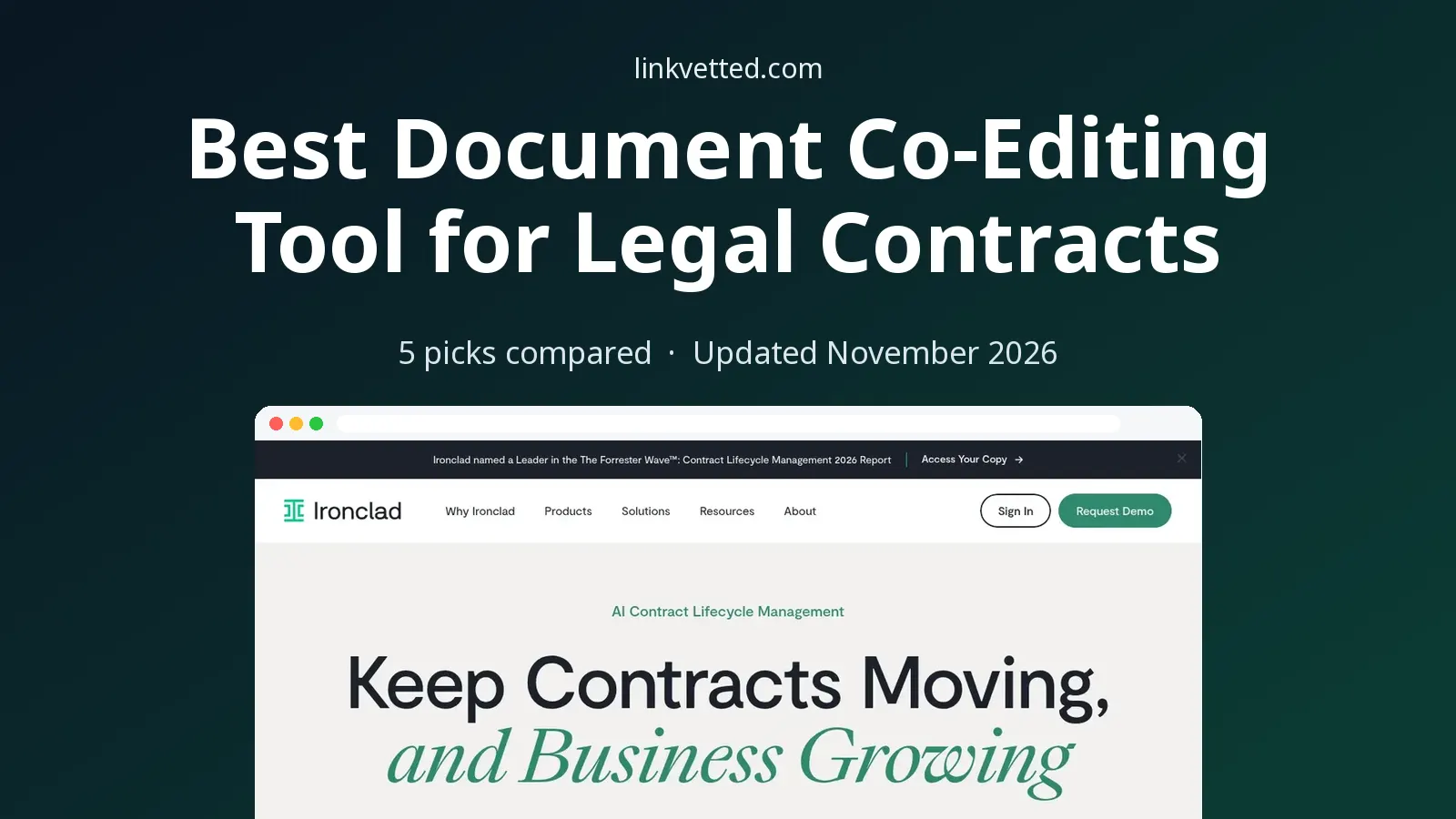
 Ironclad
AI contract lifecycle management
Starts atSee websiteVisit ironcladapp.comFull review - Great alternativeiManage
Legal knowledge and document management
Starts atSee websiteVisit imanage.comFull review - Also consider
 DocuSign
Signing and agreement management
Starts at$45 per user a monthVisit docusign.comFull review
Direct answer
Ironclad leads the list, best for AI contract lifecycle management. Listed starting prices: DocuSign from $45 per user a month. For a different need, iManage covers legal knowledge and document management and DocuSign covers signing and agreement management. Details, prices and limits for the rest of the 5 tools are below.
TL;DR:
- Top of the list is Ironclad, which targets AI contract lifecycle management.
- A permanent free plan is missing from all 5 tools, Ironclad and Adobe Acrobat included; plan for a trial or a premium start.
- The cheapest monthly starting price in the list is $45 per user per month, offered by DocuSign.
- Adobe Acrobat fits PDF review and document management.
- One limit worth knowing about Ironclad: concentrated on contract lifecycle instead of general documents.
Last checked November 2026. Prices and plan details were read from the vendors' own pages in November 2026; vendors change plans often, so confirm the current price on the vendor site before you buy.
Quick comparison
| Tool | Best for | Starts at | Free plan? | |
|---|---|---|---|---|
| Ironclad | AI contract lifecycle management | See website | Not stated | Visit |
| iManage | Legal knowledge and document management | See website | Not stated | Visit |
| DocuSign | Signing and agreement management | $45 per user a month | Not stated | Visit |
| ContractPodAi | End-to-end contracting with agentic AI | See website | Not stated | Visit |
 Adobe Acrobat | PDF review and document management | See website | Not stated | Visit |
Tool-by-tool breakdown
This LinkVetted guide covers 5 document co-editing tool for legal contracts. Each profile lists a starting price, free plan details, strengths and drawbacks, so you can drop poor fits quickly.

Ironclad works best for AI contract lifecycle management. It is targeted at contract work specifically, so teams needing general document co-editing will want a broader tool.
Drawbacks to consider: Concentrated on contract lifecycle instead of general documents.
Pricing for Ironclad is not stated here, so ask the vendor for current figures. Free access: Not stated.
- Supports risk management across contracts
- Design and deploy contract types rapidly
- Custom demo required before evaluating
iManage
Best for: Legal knowledge and document management
iManage was built for legal knowledge and document management. iManage is an AI knowledge work system for legal and professional services that runs and activates knowledge whereas connecting people and AI securely. It is not a drafting editor itself, so co-editing still happens in a word processor or contract product.
The main drawbacks: Focused on knowledge management rather than drafting.
Teams without significant document governance needs may find it more than required. Also, choose iManage when secure knowledge and document management are central to legal operations. This comparison lists no price for iManage; ask the vendor. As for free access: Not stated.
- Designed for legal and professional services
- Connects people and AI securely
- Not a primary word processing editor
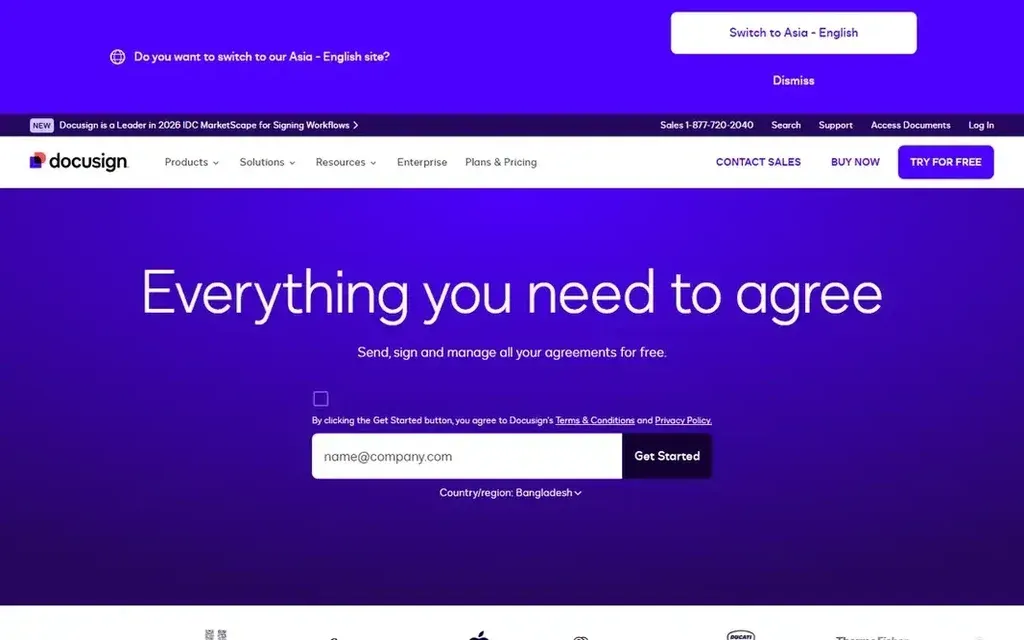
Pick DocuSign if this describes you: signing and agreement management. For legal contracts, its value is strongest at the point where drafts become signed, tracked agreements.
Where it falls short: Not a full document authoring suite.
DocuSign starts at: $45 per user per month. As for free access: Not stated.
- Handles creating
- Intelligent agreement management in one system
- Co-editing is secondary to signing workflows
ContractPodAi
Best for: End-to-end contracting with agentic AI

ContractPodAi is built with end-to-end contracting with agentic AI in mind. For legal contracts, that means drafting and collaboration sit alongside the wider lifecycle instead of in a standalone editor. Worth adding: smaller legal groups without dedicated operations support may prefer a more straightforward editor first.
What to check first: Enterprise focus can mean longer setup.
Beyond that, since it is a full system, teams that only need light live editing may find it more than necessary. In daily use, choose ContractPodAi when contract collaboration should be tied to broader legal and procurement processes. This comparison lists no price for ContractPodAi; ask the vendor. As for free access: Not stated.
- Runs contracting, legal
- Procurement in one system
- Wide product may feel heavy for straightforward co-editing
Adobe Acrobat makes the most sense for PDF review and document management. Adobe Acrobat is a complete PDF toolkit enhanced with AI for creating, editing, signing, and managing documents. Worth adding: teams that draft collaboratively from scratch may find it constraining.
What users get: Build, edit, sign.
Trade-offs to know: Collaboration is less fluid than word processors.
Acrobat is not built as a primary drafting environment, so back-and-forth clause editing is smoother in a word processor. Use Acrobat for PDF review and document management, and pair it with an editor for drafting. Adobe Acrobat does not show a starting price in this comparison, so check the vendor site for current pricing. Free plan details: Not stated.
- Trusted PDF tools enhanced with AI
- Handle documents
- PDF-centric instead of a drafting editor
How the list was put together
A buyer's checklist
- Confirm the entry price on the vendor page. For Ironclad, iManage, ContractPodAi and Adobe Acrobat that means a quote rather than a fixed price.
- Read the limits listed for Ironclad first: centred on contract lifecycle instead of general documents.
- Verify that exporting from iManage is possible on your plan and covers all your records.
- Read the plan comparison for Ironclad carefully; key features often start on a higher tier.
- Compare total cost, not headline price: for ContractPodAi, add extra seats, add-ons and any usage-based charges.
FAQ
Is Ironclad the right pick for everyone comparing document co-editing tool for legal contracts?
No single tool suits every team. Ironclad comes first because it fits AI contract lifecycle management, while iManage suits legal knowledge and document management and DocuSign suits signing and agreement management. Match the tool to your own size, budget and workflow before deciding.
How are the document co-editing tool for legal contracts ordered?
The order follows typical fit for document co-editing tool for legal contracts, with Ironclad first and Adobe Acrobat last, then price clarity and free access. It is editorial judgement, not a score, so another team could rank the tools differently.
Does any tool for document co-editing tool for legal contracts here have a free plan?
A permanent free plan is not offered by Ironclad, Adobe Acrobat or the other tools here. Plan a short evaluation period instead.
Where does electronic signature fit in contract collaboration?
Signing comes after drafting and review, so tools like DocuSign are most solid at the final stage. Pairing a signing platform with a co-editing tool keeps the handoff from final draft to executed agreement clean.
Can I try these tools before paying?
Not by default. None of the tools, from Ironclad to Adobe Acrobat, lists a free plan or a free trial here, so ask each vendor for a demo before committing.
Sources
- https://ironcladapp.com
- https://imanage.com
- https://www.docusign.com
- https://contractpodai.com
- https://www.adobe.com/acrobat.html