Best Document Collaboration Software for Legal Firms for 2026: Our 5 Vetted Picks
Best document collaboration software for legal firms in 2026: 5 contenders with entry costs and free tiers. Pros and cons for every tool. Prices checked.

- Editor's choice
 Box
Intelligent content management and workflows
Starts atSee websiteVisit box.comFull review - Great alternative
 Google Workspace
Secure online productivity suite
Starts atSee websiteVisit workspace.google.comFull review - Also consideriManage
AI knowledge work in legal
Starts atSee websiteVisit imanage.comFull review
Direct answer
Box comes first here, mainly for intelligent content management and workflows. Listed starting prices: DocuSign from $45 per user a month. Google Workspace is the stronger choice for secure online productivity suite, while iManage suits AI knowledge work in legal. The full list of 5 tools follows, with prices and free plan facts.
TL;DR:
- Box sits first on this list: intelligent content management and workflows.
- A permanent free plan is missing from all 5 tools, Box and NetDocuments included; plan for a trial or a premium start.
- NetDocuments fits legal document and email management.
- The cheapest monthly starting price in the list is $45 per user per month, offered by DocuSign.
Last checked November 2026. Prices and plan details were read from the vendors' own pages in November 2026; vendors change plans often, so confirm the current price on the vendor site before you buy.
Quick comparison
| Tool | Best for | Starts at | Free plan? | |
|---|---|---|---|---|
| Box | Intelligent content management and workflows | See website | Not stated | Visit |
| Google Workspace | Secure online productivity suite | See website | Not stated | Visit |
| iManage | AI knowledge work in legal | See website | Not stated | Visit |
 DocuSign | Electronic signature and agreement management | $45 per user a month | Not stated | Visit |
 NetDocuments | Legal document and email management | See website | Not stated | Visit |
Our 5 document collaboration software for legal firms
Short on time? The summary and table above give the quick view of 5 document collaboration software for legal firms, and the profiles that follow give the detail behind each entry.
For intelligent content management and workflows, Box is a natural candidate. Box describes itself as AI-powered content management, workflow and collaboration software. Legal businesses that exchange documents with clients and outside counsel may value the external collaboration emphasis.
For everyday use, consider Box when workflow automation and secure external sharing are priorities across a mixed set of documents. From a buyer's view, Box is a general content management system, so legal businesses may have to configure it around matter-centric practices. Box does not show a starting price in this comparison, so check the vendor site for current pricing. Trial and free access: Not stated.
The main drawbacks: May need configuration for legal use.
- Automates workflows
- Supports internal and external collaboration
- General content system
Google Workspace was built for secure online productivity suite. Pick Google Workspace when adaptable, online collaboration is the primary goal and legal-specific controls can be addressed separately.
In practice, Google Workspace provides a suite of secure, online productivity and collaboration tools. This comparison lists no price for Google Workspace; ask the vendor. Free access: Not stated.
Points against: General instead of legal-specific.
- Works for teams of all sizes
- Suite of online collaboration tools
- May need extras for legal workflows
iManage
Best for: AI knowledge work in legal

iManage is aimed squarely at AI knowledge work in legal. Teams seeking only entry-level file sharing might find it broader than required. Also, choose iManage when knowledge activation and AI-assisted work are central to the firm's document strategy.
Trade-offs to know: Positioned for professional services.
From a buyer's view, iManage is positioned around knowledge work for legal and professional services, so businesses outside those sectors may not need its emphasis. Its homepage says it handles and activates knowledge, powering smarter decisions whereas securely connecting people and AI. This comparison lists no price for iManage; ask the vendor. Free access: Not stated.
- Targets legal and professional services
- Handles and activates knowledge
- May require workflow adjustment
In short, DocuSign is for electronic signature and agreement management. DocuSign concentrates on electronic signature and intelligent agreement management.
Teams needing thorough document and email management will want a legal-focused system as the core. Legal businesses that require to execute and handle agreements alongside document collaboration may find it a handy addition. DocuSign pricing: $45 per user per month. On free options: Not stated.
Where it is weaker: May complement instead of replace document systems.
- Intelligent agreement management
- Electronic signature focus
- Signature-centric instead of full DMS
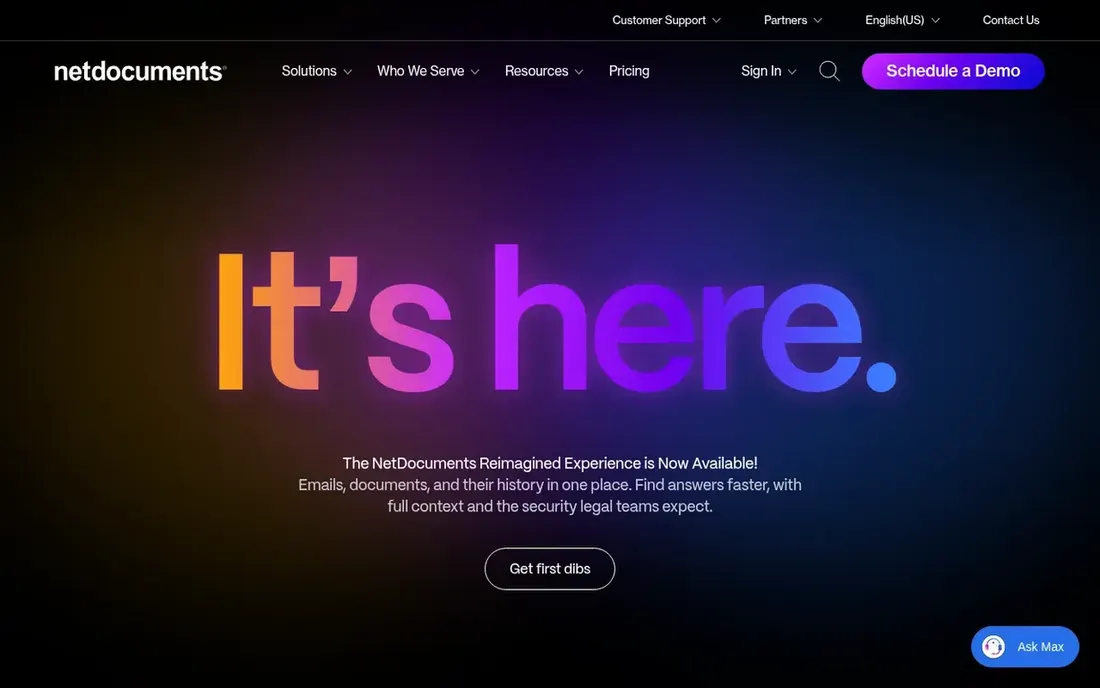
For legal document and email management, NetDocuments is a natural candidate. NetDocuments is a document and email management system aimed at legal businesses and departments. Its homepage flags automation of document and email management on a secure, compliant system that is accessible from anywhere.
In practice, since NetDocuments is oriented toward legal document and email management, businesses with more straightforward needs may find it more specialized than necessary. Businesses that want a system built around legal document handling, instead of general file storage, will find the legal focus relevant. Pricing for NetDocuments is not stated here, so ask the vendor for current figures. Free options: Not stated.
Watch-outs: May overlap with existing DMS.
- Compliant system
- Accessible from anywhere
- Centred on legal workflows
Our selection method
Each tool was reviewed on what its vendor publishes: price, plan limits, core features and stated drawbacks. We did not run hands-on tests. Prices and plan limits come from vendor pages and can change, so confirm them on the vendor site before you buy. Tools are placed by general fit for document collaboration software for legal firms, with price clarity and free access as tie-breakers. A different team can reasonably rank them differently.
Before you commit
- Get a written quote from Box, Google Workspace, iManage and NetDocuments; the list shows no starting price for them.
- Read the limits listed for Box first: general content product.
- Test the integrations you rely on with iManage before committing; some connectors sit on upper tiers.
- Ask NetDocuments which support channels and response times come with the plan you would buy.
- Total up the real monthly cost of Google Workspace, including add-ons, extra users and usage-based fees.
FAQ
Does any tool for document collaboration software for legal firms here have a free plan?
A permanent free plan is not offered by Box, NetDocuments or the other tools here. Plan a short evaluation period instead.
How are the tools for document collaboration software for legal firms ordered?
Box sits first and NetDocuments last because the order follows typical fit for document collaboration software for legal firms, then price clarity and free access. It is a judgement call, so read each profile for fit and limits.
Do these tools publish their prices?
Not all of them. Box, Google Workspace, iManage and NetDocuments publish no starting price, so expect a quote request for those. The rest, DocuSign included, show a starting price, though seats and billing terms still change the final cost.
What should legal businesses look for in document collaboration software?
Legal businesses should prioritize secure document and email management, controlled external sharing, version control and audit trails. Compliance features and integration with existing systems also matter.
Can I try these tools before paying?
Not by default. None of the tools, from Box to NetDocuments, lists a free plan or a free trial here, so ask each vendor for a demo before committing.
Sources
- https://www.box.com
- https://workspace.google.com
- https://imanage.com
- https://www.docusign.com
- https://www.netdocuments.com