Best Document Collaboration Tools for Legal Departments in 2026: Prices, Free Plans and 5 Picks
Compare 5 best document collaboration tools for legal departments, with prices, free plans and who each fits. Plain-spoken summaries throughout. Choose faster.
- Editor's choice
 Google Workspace
Everyday online collaboration and productivity
Starts atSee websiteVisit workspace.google.comFull review - Great alternative
 Egnyte
Enterprise content governance and large files
Starts at$22 per user a monthVisit egnyte.comFull review - Also consider
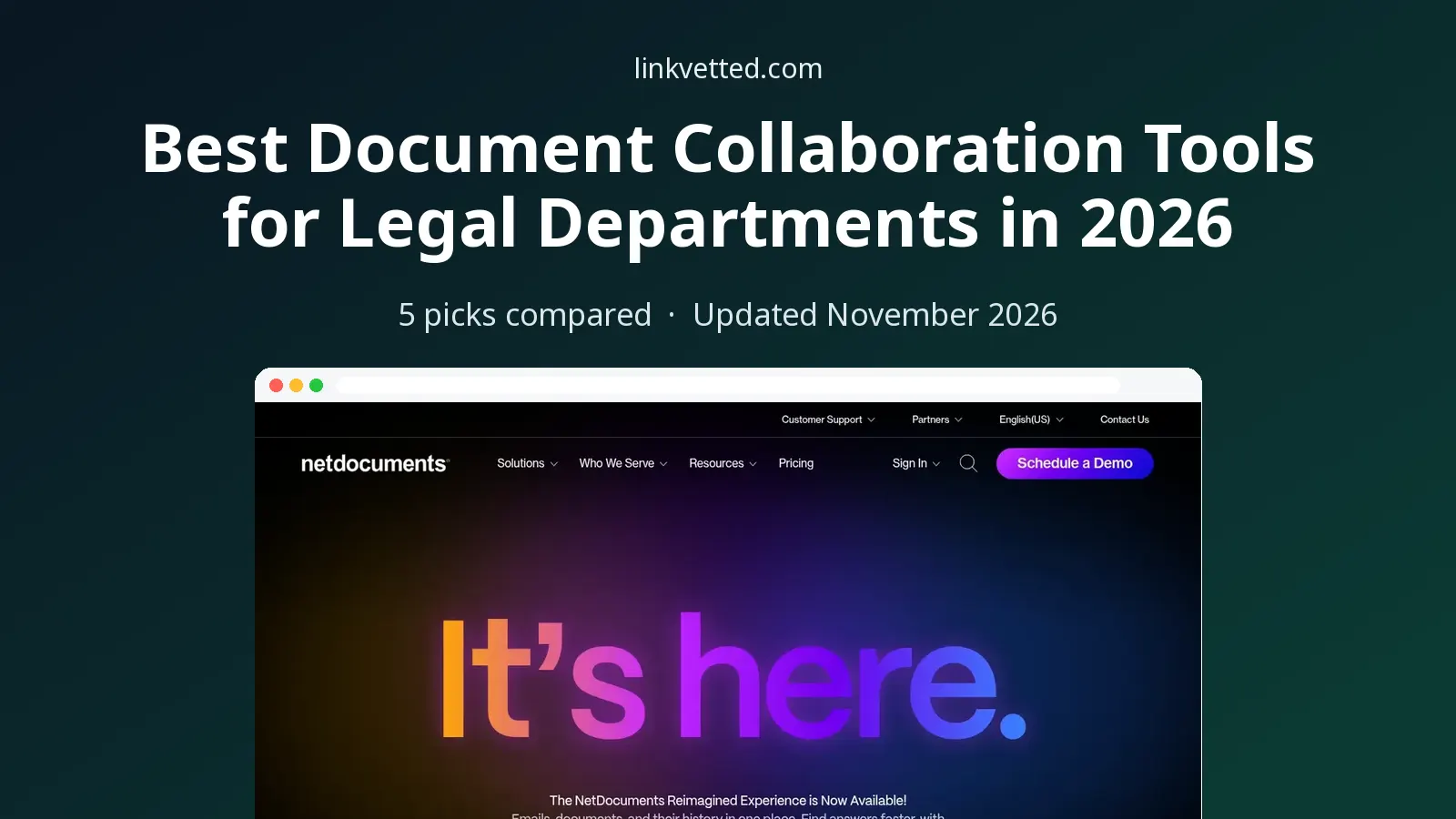
 NetDocuments
Legal-focused document and email management
Starts atSee websiteVisit netdocuments.comFull review
Direct answer
Google Workspace is the first pick on this list for everyday online collaboration and productivity. Listed starting prices: Egnyte from $22 per user a month. Look at Egnyte for enterprise content governance and large files, and at NetDocuments for legal-focused document and email management. The remaining 2 options are covered below with prices and limits.
TL;DR:
- The list opens with Google Workspace, aimed at everyday online collaboration and productivity.
- Egnyte has the lowest monthly starting price in this list: $22 per user per month.
- SharePoint fits collaboration inside Microsoft 365.
- Google Workspace, SharePoint and the 3 others all need a premium plan or a trial, since no free plan is listed.
- What to know about NetDocuments first: may be more than small teams need.
Last checked November 2026. Prices and plan details were read from the vendors' own pages in November 2026; vendors change plans often, so confirm the current price on the vendor site before you buy.
Quick comparison
| Tool | Best for | Starts at | Free plan? | |
|---|---|---|---|---|
| Google Workspace | Everyday online collaboration and productivity | See website | Not stated | Visit |
| Egnyte | Enterprise content governance and large files | $22 per user a month | Free trial | Visit |
| NetDocuments | Legal-focused document and email management | See website | Not stated | Visit |
| iManage | AI-assisted knowledge work in legal | See website | Not stated | Visit |
 SharePoint | Collaboration inside Microsoft 365 | See website | Not stated | Visit |
5 document collaboration tools for legal departments in detail
LinkVetted put together this guide to document collaboration tools for legal departments for readers who want a clear shortlist without reading every vendor page. It compares 5 tools on starting price, free plans, who each one suits and where each one falls short.
Google Workspace
Best for: Everyday online collaboration and productivity
Google Workspace is a good fit for everyday online collaboration and productivity. Google Workspace is a suite of secure online productivity and collaboration tools for teams of all sizes.
The main drawbacks: Less legal-specific functionality.
Legal departments can use it for shared documents, communication, and everyday coordination. Google Workspace shows no starting price here, so confirm the cost on the vendor site. Free access: Not stated.
- Live online collaboration
- Secure online tools
- Governance may need additional controls
Egnyte works best for enterprise content governance and large files. Egnyte is a content cloud system that hands AI business context, supports collaboration on large files, and helps govern sensitive content on one secure product.
In daily use, if legal-specific organization is the priority, consider a dedicated legal system. Price to start with Egnyte: $22 per user per month. Free options: Free trial.
Downsides: Legal-specific features are restricted.
- Large-file collaboration
- Content governance focus
- Enterprise-oriented setup
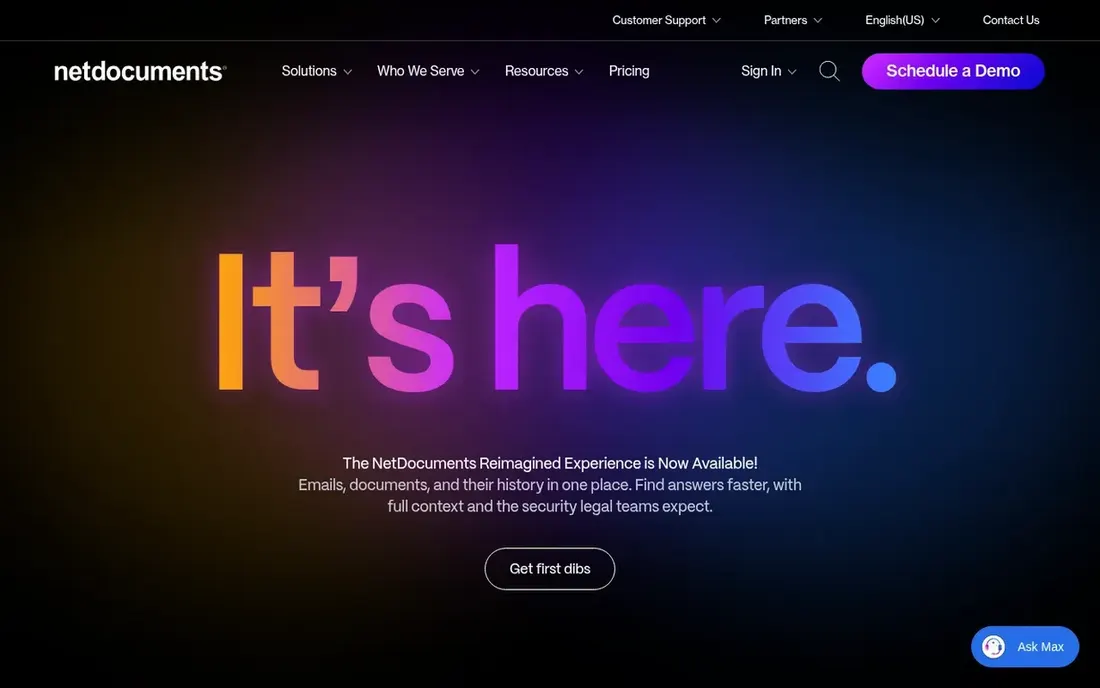
Pick NetDocuments if this describes you: legal-focused document and email management. NetDocuments is a document and email management system built for legal businesses and departments. Its homepage emphasizes secure, compliant, and anywhere-accessible access, which fits legal teams that require to organize matters and control who sees what.
Main advantages: Made for legal workflows.
In practice, if your team mainly needs straightforward file sharing inside an existing productivity suite, a broader collaboration system may be a better fit. In daily use, the product is specialized, so organizations outside legal may find it more focused than necessary. It also involves configuration and user training to adopt well. NetDocuments does not show a starting price in this comparison, so check the vendor site for current pricing. Free plan details: Not stated.
Drawbacks to consider: Needs setup and training.
- Secure
- Accessible from anywhere
- May be more than small teams need
iManage
Best for: AI-assisted knowledge work in legal

Pick iManage if this describes you: AI-assisted knowledge work in legal. iManage describes itself as an AI knowledge work product that handles and activates knowledge whereas securely connecting people and AI. For everyday use, for legal departments, that means document and knowledge management with an emphasis on smarter decisions and secure access.
Worth adding: if you need a more straightforward collaboration layer instead of a knowledge product, consider a more general choice. From a buyer's view, since it targets bigger professional services environments, smaller legal teams may find it heavy to administer. It can also overlap with document systems already in place. Check the vendor site for iManage pricing; none is listed in this comparison. As for free access: Not stated.
Watch-outs: May overlap with existing document systems.
- AI knowledge system
- Pitched at legal and professional services
- Enterprise-oriented complexity
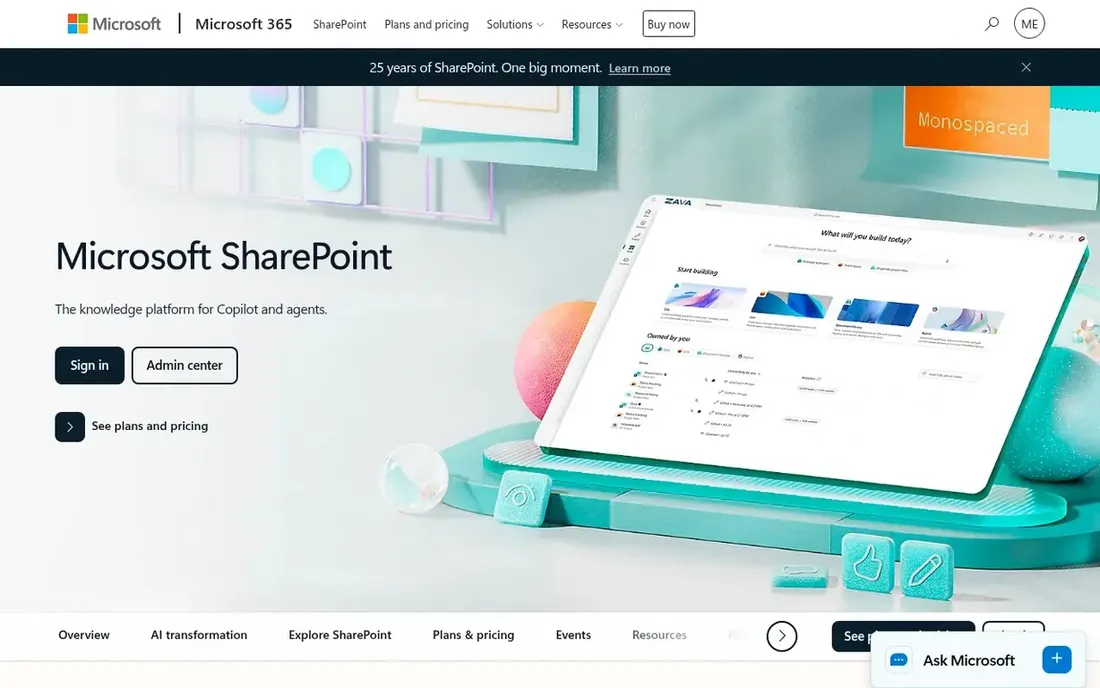
SharePoint serves collaboration inside Microsoft 365. SharePoint is Microsoft's collaborative content management system for creating, sharing, and governing trusted knowledge across Microsoft 365. Also, if your priority is a purpose-built legal document system, a specialized platform may be more straightforward.
The main drawbacks: Can be complicated to configure.
Legal departments already using Microsoft tools can keep documents, communication, and automation in one environment. Legal-specific workflows may need additional configuration or extras. For everyday use, SharePoint is adaptable but can become complicated to set up and maintain, particularly around permissions and governance. SharePoint shows no starting price here, so confirm the cost on the vendor site. Free plan details: Not stated.
- Collaboration and automation tools
- Deep Microsoft 365 integration
- Governance needs planning
How the list was put together
LinkVetted looked at what each vendor publishes: pricing, plan limits, feature coverage for document collaboration tools for legal departments and stated drawbacks. No hands-on testing is claimed. Prices and plan limits come from vendor pages and can change, so confirm them on the vendor site before you buy. The order reflects how well each tool fits the most common buying scenario for document collaboration tools for legal departments, then price clarity, then free plan access. It is a starting point, not a verdict.
What to confirm before you sign up
- Get a written quote from Google Workspace, NetDocuments, iManage and SharePoint; the list shows no starting price for them.
- Use real work to test the free trial from Egnyte, rather than a demo project.
- Before choosing Google Workspace, weigh its main limit: less legal-specific functionality.
- Look at the help docs and support options for SharePoint before you commit.
- Read the plan comparison for Egnyte carefully; key features often start on a higher tier.
FAQ
What makes a document collaboration tool suitable for legal departments?
Legal departments need secure access, capable governance, and organization by matter or client. General-purpose products can work but may need additional configuration.
Do these tools publish their prices?
Not all of them. Google Workspace, NetDocuments, iManage and SharePoint publish no starting price, so expect a quote request for those. The rest, Egnyte included, show a starting price, though seats and billing terms still change the final cost.
How are the tools for document collaboration tools for legal departments ordered?
The order follows typical fit for document collaboration tools for legal departments, with Google Workspace first and SharePoint last, then price clarity and free access. It is editorial judgement, not a score, so another team could rank the tools differently.
Does any tool for document collaboration tools for legal departments here have a free plan?
A permanent free plan is not offered by Google Workspace, SharePoint or the other tools here. Egnyte offer a trial. Plan a short evaluation period instead.
What is the cheapest option for document collaboration tools for legal departments in this list?
On published monthly entry prices, Egnyte is the lowest here at $22 per user per month. Entry price is only part of the cost, because seats, add-ons and billing terms can change the total.
How should we evaluate security and compliance for legal documents?
Confirm how the tool manages confidential client material and external sharing. Legal departments should verify that documented features align with their professional obligations.
Sources
- https://workspace.google.com
- https://www.egnyte.com
- https://www.netdocuments.com
- https://imanage.com
- https://www.microsoft.com/en-us/microsoft-365/sharepoint/collaboration