Best CLM Software for Large Enterprises in 2026: 8 Tools Compared
Compare the best clm software for large enterprises, with contract workflows, AI review, obligation tracking, and enterprise security compared in 2026.
- Editor's choice
 Ironclad
Legal teams wanting flexible workflows
Starts atSee websiteVisit ironcladapp.comFull review - Great alternative
 Icertis
Regulated global enterprises
Starts atSee websiteVisit icertis.comFull review - Also consider
 DocuSign CLM
Firms already using DocuSign
Starts atSee websiteVisit docusign.comFull review
TL;DR:
- Large-enterprise CLM is quote-only in almost every case, so budget ranges, not list prices, are the honest comparison.
- Icertis and Sirion lead on post-signature obligation tracking at global scale, while Ironclad leads on pre-signature workflow design.
- DocuSign CLM suits firms already standardized on DocuSign for signing, because it extends a tool teams already use.
- Implementation takes months, not days, so plan for data migration, clause libraries, and approval design before signing.
Quick comparison
| Tool | Best for | Starts at | Free plan? | |
|---|---|---|---|---|
| Ironclad | Legal teams wanting flexible workflows | See website | No | Visit |
| Icertis | Regulated global enterprises | See website | No | Visit |
| DocuSign CLM | Firms already using DocuSign | See website | No | Visit |
 Agiloft | Enterprises needing no-code configuration | See website | No | Visit |
 Sirion | Supplier-heavy enterprises | See website | No | Visit |
 Conga CLM | Salesforce-native teams | See website | No | Visit |
 LinkSquares | Legal operations focused on signed contracts | See website | No | Visit |
 SAP Ariba | SAP-centered procurement teams | See website | No | Visit |
The best CLM software for large enterprises
We compared analyst placements, vendor feature pages, and published market price ranges for full lifecycle tools, from authoring and negotiation through signature, repository, and obligation tracking. These eight fit large enterprises.
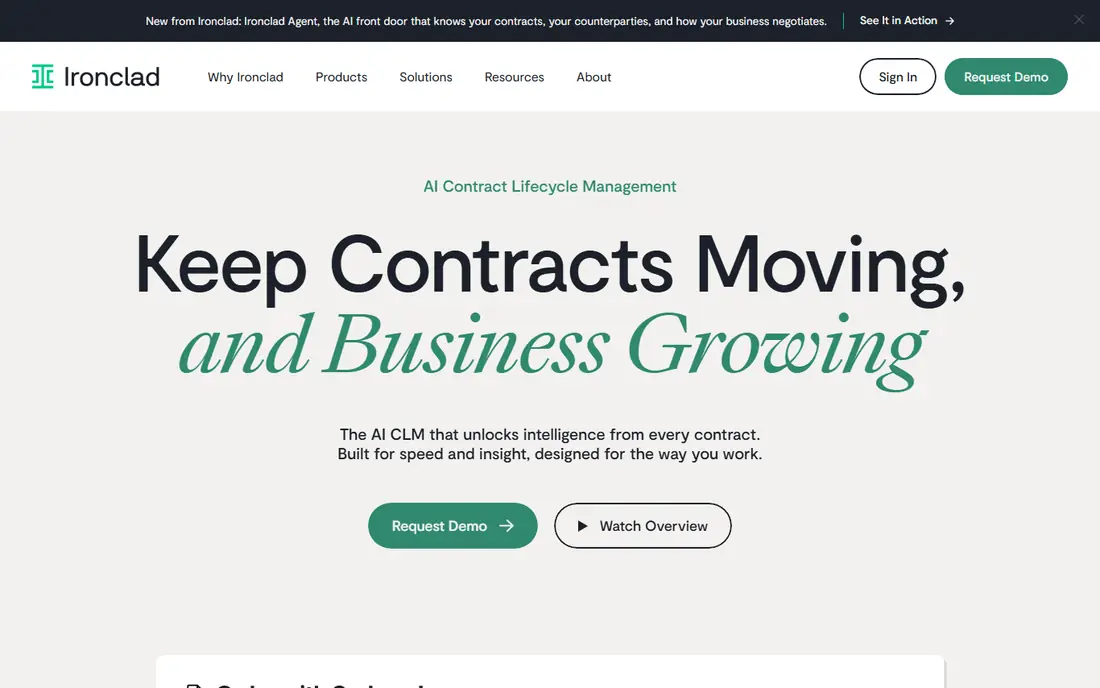
Ironclad is a workflow-first CLM platform that lets legal teams design approval, negotiation, and signature flows without rebuilding them in code for every contract type. Business teams can start routine agreements from templates and guided workflows, while legal keeps control over clauses, approvals, and fallback language. AI features help draft, summarize, and review contracts, which matters when legal headcount cannot grow with contract volume.
The catch is total cost. Ironclad is quote-only, market reports place typical annual costs in the tens of thousands of dollars and higher for large deployments, and implementation plus AI add-ons add to the base. Firms should get AI pricing in the first quote, not after rollout, and should test workflows on their own non-standard agreements.
- Visual workflow designer business teams can use
- Strong pre-signature automation
- AI assistance for drafting and review
- Quote-only pricing
- Implementation and AI add-ons raise total cost
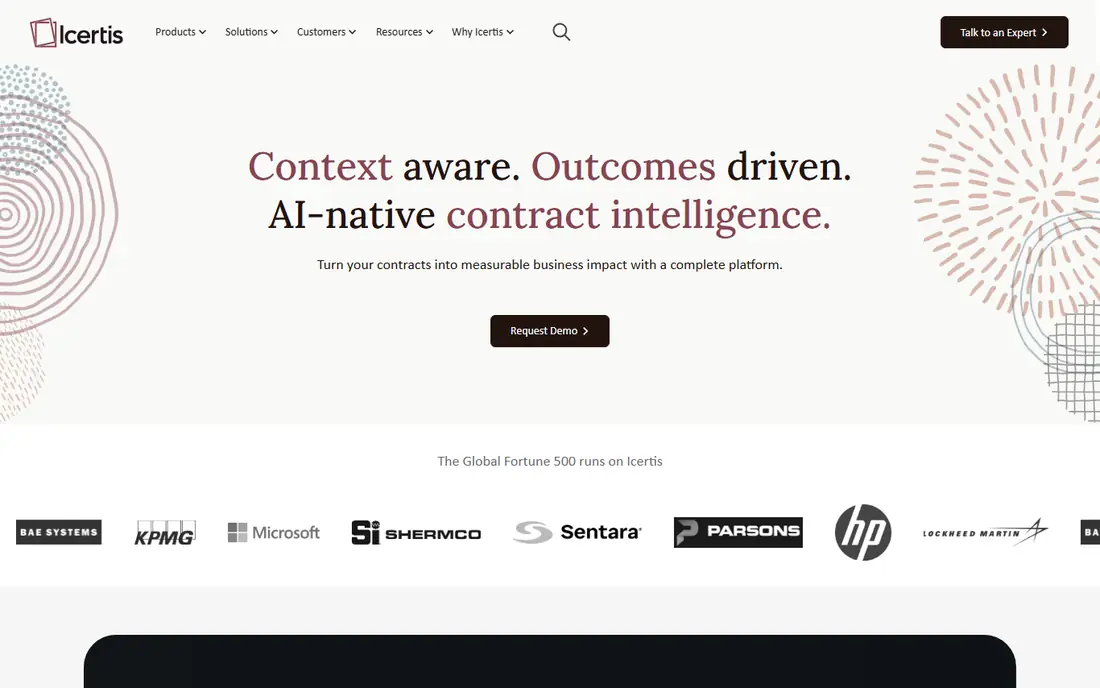
Icertis is built for large, regulated enterprises that must track what contracts actually require after signing, not just where the signed file lives. Its platform extracts obligations, dates, and terms, then links them to business systems so teams can act before renewals, price changes, and compliance deadlines arrive. That post-signature depth is why Icertis appears in regulated industries, global procurement, and complex supplier relationships.
The trade-off is scale and time. Icertis deployments for large enterprises can take many months, and pricing is quote-only at enterprise levels. Smaller firms will find it more system than they need. For a global firm with thousands of active contracts, the obligation tracking can justify the effort.
- Deep obligation and compliance tracking
- Global enterprise scale
- Strong contract intelligence
- Quote-only pricing
- Long implementation for complex deployments
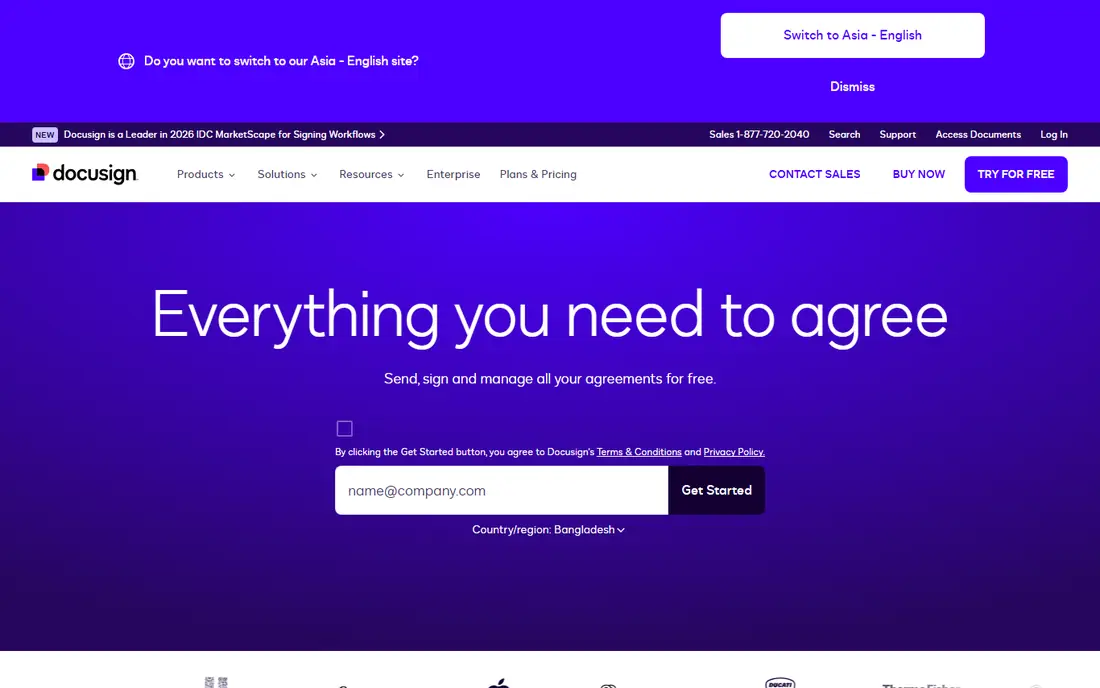
DocuSign CLM extends the signing tool most business users already know into a fuller lifecycle platform, covering authoring, negotiation, approval, signature, and repository work. Firms already standardized on DocuSign gain faster adoption, because staff do not need to learn a new signing experience, and existing templates and integrations carry over. DocuSign Insight adds AI-based analysis of signed contracts.
The honest limit is fit. DocuSign CLM is strongest when the firm already lives in the DocuSign ecosystem. Firms starting fresh should compare it directly with Ironclad and Agiloft on workflow design and obligation tracking, rather than assuming the signing brand alone settles the choice.
- Extends familiar DocuSign signing
- Broad integrations
- Contract analytics through Insight
- Quote-only pricing
- Full lifecycle depth varies by configuration
Agiloft is a configurable CLM platform that lets legal operations teams build and change workflows, fields, approvals, and rules without custom code for every change. That flexibility suits enterprises whose contract types, approval chains, and reporting needs change often, because the system can be adjusted in-house rather than through a vendor services queue. It has held analyst Leader recognition for several years, which reflects that enterprise depth.
Flexibility needs discipline. Without governance, a highly configurable system can grow into many slightly different workflows that are hard to maintain. Firms should assign a clear owner, document workflow standards, and test changes in a sandbox before rolling them out to the whole enterprise.
- No-code configuration for complex workflows
- Long analyst recognition
- Flexible data model
- Quote-only pricing
- Configuration freedom needs governance to stay manageable
Sirion focuses on the buy side: supplier contracts, performance against contracted terms, and obligations after signing. For enterprises with large supplier bases, it can track service levels, pricing, and deliverables, then flag underperformance against the contract itself, rather than against a separate spreadsheet. That makes it a strong choice for procurement-led CLM programs.
Firms whose main need is sales contracting may find Ironclad or DocuSign CLM a better fit for pre-signature speed. Sirion earns its place here for enterprises where supplier value, compliance, and renewal control drive the business case.
- Strong post-signature supplier performance tracking
- Obligation management at scale
- AI extraction
- Quote-only pricing
- Best fit is supplier and buy-side contracts, not every contract type
Conga CLM is built for teams that already run sales, quoting, and customer records in Salesforce. Contracts can be generated from quote and opportunity data, negotiated in a familiar workflow, and signed without retyping terms, which reduces errors between sales and legal. For Salesforce-centered firms, that native link is a real advantage over a standalone CLM that needs heavy integration work.
Outside Salesforce, the advantage fades, and firms should compare Conga with Ironclad, Agiloft, and Icertis on standalone workflow and repository strength. Pricing is quote-only, so Salesforce firms should request a quote that includes document generation, CLM, and any revenue tools together.
- Native Salesforce workflow from quote to contract
- Strong document generation
- Ties to revenue tools
- Quote-only pricing
- Less attractive outside the Salesforce ecosystem
LinkSquares started as a post-signature analytics platform and remains strongest when legal operations needs to answer portfolio questions quickly: which contracts renew soon, which contain a given clause, and where risk sits across signed agreements. Its AI extraction and dashboards help legal teams without forcing a full workflow rebuild on day one, which can shorten time to value.
Firms that need deep pre-signature workflow design, complex approvals, and template governance may need a fuller platform alongside or instead of LinkSquares. For legal operations teams whose pain is visibility into what they already signed, it is a focused and practical choice.
- Fast answers from signed contract portfolios
- Analytics and reporting for legal operations
- Quicker time to value than full-suite platforms
- Quote-only pricing
- Pre-signature workflow is lighter than Ironclad and Agiloft
SAP Ariba covers spend management, sourcing, supplier management, and contracting for enterprises already running SAP. Contracting ties directly to sourcing events, supplier records, and procurement workflows, so buy-side contracts stay connected to the purchasing process that created them. For SAP-centered firms, that integration avoids a separate CLM integration project.
Firms outside SAP should not choose Ariba for CLM alone, because its strength depends on the wider SAP estate. Pricing is quote-only, and implementation should be scoped as part of the broader SAP program, not as a standalone purchase.
- Deep SAP procurement and supplier workflows
- Contract authoring tied to sourcing
- Enterprise controls
- Quote-only pricing
- Implementation is an enterprise project
- Weak fit outside SAP
How we picked these
We compared analyst placements for contract lifecycle management, vendor feature pages, and published market price ranges, focusing on tools that cover the full lifecycle at enterprise scale. We favored platforms with workflow automation, repository and search, AI extraction or review, obligation tracking, and enterprise security and permissions. We excluded drafting-only tools and small-business document tools that lack lifecycle, approval, and obligation management.
How to buy enterprise CLM without regret
Start with ownership. Decide whether legal, procurement, or sales owns the program, because each owner will prioritize different contract types and workflows. Then list your top ten contract types by volume and risk, and require vendors to demo those exact types, not generic templates. A tool that handles a simple NDA well may still struggle with a complex master services agreement.
Next, scope migration and data. Ask how legacy contracts will be imported, extracted, and validated, and who pays for cleanup when extraction is wrong. Finally, price the whole program: licenses, implementation, AI add-ons, integrations, and ongoing admin. A low license quote with high services costs is not a low-cost deal. Get renewal caps and AI pricing in writing before signing.
Questions to ask every vendor
Ask for a scoped implementation timeline with milestones, a named admin model, and reference customers in your industry and size. Ask how obligations are tracked after signing, how clause changes are governed, and how the system handles contracts in other languages or jurisdictions. If a vendor cannot answer with your contract types, keep looking.
FAQ
What is the best CLM software for large enterprises?
There is no single winner. Ironclad leads on workflow design, Icertis and Sirion lead on post-signature obligations, DocuSign CLM leads for DocuSign-standard firms, and Agiloft leads on no-code configuration. The best choice follows your contract mix and your existing systems.
What is top CLM software for large enterprises in analyst rankings?
Recent analyst rankings place Sirion, Icertis, DocuSign, Agiloft, and Ironclad among the Leaders for contract lifecycle management. Analyst placement is a useful screen, but a demo on your own contracts matters more than a quadrant position.
How much does enterprise CLM cost?
Most enterprise CLM platforms are quote-only, with market reports placing mid-market tools near 10,000 to 50,000 dollars per year and enterprise platforms at 50,000 to 250,000 dollars or more per year. Implementation, AI add-ons, and integrations sit on top of licenses.
How long does CLM implementation take?
Large-enterprise implementations commonly take two to nine months, depending on contract types, migration volume, integrations, and approval complexity. LinkSquares-style analytics deployments can be faster, while full Icertis or Agiloft programs take longer.
Do I need AI in CLM, or is it marketing?
AI helps most with extraction, summarization, and first-pass review of standard contracts, and with finding clauses across a signed portfolio. It does not replace legal judgment on non-standard terms. Test AI on your own contracts before paying for it as an add-on.