Best CLM Software in 2026: 8 Tools Compared
Compare the best CLM software for 2026, with contract drafting, approvals, e-signature and renewal tracking for legal, sales and procurement teams today.

- Editor's choice
 Ironclad
Enterprise workflow automation
Starts atSee websiteVisit ironcladapp.comFull review - Great alternative
 DocuSign CLM
Teams already using DocuSign
Starts atSee websiteVisit docusign.comFull review - Also consider
 PandaDoc
Sales proposals and fast signing
Starts at$19 per monthVisit pandadoc.comFull review
TL;DR:
- Ironclad, DocuSign CLM and Icertis lead for large companies with complex approval and compliance needs.
- PandaDoc and ContractWorks suit smaller teams that need fast drafting and signing without a long setup.
- Agiloft and Conga CLM suit teams that need deep configuration, especially inside Salesforce.
- Most enterprise CLM pricing is quote based, so a demo and a volume estimate matter more than a headline price.
- A searchable repository with renewal alerts is often the first feature that pays for itself.
Quick comparison
| Tool | Best for | Starts at | Free plan? | |
|---|---|---|---|---|
| Ironclad | Enterprise workflow automation | See website | No | Visit |
| DocuSign CLM | Teams already using DocuSign | See website | Free trial | Visit |
| PandaDoc | Sales proposals and fast signing | $19 per month | Free trial | Visit |
 Agiloft | Highly configurable contract workflows | See website | Free trial | Visit |
 Icertis | Global enterprise contract intelligence | See website | No | Visit |
 ContractWorks | Searchable repository and alerts | See website | Free trial | Visit |
 Conga CLM | Salesforce native contract management | See website | No | Visit |
 Juro | Collaborative all in one contracts | See website | Free trial | Visit |
The best CLM software
Contract lifecycle management software covers drafting, negotiation, approval, signing, storage and renewal. We compared workflow depth, ease of setup, integration options and pricing transparency, so teams at different sizes can find a realistic fit.
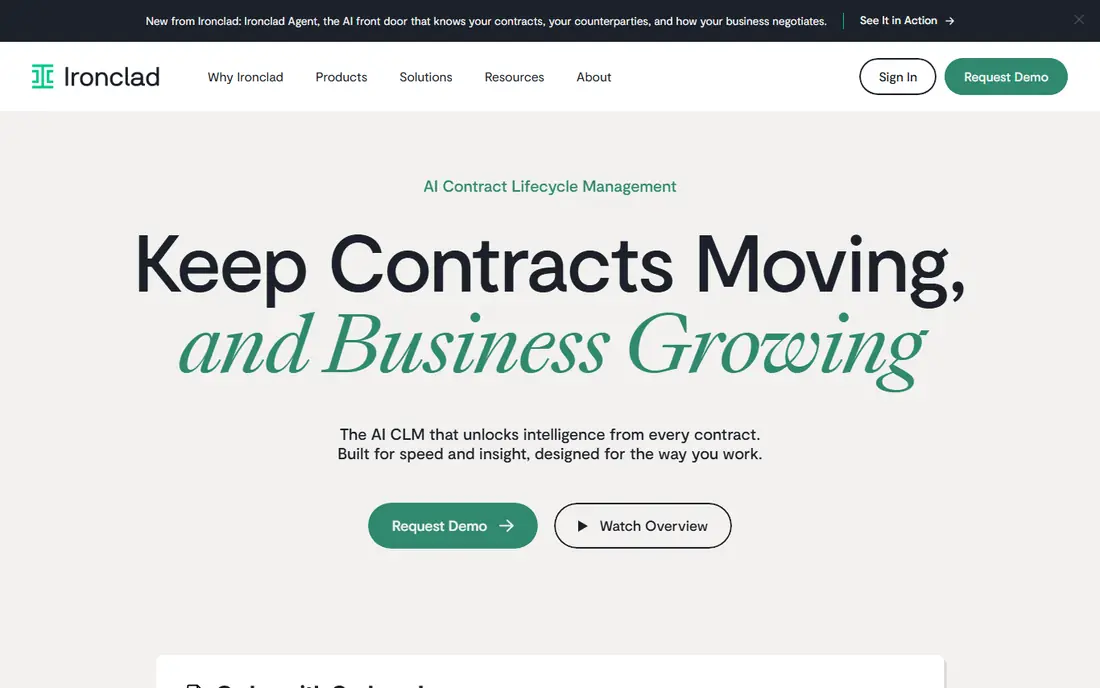
Ironclad is built for legal teams that handle a high volume of contracts with defined approval paths. Its workflow designer lets teams route contracts by type, value or risk, and keep a clear audit trail of who approved what and when. AI features can extract key terms and help reviewers spot nonstandard language, though legal judgment still matters for final decisions.
The main drawback is cost and setup time. Pricing is custom and implementation for a large company can take several months, including process design and migration. For a mid sized or large team with real workflow pain, that investment can be justified. For a team that mainly needs storage and signing, a lighter tool will be faster.
- Strong workflow designer
- AI assisted review features
- Good reporting
- Quote based pricing
- Implementation can take months

DocuSign CLM extends the familiar DocuSign signing experience into a full contract process. Teams can generate documents from templates, negotiate in a controlled workspace, route approvals and store signed copies in a searchable repository. For companies already using DocuSign for signatures, the learning curve is lower and adoption tends to be faster.
Pricing for the CLM product itself is not published in a simple list, so budgeting requires a quote based on users and contract volume. Some advanced features are tied to higher editions, so buyers should map each must have feature to an edition before signing. If your stack already centers on DocuSign and Salesforce, this is a natural shortlist pick.
- Tight e-signature integration
- Template and clause libraries
- Salesforce integration
- CLM pricing is quote based
- Depth varies by edition
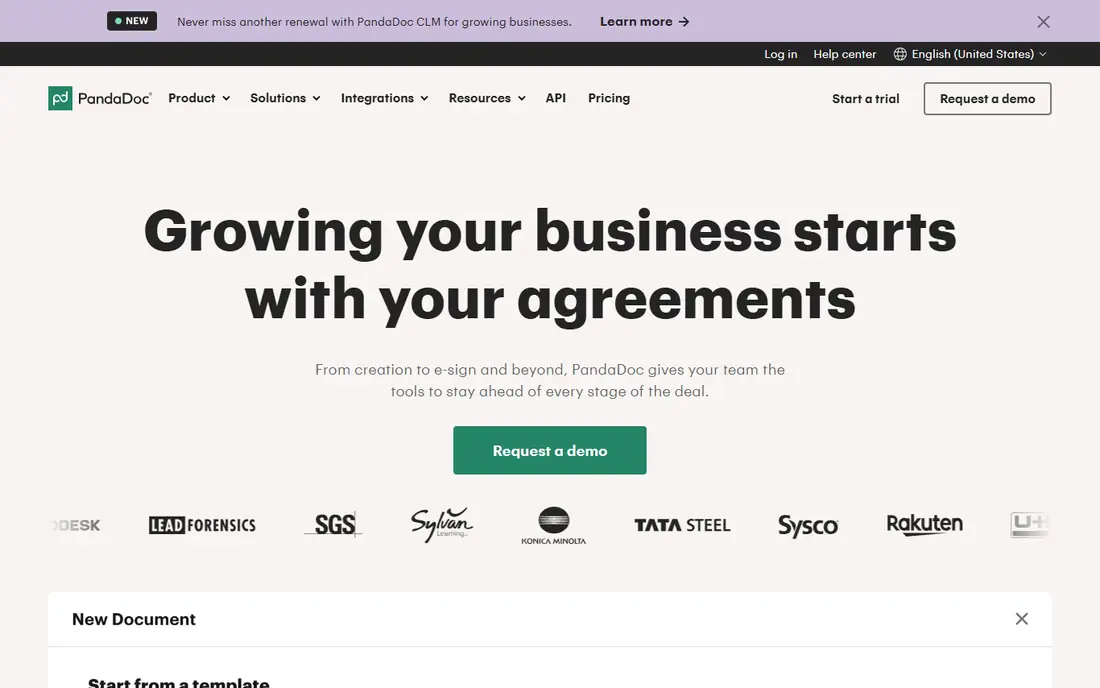
PandaDoc blends proposals, quotes and contracts in one editor, which makes it popular with sales teams. Users can build documents from templates, add pricing tables, collect e-signatures and track when a recipient opens a document. Published pricing starts at a level that small teams can test without a sales call, and the interface is approachable for non legal users.
The limit is legal depth. PandaDoc is not a full enterprise CLM for complex approval chains, clause governance and obligation tracking at scale. Teams that need those controls should pair it with legal review or choose a dedicated CLM. For sales led document work, its speed is hard to beat.
- Easy document builder
- Published pricing
- CRM integrations
- Less depth for complex legal workflows
- Some features need higher tiers
Agiloft is a configurable platform that teams can adapt to unusual contract types, approval rules and reporting needs without heavy custom code. Its no code tools let administrators change fields, workflows and permissions as processes evolve. That flexibility suits companies whose contracts do not fit a standard template, or whose approval rules change often.
Flexibility also brings a planning burden. Teams need to design their data model and workflows carefully, or the system can become complex to maintain. Pricing is quote based, so a clear scope helps avoid surprises. For organizations that value configurability over out of the box simplicity, Agiloft deserves a demo.
- No code configuration
- Strong workflow and reporting
- Flexible data model
- Quote based pricing
- Setup needs planning
Icertis serves large global companies that manage contracts across regions, languages and business units. Its platform emphasizes contract intelligence, with tools to extract obligations, track compliance and surface risks across a large portfolio. Integration with major enterprise systems helps central teams keep one source of truth for agreements.
This is not a small team tool. Pricing is enterprise level and rollouts can be lengthy, especially when data migration and governance are involved. The fit is strongest for companies with thousands of contracts, strict compliance needs and a central legal operations function. Smaller teams will find lighter tools faster and cheaper.
- Enterprise scale
- Contract intelligence
- Strong compliance features
- Enterprise pricing
- Long implementation for large rollouts
ContractWorks focuses on the core problem many teams face first, which is finding contracts and knowing when they renew. Users can upload documents, tag key terms, set alerts for expirations and search full text. Unlimited users on its plans make it practical for companies that want legal, sales and finance to share the same repository without per seat friction.
Workflow features are lighter than those in Ironclad or Agiloft, so teams with complex approvals may outgrow it. Pricing is not published as a simple per user list, so buyers should ask for a quote based on document volume. For a first CLM step, its simplicity is a clear advantage.
- Fast setup
- Unlimited users on plans
- Renewal and milestone alerts
- Less workflow depth than enterprise CLM
- Pricing not published as a simple list
Conga CLM is designed for teams that run sales and contracting inside Salesforce. It can generate documents from opportunity data, route approvals, manage redlines and store executed contracts alongside the deal record. That closeness to Salesforce reduces duplicate entry and gives sales leaders visibility into contract status without switching systems.
Teams outside Salesforce can still use Conga, but they will not get the same benefit. Pricing is quote based and depends on scope and users. For Salesforce centered companies, Conga is often the most practical enterprise CLM choice, especially when paired with its document generation and CPQ tools.
- Deep Salesforce integration
- Document generation
- Approval workflows
- Best value inside Salesforce
- Quote based pricing
Juro offers an all in one, browser based platform where teams draft, negotiate, sign and store contracts without passing Word files back and forth. Its editor and comment tools make collaboration clearer, and analytics show where deals stall. That design suits fast moving commercial teams that want legal and sales to work in the same place.
Pricing is quote based, so small teams should ask for a scoped quote early. The ecosystem is smaller than DocuSign or Salesforce based rivals, though integrations cover common CRM and storage tools. For teams that value a modern, collaborative experience over legacy depth, Juro is a strong contender.
- Browser based editor
- Collaborative negotiation
- Clear analytics
- Quote based pricing
- Smaller ecosystem than some rivals
How we picked these
We compared official product pages, pricing pages where published, and public documentation for workflow, repository, signing and integration features. We included both enterprise platforms and lighter tools, because CLM buyers range from solo legal teams to global companies. We did not claim hands-on testing. We checked that each product is actively sold in October 2026 and that it truly covers contract lifecycle work, not just e-signature alone.
How to choose the right CLM software
Start by naming the owner and the main pain. If legal owns the process and approvals are complex, prioritize workflow, clause libraries and audit trails. If sales owns it and speed matters, prioritize templates, CRM integration and signing. If the pain is simply lost contracts and missed renewals, a repository first tool may solve most of the problem at lower cost.
Next, test with real contracts. Bring three typical agreements, a nonstandard redline and a renewal scenario to each demo. Ask how long setup takes, who configures workflows, what migration includes and how AI suggestions are reviewed. Check security, access controls and data export, because contracts are sensitive and you should be able to leave with your data intact.
Implementation and cost
Enterprise CLM projects often take months, while lighter tools can be live in weeks. Ask for total first year cost, including implementation, training and any AI add ons, not just license fees. A pilot with one contract type and one team can reveal whether the workflow fits daily work before you roll out company wide. Renewal alerts, search quality and reporting are worth testing early, since they drive daily value.
FAQ
What is the best CLM software?
There is no single best option for every team. Ironclad and DocuSign CLM suit large teams with complex workflows, while PandaDoc and ContractWorks suit smaller teams that need speed and simplicity. Match the tool to who owns contracts and how complex approvals are.
Which CLM software is the best for small businesses?
Small businesses often do best with PandaDoc for sales documents or ContractWorks for a searchable repository with alerts. Both are faster to set up than enterprise CLM and cost less in the first year. If approvals grow more complex later, a move to a fuller platform is possible.
What are the best CLM tools for Salesforce users?
Conga CLM and DocuSign CLM both integrate closely with Salesforce, with Conga offering a particularly native experience for document generation and approvals. Check which Salesforce objects and workflows you need, and confirm edition requirements before buying.
How much does CLM software cost?
Lighter tools publish prices from around $19 per user per month, while enterprise CLM is usually quote based and can reach five or six figures a year. Implementation, AI features and contract volume all affect the total. Ask vendors for a first year total based on your user count and volume.
Can CLM software replace a lawyer?
No. CLM software speeds drafting, review and tracking, and AI can flag risky language, but it does not replace legal judgment. High value or unusual agreements should still be reviewed by qualified counsel, and AI generated clauses should be checked before use.