Best Conflict Checking Software (2026): 6 Picks Checked on Vendor Pages
6 tools for the best conflict checking software, compared on pricing, free plans and best-fit use. Each pick lists its main limit. Read before you buy.
- Editor's choice
 Bentley iTwin
Infrastructure digital twin products
Starts at$199 monthlyVisit bentley.comFull review - Great alternativeBIMcollab
Model-based coordination and issue management
Starts atSee websiteVisit bimcollab.comFull review - Also considerSolibri
Rule-based BIM quality assurance
Starts at€99 per year per licenseVisit solibri.comFull review
Direct answer
Bentley iTwin comes first here, mainly for infrastructure digital twin platforms. Listed starting prices: Bentley iTwin from $199 monthly and Solibri from €99 per year per license. BIMcollab is the stronger choice for model-based coordination and issue management, while Solibri suits rule-based BIM quality assurance. The other 3 tools in the list cover narrower or pricier cases.
TL;DR:
- Bentley iTwin is the opening pick, best for infrastructure digital twin products.
- Starting prices begin at $199 monthly with Bentley iTwin.
- Bentley iTwin stands alone as the one tool in this list with a free plan.
- One limit worth knowing about BIMcollab: plenty of modules can complicate selection.
- Autodesk Navisworks is the one to check for model review and clash detection.
Last checked November 2026. Prices and plan details were read from the vendors' own pages in November 2026; vendors change plans often, so confirm the current price on the vendor site before you buy.
Quick comparison
| Tool | Best for | Starts at | Free plan? | |
|---|---|---|---|---|
| Bentley iTwin | Infrastructure digital twin products | $199 monthly | Yes | Visit |
| BIMcollab | Model-based coordination and issue management | See website | Not stated | Visit |
| Solibri | Rule-based BIM quality assurance | €99 per year per license | Not stated | Visit |
| Tekla BIMsight | Free model viewing and review | See website | Not stated | Visit |
| Revizto | Combined clash detection and issue tracking | See website | Not stated | Visit |
 Autodesk Navisworks | Model review and clash detection | See website | Not stated | Visit |
Conflict Checking Software compared in detail
If you are comparing conflict checking software, this page covers 6 tools in one place: what each is best for, what it costs to start, whether it has a free plan, and the main limit to know about.
Bentley iTwin is aimed squarely at infrastructure digital twin products. The Bentley iTwin system offers the foundation for building SaaS options to design, build and operate infrastructure assets. It lets the product deal with data integration so applications can accelerate development.
Honest limits: System approach can be complicated to scope.
More specifically, smaller projects with narrow coordination needs may be better served by a focused review tool. Choose iTwin when infrastructure data integration and long-term asset operations are part of the goal. Bentley iTwin pricing: $199 monthly. You can start on Bentley iTwin without paying.
- Targeted at design
- Manages data integration across assets
- Not a standalone clash checker for every team
BIMcollab
Best for: Model-based coordination and issue management
In short, BIMcollab is for model-based coordination and issue management. BIMcollab provides products for BIM coordination, model checking, issue management, takeoffs, document management and asset management.
Where it is weaker: Plenty of modules can complicate selection.
From a buyer's view, success also relies on agreed coordination standards across partners. Check the vendor site for BIMcollab pricing; none is listed in this comparison. Free plan details: Not stated.
- Also spans takeoffs and asset management
- Systems for BIM coordination and model checking
- Needs agreed coordination standards
Solibri
Best for: Rule-based BIM quality assurance
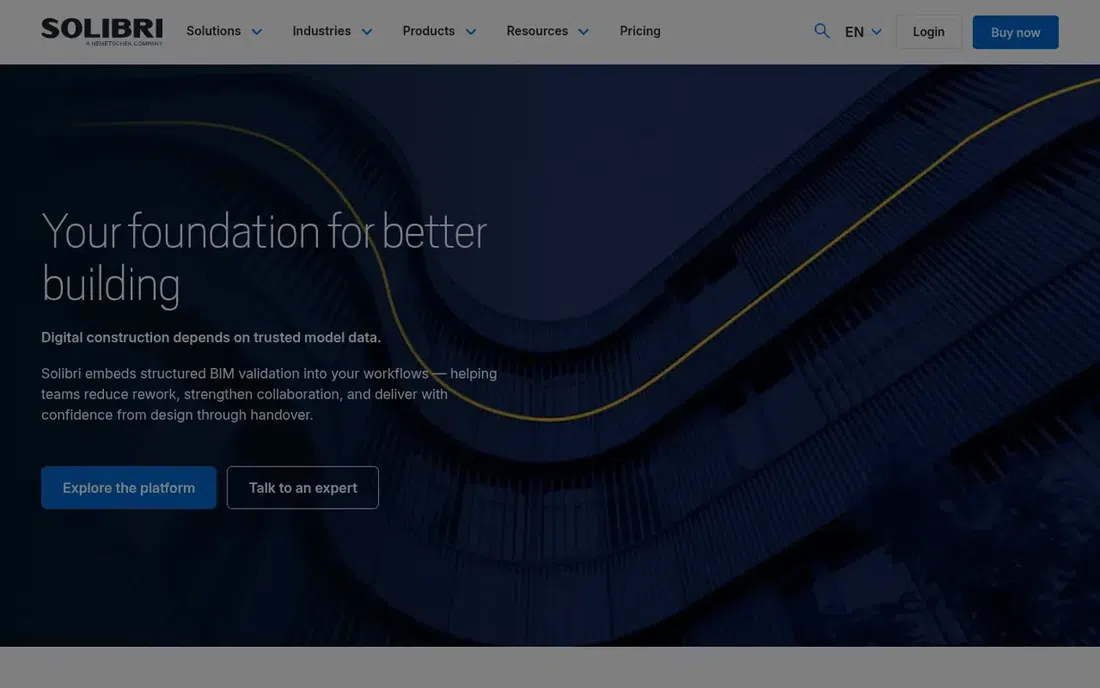
Solibri serves rule-based BIM quality assurance. Solibri presents itself as BIM quality assurance for digital construction. It embeds structured model validation into workflows so teams can prevent rework, eliminate clashes early and keep model data trustworthy.
Trade-offs to know: Rule setup requires planning.
That makes it a good fit for organizations that treat model checking as a repeatable quality gate instead of an occasional task, notably where consistent validation rules matter across plenty of projects. In practice, since the emphasis is on structured validation, teams have to invest time in defining and maintaining the rules they depend on. In daily use, groups that only need informal visual review may find a lighter tool simpler to adopt. Solibri pricing: €99 per year per license. Trial and free access: Not stated.
- Concentrates on trusted model data
- Embeds structured model validation into workflows
- Less suited to teams wanting only a straightforward viewer
Tekla BIMsight
Best for: Free model viewing and review
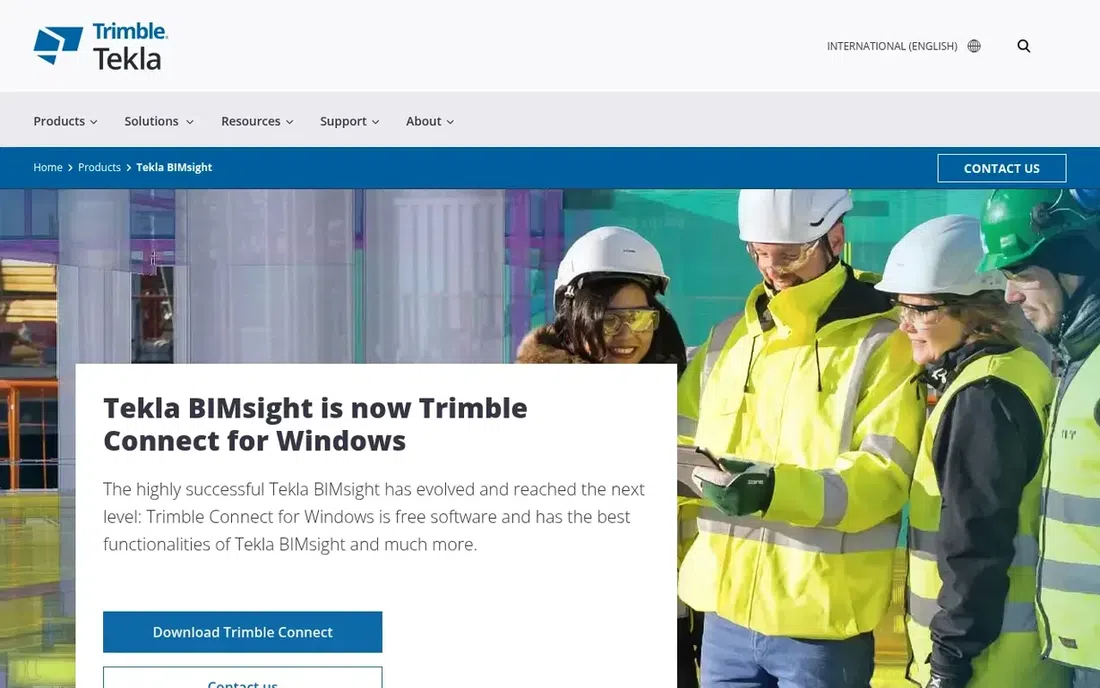
For free model viewing and review, Tekla BIMsight is a natural candidate. Tekla BIMsight is now presented as Trimble Connect for Windows, which the vendor describes as free software carrying the best functionalities of Tekla BIMsight and more. It supports viewing, reviewing and referencing models, drawings and other project data.
Honest limits: Review focus may not handle every coordination need.
Teams that want a straightforward entry point for model review, or that already work with Trimble tools, are the natural audience for this choice. For everyday use, since the product has moved under the Trimble Connect name, documentation and support now follow that product, so buyers should confirm current capabilities on the vendor site. Tekla BIMsight shows no starting price here, so confirm the cost on the vendor site. Trial and free access: Not stated.
- Supports viewing and reviewing models and drawings
- Now delivered as Trimble Connect for Windows
- Product identity has shifted to Trimble Connect
Revizto
Best for: Combined clash detection and issue tracking
Revizto targets combined clash detection and issue tracking. Revizto is BIM collaboration software for AECO teams, handling architects, engineers, contractors and owners. As for the details, pick Revizto when clash detection and issue management should live in a single collaborative environment.
More specifically, the breadth of the system means teams should allow time for onboarding and for agreeing how issues are assigned and closed. Organizations with very narrow needs may find a more straightforward checker sufficient. No starting price is listed for Revizto here; confirm pricing on the vendor site. Trial and free access: Not stated.
The main drawbacks: Broad feature set needs onboarding time. Best features of Revizto: Clash detection alongside issue management.
- Unified 2D and 3D environment
- Contractors and owners
- Overlaps with tools teams may already use
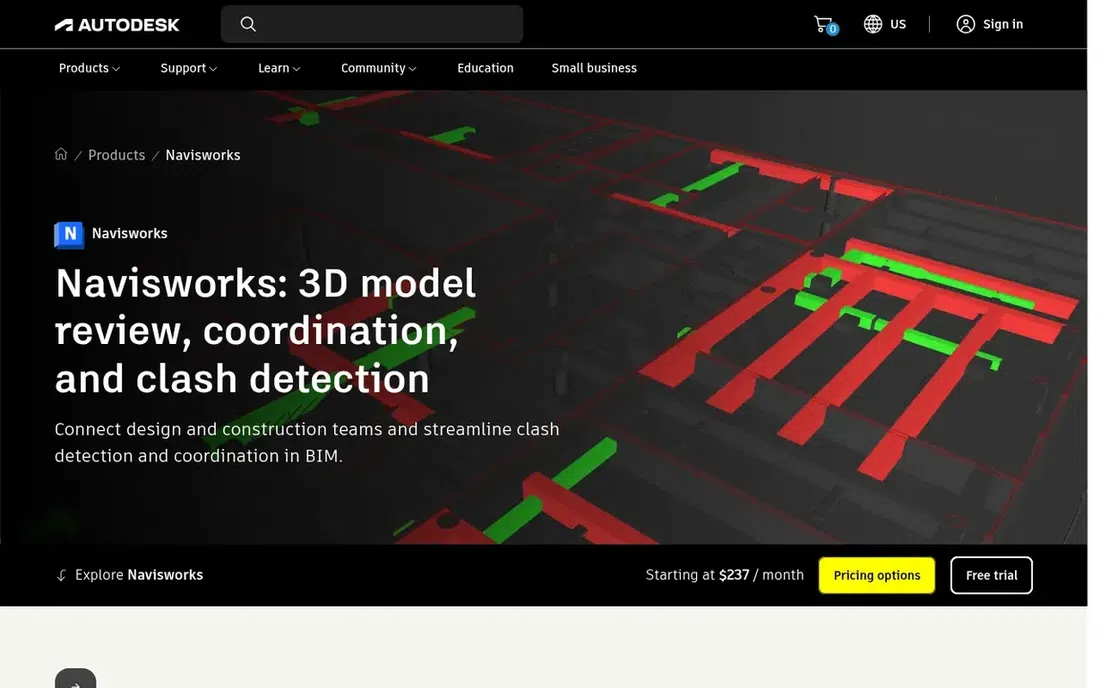
Pick Autodesk Navisworks if this describes you: model review and clash detection. Autodesk Navisworks is a 3D model review software targeted at architecture, engineering and construction teams.
Highlights: Merges 3D model review with coordination checks.
The main drawbacks: Best value inside an Autodesk-centered stack.
As for the details, the tool is designed for review instead of light everyday checking, so new users should expect a ramp-up time and time to set up coordination routines. Autodesk Navisworks shows no starting price here, so confirm the cost on the vendor site. Free plan details: Not stated.
- Available through Autodesk and resellers
- Suits architecture
- Full coordination work can demand training
How these tools were picked
For each of the 6 tools we noted price, free plan or trial, fit for conflict checking software and the main limit, using vendor pages and documentation. Plan names, prices and limits change often. Treat the figures here as a starting point and verify them with the vendor. The order reflects how well each tool fits the most common buying scenario for conflict checking software, then price clarity, then free plan access. It is a starting point, not a verdict.
Before you commit
- Get a written quote from BIMcollab, Tekla BIMsight, Revizto and Autodesk Navisworks; the list shows no starting price for them.
- Look at the free plan from Bentley iTwin closely: its caps decide whether it is usable for real work.
- Read the limits listed for Bentley iTwin first: system approach can be complicated to scope.
- Ask Tekla BIMsight which support channels and response times come with the plan you would buy.
- Confirm minimum seats and billing terms with Bentley iTwin before you commit to an annual plan.
FAQ
How do I choose between Navisworks and Solibri?
Navisworks is positioned as 3D model review software for architecture, engineering and construction, whereas Solibri emphasizes structured BIM validation and quality assurance. Choose based on whether your priority is wide model review or repeatable rule-based checking.
How are the tools for conflict checking software ordered?
The order follows typical fit for conflict checking software, with Bentley iTwin first and Autodesk Navisworks last, then price clarity and free access. It is editorial judgement, not a score, so another team could rank the tools differently.
Can I try these options before paying?
Often, yes. Bentley iTwin has a free plan. Use your own data and a real task during the test, and check what the free tier or trial limits before you rely on it.
Can smaller teams use these tools?
Multiple choices are aimed at accessible model review, and Tekla BIMsight is now delivered as Trimble Connect for Windows, which the vendor describes as free software. Smaller teams should weigh setup effort against the depth of checking they need.
Do these tools publish their prices?
Not all of them. BIMcollab, Tekla BIMsight, Revizto and Autodesk Navisworks publish no starting price, so expect a quote request for those. The rest, Bentley iTwin included, show a starting price, though seats and billing terms still change the final cost.
What does conflict checking software do?
Numerous tools also track the resulting issues through to resolution. Some systems add rule-based validation and document management around that core function.
Sources
- https://www.bentley.com/software/itwin-platform
- https://www.bimcollab.com
- https://www.solibri.com
- https://www.tekla.com/products/tekla-bimsight
- https://revizto.com
- https://www.autodesk.com/products/navisworks/overview