Best Client Portal Software for Universities in 2026: Prices, Free Plans and 5 Picks
Best client portal software for universities, compared. 5 tools with published prices, free plans and limits. Hidden costs and gaps are flagged. Pick by budget.
- Editor's choice
 D2L Brightspace
Course-centered learning portals
Starts atSee websiteVisit d2l.comFull review - Great alternative
 Verint
Contact center AI for student services
Starts atSee websiteVisit verint.comFull review - Also considerEllucian
Unifying campus technology across systems
Starts atSee websiteVisit ellucian.comFull review
Direct answer
If you need course-centered learning portals, D2L Brightspace is the first tool to look at here. Listed starting prices: Classe365 from $100 per month. If your case is different, Verint suits contact center AI for student services and Ellucian suits unifying campus technology across systems. Prices, free plans and limits for all 5 tools follow.
TL;DR:
- Number one here is D2L Brightspace, a fit for course-centered learning portals.
- Anthology fits higher education technology portfolio.
- For the cheapest start, look at Classe365: $100 per month.
- A permanent free plan is missing from all 5 tools, D2L Brightspace and Anthology included; plan for a trial or a premium start.
- Classe365 comes with a trade-off: not a dedicated standalone portal product.
Last checked November 2026. Prices and plan details were read from the vendors' own pages in November 2026; vendors change plans often, so confirm the current price on the vendor site before you buy.
Quick comparison
| Tool | Best for | Starts at | Free plan? | |
|---|---|---|---|---|
| D2L Brightspace | Course-centered learning portals | See website | Not stated | Visit |
| Verint | Contact center AI for student services | See website | Not stated | Visit |
| Ellucian | Unifying campus technology across systems | See website | Not stated | Visit |
| Classe365 | Unified student management and portal access | $100 per month | Free trial | Visit |
| Anthology | Higher education technology portfolio | See website | Not stated | Visit |
Our 5 client portal software for universities
Choosing client portal software for universities usually comes down to price, fit and limits. This LinkVetted guide sets 5 tools side by side on those three points, with the facts kept short and checkable.
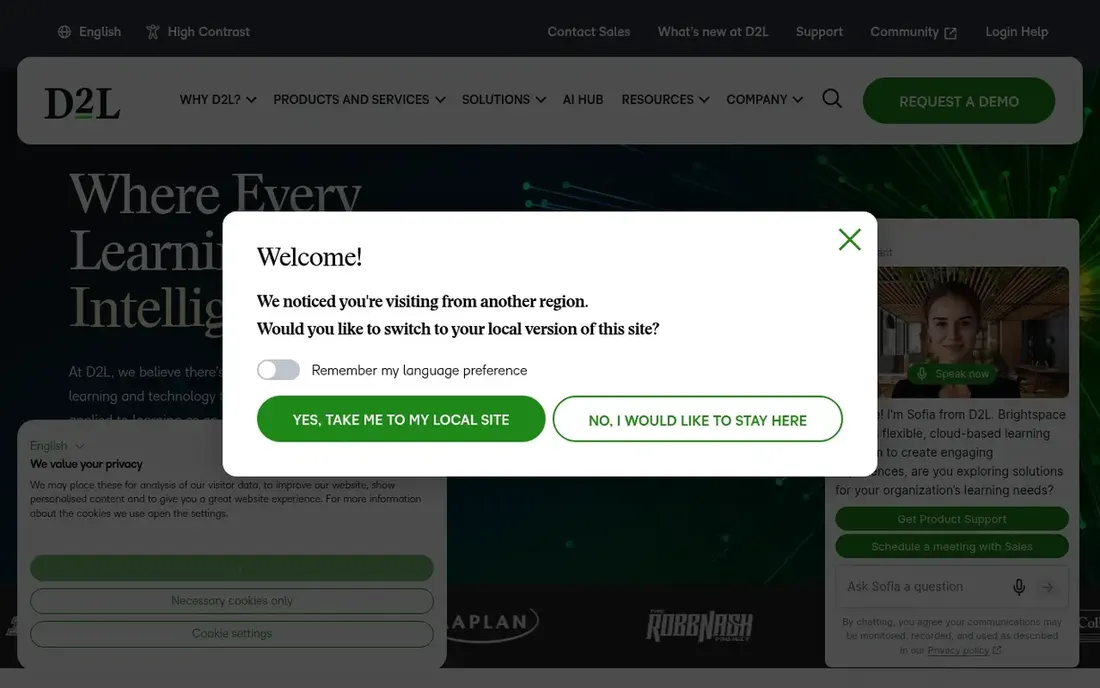
Choose D2L Brightspace for course-centered learning portals. When the client portal is primarily about courses, learners and engagement, Brightspace supplies a coherent environment.
More specifically, Brightspace is oriented toward learning instead of administrative self-service, so billing, records and campus services may need separate tools. Pricing for D2L Brightspace is not stated here, so ask the vendor for current figures. As for free access: Not stated.
What to check first: Administrative portal needs may sit elsewhere.
- Learning product with AI built in
- Serves universities and other organizations
- Portal scope leans toward learning
Choose Verint for contact center AI for student services. Verint supplies a contact center AI product and options built around its open product, embedding agentic AI into customer experience workflows. More specifically, institutions with high volumes of student questions may consider it alongside a portal front end.
From a buyer's view, choose a student management or learning product for the portal itself and consider Verint for service operations. In practice, Verint is not a student portal or campus management system, so it complements instead of replaces one. No starting price is listed for Verint here; confirm pricing on the vendor site. Free access: Not stated.
The main drawbacks: Needs pairing with campus systems.
- Focus on customer experience outcomes
- Agentic AI embedded in workflows
- Not a student portal product
Ellucian
Best for: Unifying campus technology across systems
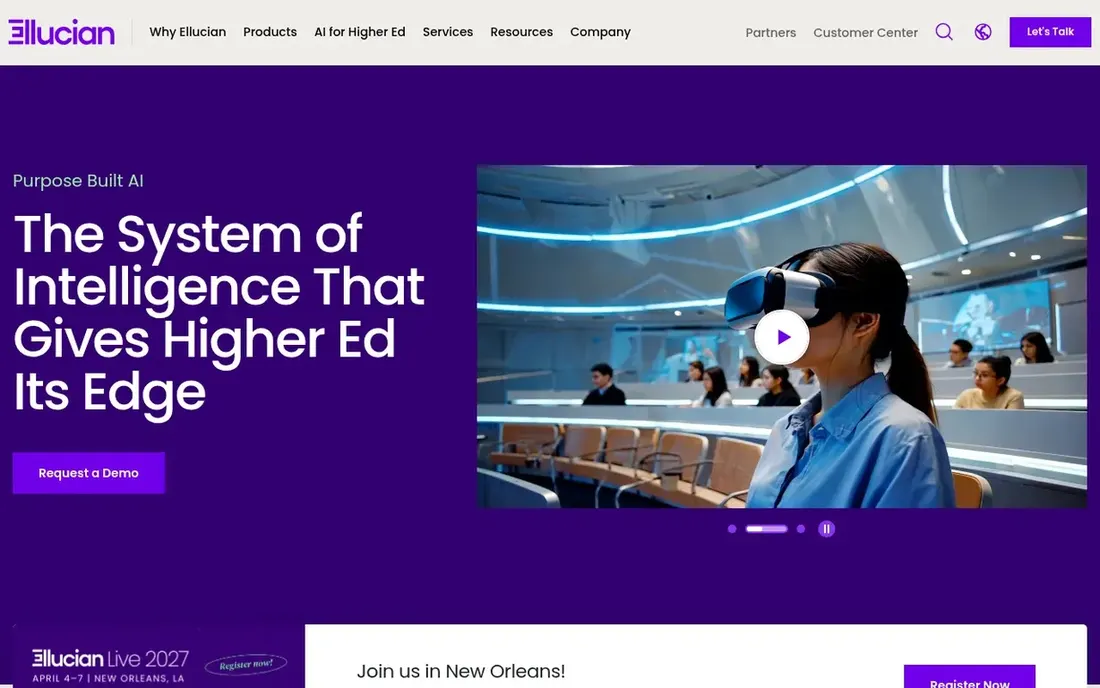
Ellucian targets unifying campus technology across systems. A narrower student management or learning product may be a better fit when the portal need is restricted to one function.
Institutions planning a long-term technology strategy frequently look here first. On top of that, Ellucian presents adaptable campus technology options intended to unify systems, boost efficiency and support better institutional outcomes. This comparison lists no price for Ellucian; ask the vendor. On free options: Not stated.
Where it is weaker: Large-scale implementation effort.
- Aims at deeper engagement and insights
- Focus on agility and efficiency
- Complexity for small institutions
Classe365
Best for: Unified student management and portal access
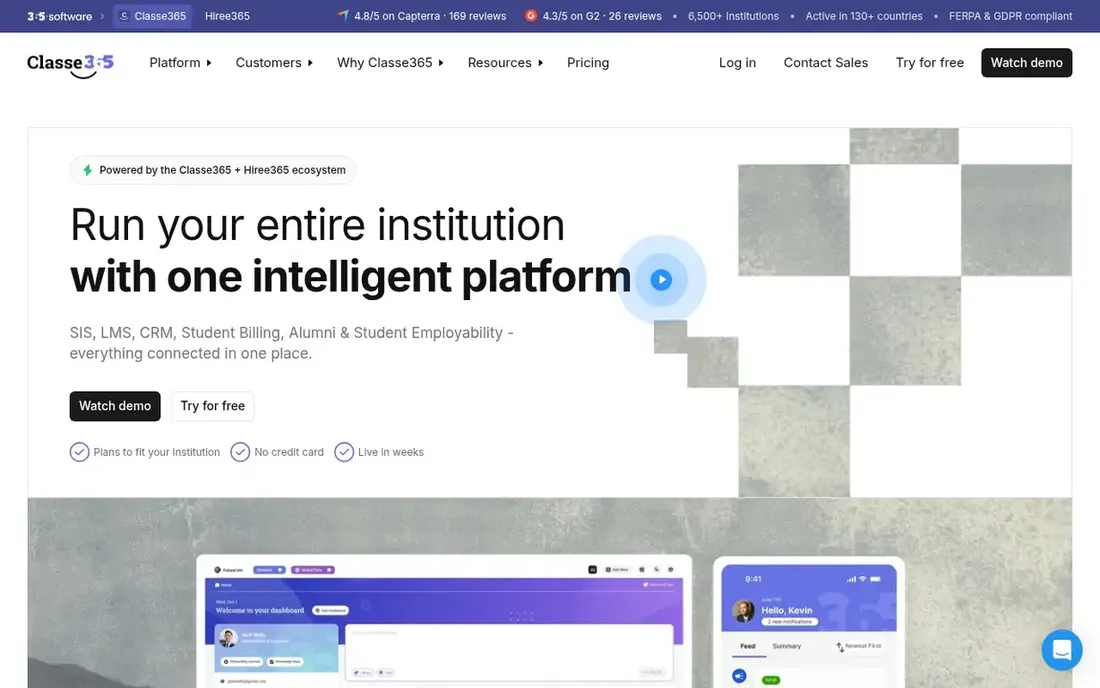
Classe365 works best for unified student management and portal access. Consider a broader campus product if portal requirements extend well beyond student administration.
Smaller institutions or departments seeking one place for records and user access commonly find this approach practical. Classe365 pricing: $100 per month. Free access: Free trial.
Where it is weaker: Not a dedicated standalone portal product.
- Single system for student records and access
- Simplifies administrative workflows
- May need integration for complicated campus systems
Anthology
Best for: Higher education technology portfolio
Choose Anthology for higher education technology portfolio. Universities evaluating a portal frequently encounter Anthology as part of an existing campus stack.
Beyond that, since the homepage primarily directs visitors to product and support information, buyers should confirm current portal capabilities straight with the vendor. More specifically, a single-purpose system may be more straightforward when requirements are narrow. Pricing for Anthology is not stated here, so ask the vendor for current figures. Trial and free access: Not stated.
The main drawbacks: Product details vary by offering.
- Support resources for existing products
- Portfolio spans several campus functions
- Integration planning needed across modules
How these tools were picked
Each tool was reviewed on what its vendor publishes: price, plan limits, core features and stated drawbacks. We did not run hands-on tests. Plan names, prices and limits change often. Treat the figures here as a starting point and verify them with the vendor. Order on the page follows fit for the typical buyer first, then price transparency and free access. Your own requirements should decide the final pick.
Questions to settle before buying
- Ask D2L Brightspace, Verint, Ellucian and Anthology for a written quote, since no starting price is shown.
- Take the trial from Classe365 and push a live task through it before you pay.
- Before choosing D2L Brightspace, weigh its main limit: portal scope leans toward learning.
- See whether Anthology offers onboarding or training, and whether it is included in the price.
- Confirm the exact Classe365 plan that includes your must-have features.
FAQ
Do these tools publish their prices?
Not all of them. D2L Brightspace, Verint, Ellucian and Anthology publish no starting price, so expect a quote request for those. The rest, Classe365 included, show a starting price, though seats and billing terms still change the final cost.
Does any tool for client portal software for universities here have a free plan?
A permanent free plan is not offered by D2L Brightspace, Anthology or the other tools here. Classe365 offer a trial. Plan a short evaluation period instead.
Can I try these tools before paying?
Often, yes. Classe365 offers a free trial. Use your own data and a real task during the test, and check what the free tier or trial limits before you rely on it.
Is D2L Brightspace the right pick for everyone comparing client portal software for universities?
No single tool suits every team. D2L Brightspace comes first because it fits course-centered learning portals, while Verint suits contact center AI for student services and Ellucian suits unifying campus technology across systems. Match the tool to your own size, budget and workflow before deciding.
Sources
- https://www.d2l.com
- https://www.verint.com
- https://www.ellucian.com
- https://www.classe365.com
- https://www.anthology.com