E-Signature Software for Property Managers in 2026: The 6 Best Options Side by Side
Best E-Signature software for property managers in 2026: 6 tools with starting prices, free plans and limits. Each pick comes with its main catch. No filler.
- Editor's choice
 Zoho Sign
Teams already in the Zoho ecosystem
Starts atSee websiteVisit zoho.comFull review - Great alternative
 Foxit eSign
PDF signing with a document focus
Starts atSee websiteVisit foxit.comFull review - Also consider
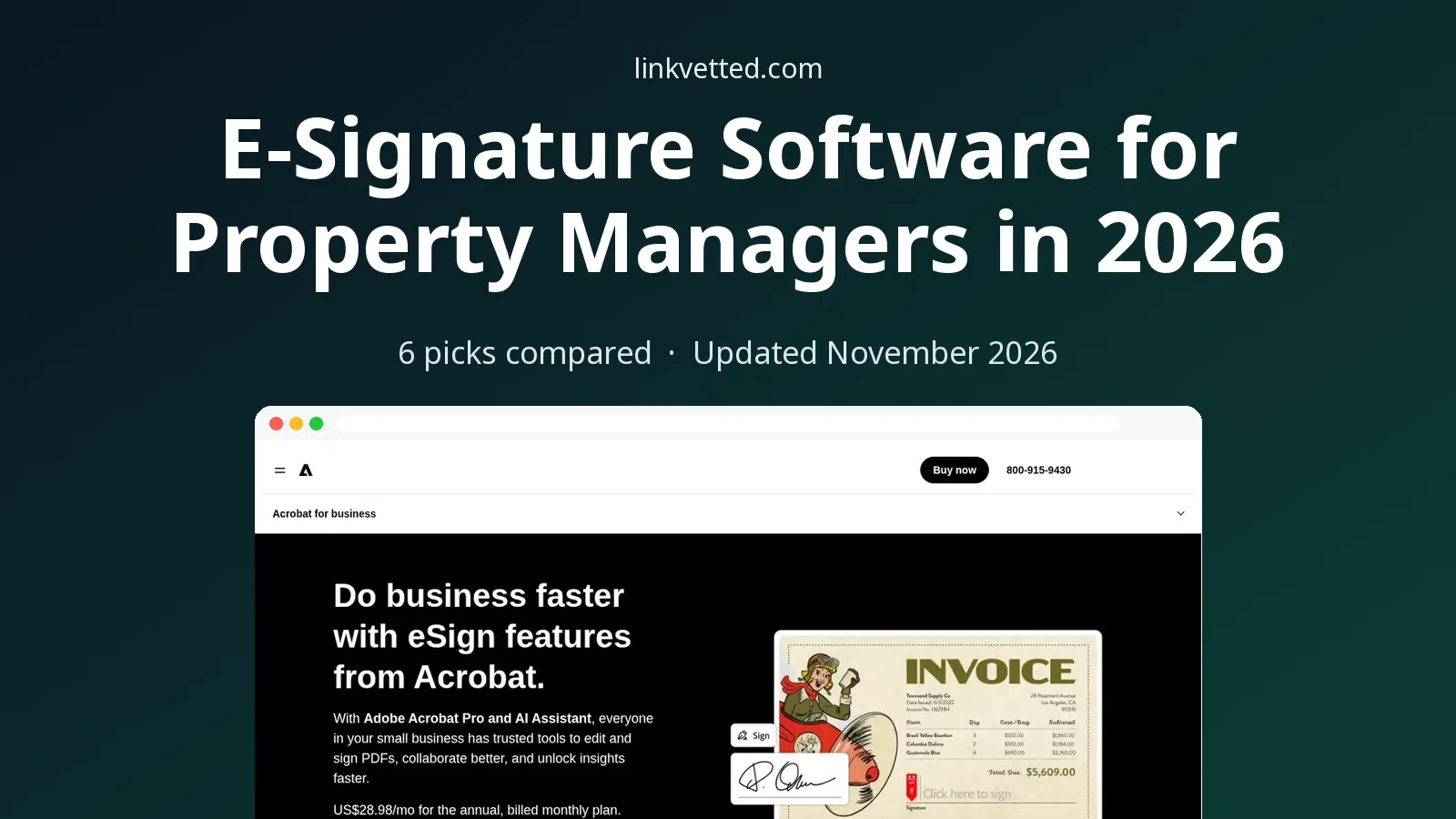
 Adobe Acrobat Sign
PDF-centric teams and web signing
Starts atSee websiteVisit adobe.comFull review
Direct answer
If you need teams already in the Zoho ecosystem, Zoho Sign is the first tool to look at here. Listed starting prices: DocuSign from $45 per user a month and Dropbox Sign from $15 USD / mo. If your case is different, Foxit eSign suits PDF signing with a document focus and Adobe Acrobat Sign suits PDF-centric teams and web signing. The other 3 tools in the list cover narrower or pricier cases.
TL;DR:
- Top of the list is Zoho Sign, which targets teams already in the Zoho ecosystem.
- DocuSign has the lowest monthly starting price in this list: $45 per user per month.
- Dropbox Sign suits straightforward, straightforward lease signing.
- What to know about Adobe Acrobat Sign first: best value for existing Adobe users.
Last checked November 2026. Prices and plan details were read from the vendors' own pages in November 2026; vendors change plans often, so confirm the current price on the vendor site before you buy.
Quick comparison
| Tool | Best for | Starts at | Free plan? | |
|---|---|---|---|---|
| Zoho Sign | Teams already in the Zoho ecosystem | See website | Not stated | Visit |
| Foxit eSign | PDF signing with a document focus | See website | Not stated | Visit |
| Adobe Acrobat Sign | PDF-centric teams and web signing | See website | Not stated | Visit |
 OneSpan Sign | Secure signing with identity assurance | See website | Not stated | Visit |
 DocuSign | Wide agreement management and signing | $45 per user a month | Not stated | Visit |
 Dropbox Sign | Straightforward, straightforward lease signing | $15 USD / mo | Free trial | Visit |
6 E-Signature software for property managers in detail
This LinkVetted guide covers 6 E-Signature software for property managers. Each profile lists a starting price, free plan details, strengths and drawbacks, so you can drop poor fits quickly.
Zoho Sign was built for teams already in the Zoho ecosystem. Zoho Sign is a complete digital signature option for firms, covering online signing and automatic document workflows to collect signatures securely.
It fits offices that value a connected business software stack. Zoho Sign does not show a starting price in this comparison, so check the vendor site for current pricing. Free plan details: Not stated.
Points against: Most convenient for Zoho users.
- Automates paperwork collection
- Secure signature collection
- Less differentiated outside that ecosystem
Foxit eSign is designed for PDF signing with a document focus. Property managers who work largely with PDF leases and forms will find the document focus familiar, and the capacity to deal with Word files includes typical office documents too.
Beyond that, Foxit eSign is less oriented toward wide agreement management than some products, so complicated multi-party processes may need another tool. Choose it when straightforward PDF and Word signing is the primary requirement. Foxit eSign does not show a starting price in this comparison, so check the vendor site for current pricing. As for free access: Not stated.
Trade-offs to know: Feature depth varies by need.
- Focus on secure sending and receiving
- Works from several locations
- Less known for agreement management
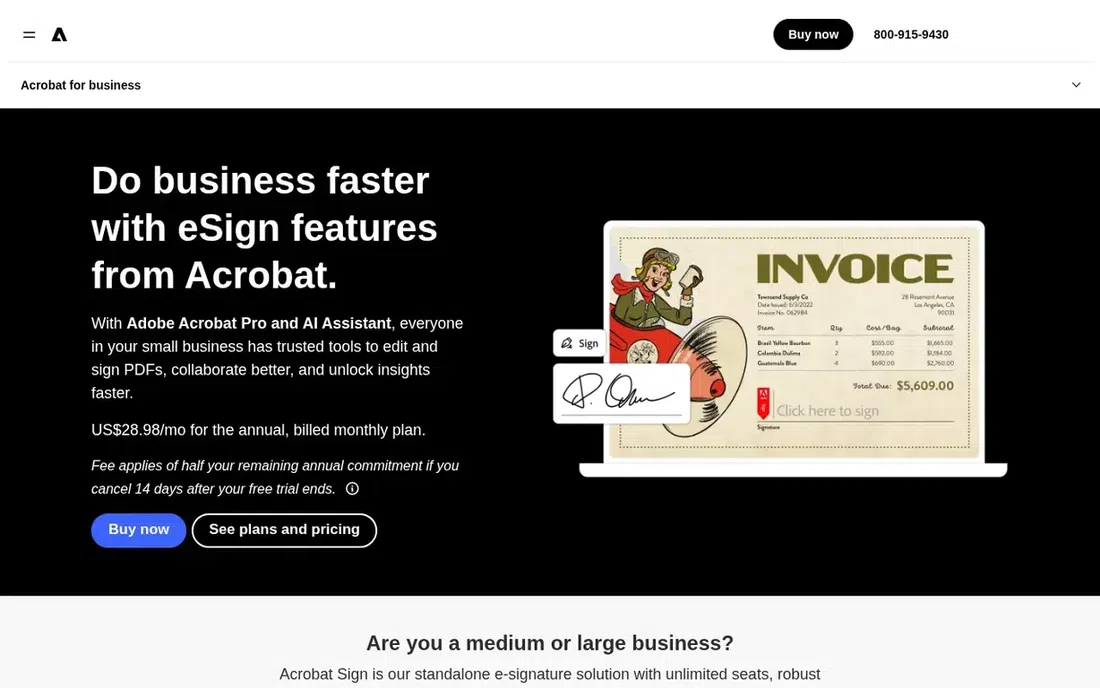
In short, Adobe Acrobat Sign is for PDF-centric teams and web signing. Adobe Acrobat Sign is built around electronic and digital signatures for business, with support for signing documents, collecting digital payments and accepting signatures on a website.
Trade-offs to know: Best value for existing Adobe users.
Worth adding: property managers who already live in PDF workflows will find the transition natural, since lease forms and inspection documents often start as PDFs. This comparison lists no price for Adobe Acrobat Sign; ask the vendor. As for free access: Not stated.
- Capable fit for PDF-based document work
- Supports signatures collected on a website
- Interface may feel dense to new users
Where OneSpan Sign fits: secure signing with identity assurance. OneSpan Sign is an eSignature system for customer agreements, highlighting secure eSignatures, identity assurance, automation, smart forms and integrations. In daily use, the system is oriented toward organizations with substantial agreement workflows, so a small property office may find it heavier than needed.
From a buyer's view, pick OneSpan Sign when security, identity checks and integration with existing systems matter more than simplicity. Setup and administration can need more attention than entry-level signing tools. This comparison lists no price for OneSpan Sign; ask the vendor. On free options: Not stated.
Honest limits: May be complicated for small offices.
- Supports smart forms and automation
- Wide integration choices
- Targeted at bigger, process-heavy organizations
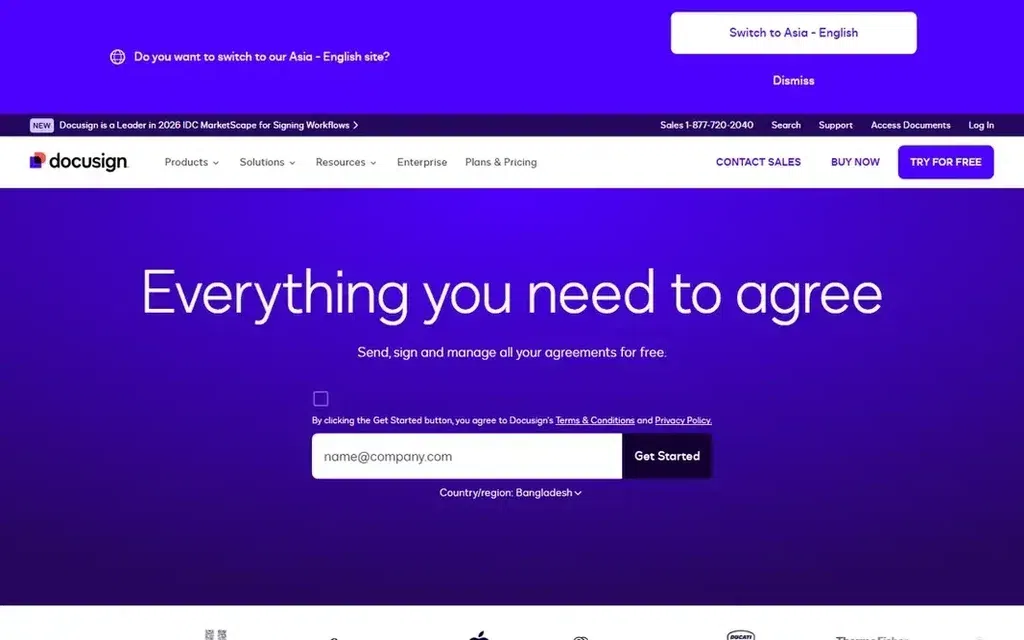
In short, DocuSign is for wide agreement management and signing. DocuSign presents itself as a product for creating, committing to and managing agreements in one place, with electronic signature as a core function.
What to check first: Setup can take time for small teams.
As for the details, the breadth of the system can be more than a small landlord operation needs, and getting templates and workflows configured takes some effort. More specifically, for property managers, that means lease packets, renewals and addenda can move through a consistent signing process instead of scattered email threads. On cost, DocuSign starts like this: $45 per user per month. Free options: Not stated.
- Well suited to recurring lease paperwork
- Manages creation through completion in one product
- Feature depth may exceed straightforward needs
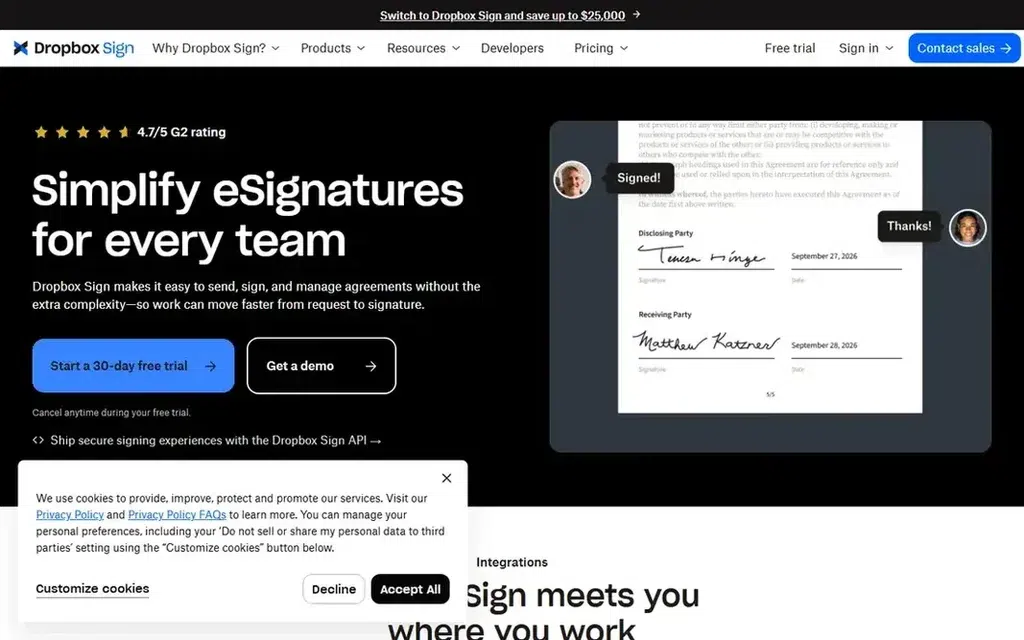
Dropbox Sign is built with straightforward, straightforward lease signing in mind. Dropbox Sign, formerly HelloSign, describes itself as a simple way to send, receive and manage legally binding electronic signatures. Since the product centers on signatures, teams wanting deeper agreement management or deep automation may outgrow it.
It is also most convenient for organizations already comfortable in the Dropbox environment. For everyday use, consider a broader system if your signing process involves complicated routing across plenty of parties. What you pay to start with Dropbox Sign: $15 USD / mo. As for free access: Free trial.
Watch-outs: Less appealing if you do not use Dropbox.
- Clear focus on sending and receiving signatures
- Manages legally binding agreements
- Narrower scope than full agreement systems
Selection criteria
For each of the 6 tools we noted price, free plan or trial, fit for E-Signature software for property managers and the main limit, using vendor pages and documentation. Figures are shown as the vendors publish them. Billing terms, seat minimums and add-ons can change the real cost. Position on the page reflects fit for a typical buyer first, with price clarity and free access breaking ties. Treat it as a guide, not a ruling.
Questions to settle before buying
- Ask Zoho Sign, Foxit eSign, Adobe Acrobat Sign and OneSpan Sign for a written quote, since no starting price is shown.
- Take the trial from Dropbox Sign and push a live task through it before you pay.
- Before choosing Zoho Sign, weigh its main limit: most convenient for Zoho users.
- Confirm you can export your data from Foxit eSign, so leaving later does not mean losing records.
- Ask the daily users to test Zoho Sign on a live task before you roll it out to everyone.
FAQ
What is the cheapest option for E-Signature software for property managers in this list?
On published monthly entry prices, DocuSign is the lowest here at $45 per user per month. Entry price is only part of the cost, because seats, add-ons and billing terms can change the total. Prices, free plan details and limits for all 6 tools in this E-Signature software for property managers roundup sit on the individual cards above.
How do these tools differ for a small property office?
Lighter tools like Dropbox Sign focus on sending and receiving signatures, whereas systems like DocuSign and OneSpan Sign add agreement management, automation and identity assurance. A small office may prefer simplicity, whereas bigger portfolios frequently need more control.
How are the tools for E-Signature software for property managers ordered?
Zoho Sign sits first and Dropbox Sign last because the order follows typical fit for E-Signature software for property managers, then price clarity and free access. It is a judgement call, so read each profile for fit and limits.
Is Zoho Sign the right pick for everyone comparing E-Signature software for property managers?
No single tool suits every team. Zoho Sign comes first because it fits teams already in the Zoho ecosystem, while Foxit eSign suits PDF signing with a document focus and Adobe Acrobat Sign suits PDF-centric teams and web signing. Match the tool to your own size, budget and workflow before deciding.
Can I try these tools before paying?
Often, yes. Dropbox Sign offers a free trial. Use your own data and a real task during the test, and check what the free tier or trial limits before you rely on it. Each of the 6 options in this E-Signature software for property managers guide has its own card above with the price, free plan and limits.
Should I pick a tool that links with software I already use?
Yes, integration can matter as much as signing features. Check whether the tool links with your property management, storage or accounting systems before deciding.
Sources
- https://www.zoho.com/sign
- https://www.foxit.com/esign
- https://www.adobe.com/sign.html
- https://www.onespan.com/products/onespan-sign
- https://www.docusign.com
- https://sign.dropbox.com