Top 6 E-Signature Software for Freelancers for 2026 (Prices and Free Plans)
6 products for the best E-Signature software for freelancers, ranked by fit, with starting costs and free tiers. Short verdicts, no fluff. Refreshed for 2026.
- Editor's choice
 SignWell
Quick, zero-setup electronic signatures
Starts at$10 per monthVisit signwell.comFull review - Great alternative
 SignNow
Custom eSignature workflows on any device
Starts atSee websiteVisit signnow.comFull review - Also consider
 Dropbox Sign
Straightforward, legally binding client signatures
Starts at$15 USD / moVisit sign.dropbox.comFull review
Direct answer
SignWell leads the list, best for quick, zero-setup electronic signatures. Listed starting prices: SignWell from $10 per month, Dropbox Sign from $15 USD / mo and eversign from $10 per user a month. For a different need, SignNow covers custom eSignature workflows on any device and Dropbox Sign covers straightforward, legally binding client signatures. Prices, free plans and limits for all 6 tools follow.
TL;DR:
- SignWell sits first on this list: quick, zero-setup electronic signatures.
- Free plans exist at 2 of 6 tools (SignWell, eversign).
- Zoho Sign fits freelancers integrated with Zoho ecosystem.
- Starting prices begin at $10 per month with SignWell.
Last checked November 2026. Prices and plan details were read from the vendors' own pages in November 2026; vendors change plans often, so confirm the current price on the vendor site before you buy.
Quick comparison
| Tool | Best for | Starts at | Free plan? | |
|---|---|---|---|---|
| SignWell | Quick, zero-setup electronic signatures | $10 per month | Yes | Visit |
| SignNow | Custom eSignature workflows on any device | See website | Not stated | Visit |
| Dropbox Sign | Straightforward, legally binding client signatures | $15 USD / mo | Free trial | Visit |
| eversign | Freelancers needing API and no per-envelope fees | $10 per user a month | Yes | Visit |
 DocuSign | Freelancers wanting a full agreement product | $45 per user a month | Not stated | Visit |
 Zoho Sign | Freelancers integrated with Zoho ecosystem | See website | Not stated | Visit |
E-Signature Software for Freelancers, one by one
LinkVetted put together this guide to E-Signature software for freelancers for readers who want a clear shortlist without reading every vendor page. It compares 6 tools on starting price, free plans, who each one suits and where each one falls short.
SignWell is built with quick, zero-setup electronic signatures in mind. SignWell concentrates on zero-setup electronic signatures and aims to help users get documents signed quicker.
What to check first: Restricted customization options.
It is aimed at simplicity, making it a solid fit for freelancers who want to send contracts and get signatures without spending time on setup or training. On cost, SignWell starts like this: $10 per month. Free access exists with SignWell.
- Fast setup with no configuration
- Simple for clients to sign
- Fewer advanced features
SignNow works best for custom eSignature workflows on any device. SignNow, part of airSlate, supplies legally binding e-signatures with a focus on customizable workflows.
The main drawbacks: Interface may take time to learn.
In practice, if you prefer a more simplified experience, Dropbox Sign or SignWell may be more appropriate. No starting price is listed for SignNow here; confirm pricing on the vendor site. As for free access: Not stated.
- Custom workflow choices
- Legally binding signatures
- Advanced features may need a premium plan
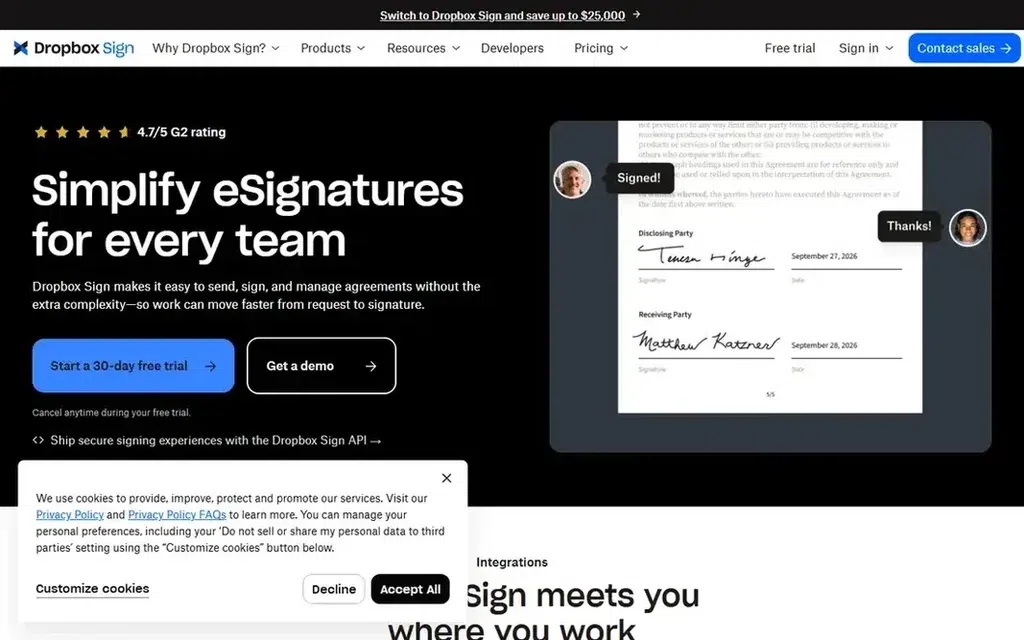
Dropbox Sign serves straightforward, legally binding client signatures. It is built to be straightforward, making it a decent choice for freelancers who require a dependable way to get contracts signed without a steep ramp-up time.
Watch-outs: Restricted advanced agreement management.
It may not offer the deeper agreement management features that some freelancers need as they scale. Beyond that, if you need broad workflow automation or API access, eversign or Zoho Sign could be better alternatives. Starting cost for Dropbox Sign: $15 USD / mo. Free access: Free trial.
- Connects with Dropbox ecosystem
- Simple way to send and run signatures
- May need a Dropbox account for full benefits
eversign
Best for: Freelancers needing API and no per-envelope fees
For freelancers needing API and no per-envelope fees, eversign is a natural candidate. For a simpler, more established choice, consider DocuSign or Dropbox Sign.
Downsides: Branding may be less familiar to clients.
On cost, eversign starts like this: $10 per user per month. You can start on eversign without paying.
- Document editing and tracking
- Adaptable API for automation
- API use may need technical knowledge
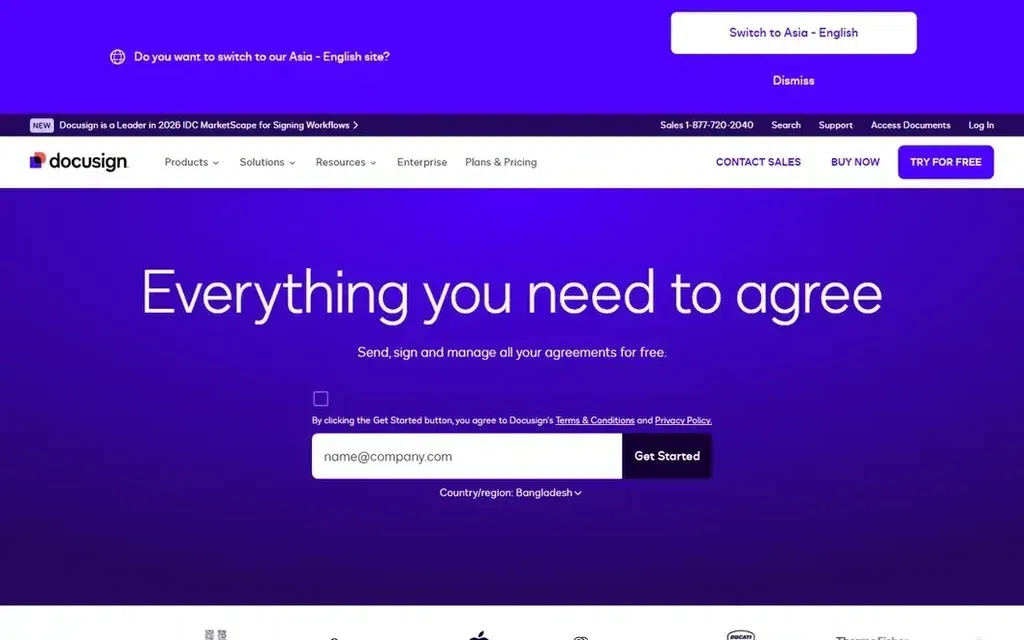
DocuSign makes the most sense for freelancers wanting a full agreement product. It lets you create, commit to, and run agreements in one place, and it supports electronic signing.
Honest limits: May be more than needed for simple contracts.
As for the details, if your needs are straightforward and you prefer a lighter tool, consider Dropbox Sign or SignWell instead. DocuSign pricing: $45 per user per month. Trial and free access: Not stated.
- Supports agreement management workflows
- Wide feature set beyond signatures
- Interface can feel complicated for solo users
Zoho Sign is built with freelancers integrated with Zoho ecosystem in mind. Zoho Sign is a complete digital signature option that is part of the broader Zoho suite. It lets freelancers to digitally sign business documents online and automate paperwork using document workflows.
It is especially well-suited for those who already use Zoho products for CRM, invoicing, or other business functions. Worth adding: if you do not use other Zoho products, the integration benefits may not be realized, and the tool may feel less easy-to-learn. In daily use, freelancers outside the Zoho ecosystem might prefer DocuSign or Dropbox Sign for a more standalone experience. Pricing for Zoho Sign is not stated here, so ask the vendor for current figures. Free plan details: Not stated.
What to check first: May be less familiar outside Zoho users.
- Secure digital signatures
- Automatic document workflows
- Best value if already using Zoho
What went into this list
Questions to settle before buying
- Get a written quote from SignNow and Zoho Sign; the list shows no starting price for them.
- Read the fine print on the free plans from SignWell and eversign; seat, project and feature caps differ.
- Use real work to test the free trial from Dropbox Sign, rather than a demo project.
- Read the limits listed for SignWell first: fewer advanced features.
- Ask DocuSign about contract length, onboarding fees and user minimums before you sign.
- Check the support hours and onboarding help SignNow offers; smaller vendors vary a lot here.
FAQ
Which options for E-Signature software for freelancers have a free plan?
SignWell and eversign offer a free plan in this list. Free plans usually cap users, projects or features, so check the limits on the vendor page. One other tool offers a trial instead. Prices, free plan details and limits for all 6 tools in this E-Signature software for freelancers roundup sit on the individual cards above.
Is DocuSign overkill for a freelancer?
DocuSign provides a full agreement system that may be more than a freelancer needs for straightforward contracts. Even so, if you deal with varied agreements and want a recognizable brand, it can be a solid fit.
Do these tools publish their prices?
Not all of them. SignNow and Zoho Sign publish no starting price, so expect a quote request for those. The rest, SignWell included, show a starting price, though seats and billing terms still change the final cost.
Can I use e-signature software for international clients?
Numerous e-signature tools support international use, but legal validity varies by country. From a buyer's view, check that the tool complies with local regulations and supplies a signing process that is accessible to your clients.
How do API-based tools like eversign help freelancers?
API access permits you to automate sending and tracking documents, which can save time if you manage plenty of contracts. It is most handy for freelancers with technical skills or recurring workflows, but may be unnecessary for occasional signing.
Can I try these tools before paying?
Often, yes. SignWell and eversign have a free plan and Dropbox Sign offers a free trial. Use your own data and a real task during the test, and check what the free tier or trial limits before you rely on it. Each of the 6 options in this E-Signature software for freelancers guide has its own card above with the price, free plan and limits.
Sources
- https://www.signwell.com
- https://www.signnow.com
- https://sign.dropbox.com
- https://eversign.com
- https://www.docusign.com
- https://www.zoho.com/sign