6 Best Note-Taking Software for Lawyers for 2026, Vetted and Compared
Best Note-Taking software for lawyers in 2026: 6 tools with starting prices, free plans and limits. The catches are listed up front. Full profiles inside.
- Editor's choice
 Smokeball
Legal practice management with automatic time tracking
Starts atSee websiteVisit smokeball.comFull review - Great alternative
 PracticePanther
Automating firm processes and billing
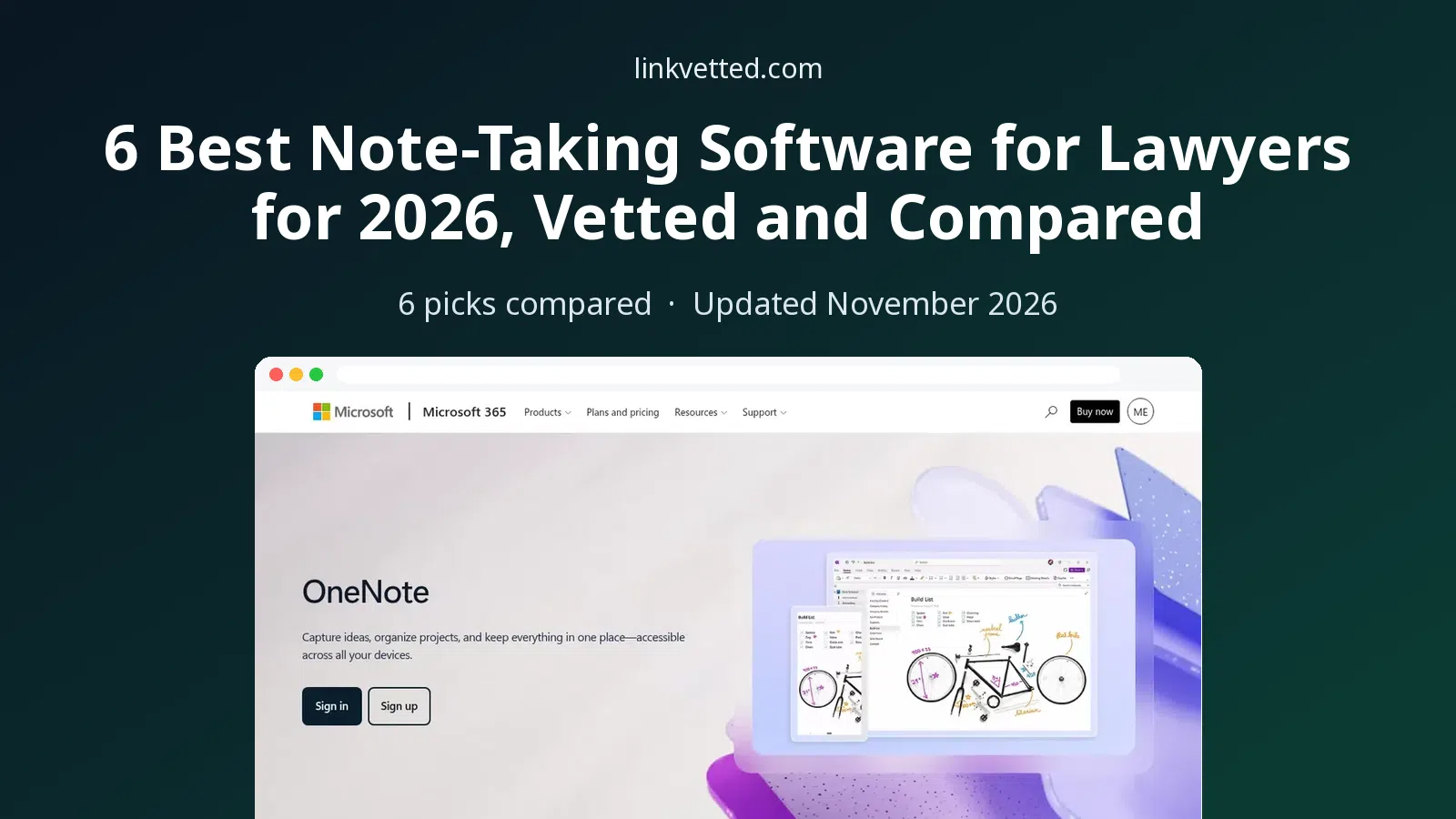
Starts at$49 per user a monthVisit practicepanther.comFull review - Also considerOneNote
Adaptable digital notebooks for case notes
Starts atSee websiteVisit microsoft.comFull review
Direct answer
For legal practice management with automatic time tracking, Smokeball is where this list starts. Listed starting prices: PracticePanther from $49 per user a month, MyCase from $50 per user a month and Notion from $10 per member per month. PracticePanther is the stronger choice for automating firm processes and billing, while OneNote suits adaptable digital notebooks for case notes. The remaining 3 options are covered below with prices and limits.
TL;DR:
- Smokeball sits first on this list: legal practice management with automatic time tracking.
- One limit worth knowing about Smokeball: higher complexity for small businesses.
- Notion has the lowest monthly starting price in this list: $10 per member per month.
- Notion fits configurable workspace with AI tools.
Last checked November 2026. Prices and plan details were read from the vendors' own pages in November 2026; vendors change plans often, so confirm the current price on the vendor site before you buy.
Quick comparison
| Tool | Best for | Starts at | Free plan? | |
|---|---|---|---|---|
| Smokeball | Legal practice management with automatic time tracking | See website | Not stated | Visit |
| PracticePanther | Automating firm processes and billing | $49 per user a month | Free trial | Visit |
| OneNote | Adaptable digital notebooks for case notes | See website | Not stated | Visit |
 MyCase | Running a profitable firm with integrated billing | $50 per user a month | Free trial | Visit |
 Evernote | Capturing ideas and to-do lists | See website | Yes | Visit |
 Notion | Configurable workspace with AI tools | $10 per member per month | Yes | Visit |
The 6 tools in detail
LinkVetted compared 6 Note-Taking software for lawyers. The goal is a practical shortlist: published prices, free plan facts, best-fit use cases and honest limits for every entry.
In short, Smokeball is for legal practice management with automatic time tracking. Smokeball is legal practice management software that boosts productivity through automatic time tracking, document automation, and trust and billing software. The focus is on practice management instead of freeform note capture.
Drawbacks to consider: Restricted note-taking customization.
Reasons to shortlist it: Automatic time tracking.
In practice, Smokeball's thorough feature set may be more than a solo practitioner needs. Its note-taking capabilities are less adaptable than dedicated note apps. As for the details, if you primarily need a straightforward note-taking tool, consider OneNote or Evernote instead. On top of that, note-taking is integrated with matter management, so notes are automatically linked to cases and time entries. Check the vendor site for Smokeball pricing; none is listed in this comparison. Free plan details: Not stated.
- Integrated trust and billing
- Document automation
- Higher complexity for small businesses
In short, PracticePanther is for automating firm processes and billing. For advanced note organization, consider a specialized tool. More specifically, PracticePanther is law practice management software that automates firm processes, billing, time tracking, and more.
Downsides: Note features are secondary to management.
Worth adding: PracticePanther's note-taking is functional but not as feature-rich as dedicated note apps, and customization choices are restricted. It is most useful for businesses that prioritize practice management and want notes integrated into their workflow. Starting cost for PracticePanther: $49 per user per month. Free access: Free trial.
- Approachable interface
- Integrated case notes
- Restricted customization for notes
OneNote
Best for: Adaptable digital notebooks for case notes
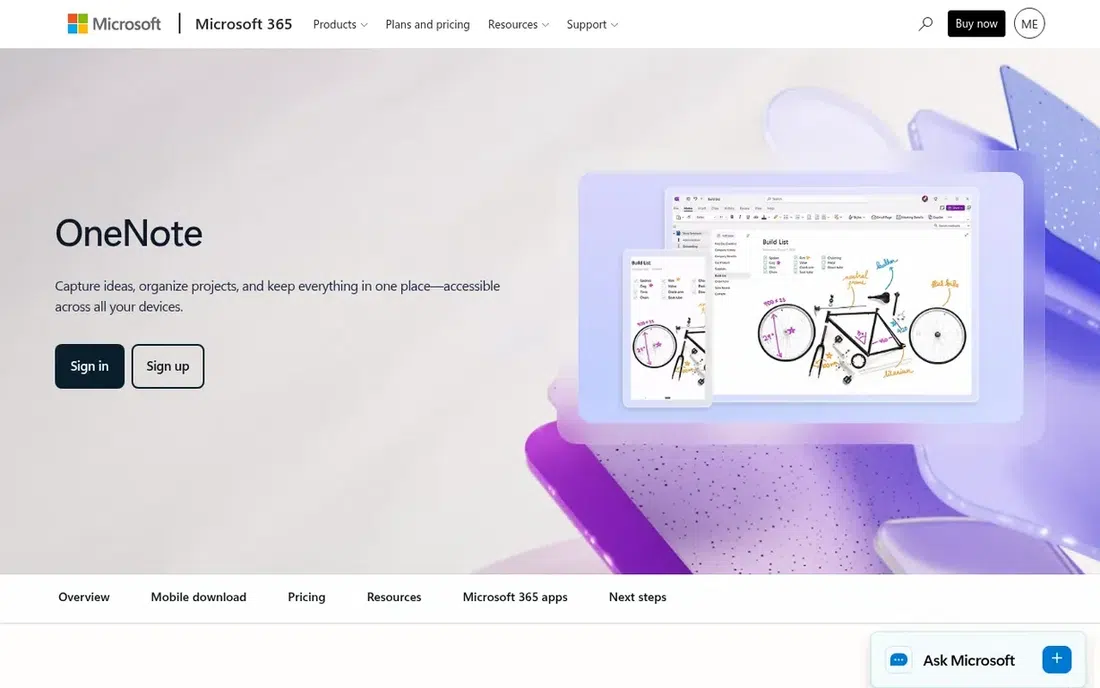
OneNote makes the most sense for flexible digital notebooks for case notes. OneNote is a digital note-taking app from Microsoft that organizes notes into notebooks, sections, and pages. That said, OneNote lacks legal-specific features like matter linking or time tracking, so it may not replace practice management software.
Its search functionality can also be inconsistent across large notebooks. From a buyer's view, if you need notes tied straight to cases and billing, consider a legal-specific tool instead. Pricing for OneNote is not stated here, so ask the vendor for current figures. Free plan details: Not stated.
Drawbacks to consider: Restricted legal-specific features.
- Freeform canvas with sections and pages
- Plugs into Microsoft 365
- Search can be inconsistent across notebooks
Think of MyCase for running a profitable firm with integrated billing. It merges cases, clients, billing, and payments in one place, with note-taking as part of the case management workflow.
Where it falls short: May need training to use completely.
As for the details, Whereas MyCase takes care of notes adequately, its note-taking features are not as solid as standalone note apps. The product may need training to use effectively. Price to start with MyCase: $50 per user per month. Free plan details: Free trial.
- Integrated billing and payments
- Client communication portal
- Note-taking is entry-level compared with dedicated apps

Evernote is built with capturing ideas and to-do lists in mind. Lawyers can use it to clip web research, store meeting notes, and keep task lists in one place.
Trade-offs to know: Restricted collaboration features.
In daily use, Evernote is a note-taking app meant to capture and prioritize ideas, projects, and to-do lists. If you need notes integrated with legal workflows, look at the legal-specific choices below. Evernote shows no starting price here, so confirm the cost on the vendor site. Evernote includes a free tier.
- Cross-platform sync
- Capable search across notes
- No legal-specific templates

Pick Notion if this describes you: customizable workspace with AI tools. Notion is an AI workspace that lets teams build custom pages, databases, and workflows. On top of that, lawyers can produce note templates, track cases in databases, and automate repetitive tasks.
Its adaptability makes it a good match for firms that want to tailor their note-taking system to specific practice areas. The AI features can help surface information across connected apps. It may need significant setup to align with legal workflows. For businesses seeking an all-in-one legal system, a dedicated practice management tool might be a better fit. Entry price for Notion: $10 per member per month. A free plan is available with Notion.
Drawbacks to consider: No legal-specific templates.
- Highly configurable pages and databases
- AI-powered search and automation
- Steep ramp-up time
Selection criteria
Pricing pages, product documentation and feature lists were the main sources, and every entry carries at least one honest drawback. Where a vendor does not publish a price, the entry says quote. Where a price depends on seats or billing term, the entry says so. Tools are placed by general fit for Note-Taking software for lawyers, with price clarity and free access as tie-breakers. A different team can reasonably rank them differently.
Questions to settle before buying
- Ask Smokeball, OneNote and Evernote for a written quote, since no starting price is shown.
- Read the fine print on the free plans from Evernote and Notion; seat, project and feature caps differ.
- Use real work to test the free trial from PracticePanther and MyCase, rather than a demo project.
- Before choosing Smokeball, weigh its main limit: higher complexity for small businesses.
- Add up seats, add-ons and usage charges for OneNote before comparing it with cheaper entries.
- Check whether the features you need in PracticePanther sit on the entry plan or only on higher tiers.
FAQ
Is Smokeball the right pick for everyone comparing Note-Taking software for lawyers?
No single tool suits every team. Smokeball comes first because it fits legal practice management with automatic time tracking, while PracticePanther suits automating firm processes and billing and OneNote suits flexible digital notebooks for case notes. Match the tool to your own size, budget and workflow before deciding.
What is the cheapest option for Note-Taking software for lawyers in this list?
On published monthly entry prices, Notion is the lowest here at $10 per member per month. Entry price is only part of the cost, because seats, add-ons and billing terms can change the total. Each of the 6 options in this Note-Taking software for Lawyers guide has its own card above with the price, free plan and limits.
Which options for Note-Taking software for lawyers have a free plan?
On this list, Evernote and Notion include a free plan. Caps on seats, usage or features are common, so test the free plan against your real workload. Several others offer a trial instead.
How do legal practice management tools manage note-taking?
Tools like Smokeball, MyCase, and PracticePanther integrate notes straight into case files, so notes are automatically associated with matters and can be used for billing or collaboration.
Can I try these tools before paying?
Often, yes. Evernote and Notion have a free plan and PracticePanther and MyCase offer a free trial. Use your own data and a real task during the test, and check what the free tier or trial limits before you rely on it.
Sources
- https://www.smokeball.com
- https://www.practicepanther.com
- https://www.microsoft.com/en-us/microsoft-365/onenote/digital-note-taking-app
- https://www.mycase.com
- https://evernote.com
- https://www.notion.so