Choosing Backup Software for Law Firms in 2026: 6 Options Compared
Best backup software for law firms in 2026: 6 tools with starting prices, free plans and limits. Strengths and weak spots are spelled out. Facts only.
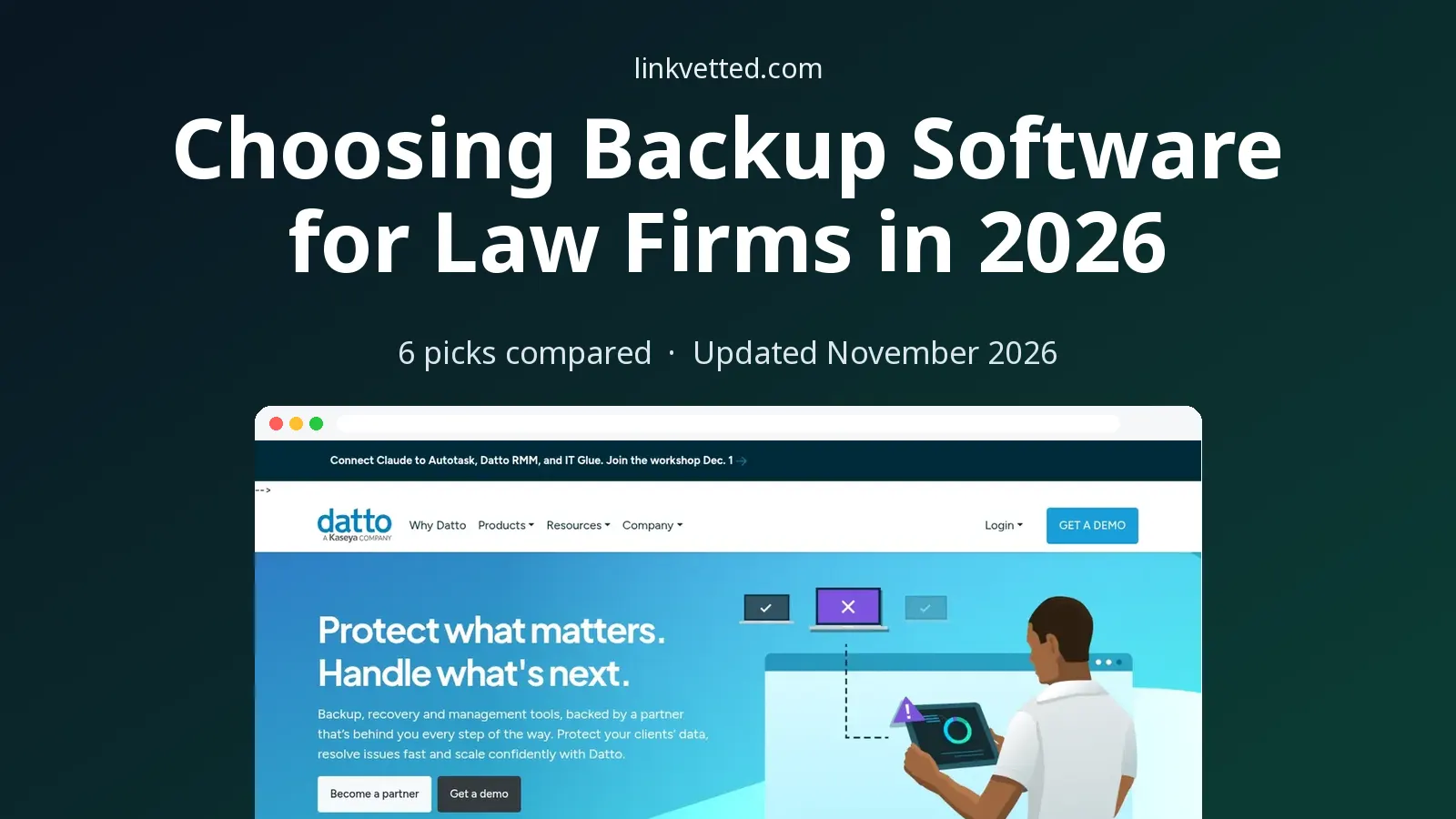
- Editor's choice
 Datto SIRIS
Business continuity and quick disaster recovery
Starts atPricing on requestVisit datto.comFull review - Great alternative
 Rubrik
Ransomware recovery and data security
Starts atPricing on requestVisit rubrik.comFull review - Also consider
 Acronis Cyber Protect
Smaller businesses wanting backup plus security
Starts atPricing on requestVisit acronis.comFull review
Direct answer
For business continuity and quick disaster recovery, Datto SIRIS is where this list starts. Rubrik is better for ransomware recovery and data security, and Acronis Cyber Protect is better for smaller businesses wanting backup plus security. The full list of 6 tools follows, with prices and free plan facts. None of these vendors publish plan prices, so pricing is on request for every option.
TL;DR:
- Datto SIRIS is the opening pick, best for business continuity and quick disaster recovery.
- A permanent free plan is missing from all 6 tools, Datto SIRIS and Veeam Backup & Replication included; plan for a trial or a premium start.
- Veeam Backup & Replication fits wide workload coverage and adaptable recovery.
- Pricing across the list, from Datto SIRIS to Veeam Backup & Replication, is by quote only.
- Datto SIRIS comes with a trade-off: commonly delivered through IT providers.
Last checked November 2026. Pricing on request: vendors did not publish plan prices when this guide was last checked (November 2026), so ask each vendor for a written quote.
Quick comparison
| Tool | Best for | Starts at | Free plan? | |
|---|---|---|---|---|
| Datto SIRIS | Business continuity and quick disaster recovery | Pricing on request | Not stated | Visit |
| Rubrik | Ransomware recovery and data security | Pricing on request | Not stated | Visit |
| Acronis Cyber Protect | Smaller businesses wanting backup plus security | Pricing on request | Not stated | Visit |
 Cohesity | Immutable backup with AI threat detection | Pricing on request | Not stated | Visit |
 Veritas NetBackup | Large-scale enterprise backup | Pricing on request | Not stated | Visit |
| Veeam Backup & Replication | Wide workload coverage and adaptable recovery | Pricing on request | Not stated | Visit |
Backup Software for Law Firms, one by one
This LinkVetted guide covers 6 backup software for law firms. Each profile lists a starting price, free plan details, strengths and drawbacks, so you can drop poor fits quickly.
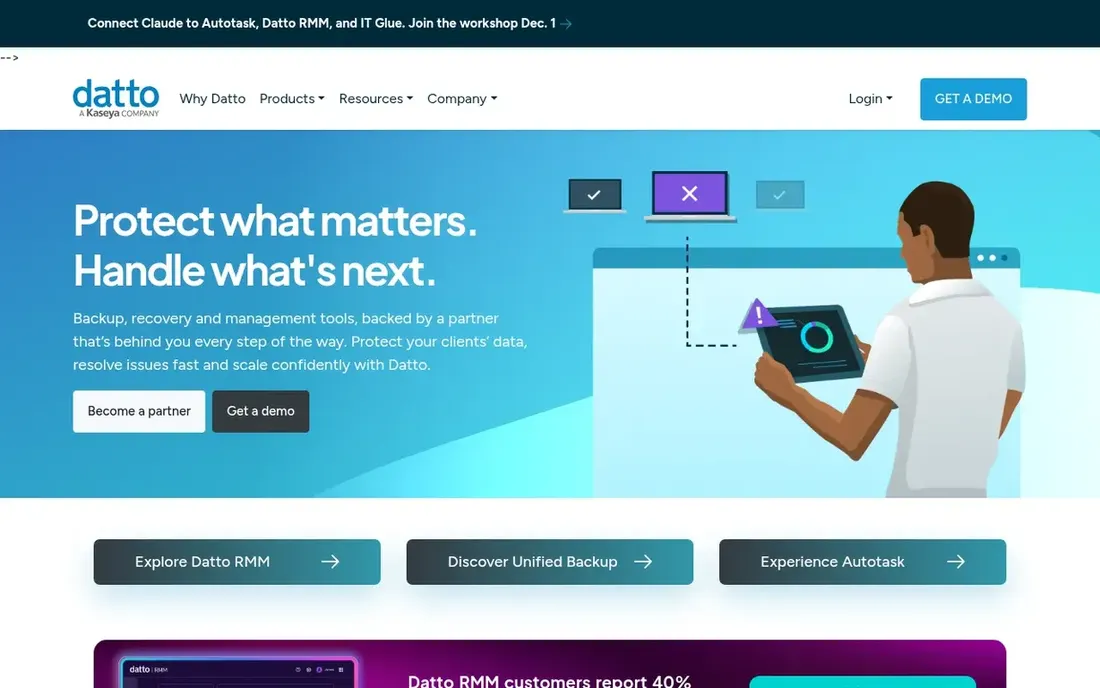
Datto SIRIS targets business continuity and quick disaster recovery. It suits law businesses that treat downtime as a serious risk and want recovery capabilities backed by an IT provider.
Practices working with managed service providers commonly encounter Datto as part of a broader continuity arrangement. Datto SIRIS does not show a starting price in this comparison, so check the vendor site for current pricing. On free options: Not stated.
Points against: Less suited to businesses wanting direct self-management.
- Backup paired with networking and management tools
- Backed by a provider-focused support model
- Frequently delivered through IT providers
Rubrik works best for ransomware recovery and data security. Rubrik presents an enterprise cyber resilience system that guards data, secures identities and helps govern AI agents. It emphasizes immutable backups and restoring after ransomware and cyberattacks at machine speed.
Where it falls short: May exceed the needs of very small businesses.
The system is aimed at enterprise environments, so very small practices may find it more than they need. Planning and administration assume a degree of IT maturity. Rubrik does not show a starting price in this comparison, so check the vendor site for current pricing. Free options: Not stated.
- Quick recovery after cyberattacks
- Unified system for data security and governance
- Enterprise-oriented design
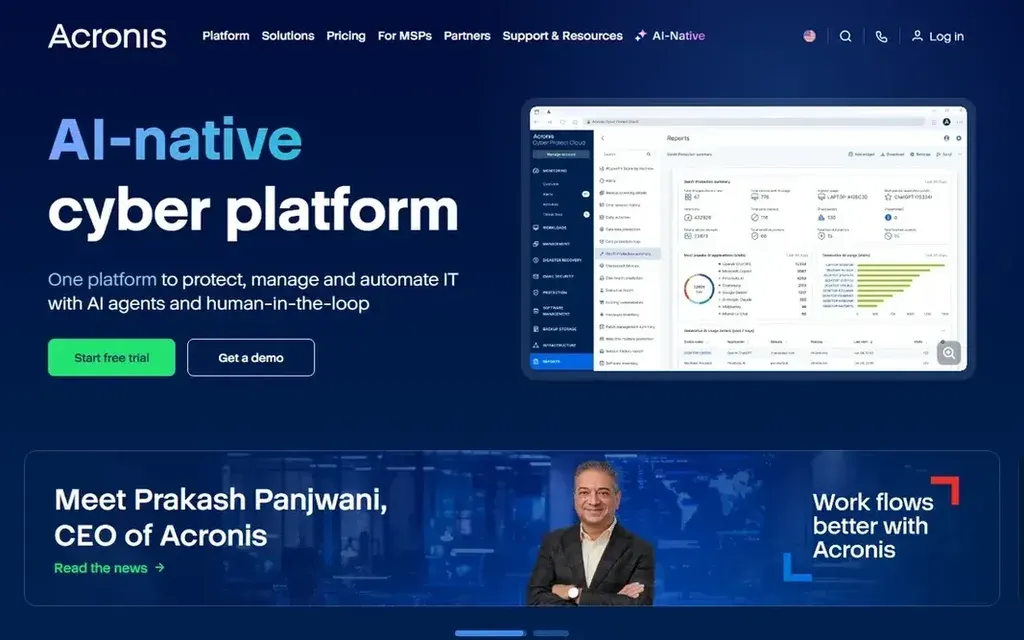
Think of Acronis Cyber Protect for smaller businesses wanting backup plus security. Since the product spans plenty of functions, setup and policy tuning take time, and businesses with complicated server estates may want deeper specialization.
In practice, consider Acronis when consolidation and simplicity matter more than depth in any single area. Acronis Cyber Protect does not show a starting price in this comparison, so check the vendor site for current pricing. On free options: Not stated.
The main drawbacks: Breadth can mean a steeper ramp-up time.
- Fits managed service providers and small IT teams
- Cybersecurity and endpoint management together
- Some businesses may prefer separate best-of-breed tools
Cohesity serves immutable backup with AI threat detection. It fits law businesses that want security and management of backup data in a single place rather than stitching together separate products.
Where it falls short: Wide system needs planning.
Also, if the priority is straightforward workload backup with broad documentation, Veeam Backup & Replication is a more straightforward starting point. This comparison lists no price for Cohesity; ask the vendor. As for free access: Not stated.
- Immutable backup defends against ransomware
- Rapid data recovery capabilities
- Best value at bigger data scale
Where Veritas NetBackup fits: large-scale enterprise backup. Veritas NetBackup is a long-established enterprise backup product used to protect large and varied workloads across complicated environments.
Trade-offs to know: Overkill for small practices.
Worth adding: organizations that already standardize on enterprise infrastructure frequently bundle it in evaluations. Businesses wanting quicker setup and simpler administration should weigh Veeam, Acronis or a provider-managed continuity service instead. Pricing for Veritas NetBackup is not stated here, so ask the vendor for current figures. Free access: Not stated.
- Deals with large and varied workloads
- Long-established enterprise backup product
- Complicated to deploy and operate
Veeam Backup & Replication
Best for: Wide workload coverage and adaptable recovery
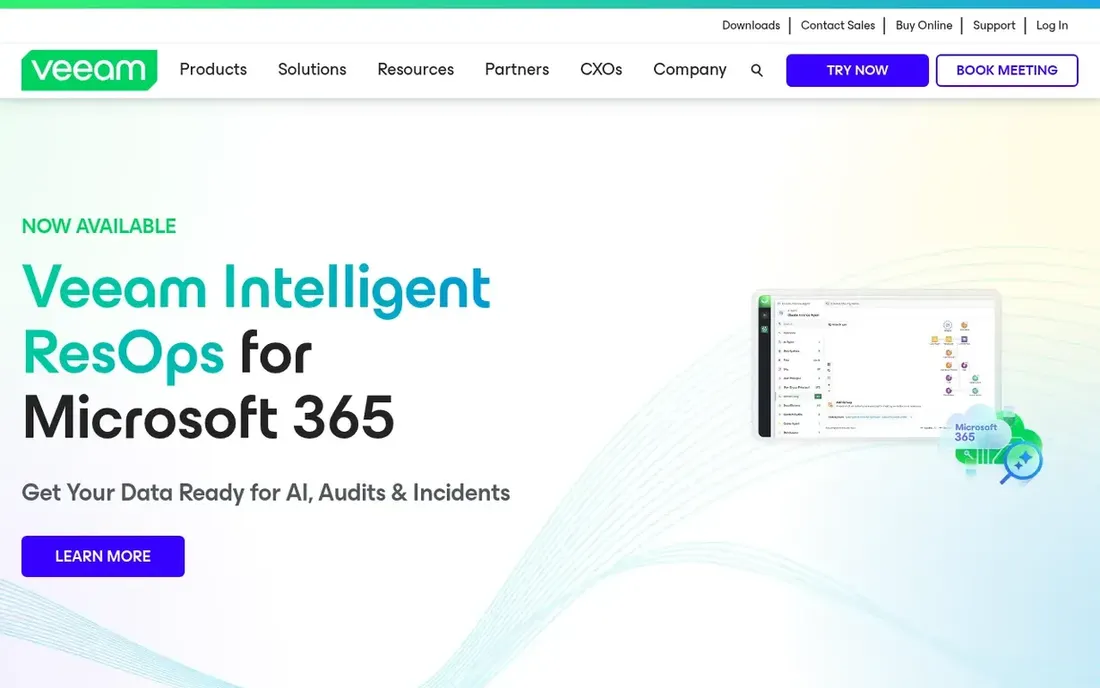
For broad workload coverage and adaptable recovery, Veeam Backup & Replication is a natural candidate. Businesses with in-house IT or a managed service provider frequently favor it since the product is widely documented and links up with typical storage and virtualization products. More specifically, licensing and deployment choices also add planning work.
Where Veeam Backup & Replication stands out: physical and cloud workloads.
The main drawbacks: Full value relies on supporting infrastructure.
On top of that, if a practice primarily needs a simple, self-contained backup and security console, a more integrated choice for example Acronis Cyber Protect may be simpler to run. Veeam Backup & Replication is a data protection product built around cyber resilience, secure data movement and compliance. In practice, the system is deep, and smaller businesses without dedicated IT staff may find configuration and continuing management demanding. Check the vendor site for Veeam Backup & Replication pricing; none is listed in this comparison. Free plan details: Not stated.
- Supports virtual
- Widely documented and well understood by IT staff
- Feature depth can overwhelm small teams
How we chose
Each tool was reviewed on what its vendor publishes: price, plan limits, core features and stated drawbacks. We did not run hands-on tests. Seat minimums, billing terms and add-ons can move the real cost, so the starting prices here are a guide and not a quote. Tools are placed by general fit for backup software for law firms, with price clarity and free access as tie-breakers. A different team can reasonably rank them differently.
What to confirm before you sign up
- Confirm the entry price with every vendor: no tool from Datto SIRIS to Veeam Backup & Replication shows a fixed starting price.
- Before choosing Datto SIRIS, weigh its main limit: frequently delivered through IT providers.
- A short pilot of Cohesity with your real workflow tells you more than a feature table.
- Confirm minimum seats and billing terms with Veeam Backup & Replication before you commit to an annual plan.
- Price Acronis Cyber Protect for your actual team size; headline prices rarely include add-ons or overage.
FAQ
Is Datto SIRIS the right pick for everyone comparing backup software for law firms?
No single tool suits every team. Datto SIRIS comes first because it fits business continuity and fast disaster recovery, while Rubrik suits ransomware recovery and data security and Acronis Cyber Protect suits smaller firms wanting backup plus security. Match the tool to your own size, budget and workflow before deciding.
Does any tool for backup software for law firms here have a free plan?
A permanent free plan is not offered by Datto SIRIS, Veeam Backup & Replication or the other tools here. Plan a short evaluation period instead.
Can a managed service provider deal with backups for a law firm?
Yes, numerous businesses depend on providers for backup and disaster recovery, and products such as Datto SIRIS are often delivered this way. More specifically, confirm who owns recovery decisions, how rapidly the provider responds and what documentation you receive for compliance reviews.
How are the tools for backup software for law firms ordered?
The order follows typical fit for backup software for law firms, with Datto SIRIS first and Veeam Backup & Replication last, then price clarity and free access. It is editorial judgement, not a score, so another team could rank the tools differently.
Can I try these tools before paying?
Not by default. None of the tools, from Datto SIRIS to Veeam Backup & Replication, lists a free plan or a free trial here, so ask each vendor for a demo before committing.
Is backup software enough, or do businesses need cyber resilience too?
Backup alone restores data but does not detect or contain an attack. Numerous products now pair backup with threat detection and clean recovery, which matters when client confidentiality and downtime are at stake.
Sources
- https://www.datto.com
- https://www.rubrik.com
- https://www.acronis.com
- https://www.cohesity.com
- https://www.veritas.com
- https://www.veeam.com