The 6 Best E-Signature Software for Consultants in 2026, Ranked
6 products for the best E-Signature software for consultants, ranked by fit, with starting costs and free tiers. Prices and drawbacks included. Pick by budget.
- Editor's choice
 SignNow
Custom eSignature workflows
Starts atSee websiteVisit signnow.comFull review - Great alternative
 Zoho Sign
Firms in the Zoho ecosystem
Starts atSee websiteVisit zoho.comFull review - Also consider
 Dropbox Sign
Straightforward and simple e-signatures
Starts at$15 USD / moVisit sign.dropbox.comFull review
Direct answer
Our first pick is SignNow, best for custom eSignature workflows. Listed starting prices: Dropbox Sign from $15 USD / mo, eversign from $10 per user per month and DocuSign from $45 per user a month. Zoho Sign is the stronger choice for firms in the Zoho ecosystem, while Dropbox Sign suits straightforward and simple e-signatures. The full list of 6 tools follows, with prices and free plan facts.
TL;DR:
- SignNow is the opening pick, best for custom eSignature workflows.
- Eversign is the only tool of the 6 with a free plan.
- Check the limits for SignNow before you commit: interface can be complicated.
- DocuSign suits full agreement management.
- The cheapest monthly starting price in the list is $10 per user per month, offered by eversign.
Last checked November 2026. Prices and plan details were read from the vendors' own pages in November 2026; vendors change plans often, so confirm the current price on the vendor site before you buy.
Quick comparison
| Tool | Best for | Starts at | Free plan? | |
|---|---|---|---|---|
| SignNow | Custom eSignature workflows | See website | Not stated | Visit |
| Zoho Sign | Firms in the Zoho ecosystem | See website | Not stated | Visit |
| Dropbox Sign | Straightforward and simple e-signatures | $15 USD / mo | Free trial | Visit |
 Adobe Acrobat Sign | Adobe ecosystem integration | See website | Not stated | Visit |
| eversign | No per-envelope fees | $10 per user per month | Yes | Visit |
 DocuSign | Full agreement management | $45 per user a month | Not stated | Visit |
6 E-Signature software for consultants in detail
If you are comparing E-Signature software for consultants, this page covers 6 tools in one place: what each is best for, what it costs to start, whether it has a free plan, and the main limit to know about.
SignNow works best for custom eSignature workflows. Consultants can sign documents with legally binding eSignatures and enjoy a smooth experience across devices.
It is well-suited for consultants who require to automate and simplify their document signing processes. Consultants with straightforward signing needs might find SignNow more than they need and could opt for a more entry-level tool. Pricing for SignNow is not stated here, so ask the vendor for current figures. Free plan details: Not stated.
Honest limits: Some features require higher levels.
- Mobile-friendly
- Configurable workflows
- Interface can be complicated
Zoho Sign is built with companies in the Zoho ecosystem in mind. Zoho Sign is a complete digital signature solution built for firms, offering secure signing and automatic document workflows. It is a very good choice for consultants who already use Zoho's suite of business applications, as it integrates smoothly with other Zoho products.
It may also lack some advanced features found in specialized e-signature software. Consider it if you are invested in the Zoho ecosystem. Zoho Sign shows no starting price here, so confirm the cost on the vendor site. Free plan details: Not stated.
Drawbacks to consider: Restricted standalone features.
- Automatic document workflows
- Integration with Zoho apps
- Best value within Zoho ecosystem
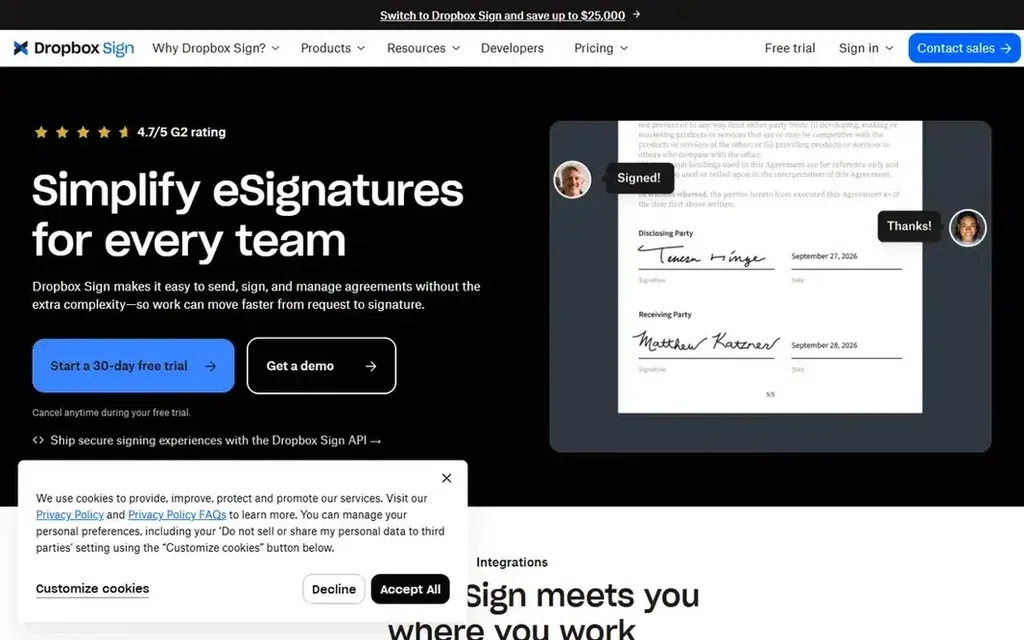
Think of Dropbox Sign for straightforward and simple e-signatures. If you need more sophisticated features like conditional fields or in-depth audit trails, you might need a more full tool.
Limits to weigh: Restricted advanced workflow features.
It is well suited to consultants who want a no-fuss option for getting documents signed rapidly. What you pay to start with Dropbox Sign: $15 USD / mo. Free access: Free trial.
- Approachable interface
- Legally binding signatures
- May need Dropbox for full benefits
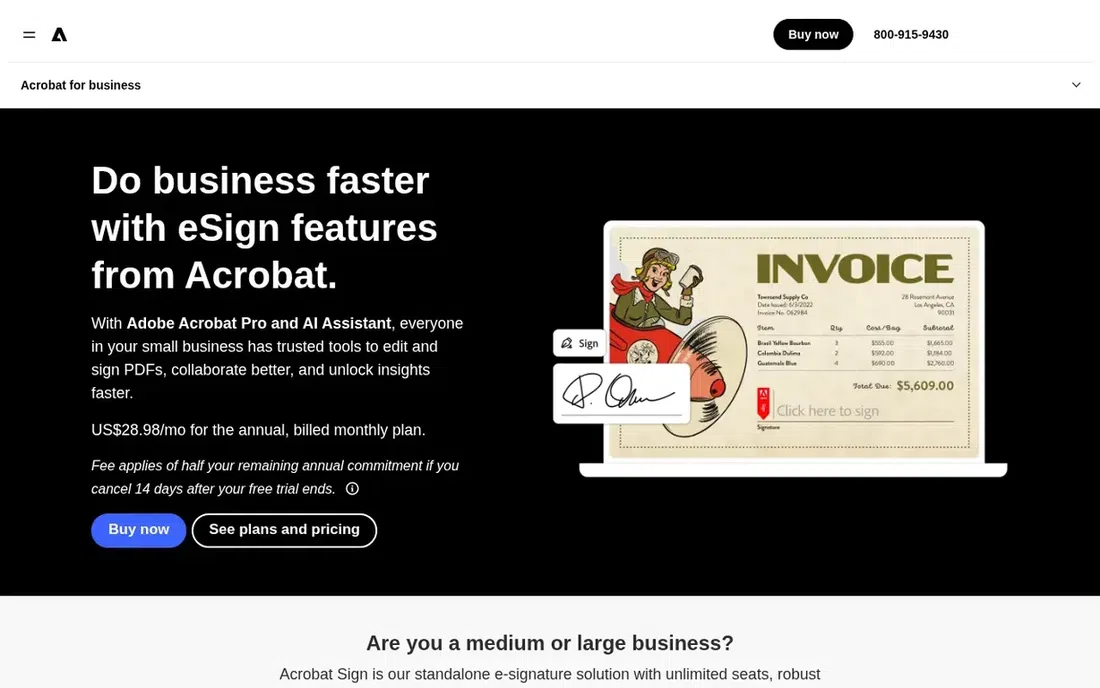
Adobe Acrobat Sign works best for Adobe ecosystem integration. For those not invested in the Adobe ecosystem, simpler or more budget-friendly choices might be more suitable.
Where it falls short: Needs familiarity with Adobe tools.
Adobe Acrobat Sign shows no starting price here, so confirm the cost on the vendor site. Free access: Not stated.
- Supports digital payments
- Enterprise-grade security
- Can be pricey for individuals
eversign
Best for: No per-envelope fees
Choose eversign for no per-envelope fees. eversign, now part of Xodo Sign, supplies secure e-signature software with the capacity to sign, send, edit, and track documents. It stands out for having no per-envelope fees, which can be economical for consultants who send numerous documents.
Limits to weigh: Interface may feel entry-level.
On top of that, consultants who need broad branding or complicated workflows might have to look elsewhere. Worth adding: the adaptable API lets for automation and integration with other systems. The starting price for eversign: $10 per user per month. eversign offers a free plan.
- No per-envelope fees
- Legally binding signatures
- Less known than some competitors
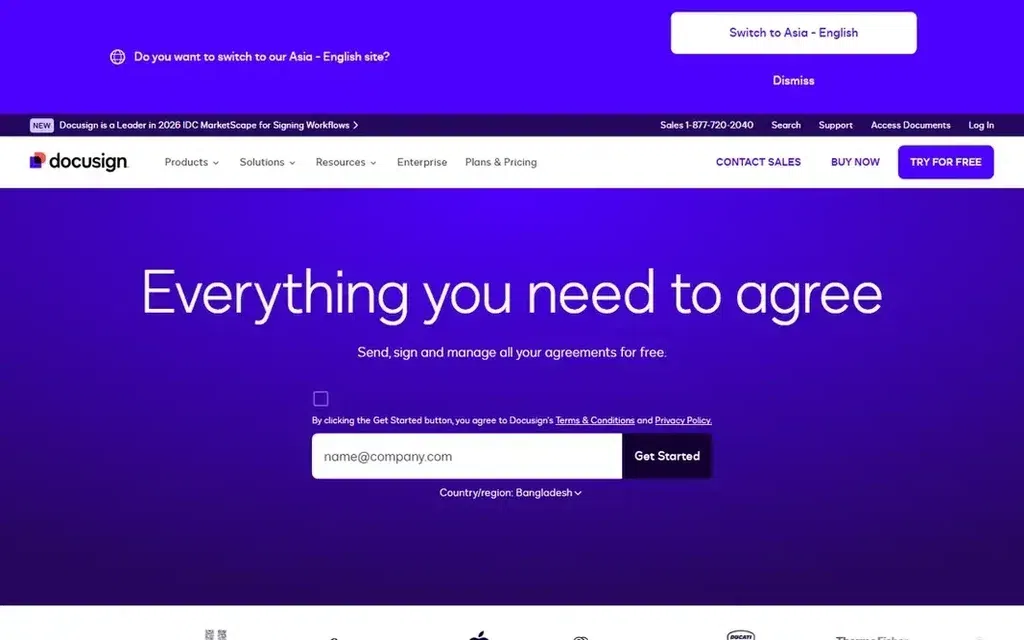
For full agreement management, DocuSign is a natural candidate. The product can have a steeper ramp-up time.
What users get: Intelligent Agreement Management (IAM) features.
Limits to weigh: May be more complicated than needed for straightforward signing. Even so, DocuSign's deep features might be overkill for consultants who only need occasional straightforward signatures. Starting cost for DocuSign: $45 per user per month. Free options: Not stated.
- Widely recognized and trusted
- Managing agreements
- Can be overwhelming for new users
Selection criteria
The comparison looks at four things: starting price, free access, how well the feature set matches E-Signature software for consultants, and the main limit of each tool. Where a vendor does not publish a price, the entry says quote. Where a price depends on seats or billing term, the entry says so. The sequence is a judgement call: typical use case first, then pricing transparency, then free access. Use the profiles to check fit.
Things to verify first
- Get a written quote from SignNow, Zoho Sign and Adobe Acrobat Sign; the list shows no starting price for them.
- Test the free plan from eversign against your real workload before relying on it.
- Use real work to test the free trial from Dropbox Sign, rather than a demo project.
- Before choosing SignNow, weigh its main limit: interface can be complicated.
- Ask whether Zoho Sign integrates with your current software, and whether that comes standard or as an add-on.
- Ask Adobe Acrobat Sign about contract length, onboarding fees and user minimums before you sign.
FAQ
Are e-signatures legally binding?
Yes, e-signatures are legally binding in plenty of countries, including the US under the ESIGN Act and in the EU under eIDAS. Always ensure the tool you choose meets the legal requirements for your jurisdiction.
Can I try these tools before paying?
Often, yes. eversign has a free plan and Dropbox Sign offers a free trial. Use your own data and a real task during the test, and check what the free tier or trial limits before you rely on it.
Can I use e-signature software for international clients?
Check that the tool you choose supplies features like several languages and local compliance. Tools like DocuSign and Adobe Acrobat Sign are widely used internationally.
What is the cheapest option for E-Signature software for consultants in this list?
On published monthly entry prices, eversign is the lowest here at $10 per user per month. Entry price is only part of the cost, because seats, add-ons and billing terms can change the total. All 6 picks in this E-Signature software for consultants comparison list a starting price, free plan details and the main limits on their cards above.
Is SignNow the right pick for everyone comparing E-Signature software for consultants?
No single tool suits every team. SignNow comes first because it fits custom eSignature workflows, while Zoho Sign suits businesses in the Zoho ecosystem and Dropbox Sign suits simple and easy e-signatures. Match the tool to your own size, budget and workflow before deciding.
Do these tools publish their prices?
Not all of them. SignNow, Zoho Sign and Adobe Acrobat Sign publish no starting price, so expect a quote request for those. The rest, Dropbox Sign included, show a starting price, though seats and billing terms still change the final cost.
Sources
- https://www.signnow.com
- https://www.zoho.com/sign
- https://sign.dropbox.com
- https://www.adobe.com/sign.html
- https://eversign.com
- https://www.docusign.com