Best Construction CRM Software for Remote Teams in 2026: Prices, Free Plans and 6 Picks
Searching for the best construction CRM software for remote teams? Here are 6 options with prices and free plans. Short verdicts, no fluff. See the full list.
- Editor's choice
 CoConstruct
Custom builders and remodelers
Starts atSee websiteVisit co-construct.comFull review - Great alternative
 Houzz Pro
Builders, remodelers and designers
Starts atSee websiteVisit houzz.comFull review - Also consider
 Autodesk Construction Cloud
Secure collaboration across project teams
Starts atSee websiteVisit construction.autodesk.comFull review
Direct answer
This list puts CoConstruct first for custom builders and remodelers. Listed starting prices: Fieldwire from $39 per user a month. Houzz Pro fits builders, remodelers and designers; Autodesk Construction Cloud fits secure collaboration across project teams. All 6 tools are compared below on price, free plan and limits.
TL;DR:
- This list starts with CoConstruct, which is built for custom builders and remodelers.
- Only Fieldwire offers a free plan among these 6 tools.
- A fair warning about CoConstruct: narrower than enterprise suites.
- Fieldwire is the lowest-priced starter here at $39 per user per month.
- For Jobsite task and drawing tracking, Fieldwire is worth a look.
Last checked November 2026. Prices and plan details were read from the vendors' own pages in November 2026; vendors change plans often, so confirm the current price on the vendor site before you buy.
Quick comparison
| Tool | Best for | Starts at | Free plan? | |
|---|---|---|---|---|
| CoConstruct | Custom builders and remodelers | See website | Not stated | Visit |
| Houzz Pro | Builders, remodelers and designers | See website | Not stated | Visit |
| Autodesk Construction Cloud | Secure collaboration across project teams | See website | Not stated | Visit |
 Procore | Connecting site and office teams | See website | Not stated | Visit |
 Buildxact | Estimating and project management | See website | Free trial | Visit |
 Fieldwire | Jobsite task and drawing tracking | $39 per user a month | Yes | Visit |
Our 6 construction CRM software for remote teams
Choosing construction CRM software for remote teams usually comes down to price, fit and limits. This LinkVetted guide sets 6 tools side by side on those three points, with the facts kept short and checkable.
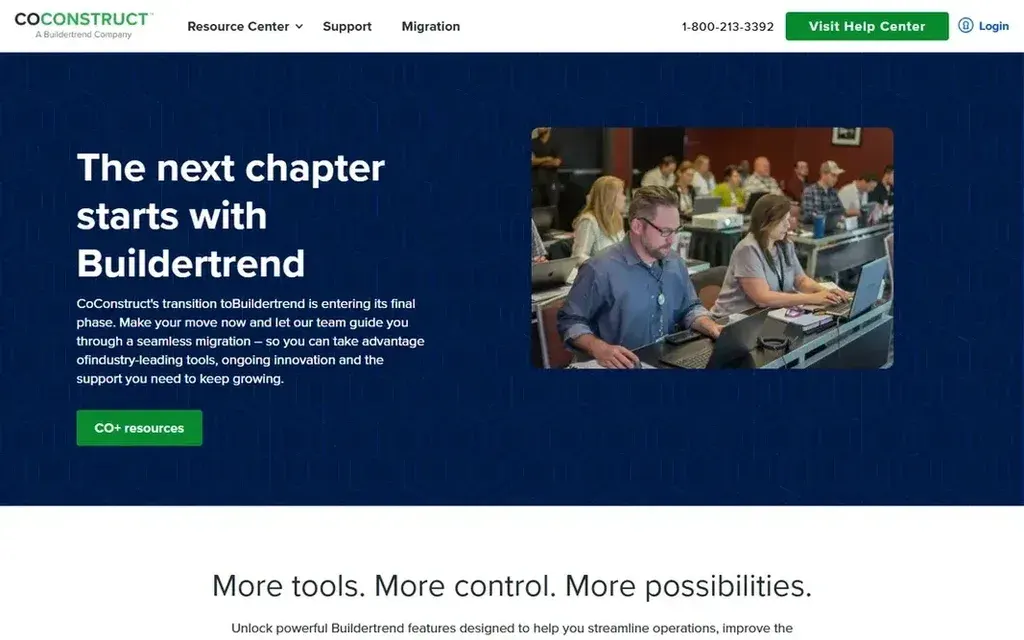
For custom builders and remodelers, CoConstruct is a natural candidate. Since it leans toward residential builders, large commercial contractors may outgrow it.
The main drawbacks: Best fit is residential work.
Its homepage notes that CoConstruct and Buildertrend are now a unified brand. So teams choosing it should expect a shared direction and a residential-focused feature set. CoConstruct does not show a starting price in this comparison, so check the vendor site for current pricing. Free access: Not stated.
- Made for builder workflows
- Supports client communication
- Narrower than enterprise suites
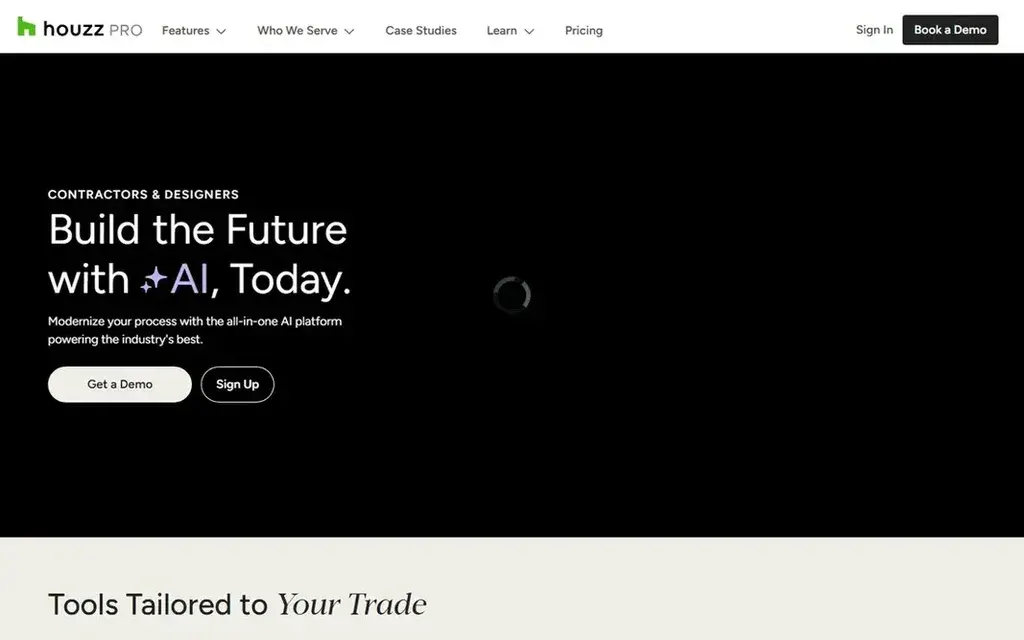
Houzz Pro makes the most sense for builders, remodelers and designers. Houzz Pro describes itself as an all-in-one AI product and software for builders, remodelers and designers. It states its AI is trained on the construction and design industry, which fits small businesses that want business tools and client-facing features in one place.
Its strengths sit with residential and design-oriented companies, so commercial contractors may need more specialized field tools. From a buyer's view, consider it when client presentation and design workflow matter more than heavy jobsite controls. Houzz Pro shows no starting price here, so confirm the cost on the vendor site. Free options: Not stated.
Honest limits: Focused on residential and design.
- Capable fit for design-led firms
- All-in-one business system
- Not targeted at heavy commercial work
Autodesk Construction Cloud
Best for: Secure collaboration across project teams
Autodesk Construction Cloud is a good fit for secure collaboration across project teams. Autodesk Construction Cloud, now Autodesk Forma, is positioned around secure and quick collaboration so project teams can deliver on time and on budget.
It fits organizations already working with Autodesk design tools and coordinating remote contributors. Pricing for Autodesk Construction Cloud is not stated here, so ask the vendor for current figures. Trial and free access: Not stated.
Watch-outs: Can need training to adopt.
- Part of the Autodesk ecosystem
- Collaboration across distributed teams
- Best value for design-heavy projects

In short, Procore is for connecting site and office teams. The system spans a broad scope, so smaller teams may find it more than they need and should weigh setup effort.
Downsides: Can feel heavy for small crews.
From a buyer's view, if your work is largely residential estimating, a more focused tool may be more straightforward to run. Pricing for Procore is not stated here, so ask the vendor for current figures. Free options: Not stated.
- Fits general contractors
- Wide construction management system
- Setup needs planning
Buildxact makes the most sense for estimating and project management. Buildxact is described as easy-to-use project and construction management software for builders and contractors.
It is a reasonable choice when accurate takeoffs and job tracking are the priority. This comparison lists no price for Buildxact; ask the vendor. Free access: Free trial.
Downsides: Estimating-led instead of full CRM.
- Made for builders and contractors
- Estimating focus
- Less suited to large commercial teams
Pick Fieldwire if this describes you: Jobsite task and drawing tracking. Fieldwire by Hilti concentrates on live jobsite management, with task tracking and drawing updates pitched at reducing expensive rework.
Where it is weaker: Narrower than full business suites.
Its homepage notes use by owners, general contractors and subcontractors, which suits field-heavy remote teams. Fieldwire cost at the entry level: $39 per user per month. Fieldwire includes a free tier.
Highlights: GCs and subcontractors.
- Drawing updates in live
- Task tracking on the jobsite
- Not an estimating-first tool
How these tools were picked
We compared the tools on published pricing, free plan or trial availability, feature coverage for construction CRM software for remote teams, and the limits each vendor documents. Figures are shown as the vendors publish them. Billing terms, seat minimums and add-ons can change the real cost. The sequence is a judgement call: typical use case first, then pricing transparency, then free access. Use the profiles to check fit.
Pre-purchase checklist
- Get a written quote from CoConstruct, Houzz Pro, Autodesk Construction Cloud and others; the list shows no starting price for them.
- Look at the free plan from Fieldwire closely: its caps decide whether it is usable for real work.
- Run a trial of Buildxact with real work before paying for a year; your own workflow is the best test.
- Read the limits listed for CoConstruct first: narrower than enterprise suites.
- See whether Buildxact offers onboarding or training, and whether it is included in the price.
- Look at which plan of Fieldwire unlocks the features you need; entry tiers are often cut down.
FAQ
How does Fieldwire differ from full construction suites?
Fieldwire by Hilti concentrates on jobsite tasks and drawing updates to cut rework. Full suites include more business functions, so Fieldwire commonly works alongside estimating or accounting tools.
Which options for construction CRM software for remote teams have a free plan?
Fieldwire is the only tool in this list with a free plan. Free plans usually cap users, projects or features, so check the limits on the vendor page. One other tool offers a trial instead. For the full picture, the cards above cover all 6 entries of this construction CRM software for remote teams list, including price, free plan and limits.
Can I try these tools before paying?
Often, yes. Fieldwire has a free plan and Buildxact offers a free trial. Use your own data and a real task during the test, and check what the free tier or trial limits before you rely on it.
Do these tools publish their prices?
Not all of them. CoConstruct, Houzz Pro, Autodesk Construction Cloud and others publish no starting price, so expect a quote request for those. The rest, Fieldwire included, show a starting price, though seats and billing terms still change the final cost.
Is CoConstruct the right pick for everyone comparing construction CRM software for remote teams?
No single tool suits every team. CoConstruct comes first because it fits custom builders and remodelers, while Houzz Pro suits builders, remodelers and designers and Autodesk Construction Cloud suits secure collaboration across project teams. Match the tool to your own size, budget and workflow before deciding.
Is Procore a good match for small remote teams?
Procore is built as a wide construction management system connecting site and office. Smaller teams can use it, but should confirm that its scope matches their workflow and that setup effort is manageable.
Sources
- https://www.co-construct.com
- https://www.houzz.com/pro
- https://construction.autodesk.com
- https://www.procore.com
- https://www.buildxact.com
- https://www.fieldwire.com