Best CRM for Landscape Company in 2026: 8 Tools Compared
Searching for the best crm for landscape company work? We compare 8 CRMs for landscaping firms on scheduling, quotes, routes and pricing before you pick a plan.
- Editor's choice
 Jobber
All-round field service CRM
Starts at$29 per monthVisit getjobber.comFull review - Great alternative
 Housecall Pro
Scheduling, dispatch and payments
Starts at$59 per monthVisit housecallpro.comFull review - Also consider
 ServiceTitan
Large multi-crew operations
Starts atSee websiteVisit servicetitan.comFull review
TL;DR:
- A good CRM for a landscaping firm must handle quotes, recurring jobs, routes and invoices, not only contact records.
- Jobber is the easiest all-round starting point for small and growing crews.
- LMN and Aspire suit larger firms that need job costing tied to real labor and material costs.
- Yardbook gives solo operators a genuinely free starting point, with paid plans when work grows.
- Price the full stack, including seats, add-ons and payment fees, before you compare headline rates.
Quick comparison
| Tool | Best for | Starts at | Free plan? | |
|---|---|---|---|---|
| Jobber | All-round field service CRM | $29 per month | Free trial | Visit |
| Housecall Pro | Scheduling, dispatch and payments | $59 per month | Free trial | Visit |
| ServiceTitan | Large multi-crew operations | See website | No | Visit |
 Service Autopilot | Recurring routes and automation | $49 per month | No | Visit |
 LMN | Estimating and job costing | $197 per month | No | Visit |
 Aspire | Large firms with complex operations | See website | No | Visit |
 SingleOps | Tree and grounds work with detailed estimates | See website | No | Visit |
 Yardbook | Solo operators on a budget | Free | Yes | Visit |
The best CRMs for landscaping companies
We compared tools built for field service and green industry work, weighing scheduling, quoting, recurring service, invoicing, mobile apps and published pricing. The firms below range from a one-person operation to a multi-crew company, so start with the size that matches your crew today.
Jobber is the safest first pick for a small or growing firm that wants one system from first enquiry to final payment. Quotes, scheduling, dispatch, invoicing and card payments live in the same account, and the mobile app lets crews see jobs, check in and collect payment on site. Recurring work, such as weekly mowing or seasonal cleanups, can be set to repeat without re-entering each visit.
The limits show up as the business grows. Marketing tools, a sales pipeline and some advanced reporting sit on higher plans or paid add-ons, so the entry price is not the whole cost. Extra seats also add up. For a team of one to ten people that wants a tidy, easy system, Jobber remains hard to beat.
- Polished scheduling, quoting and invoicing in one system
- Strong mobile app
- QuickBooks Online sync on higher plans
- Marketing and pipeline tools are add-ons
- Per-user costs rise as the crew grows
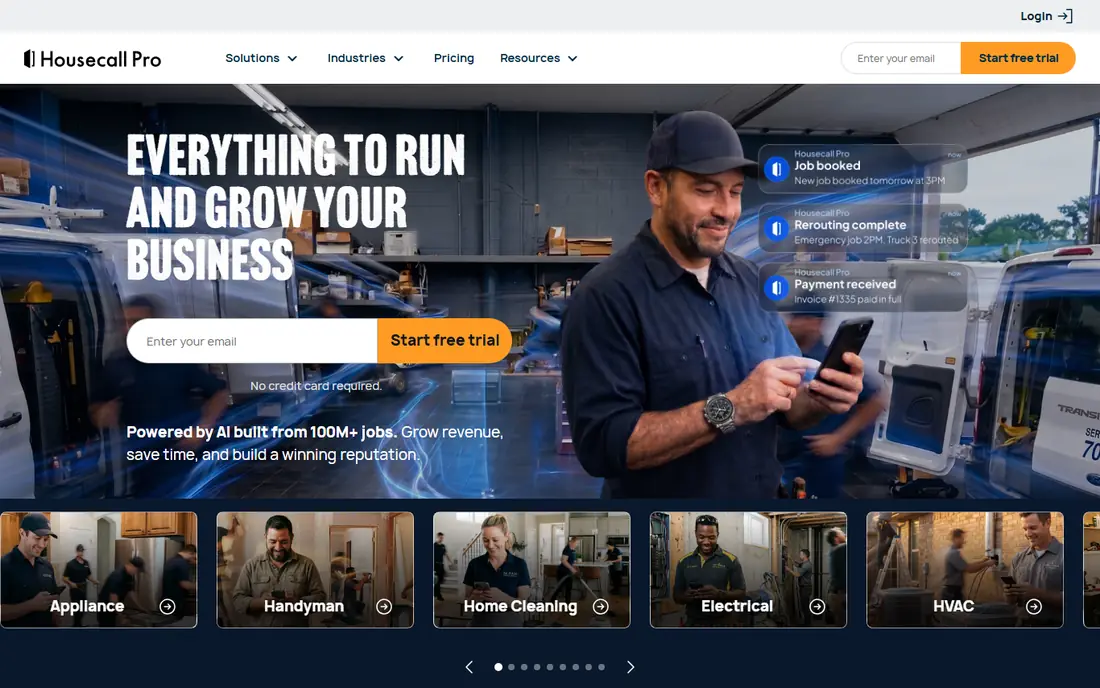
Housecall Pro suits firms that live by the dispatch board, with many same-day or next-day jobs to assign. Drag-and-drop scheduling, on-my-way texts and a customer-facing booking page keep the office and the field in step. Payments are built in, and consumer financing options can help larger residential jobs close.
Pricing needs a close look, since the entry plan is priced per user and the bundled plans change value sharply at certain team sizes. Recurring maintenance work is supported, but firms built around dense weekly routes may prefer a route-first tool. For a service-heavy firm that values simple dispatch, Housecall Pro is a strong choice.
- Simple dispatch board
- Built-in payments and consumer financing options
- Online booking
- Entry plan is per user
- Recurring job handling is less deep than some rivals
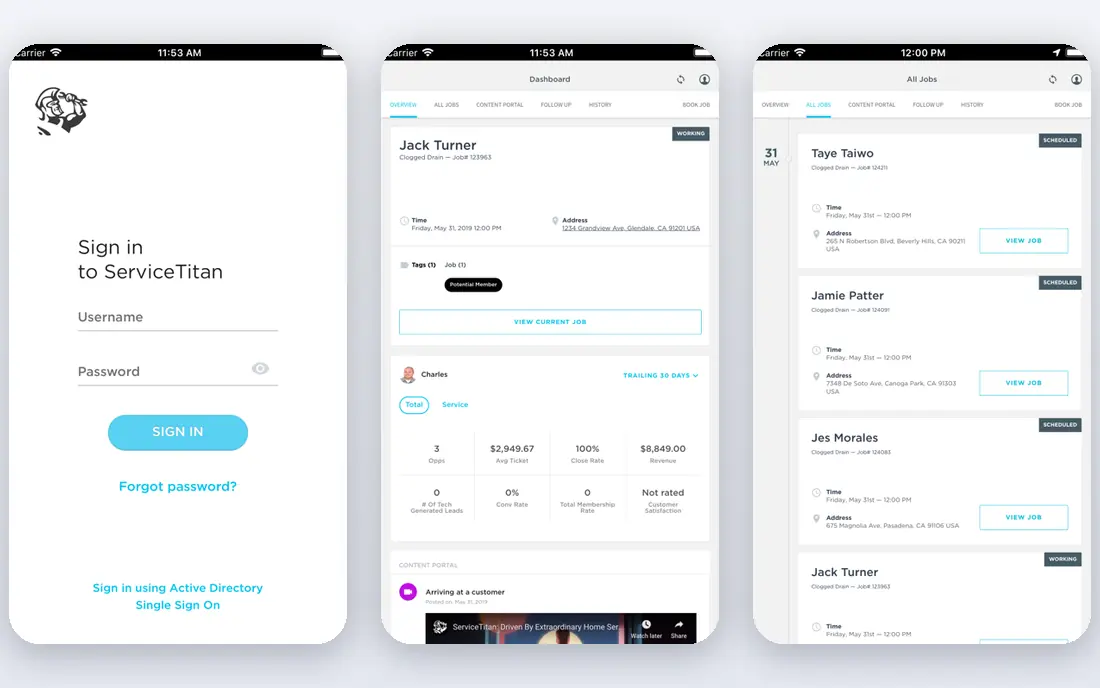
ServiceTitan is built for larger home service companies that need one platform for operations, sales and marketing. Dispatch, job costing, pricebook management, marketing campaigns and detailed reporting sit together, which helps a multi-crew firm see which jobs and crews actually make money. The platform is powerful once it is fully set up.
That power comes with cost and effort. Pricing is quote-based, reported figures run into hundreds of dollars per technician per month, and implementation can take months. A small firm will likely find it more than it needs. For a large firm ready to invest in a full system, it is the most complete option here.
- Deep operations, sales and marketing tools in one platform
- Strong dispatch and reporting
- No published pricing
- Implementation can be long and costly
Service Autopilot is the pick for firms whose week is built around recurring routes. Automated billing, route dispatch, follow-up sequences and job costing reduce the office work that piles up when dozens of properties repeat every week. The system is designed around that rhythm rather than one-off jobs.
The trade-off is complexity and tiering. Route optimization, deeper costing and some integrations sit on higher plans, so the starting price is not the full picture. Setup also takes real time. For a maintenance-focused firm with dense routes, that effort pays back quickly in saved office hours.
- Strong automation for recurring routes and billing
- Job costing and dispatch built for route work
- Some features sit on higher tiers
- Setup takes time to configure well
LMN earns its place for firms that lose money on badly priced jobs. Estimates are built from actual costs for labor, equipment, materials and overhead, so quotes reflect the margin you need rather than a guess. Budget-to-actual reporting then shows whether a job stayed on target, and crew time tracking feeds straight into that picture.
The price starts higher than general field service tools, and the system is less focused on marketing and lead generation. Pair it with a simple marketing tool if lead flow is your weak point. For a firm where accurate estimating is the difference between profit and loss, LMN is worth the premium.
- Estimating built from real labor, material and overhead costs
- Budgeting and crew time tracking
- Higher starting price
- Marketing tools are limited compared with general CRMs
Aspire is aimed at larger firms with complex operations, multiple crews and detailed reporting needs. Estimating, scheduling, job costing, fleet tracking and operational analytics sit in one system, which helps managers compare branches, crews and job types on the same numbers. It is the kind of platform a firm grows into rather than starts with.
Pricing is quote-based and implementation takes structured onboarding. A small firm will find it heavy and expensive. For a firm with dozens of staff and a need for consistent numbers across the business, Aspire gives a level of control that smaller tools cannot match.
- Enterprise reporting and job costing
- Fleet and operations tools for larger crews
- Quote-based pricing
- Implementation is a project, not a quick signup
SingleOps fits green industry firms that sell high-value, detailed work, such as tree care and larger grounds projects. Proposals look professional, upsells are easy to add, and crew work orders carry the detail the field team needs. Client follow-ups are automated, which helps win repeat work.
Pricing is quote-based, so budget planning needs a sales call. Firms focused only on simple recurring mowing may prefer a cheaper route tool. For a firm where the proposal itself wins the job, SingleOps is a strong specialist pick.
- Fast professional proposals with upsells
- Tree inventory and crew work orders
- Route tools
- No published pricing
- Less suited to simple mowing routes than route-first tools
Yardbook is the best place to start when money is tight and the business is small. The free starter plan covers scheduling, routing, invoicing, expenses and chemical tracking, which is enough for a solo operator or a two-person crew to run the business without spreadsheets. Paid plans add more capacity from $34.99 per month.
The limits appear as the crew grows. Mobile access leans on Android and web, and reporting and automation are lighter than paid rivals. Most growing firms graduate to a fuller system within a couple of seasons. As a free starting point, though, Yardbook is genuinely usable, not a demo in disguise.
- Free starter plan covers scheduling, invoicing and expenses
- Paid plans from $34.99 per month
- Mobile access is mainly Android and web
- Depth is limited for larger crews
How we picked these
We compared field service and green industry CRMs on quoting, scheduling, recurring jobs, routing, invoicing, mobile access and published pricing, using vendor pricing pages and 2026 comparisons as cross-checks. We favored tools that serve firms of different sizes, from solo operators to large multi-crew companies, and we noted where pricing is quote-based rather than published. We did not run these tools on live crews, and we do not claim hands-on testing.
How to choose the right CRM for your firm
Start with your weekly workflow, not a feature list. Count how many recurring properties you serve, how many crews run each day, and how much time the office spends on quotes, scheduling and chasing payments. A tool that fits that rhythm will get used, while a tool with more features than your week needs will sit idle.
Pricing, seats and add-ons
Get the total monthly cost in writing for your actual crew size, including extra seats, payment processing and any add-ons for marketing, pipeline or reviews. Ask what happens to the bill when you add three staff in spring, and whether there is a contract or a setup fee. A cheap headline price with expensive add-ons is a common trap in this category.
Trial, migration and field adoption
Use the trial with real jobs, not sample data, and put the mobile app in a crew member's hands on day one. If the field team finds it awkward, the office will end up re-entering work by hand. Ask about data import from spreadsheets or your old system, and confirm support hours cover your working day.
FAQ
What is the best CRM for a small landscaping company?
Jobber is the best all-round starting point for most small firms, thanks to its quoting, scheduling, invoicing and mobile app in one system. Yardbook is the best free option for a solo operator. Housecall Pro is worth shortlisting if dispatch and online booking matter most to your week.
Do these CRMs work with QuickBooks?
Yes, most of them do. Jobber, Housecall Pro and several others sync clients, invoices and payments with QuickBooks Online, though the exact plan level varies. Check whether the sync is included on the plan you intend to buy, and test it with a few real invoices before relying on it at tax time.
How much does a CRM for a landscaping company cost?
Entry costs range from free with Yardbook to $29 per month with Jobber and $59 per month with Housecall Pro, while specialist tools such as LMN start around $197 per month. Larger platforms such as ServiceTitan and Aspire are quote-based and cost much more. Always price seats and add-ons for your real crew size.
Can a CRM handle recurring seasonal work?
Yes, and it should be a core test during your trial. Look for recurring job templates, seasonal contract dates, auto-renewal proposals and route tools. Send renewal proposals 60 to 90 days before a season starts, so clients confirm before your schedule fills.
Is a general CRM such as HubSpot enough?
A general CRM can track leads and pipelines, but it lacks route dispatch, crew scheduling and job costing built for field work. Some firms pair a general CRM for marketing with a field tool for operations. For most firms, a field-first tool covers both needs with less double entry.
How long does it take to switch CRMs?
Self-serve tools such as Jobber and Yardbook can import a customer list in an afternoon, though full setup takes longer. Quote-based tools with structured onboarding can take weeks. Plan the switch in the off-season when possible, and keep your old records accessible until the new system has run a full billing cycle.