Best Construction CRM Software for Enterprise (2026): 5 Picks Checked on Vendor Pages
Weighing the best construction CRM software for enterprise? We lined up 5 products by cost, free access and fit. Each entry gets a plain verdict. Details below.
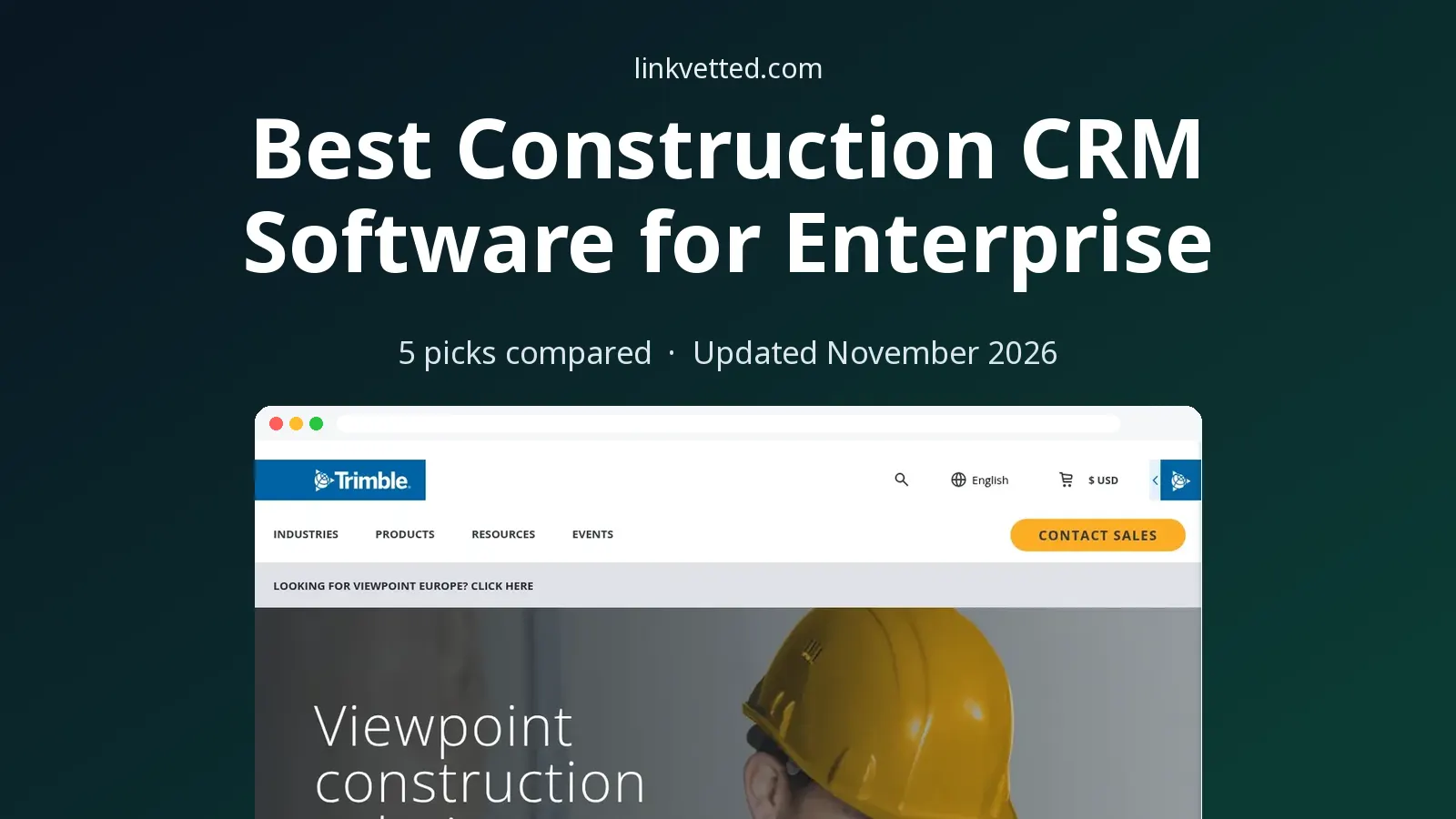
- Editor's choice
 Knowify
Trade contractors managing commercial and residential jobs
Starts at$19 per unit a monthVisit knowify.comFull review - Great alternative
 Viewpoint Vista
Construction ERP with job costing
Starts atSee websiteVisit viewpoint.comFull review - Also consider
 Autodesk Construction Cloud
Design-integrated construction collaboration
Starts atSee websiteVisit construction.autodesk.comFull review
Direct answer
Knowify leads the list, best for trade contractors managing commercial and residential jobs. Listed starting prices: Knowify from $19 per unit a month. Look at Viewpoint Vista for Construction ERP with job costing, and at Autodesk Construction Cloud for design-integrated construction collaboration. Details, prices and limits for the rest of the 5 tools are below.
TL;DR:
- Top of the list is Knowify, which targets trade contractors managing commercial and residential jobs.
- For the cheapest start, look at Knowify: $19 per unit per month.
- A fair warning about Knowify: may lack depth for large enterprise projects.
- A permanent free plan is missing from all 5 tools, Knowify and CMiC included; plan for a trial or a premium start.
Last checked November 2026. Prices and plan details were read from the vendors' own pages in November 2026; vendors change plans often, so confirm the current price on the vendor site before you buy.
Quick comparison
| Tool | Best for | Starts at | Free plan? | |
|---|---|---|---|---|
| Knowify | Trade contractors managing commercial and residential jobs | $19 per unit a month | Free trial | Visit |
| Viewpoint Vista | Construction ERP with job costing | See website | Not stated | Visit |
| Autodesk Construction Cloud | Design-integrated construction collaboration | See website | Not stated | Visit |
 Procore | Full construction management and CRM | See website | Not stated | Visit |
 CMiC | Unified accounting, projects, and people management | See website | Not stated | Visit |
Construction CRM Software for Enterprise profiles
If you are comparing construction CRM software for enterprise, this page covers 5 tools in one place: what each is best for, what it costs to start, whether it has a free plan, and the main limit to know about.
Knowify is a good fit for trade contractors managing commercial and residential jobs. Knowify may not offer the broad customization or scalability required by large enterprise construction businesses with complicated project portfolios.
Main advantages: invoice in one place.
Knowify is construction management software for trade contractors, helping them bid, handle, and invoice commercial and residential jobs on time and on budget. The starting price for Knowify: $19 per unit per month. Free options: Free trial. Limits to weigh: May lack depth for large enterprise projects.
- Focus on on-time
- On-budget jobs
- Less emphasis on CRM and client relationship features
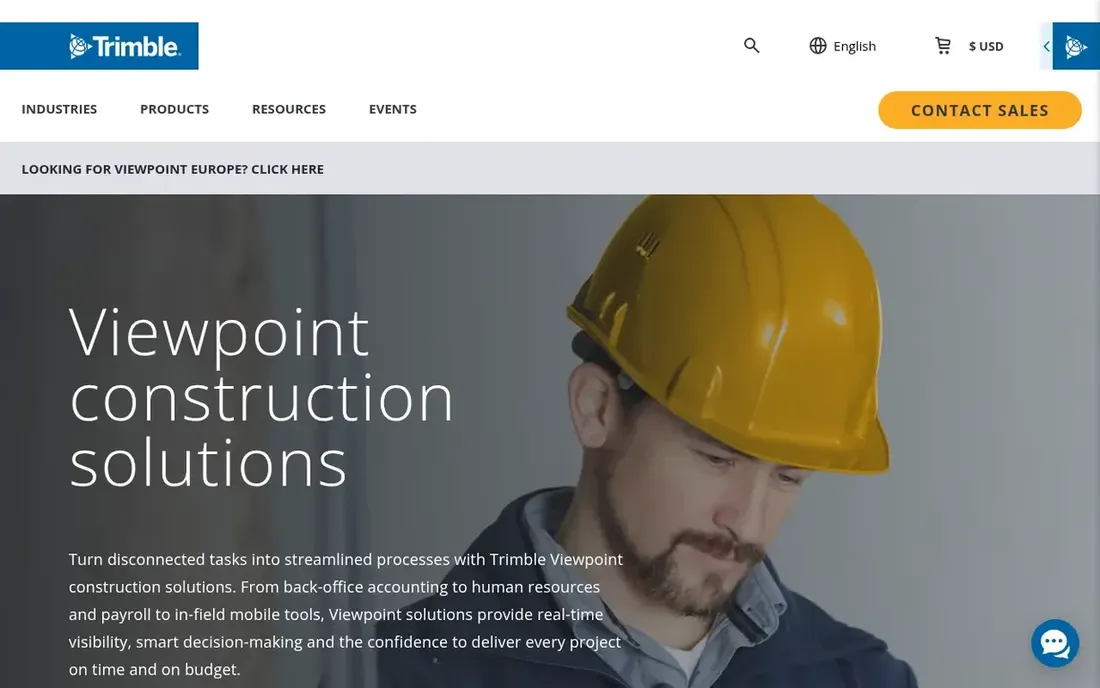
Viewpoint Vista was built for Construction ERP with job costing. Viewpoint Vista by Trimble is a construction ERP and project management option made for contractors to handle projects, people, and profits. It centres on simplifying job costing, workflows, and reporting, making it a solid fit for enterprise contractors that require solid financial controls alongside project management.
The main drawbacks: Steeper ramp-up time for accounting features.
On top of that, Viewpoint Vista may present a steeper learning curve for teams without accounting expertise. Its interface might feel less modern to some users. Businesses seeking a more collaborative project management tool might consider Procore or Autodesk Construction Cloud. Viewpoint Vista shows no starting price here, so confirm the cost on the vendor site. Free access: Not stated.
- Integrated project management
- Simplifies job costing and workflows
- May be less easy-to-learn for field staff
Autodesk Construction Cloud
Best for: Design-integrated construction collaboration
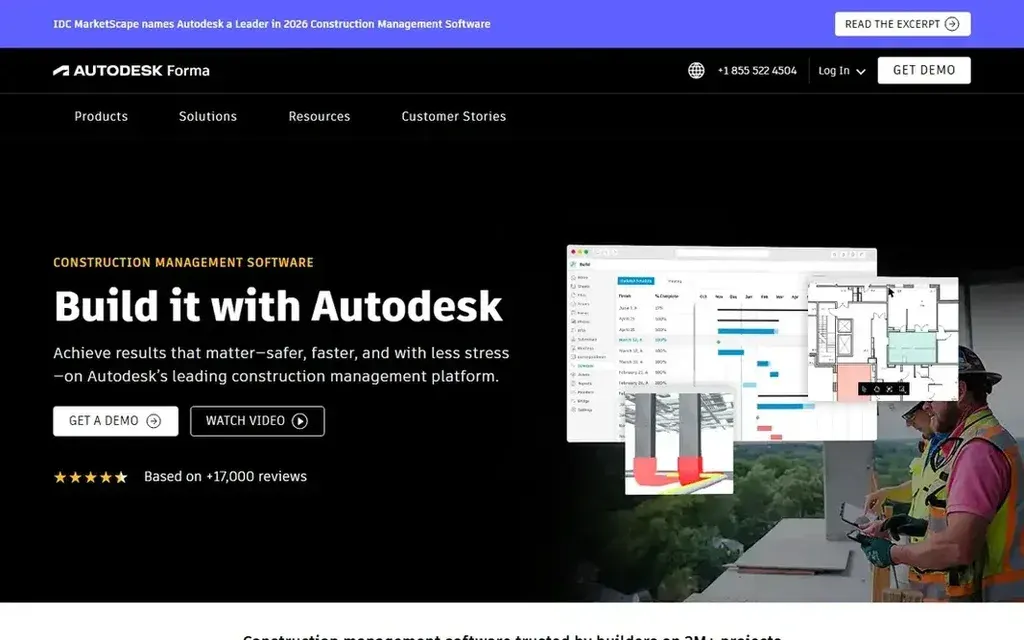
Think of Autodesk Construction Cloud for design-integrated construction collaboration. Autodesk Construction Cloud, now part of Autodesk Forma, is a construction management software that makes it possible for project teams to collaborate securely and rapidly, aiming to deliver projects on time and on budget. In daily use, whereas solid in project collaboration, Autodesk Construction Cloud may not supply the same depth in CRM and accounting as dedicated construction ERPs.
It is a strong match for businesses heavily invested in BIM and design workflows. Those needing deep job costing might pair it with a financial system or choose a more finance-oriented system. This comparison lists no price for Autodesk Construction Cloud; ask the vendor. As for free access: Not stated.
Downsides: Less emphasis on CRM-specific features. Main advantages: Integration with Autodesk design tools.
- Secure collaboration across teams
- On-budget delivery
- May need familiarity with Autodesk ecosystem

Procore was built for thorough construction management and CRM. It is aimed at enterprise contractors seeking a unified system for project management, resource tracking, and collaboration.
The main drawbacks: Can be complicated for smaller teams.
Organizations that primarily need financial accounting might prefer a construction-specific ERP like Viewpoint Vista. On top of that, Procore is most useful for large-scale projects where coordination across numerous stakeholders is essential. Procore does not show a starting price in this comparison, so check the vendor site for current pricing. Free options: Not stated.
- Supports quality project delivery
- Live project visibility
- May need training for full adoption
CMiC was built for unified accounting, projects, and people management. CMiC is construction management software that serves as an industry standard for companies looking to handle accounting, projects, and people through one simplified product. It is designed for enterprise construction businesses that require a single source of truth for financial and operational data, reducing silos between departments.
Beyond that, CMiC may need customization to align with unique business processes, and its implementation can be resource-intensive. In practice, organizations seeking a more out-of-the-box CRM experience might evaluate other choices. CMiC does not show a starting price in this comparison, so check the vendor site for current pricing. Free plan details: Not stated.
Honest limits: Less focus on design collaboration.
- Simplified data flow
- Single platform for accounting and projects
- May need customization for specific workflows
How we built this list
Selection started from tools commonly considered for construction CRM software for enterprise, then narrowed to 5 that have clear pricing information or a clear quote process. Figures are shown as the vendors publish them. Billing terms, seat minimums and add-ons can change the real cost. Position on the page reflects fit for a typical buyer first, with price clarity and free access breaking ties. Treat it as a guide, not a ruling.
Things to verify first
- Confirm the entry price on the vendor page. For Viewpoint Vista, Autodesk Construction Cloud, Procore and CMiC that means a quote rather than a fixed price.
- Use real work to test the free trial from Knowify, rather than a demo project.
- Before choosing Knowify, weigh its main limit: may lack depth for large enterprise projects.
- Make sure Viewpoint Vista lets you export your data in a format another tool can read.
- Ask Procore which support channels and response times come with the plan you would buy.
FAQ
How are the tools for construction CRM software for enterprise ordered?
Knowify sits first and CMiC last because the order follows typical fit for construction CRM software for enterprise, then price clarity and free access. It is a judgement call, so read each profile for fit and limits.
Can I try these tools before paying?
Often, yes. Knowify offers a free trial. Use your own data and a real task during the test, and check what the free tier or trial limits before you rely on it. All 5 picks in this construction CRM software for enterprise comparison list a starting price, free plan details and the main limits on their cards above.
What is the best construction CRM for large enterprises?
This list starts with Knowify, which fits trade contractors managing commercial and residential jobs. For other needs, Viewpoint Vista is aimed at Construction ERP with job costing, and Autodesk Construction Cloud at design-integrated construction collaboration. Check each tool's price and main limit first.
What is the cheapest option for construction CRM software for enterprise in this list?
On published monthly entry prices, Knowify is the lowest here at $19 per unit per month. Entry price is only part of the cost, because seats, add-ons and billing terms can change the total. For the full picture, the cards above cover all 5 entries of this construction CRM software for enterprise list, including price, free plan and limits.
Is Knowify the right pick for everyone comparing construction CRM software for enterprise?
No single tool suits every team. Knowify comes first because it fits trade contractors managing commercial and residential jobs, while Viewpoint Vista suits Construction ERP with job costing and Autodesk Construction Cloud suits design-integrated construction collaboration. Match the tool to your own size, budget and workflow before deciding.
Sources
- https://www.knowify.com
- https://www.viewpoint.com
- https://construction.autodesk.com
- https://www.procore.com
- https://www.cmicglobal.com