Construction Scheduling Software for Enterprise in 2026: The 5 Best Options Side by Side
Best construction scheduling software for enterprise: 5 contenders ranked by fit, with entry costs and free tiers. Real limits included. Read the profiles.
- Editor's choiceTrimble ProjectSight
Field-to-back-office construction management
Starts atPricing on requestVisit construction.trimble.comFull review - Great alternativeBentley SYNCHRO
Model-based and 4D construction planning
Starts atPricing on requestVisit bentley.comFull review - Also consider
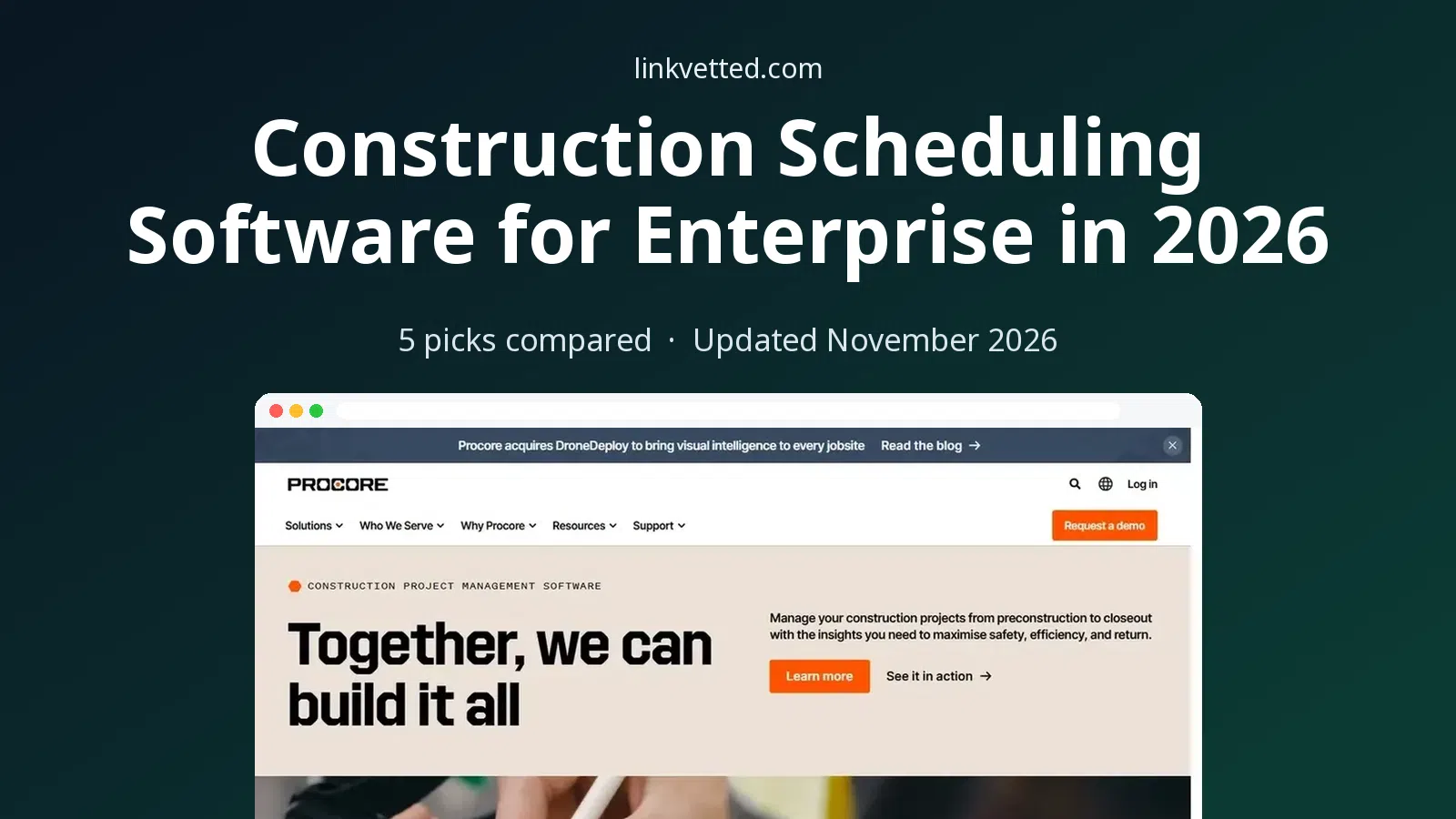
 Procore
Connecting scheduling with field management
Starts atPricing on requestVisit procore.comFull review
Direct answer
Our first pick is Trimble ProjectSight, best for field-to-back-office construction management. For a different need, Bentley SYNCHRO covers model-based and 4D construction planning and Procore covers connecting scheduling with field management. The other 2 tools in the list cover narrower or pricier cases. None of these vendors publish plan prices, so pricing is on request for every option.
TL;DR:
- The list opens with Trimble ProjectSight, aimed at field-to-back-office construction management.
- A fair warning about Powerproject: less field management breadth.
- Pricing across the list, from Trimble ProjectSight to Oracle Primavera P6, is by quote only.
- Oracle Primavera P6 fits large, complicated multi-project scheduling.
- None of the 5 tools, from Trimble ProjectSight to Oracle Primavera P6, has a free plan, so budget for a subscription or use a trial.
Last checked November 2026. Pricing on request: vendors did not publish plan prices when this guide was last checked (November 2026), so ask each vendor for a written quote.
Quick comparison
| Tool | Best for | Starts at | Free plan? | |
|---|---|---|---|---|
| Trimble ProjectSight | Field-to-back-office construction management | Pricing on request | Not stated | Visit |
| Bentley SYNCHRO | Model-based and 4D construction planning | Pricing on request | Not stated | Visit |
| Procore | Connecting scheduling with field management | Pricing on request | Not stated | Visit |
| Powerproject | Project management within the built environment | Pricing on request | Not stated | Visit |
 Oracle Primavera P6 | Large, complicated multi-project scheduling | Pricing on request | Not stated | Visit |
The best construction scheduling software for enterprise
If you are comparing construction scheduling software for enterprise, this page covers 5 tools in one place: what each is best for, what it costs to start, whether it has a free plan, and the main limit to know about.
Trimble ProjectSight
Best for: Field-to-back-office construction management
Trimble ProjectSight was built for field-to-back-office construction management. ProjectSight is positioned as wide construction management instead of a specialist scheduling engine.
Choose it when integrated field and back-office management is the priority. As for the details, Trimble ProjectSight is part of Trimble's construction management options, described as having wide capabilities and integrations to deal with the bottom line from the back office to the field. Trimble ProjectSight shows no starting price here, so confirm the cost on the vendor site. Free options: Not stated.
Honest limits: Less known for advanced scheduling.
- Spans back office to field
- Integrations across the business
- Adoption relies on integrations
Bentley SYNCHRO
Best for: Model-based and 4D construction planning
Where Bentley SYNCHRO fits: model-based and 4D construction planning. SYNCHRO is specialized around model-based delivery, so organizations without model-ready workflows may see restricted benefit. It is not a general-purpose project management suite.
Bentley SYNCHRO gives you digital construction delivery tools, including virtual construction, planning and model-based workflows, to boost project efficiency. Worth adding: infrastructure and complicated build teams are the natural audience for model-driven planning. Check the vendor site for Bentley SYNCHRO pricing; none is listed in this comparison. Free access: Not stated.
Where it is weaker: Specialized, narrower scope.
- Virtual construction tools
- Planning tied to project models
- Needs model-ready workflows

Procore is built with connecting scheduling with field management in mind. It suits enterprises that want schedules tied closely to daily construction management instead of kept in a separate system.
The main drawbacks: Configuration effort for large rollouts.
Procore shows no starting price here, so confirm the cost on the vendor site. On free options: Not stated.
- Links site and office
- Wide construction management system
- Scheduling depth below dedicated tools
Powerproject
Best for: Project management within the built environment
Powerproject is aimed squarely at project management within the built environment. Powerproject is one component of a wider suite, so teams wanting deep field management may need extra tools. From a buyer's view, Construction and property teams seeking project management alongside related systems may find it relevant.
Points against: Less field management breadth.
Choose it when suite-level integration across built environment functions matters. Powerproject is offered by Eleco, whose software for the built environment handles project management, CAFM and PIM systems and supports better business decisions. Pricing for Powerproject is not stated here, so ask the vendor for current figures. Free access: Not stated.
- Built environment focus
- Part of Eleco software suite
- Suite context may not suit all
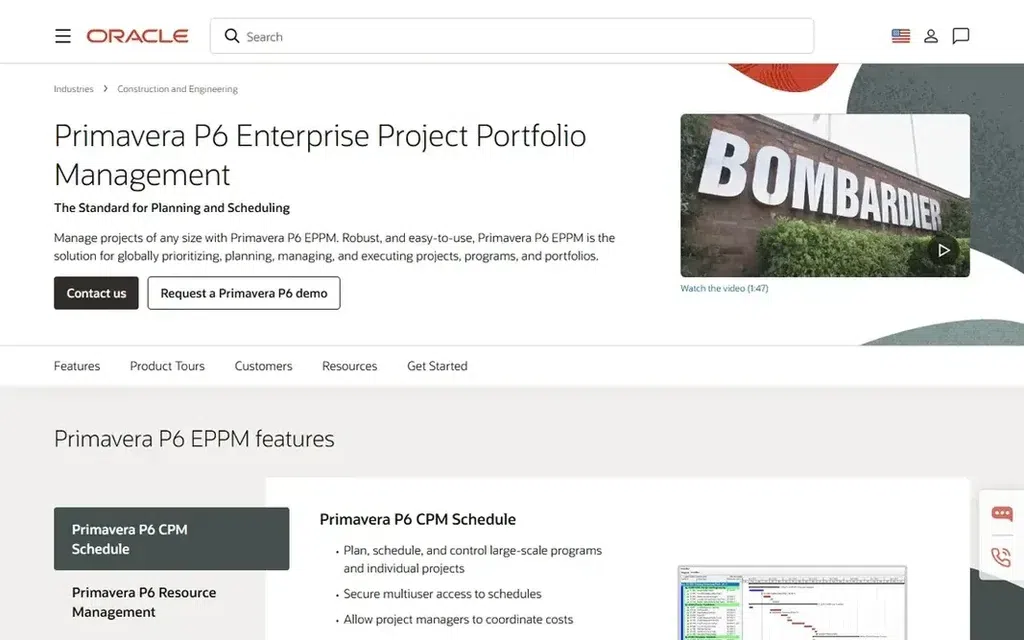
Oracle Primavera P6 is designed for large, complicated multi-project scheduling. It is designed for organizations that require in-depth schedule control, resource planning and coordination across numerous projects at once.
Limits to weigh: Heavier setup for small teams.
In practice, choose Primavera P6 when schedule rigor across a large portfolio is the priority. Pricing for Oracle Primavera P6 is not stated here, so ask the vendor for current figures. Trial and free access: Not stated.
- Deals with projects of any size
- Solid portfolio-level scheduling
- Steep ramp-up time
How the list was put together
Selection started from tools commonly considered for construction scheduling software for enterprise, then narrowed to 5 that have clear pricing information or a clear quote process. Seat minimums, billing terms and add-ons can move the real cost, so the starting prices here are a guide and not a quote. Position on the page reflects fit for a typical buyer first, with price clarity and free access breaking ties. Treat it as a guide, not a ruling.
A buyer's checklist
- Confirm the entry price with every vendor: no tool from Trimble ProjectSight to Oracle Primavera P6 shows a fixed starting price.
- Read the limits listed for Trimble ProjectSight first: less known for advanced scheduling.
- Get the contract term, renewal terms and any onboarding fees from Trimble ProjectSight in writing.
- Verify that exporting from Bentley SYNCHRO is possible on your plan and covers all your records.
- Ask the daily users to test Oracle Primavera P6 on a live task before you roll it out to everyone.
FAQ
How are the tools for construction scheduling software for enterprise ordered?
The order follows typical fit for construction scheduling software for enterprise, with Trimble ProjectSight first and Oracle Primavera P6 last, then price clarity and free access. It is editorial judgement, not a score, so another team could rank the tools differently.
Do these tools publish their prices?
No. None of the tools, from Trimble ProjectSight to Oracle Primavera P6, shows a fixed starting price here, so budget time for quotes.
Does any tool for construction scheduling software for enterprise here have a free plan?
No tool in this list, Trimble ProjectSight and Oracle Primavera P6 included, has a permanent free plan. Trials and quotes are the usual route, so plan a short evaluation period.
Should I choose a dedicated scheduler or an integrated system?
A dedicated scheduler provides deeper critical-path and resource analysis, whereas an integrated product ties schedules to field, cost and document workflows. Plenty of enterprises use both, pairing a specialist engine with a management product.
What makes scheduling software a good match for enterprise construction?
Enterprise suitability normally means handling plenty of projects and complicated dependencies, supporting portfolio oversight and connecting schedules to field and financial data.
Can I try these tools before paying?
Not by default. None of the tools, from Trimble ProjectSight to Oracle Primavera P6, lists a free plan or a free trial here, so ask each vendor for a demo before committing.
Sources
- https://construction.trimble.com/en/products/projectsight
- https://www.bentley.com/software/synchro
- https://www.procore.com
- https://www.elecosoft.com
- https://www.oracle.com/construction-engineering/primavera-p6